




A cartoon AI voice can change the way you produce content. Whether you run a YouTube channel, stream on Twitch, or build animations, the right voice sets your work apart from everything else in the feed.
The barrier to entry has dropped. You no longer need a voice actor, a studio, or a budget. You need a laptop and a clear idea of what your character should sound like.
Why cartoon voices matter more than you think
Voice carries identity. A character with a flat, generic voice gets forgotten. A character with a distinct voice sticks.
Think about any cartoon you remember from childhood. You can probably hear the voice right now. That is the power of vocal identity, and AI tools now let independent creators tap into it.
According to industry analysts, synthetic voice is one of the fastest-growing segments in generative AI, with adoption across media, gaming, and education accelerating sharply.
IBM’s text-to-speech documentation states, “Synthetic speech technology has evolved to the point where it can generate highly natural-sounding voices, enabling a wide range of applications from accessibility to entertainment.”
That trend matters for creators too. The same underlying technology powers the cartoon AI voice generator tools available to solo animators and streamers today.
How a cartoon AI voice generator actually works
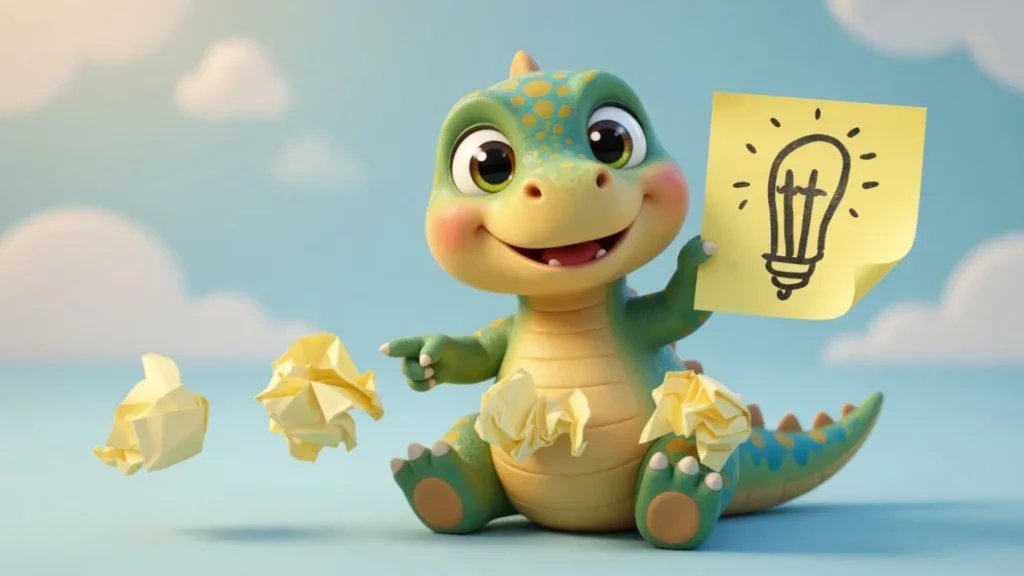
Most tools follow the same basic pipeline:
- Text input. You type or paste a script.
- Voice model selection. You pick a base voice or character archetype.
- Parameter adjustment. You tweak pitch, speed, tone, and emphasis.
- Synthesis. The AI generates audio you can download or embed.
Some platforms also let you clone a voice from a sample recording, then push it into cartoon territory by adjusting vocal qualities after the fact.
The role of neural networks
Modern cartoon voice AI runs on deep neural networks trained on thousands of hours of speech.
These models learn patterns of intonation, rhythm, and emotion. When you adjust a slider for “excitement” or “grumpiness,” you are steering the model’s output along dimensions it learned during training.
Google Cloud Text-to-Speech documentation says, “Recent advances in neural speech synthesis have reduced the gap between synthetic and human speech to the point where listeners often cannot tell the difference.”
That gap keeps shrinking. For cartoon voices specifically, perfect realism is not even the goal. You want expressiveness and personality, which current models handle well.
Steps to create your own unique cartoon voice
Here is a straightforward process that works across most tools.
Step 1: define your character first
Do not open the software yet. Write down three to five adjectives that describe your character’s personality. Is the character nervous? Confident? Old? Tiny? Sarcastic?
These traits directly inform every technical choice you make next.
Step 2: choose the right base voice
Most cartoon AI voice generator platforms offer a library of starting voices. Pick one that sits closest to your character concept. Starting closer to the target saves you time in editing.
If you need a wide selection of expressive character voices, a platform like Typecast’s realistic AI voice generator gives you a solid range of base options built for this kind of creative work.
Step 3: adjust pitch and speed
Two changes that make the biggest difference:
- Pitch up for smaller, younger, or more energetic characters.
- Pitch down for villains, authority figures, or large creatures.
- Speed up for anxious or hyperactive characters.
- Slow down for wise, menacing, or deliberate characters.
Small adjustments go a long way. A 15% pitch shift sounds like a different person. A 40% shift sounds like a sound effect.
Step 4: layer in emotion and emphasis
Better tools let you mark specific words for stress or assign emotional tones to individual sentences. Use this. A flat read with the right pitch still sounds robotic. Emotion is what sells the character.
IBM Watson Text to Speech best practices says, “The most common mistake creators make with AI voice tools is treating them like a text reader instead of a performance tool. Direction matters as much as selection.”
Step 5: test in context
Drop your generated audio into your actual project. A voice that sounds great in isolation might clash with your visuals, music, or pacing. Always test in the real environment before locking anything in.
Common use cases for cartoon voice AI
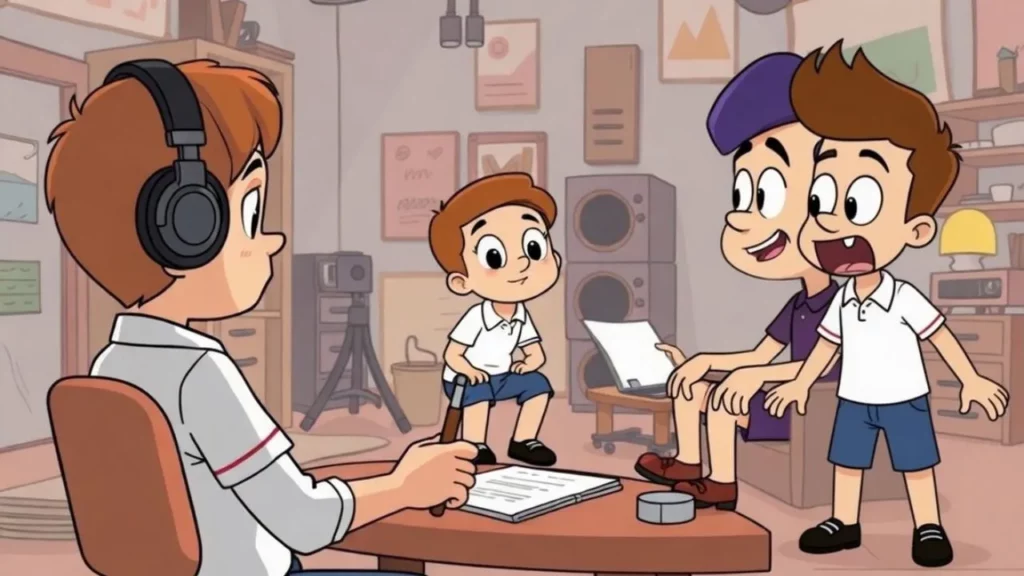
Creators are using these tools across a wide range of formats. Solo animators are producing full YouTube series without hiring voice casts. Streamers on Twitch use custom AI voices for alerts, mascots, and chat-triggered events.
Podcasters add character segments and fictional sketches to their shows. Indie game developers voice NPCs across dozens of dialogue lines without recording a single take. In education, animated explainers for kids rely on friendly, engaging narration that cartoon voice AI handles well.
If you want to explore how text-based scripts become full character performances, check out our guide on text-to-speech cartoon workflows.
Picking the right tool
Not all generators are equal. Here is what to look for:
- Emotion controls, not just pitch and speed sliders.
- Multiple export formats for different platforms.
- Low latency, especially if you need real-time voice for streaming.
- Commercial licensing that covers your intended use.
For a hands-on comparison of character-focused platforms, try Typecast’s cartoon character voice generator page.
According to Forrester, The State of Generative AI, “Generative AI tools for audio and voice are enabling a new class of creator who can produce studio-quality content without studio-level resources.”
What to avoid
A few mistakes that trip up beginners:
- Over-processing. Too many effects stacked on one voice make it sound broken, not unique.
- Ignoring consistency. Your character should sound the same across every episode or stream. Save your settings.
- Skipping legal review. Some platforms restrict commercial use on certain voices. Read the license.
The tools are getting better fast. What matters now is not access to technology. It is knowing what you want your character to sound like before you touch a single slider.