




Creating cartoon content used to mean hiring voice actors, booking studio time, and waiting days for final recordings. Today, text-to-speech cartoon tools have completely changed that equation.
Whether you’re producing YouTube animations, educational videos, social media shorts, or branded explainer content, the right voice tool can cut your production time from days to minutes. The demand for fast, high-quality cartoon audio has never been higher — and the technology has finally caught up.
This guide breaks down the best text-to-speech cartoon platforms available right now, what makes each one worth your time, and how to choose the right tool for your specific workflow.
Why text-to-speech cartoon tools are changing content creation
The animation industry is undergoing a quiet revolution.
Traditional voice-over pipelines are expensive, slow, and logistically complex. A single character voice could require multiple auditions, recording sessions, and rounds of editing before it’s usable. Text-to-speech cartoon technology collapses all of that into a single browser tab.
Creators at every level — from solo animators to full production studios — are adopting AI voice tools because the quality has genuinely improved. Early text-to-speech voices sounded robotic and flat. Today’s systems produce expressive, character-driven audio that audiences actually enjoy listening to.
Business Research Insights, Text-to-Speech Market Report says, “The global text-to-speech market, valued at USD 4.1 billion in 2026, is projected to reach USD 11.61 billion by 2035, growing at a CAGR of 12.3%.”
That growth tells a clear story: this isn’t a niche tool anymore. It’s becoming a standard part of the modern content creator’s toolkit.
What to look for in a text-to-speech cartoon tool
Not all voice tools are built the same — and for cartoon content specifically, the bar is higher than for standard narration.
Voice expressiveness and range
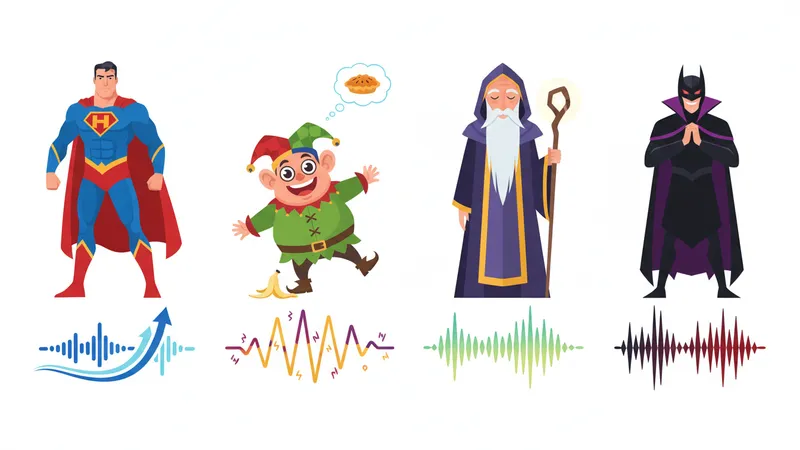
Cartoon characters need personality. A flat, monotone voice might work for a corporate explainer, but it kills the energy of an animated scene.
When choosing a cartoon AI voice, look for tools that offer pitch control, emotional range, and the ability to exaggerate delivery for comedic or dramatic effect. The best platforms give you fine-grained control over pacing, emphasis, and tone, not just a speed slider and a dropdown menu.
Character variety and customization
A good text-to-speech cartoon platform or cartoon AI voice generator should offer a wide library of distinct voices. Think beyond “male” and “female” — you want quirky sidekicks, heroic leads, wise mentors, and comedic villains. The more variety available, the less your characters will sound interchangeable.
- Look for voices with distinct age ranges (child, teen, adult, elderly)
- Prioritize platforms with multiple accents and dialect options
- Check whether you can adjust pitch independently to create unique character profiles
- Confirm that the tool supports multiple languages if your audience is global
Customization depth is what separates a tool from a toy.
Top text-to-speech cartoon tools worth using
Here’s a practical breakdown of the leading platforms creating buzz among animators and content creators this year.
Typecast
Typecast is one of the most versatile platforms available for cartoon and animation voice work. Its cartoon character voice generator offers an extensive library of expressive AI voices purpose-built for animated content — not repurposed from corporate narration templates.
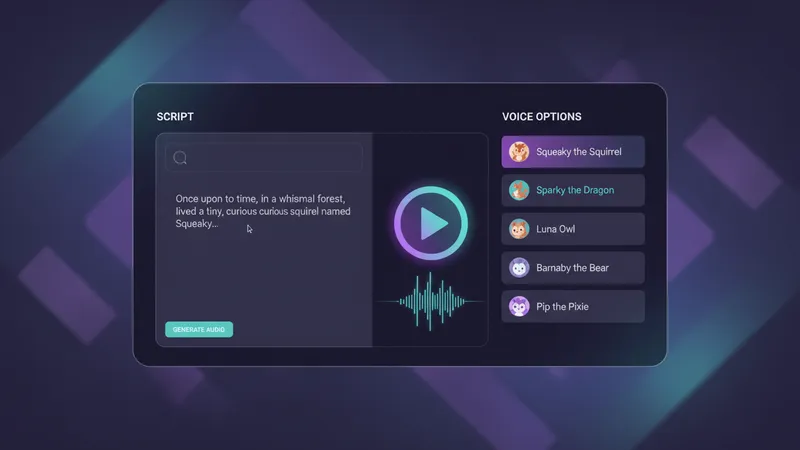
What sets Typecast apart is the level of directorial control it gives creators. You can adjust emotion, pacing, and intensity on a line-by-line basis, which is exactly what you need when directing multiple text-to-speech characters across a scene. The platform also supports multi-character scripts, so you can assign different voices to different roles and export a cohesive audio track without jumping between tools.
- Large library of cartoon-ready AI voices
- Emotion and tone controls per line
- Multi-character script support
- Clean, intuitive interface suited for non-technical creators
- Supports commercial use for monetized content
For creators who need both quality and speed, Typecast is a strong first choice.
Murf AI
Murf is a well-known name in the AI voice space, and it handles cartoon-adjacent content reasonably well. The platform has a solid library and a clean interface, making it approachable for beginners. However, its voice library skews toward professional narration, which can make purely cartoon-style voices harder to find.
It’s a reliable option for hybrid content — think animated explainers or branded characters — but may feel limiting for full-on cartoon productions.
Play.ht
Play.ht offers a large voice library and supports voice cloning from short audio samples, which makes it useful for creators building recurring cartoon characters. It handles emotional range reasonably well, including playful and exaggerated deliveries. The downside is that output quality varies across voices, so you often need to test several options before landing on one that fits your character.
Best suited for experienced creators who want maximum realism and are comfortable with a more complex toolset.
How to use text-to-speech characters effectively in animation
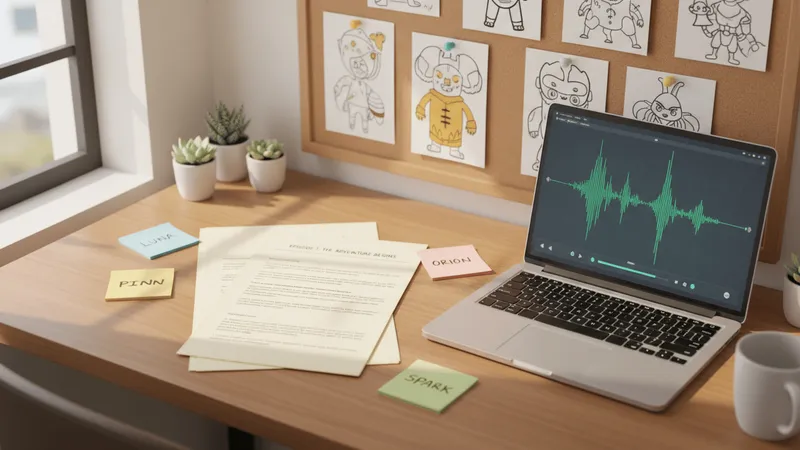
Having the right tool is only half the equation. How you write and direct your text-to-speech characters matters just as much as which platform you choose.
Here are the most effective techniques experienced animators use to get the best results from AI voice tools:
- Write for the voice, not the page. Dialogue that reads well on paper doesn’t always sound natural when spoken. Read your script aloud before generating audio — if it feels awkward to say, it’ll sound awkward in the final output.
- Use punctuation strategically. Commas, ellipses, and em-dashes all affect pacing in text-to-speech engines. A well-placed comma can create a beat; an ellipsis can build suspense.
- Assign distinct voices early. Don’t wait until post-production to figure out which voice fits which character. Locking in voice profiles at the script stage keeps your workflow clean and your characters consistent.
- Iterate quickly. One of the biggest advantages of AI voice tools is the ability to regenerate audio in seconds. Don’t settle for the first output — try different emotion settings or pacing adjustments before committing.
- Layer sound design on top. AI voices sound significantly more polished when paired with appropriate background music and sound effects. The voice is the foundation, not the finished product.
These habits separate creators who get mediocre results from those who produce content that genuinely resonates with audiences.
Common mistakes to avoid with cartoon voice generation
Even experienced creators make avoidable errors when working with text-to-speech cartoon tools for the first time.
The most common mistake is treating AI voice output as final without any review. Just because a tool generates audio quickly doesn’t mean the first take is the right take. Always listen critically before dropping audio into your timeline.
Another frequent issue is using the same voice for characters who should sound distinct. Audiences pick up on voice similarity faster than you’d expect — even subtle differences in pitch and pacing help viewers track who is speaking during fast-paced scenes.
Finally, don’t ignore pronunciation errors. AI voices occasionally mispronounce proper nouns, unusual names, or technical terms. Most platforms offer phonetic spelling tools or pronunciation editors — use them. A character name mispronounced consistently throughout a series is the kind of detail that erodes audience trust quickly.
Conclusion
Text-to-speech cartoon tools have matured into genuinely powerful production assets — not just novelties or shortcuts.
The best platforms give creators the expressive range, character variety, and workflow speed needed to produce compelling animated content at scale. Whether you’re a solo creator running a YouTube channel or a small studio producing branded animation, there’s a tool in this space that fits your needs.
If you’re ready to start building distinctive animated characters with AI voices, exploring a dedicated cartoon character voice generator is the fastest path from script to screen. The technology is here, the quality is real, and the only thing left is to start creating.