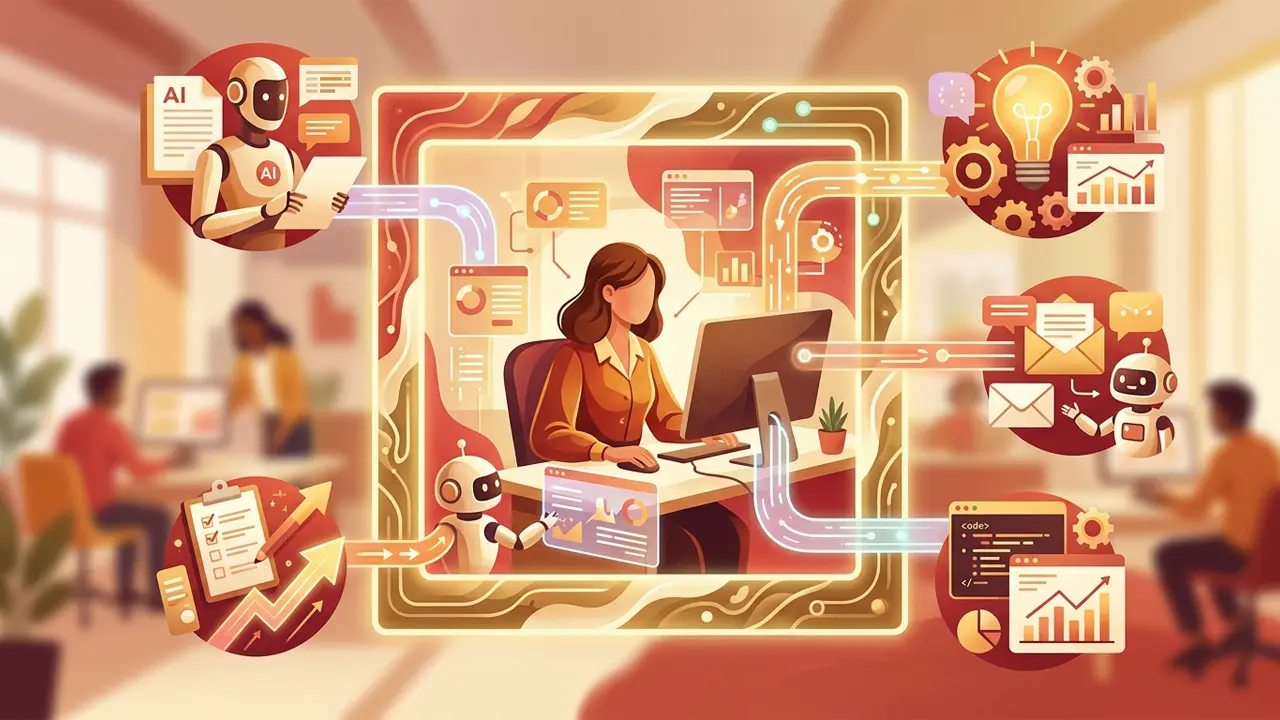





AI workflows are rapidly changing how professionals handle their daily responsibilities. By embedding artificial intelligence into routine tasks, teams can reclaim hours each week and focus on higher-value work.
But here’s the truth: most people don’t know where to start.
They hear about AI tools constantly, yet struggle to connect the dots between hype and practical application.
This guide provides a clear overview of how to weave AI into your everyday work processes. Each section links to a deeper dive so you can explore what matters most to you.
Whether you’re a solo freelancer or part of a large team, understanding AI workflows is no longer optional. It’s the new baseline for staying competitive.
Why AI workflows matter for modern professionals

The modern workplace runs on speed and efficiency. Deadlines are tighter. Expectations are higher. Manual processes that once felt manageable now feel like bottlenecks.
That’s exactly where AI workflows step in. They replace repetitive, time-consuming steps with intelligent automation. The result? Fewer errors, faster output, and more breathing room for creative thinking.
“AI won’t replace people — but people who use AI will replace those who don’t.” — Karim Lakhani, Harvard Business School professor
Here’s what makes AI-powered work processes so impactful:
- Speed — Tasks that took hours can happen in minutes.
- Consistency — AI doesn’t have off days or forget steps.
- Scalability — Processes grow with your workload seamlessly.
- Decision support — AI surfaces insights humans might miss.
The key is not to overhaul everything at once. Start small. Identify one or two pain points and build from there. Over time, these small wins compound into transformative change.
How AI task prioritization reshapes your daily workload

One of the biggest daily challenges is deciding what to work on first. Urgent tasks compete with important ones. Low-priority items disguise themselves as critical.
The result is decision fatigue before real work even begins.
AI solves this by analyzing your tasks and recommending an optimal order. It weighs factors like deadlines, dependencies, effort level, and strategic importance.
Then it serves up a prioritized to-do list you can trust.
What AI-powered prioritization looks like in practice
Imagine starting your morning with a dashboard that has already sorted your tasks. Meetings are grouped. Deep-focus work is scheduled during your peak energy hours. Low-effort admin tasks fill the gaps.
This isn’t hypothetical. Tools built around AI task prioritization do exactly this.
They integrate with your existing project management software, learn your patterns, and continuously improve their recommendations.
Benefits include:
- Reduced decision fatigue — Spend less mental energy figuring out “what’s next.”
- Better deadline management — AI flags conflicts before they become crises.
- Balanced workloads — Managers can distribute tasks more fairly across teams.
- Improved focus — You work on the right thing at the right time.
If you’ve ever ended a busy day feeling like you accomplished nothing meaningful, AI prioritization is your fix.
AI workflow automation: the engine behind smarter work processes
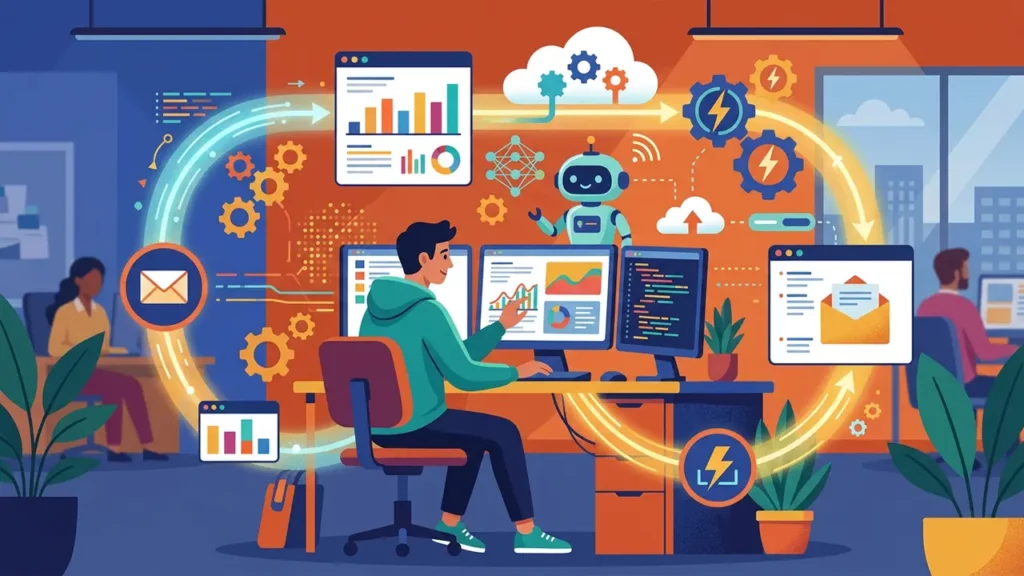
Prioritization tells you what to do. Automation handles how it gets done — without you lifting a finger.
AI workflow automation connects your tools, triggers actions based on conditions, and executes multi-step processes independently. It’s the engine behind truly efficient AI workflows.
Common examples of automated workflows
Here are a few AI workflow examples you can implement today:
- Lead routing — A new form submission triggers an AI that scores the lead, assigns it to the right sales rep, and sends a personalized follow-up.
- Content approvals — A draft moves automatically through review stages. AI flags grammar issues and brand inconsistencies before a human even looks at it.
- Invoice processing — AI reads incoming invoices, extracts key data, matches them to purchase orders, and queues them for payment.
- Customer support triage — Incoming tickets are categorized by urgency and topic, then routed to the appropriate team member.
Each of these removes manual handoffs that slow work down. When strung together, they create seamless end-to-end processes.
Why automation is the backbone of effective AI workflows
Without automation, AI is just a smart tool sitting idle. Automation gives it a job. It turns intelligence into action.
The best part? You don’t need to be a developer.
Modern AI workflow tools offer drag-and-drop builders that make setup accessible to anyone. Platforms like Zapier, Make, and n8n let you connect hundreds of apps with AI logic baked in.
How an AI email assistant transforms your inbox

Email is a universal time drain. The average professional spends over four hours per day on email, according to a McKinsey Global Institute study.
That’s half the workday gone — often on messages that don’t move the needle.
An AI email assistant changes this entirely. It drafts replies, summarizes long threads, categorizes messages by priority, and even schedules follow-ups automatically.
Key capabilities of AI email assistants
- Smart drafting — AI generates context-aware responses you can send or edit with one click.
- Thread summarization — Long email chains get condensed into key points and action items.
- Priority sorting — Important messages rise to the top. Newsletters and FYI emails get filed away.
- Follow-up reminders — AI tracks unanswered emails and nudges you at the right time.
The productivity impact of AI-managed email
Think about what you could do with two extra hours each day. That’s the realistic gain from letting AI handle your inbox strategically.
You still make the final decisions. You still write the sensitive or high-stakes messages yourself. But the 80% of email that’s routine? AI handles it faster and often better than manual effort.
“The key is not to prioritize what’s on your schedule, but to schedule your priorities.” — Stephen Covey, author of The 7 Habits of Highly Effective People
An AI email assistant puts this philosophy into practice — automatically.
Does AI actually improve productivity? What the data says

It’s easy to assume AI helps. But assumptions aren’t enough when you’re investing time and money into new tools. You need proof.
The research is clear. A Stanford and MIT study found that AI tools boosted worker productivity by 14% on average, with the biggest gains among less-experienced employees.
In customer support roles, that number jumped even higher.
For a thorough exploration of the evidence, check out this deep dive on AI productivity.
Where AI delivers the biggest productivity gains
Not all tasks benefit equally. AI shines brightest in areas with:
- High volume — Repetitive tasks that happen dozens or hundreds of times daily.
- Clear rules — Processes with defined inputs, steps, and outputs.
- Data intensity — Work that requires pulling insights from large datasets.
- Communication overhead — Tasks involving drafting, summarizing, or routing messages.
Where human judgment still leads
AI doesn’t replace strategic thinking, relationship-building, or creative problem-solving. It handles the groundwork so humans can focus on these irreplaceable skills.
The productivity question isn’t “AI or humans.” It’s “AI and humans, working together.” That collaboration is where the magic happens.
How to build AI workflows step by step
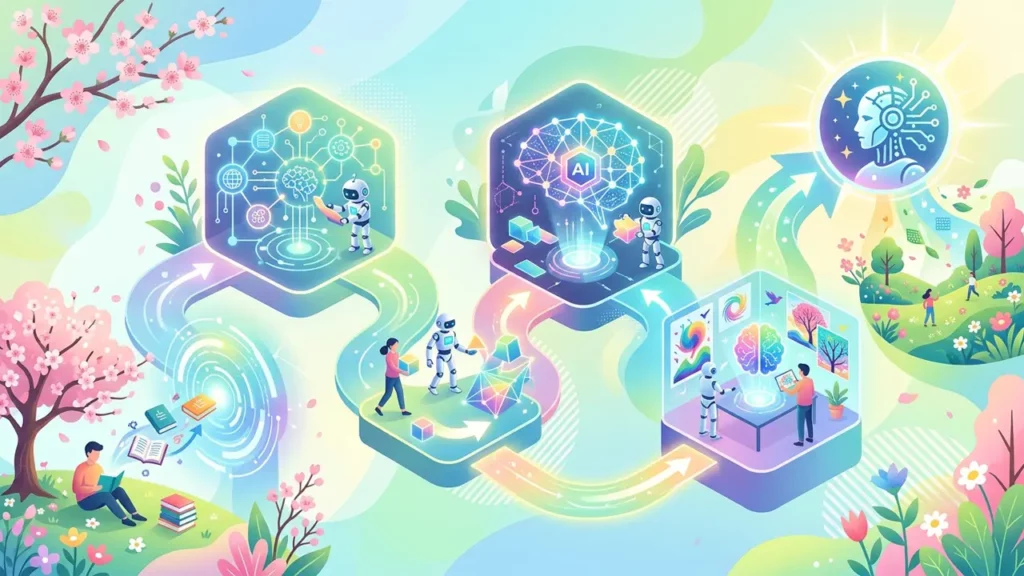
Knowing the benefits is one thing. Actually implementing AI workflows is another. Here’s a straightforward process for how to build AI workflows that stick.
Step 1: Audit your current processes
List every task you do in a typical week. Mark which ones are repetitive, rule-based, or time-consuming. These are your AI candidates.
Step 2: Pick one workflow to start
Don’t try to automate everything at once. Choose a single workflow with clear inputs and outputs. Email management or task prioritization are great starting points.
Step 3: Select the right tools
Match your chosen workflow to AI workflow tools designed for that purpose. Consider integration with your existing software stack, ease of use, and pricing.
Step 4: Build, test, and refine
Set up the workflow. Run it with real tasks. Watch for errors or awkward outputs. Tweak the settings and prompts until the results feel right.
Step 5: Expand gradually
Once one workflow is humming, add another. Over time, your individual automations connect into a comprehensive AI-powered work system.
AI workflows beyond text: voice, video, and multimedia
Most people associate AI workflows with text-based tasks. But AI extends far beyond writing and email.
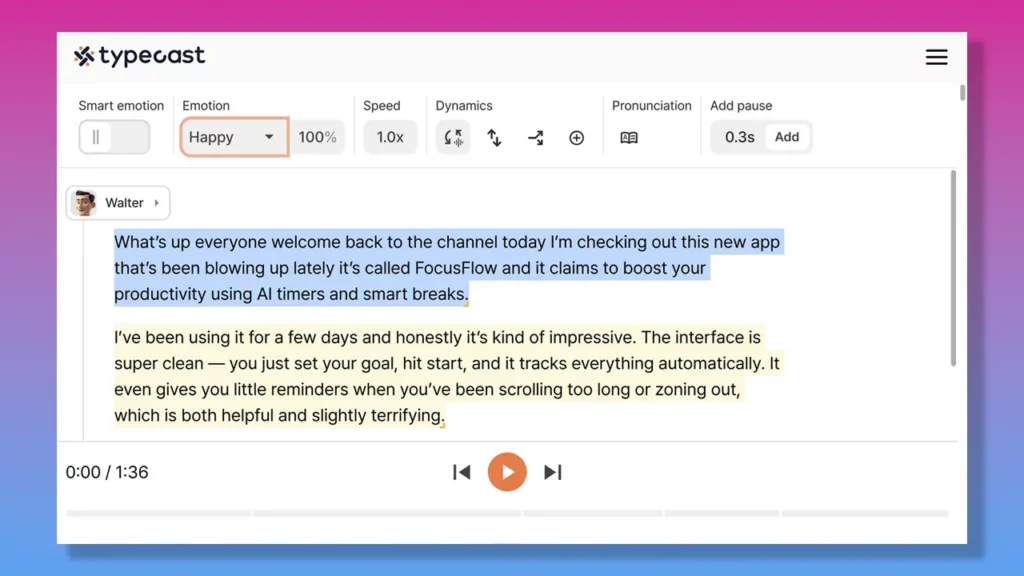
Consider voice content. Podcasters, educators, marketers, and animators use AI-generated voice to produce professional audio at scale.
An AI voice generator like Typecast can create realistic character voices, narrations, and voiceovers — all from a typed script.
This opens up workflows like:
- Automated video narration — Type a script, generate a voice, and sync it with visuals.
- Multilingual content — Produce the same message in multiple languages without hiring translators and voice actors for each one.
- Rapid prototyping — Test voiceover concepts before committing to full production.
These multimedia AI workflows are becoming standard across content teams. They save time and budget while maintaining quality.
Practical tips for learning how to use AI at work

Adopting AI doesn’t require a computer science degree. It requires curiosity and a willingness to experiment. Here are tips to make the transition smoother as you figure out how to use AI at work:
- Start with free tools — Many AI platforms offer free tiers. Use them to learn without financial risk.
- Join communities — Online forums and groups share real-world workflows and troubleshooting tips.
- Document your workflows — Write down what you automate, how it works, and what you’d change. This builds institutional knowledge.
- Stay updated — AI tools evolve fast. A feature that didn’t exist last month might solve your biggest bottleneck today.
- Measure results — Track time saved, errors reduced, or output increased. Data justifies continued investment.
Final thoughts: making AI workflows your competitive advantage
AI workflows aren’t a trend. They’re an infrastructure shift. The professionals and teams who adopt them now will operate faster, smarter, and with less burnout than those who wait.
You don’t need to master every tool or automate every process overnight. You just need to start. Pick one workflow. Improve it with AI. Then build from there.
The future of work isn’t about working harder. It’s about working with better systems. And AI workflows are the best system upgrade available today.