





An AI summarizer can turn long documents, messy meeting notes, and dense reports into clear takeaways in seconds. If you read for work, study, or research, the right AI summarizer helps you keep up without missing what matters.
How an AI summarizer works (and where it struggles)
Most modern AI summarizer products are powered by large language models (LLMs) that identify key points, compress supporting details, and rewrite the result into a shorter format. Compared to older extractive methods (which mainly copy “important” sentences), today’s tools can create more readable, structured summaries.
That said, an AI summarizer can still fail in predictable ways:
- It may over-confidently state something that isn’t supported (“hallucination”)
- It can miss nuance, especially in legal, medical, or technical writing
- It may flatten contrasting viewpoints into a single narrative
- It can lose critical numbers, dates, or definitions
“Systems that generate language… can make up information, or ‘hallucinate.’” — OpenAI, GPT-4 Technical Report
Practical takeaway: use an AI summarizer to speed up comprehension, but verify key facts for high-stakes content.
AI summarizer features that actually matter
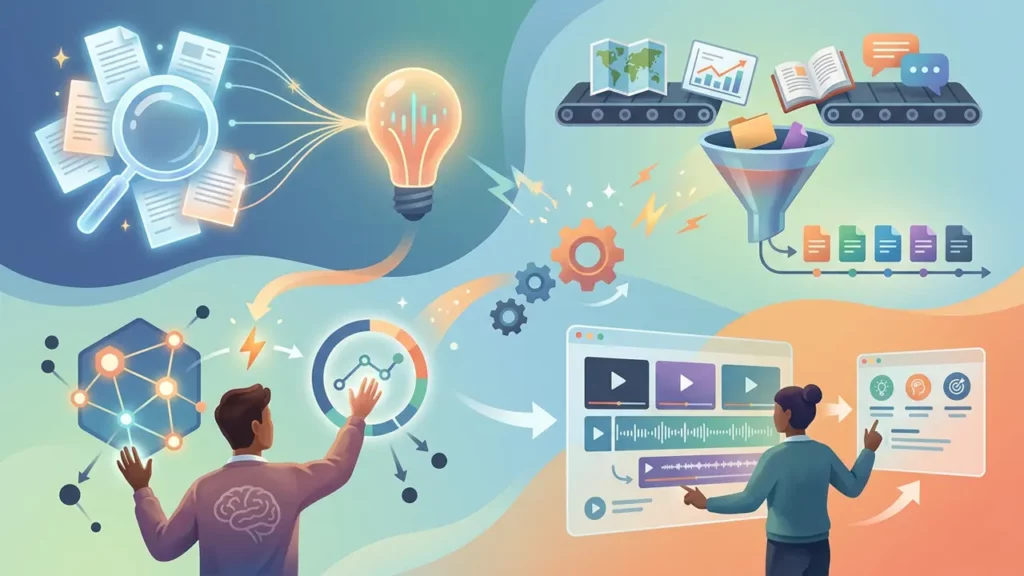
When comparing an AI summarizer to another, look beyond “it summarizes text.” The best tools feel like a workflow upgrade, not a novelty.
Key capabilities to prioritize:
- Controllable length (bullet summary, paragraph, or one-sentence TL;DR)
- Structure options (key points, action items, risks, decisions)
- Source grounding (citations/quotes tied to the original text)
- Multi-format input (PDF, web page, Google Doc, transcripts)
- Privacy controls (data retention settings; enterprise options)
- Export and sharing (Notion, Slack, Word, Markdown)
A good rule: if the tool can’t produce both “executive summary” and “verbatim supporting quotes” from the same document, it’s less useful for real work.
Best AI summarizer tools to try for different needs
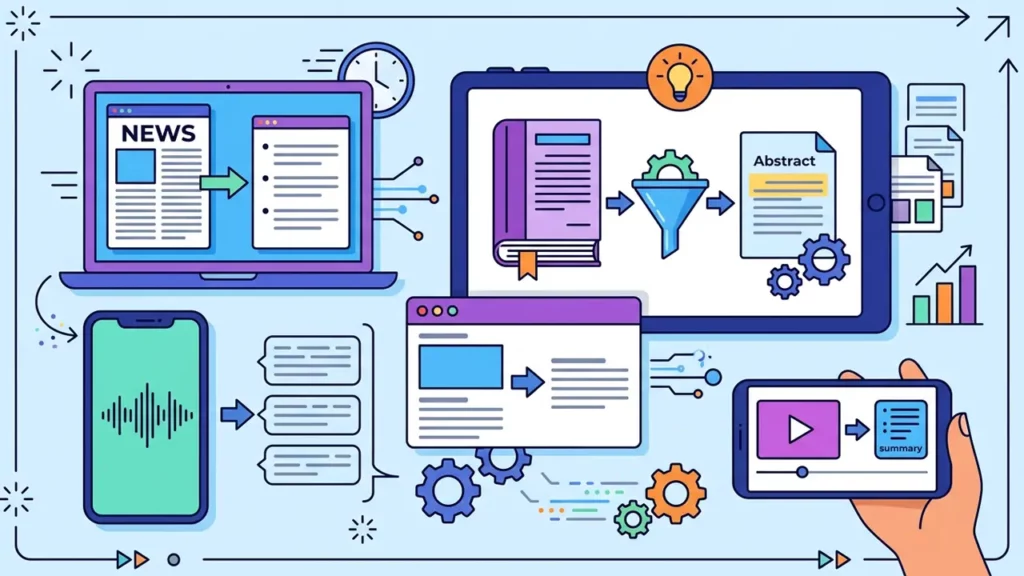
There isn’t one “best” AI summarizer for everyone—your ideal pick depends on what you summarize most often (articles, PDFs, meetings, research papers).
Here are common categories that map well to real-world tasks:
- Chat-first assistants (fast ad-hoc summaries, flexible prompts)
- Document/PDF summarizers (better for long files and structured exports)
- Research-focused tools (citations, paper discovery, academic workflows)
- Meeting summarizers (transcripts, action items, follow-ups)
If your goal is to summarize articles AI style (lots of web content, newsletters, and reports), prioritize tools with browser extensions and clean URL-to-summary workflows.
Using text summarization AI for articles, PDFs, and meetings
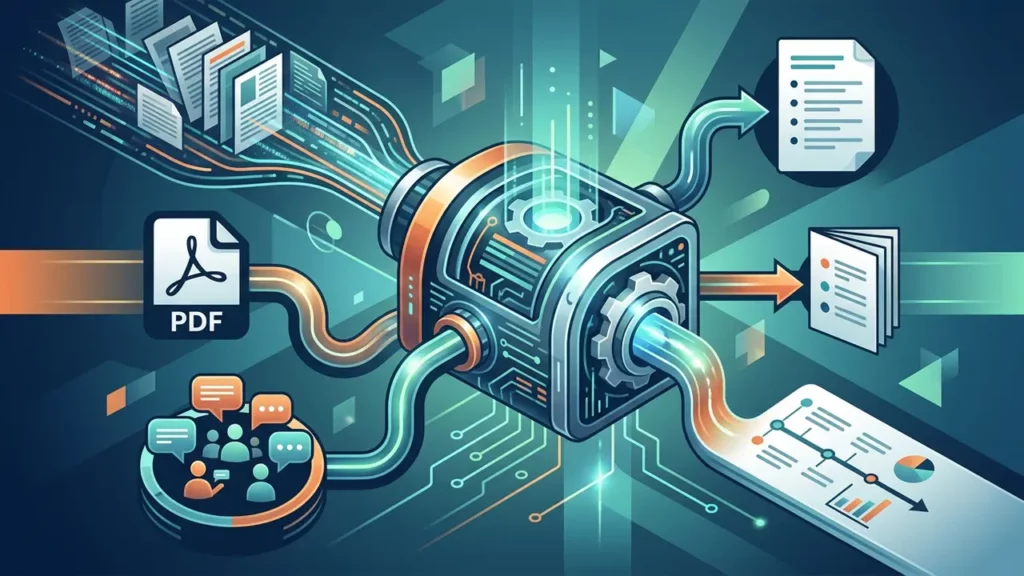
Text summarization AI gets dramatically better when you give it the right instructions and constraints. Instead of “summarize this,” use a prompt that defines audience, format, and what to extract.
Prompts that improve AI summarizer results
Try templates like these:
- “Summarize for a busy executive in 7 bullets. Include 3 risks and 3 opportunities.”
- “Create a TL;DR (2 sentences), then key points (8 bullets), then unanswered questions.”
- “Extract: definitions, metrics, timeline, stakeholders, and decisions.”
A reliable workflow for long documents
For lengthy PDFs or reports:
- Ask your AI summarizer for a 10-bullet outline first
- Request section-by-section summaries (to reduce missed details)
- Ask for “critical numbers and proper nouns” as a separate list
- Generate action items and open questions last
This is also why a strong AI summarizer can be a learning aid—if you treat it as a comprehension partner, not a replacement for reading.
When to use an AI summary generator vs. manual notes

An AI summary generator shines when the bottleneck is time, volume, or repetition. Manual notes win when the content requires careful interpretation (e.g., contracts, patient data, or sensitive strategy).
Use an AI summary generator when:
- You need first-pass understanding of many documents
- You want quick comparison across sources
- You’re preparing briefings or weekly digests
- You’re converting transcripts into action items
Stick to manual review when:
- The text is high-stakes or legally binding
- You must preserve exact wording and context
- The source has complex logic, math, or edge cases
Many teams combine both: start with an AI summarizer, then edit the output into final notes.
How to evaluate AI summarizer quality (a simple scorecard)
Before adopting any AI summarizer, test it using the same 3–5 documents you summarize often (a memo, an article, a meeting transcript, a PDF).
Score each output on:
- Accuracy: Are claims supported by the original?
- Coverage: Did it capture the important points?
- Clarity: Is it readable and well-structured?
- Faithfulness: Did it preserve intent and nuance?
- Usefulness: Does it match your decision-making needs?
Pro tip: include a “trap” document with a small but crucial detail (like a deadline or exception). Weak summarizers drop it.
Pairing AI summarizer outputs with audio and team workflows

Summaries become even more useful when they’re shareable in the formats your team already consumes. For example:
- Turn daily briefings into a short voice update using a narrator voice generator
- Post summaries to Slack/Teams with “decisions + actions” at the top
- Save final versions to your wiki alongside original sources
If your organization already uses knowledge management tools, an AI summarizer can help keep pages current by generating “recent changes,” “key updates,” and “what’s new” sections from fresh documents.
And if your summaries involve reporting and metrics, some teams connect them to dashboards and AI data analysis tools to translate charts and KPIs into plain-language updates (just once you’ve validated the numbers).
Safe and responsible use of an AI summarizer
To get consistent value from an AI summarizer without introducing risk:
- Don’t paste confidential data into tools without clear privacy terms
- Ask for citations or “quotes from source” when possible
- Require human review for customer-facing or compliance-related summaries
- Store the original text alongside the summary for traceability
A trustworthy AI summarizer workflow is one where speed never replaces verification.