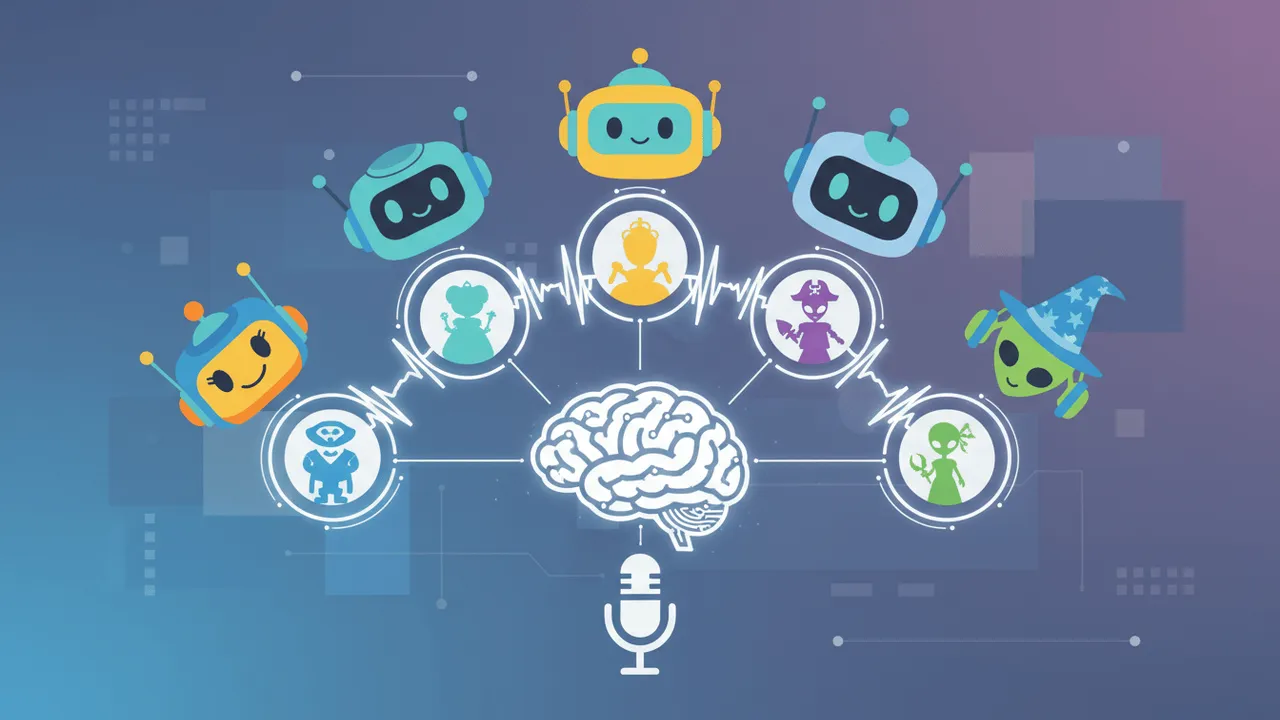





Finding the perfect voice for an animated character used to require deep pockets, professional voice actors, and expensive studio time. That reality has completely shifted. Today, a cartoon AI voice generator can give your characters a distinct, expressive personality in minutes—no recording booth required.
Whether you are producing a YouTube animated series, an indie short film, or a quick social media cartoon, voice acting makes or breaks the audience’s connection to your story. Thankfully, AI audio technology has evolved far beyond robotic text-to-speech. You now have access to nuanced emotional ranges, multiple languages, and dozens of distinct character archetypes.
This guide breaks down the top five tools available right now, explores how to pick the right one, and walks through practical workflows for using them in real animation projects. By the end, you will know exactly which platform fits your next story and how to get the most out of it. Let’s find the perfect fit for your next animated project.
Why AI voice generators are changing animation
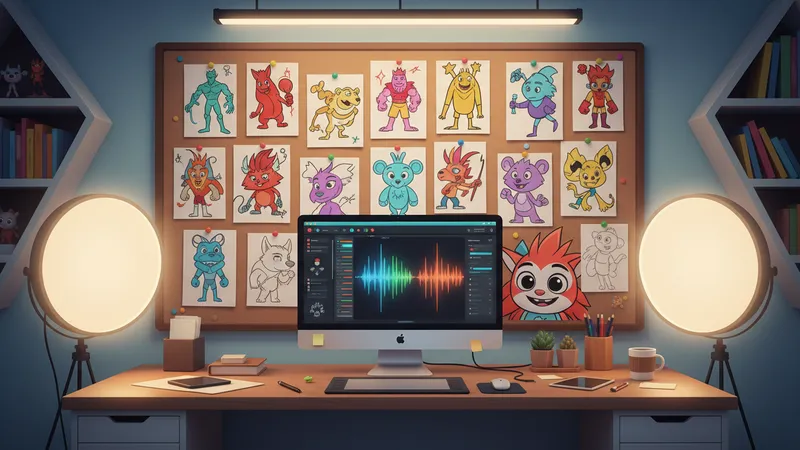
Animation is a storytelling medium that lives or dies on its characters. And characters live or die on their voices.
Traditionally, even tiny indie studios had to budget thousands of dollars for professional voice acting sessions. That financial barrier locked out countless creators who had brilliant ideas but limited resources. AI voice generation has dismantled that wall entirely, offering tools that don’t just synthesize speech—they perform it.
The shift is not just about cost. It is about creative control. When you can generate, tweak, and regenerate a line of dialogue in seconds, you stop treating voice as a fixed asset and start treating it as a flexible creative variable. That mindset change is transforming how small studios and solo creators build their stories.
What modern cartoon AI voice generators can do
Modern platforms offer far more than the rigid text-to-speech of the past. The best cartoon AI voice tools now provide:
- Emotional range — voices that sound genuinely excited, terrified, heartbroken, or sarcastic on command
- Character archetypes — gruff villains, bubbly sidekicks, wise mentors, and everything in between
- Pitch and speed control — fine-tune the delivery to perfectly match your animation timing
- Multi-language support — reach a global audience without having to re-cast
- Instant export — download broadcast-ready audio files straight to your editing timeline
This unique combination of speed and expressiveness is exactly why so many animators are making the switch.
The creative freedom factor
One of the most underrated benefits of this technology is iteration speed. With an AI cartoon character voice generator, you can test ten different vocal styles for a single character in the time it once took to schedule a callback audition.
That kind of freedom fundamentally changes how creators develop their stories. You can cast your characters the same way you sketch thumbnails, experimenting endlessly until something finally clicks. A character you once imagined as a gravelly middle-aged villain might suddenly work better as a high-pitched, overly polite threat once you hear both options side by side.
“Voice is the most direct line from a character to the audience’s heart. When the voice is right, everything else falls into place.”
— Animation Magazine
Who benefits most from these tools
The range of creators now using AI voice generation is wider than most people realize. It includes:
- Indie animators producing YouTube series or short films on limited budgets
- Game developers prototyping dialogue before committing to professional voice actors
- Educators creating animated explainers for classrooms or online courses
- Marketing teams building branded cartoon mascots for social media
- Writers and storyboard artists testing dialogue before scripts are finalized
If your work involves characters speaking, a cartoon AI voice generator probably belongs in your toolkit.
Typecast — the best cartoon AI voice generator for character depth

Typecast tops this list for one crucial reason: it was built specifically for character-driven content.
While many text-to-speech platforms treat voice as a basic utility, Typecast treats it as a performance. The platform boasts an extensive library of AI voices designed with distinct personalities, backstories, and emotional profiles. It delivers exactly what animated characters demand to feel alive.
What makes Typecast stand out
The platform’s cartoon character voice generator gives creators access to voices spanning a massive range of archetypes. You can cast mischievous kids, wise elders, energetic heroes, or menacing antagonists with just a few clicks. Each voice comes with adjustable emotion settings, allowing you to dial in the exact tone your scene requires.
Typecast also supports multi-character scripts. This means you can assign different AI voices to various characters within a single project file, which is an absolute game-changer for animators working on dialogue-heavy scenes.
- Hundreds of expressive AI voice characters
- Emotion and style controls for every single line of dialogue
- Multi-character script support
- High-quality audio export for professional timelines
- Intuitive interface designed for non-technical creators
Best use cases for Typecast
Typecast shines in scenarios where character distinctiveness matters most. If you are producing a serialized animated show with recurring characters, the platform’s consistency across sessions is a huge advantage.
Your hero will sound the same in episode one as in episode twelve, which is critical for audience attachment—especially when you’re relying on a text-to-speech character to maintain voice continuity.
It is also an outstanding choice for creators who work alone. The interface is forgiving enough that you do not need audio engineering experience to produce clean, professional-sounding dialogue. Many solo animators have built entire series using nothing more than Typecast and a basic video editor.
For indie animators and content creators who want professional-sounding results without a professional budget, Typecast is the clear starting point.
Play.ht — versatile voice generation with strong character options
Play.ht has quickly become a favorite among animators who want flexibility without sacrificing quality. The platform combines a deep voice library with powerful customization tools, making it an excellent all-around choice for animated shorts.
The core appeal is breadth. Play.ht offers hundreds of AI voices across dozens of languages, with a particular emphasis on voices that carry personality. You can find everything from cheerful children’s voices to grizzled narrators, and each one responds well to emotional direction.
Where Play.ht excels for animation
The platform’s voice inflection controls give animators surprising precision. You can adjust pitch, emphasize specific words, and insert deliberate pauses exactly where your scene needs them. For dialogue-heavy animated shorts, that level of control makes the difference between a voice that reads lines and a voice that performs them.
Play.ht also offers a clean, approachable interface. Unlike some platforms that feel engineered for developers, this one is clearly built with creators in mind. You can go from a blank script to exported audio in minutes, which is exactly what tight animation deadlines demand.
Considerations before choosing Play.ht
The platform’s biggest limitation is that its most expressive voices are locked behind higher-tier plans. If you plan to rely on Play.ht as your primary cartoon AI voice generator, budget for at least the mid-level subscription to unlock the full character range.
Even so, it remains an excellent AI voice generator cartoon characters option, particularly for creators who want a flexible all-in-one platform that handles both character dialogue and narration with equal skill.
Murf AI — clean, professional voices with solid customization
Murf AI positions itself as a studio-grade voice generation platform, and it absolutely delivers on that promise with polished, professional output.
For animated shorts that lean toward a more grounded or realistic tone—think educational cartoons, explainer animations, or documentary-style projects—Murf’s voice library is top-tier. The voices are incredibly clean, well-paced, and easy to understand. That clarity is essential when your animation needs to carry complex information.
Customization options in Murf
Murf offers solid pitch, speed, and emphasis controls, but its pronunciation editor is arguably one of the best in the industry. If your cartoon features made-up words, unique character names, or fictional places, you can teach Murf exactly how to say them. That pronunciation library persists across your projects, so once you teach the system how to pronounce your hero’s name, you never have to correct it again.
The platform also offers timeline-based editing, which lets you match voice timing precisely to video cues. For animators syncing lip flaps to dialogue, this level of control is a genuine productivity win.
Limitations to keep in mind
Where Murf falls slightly short for pure cartoon work is in the extremes of character expression. Because the voices are optimized for clarity and professionalism, it can be harder to achieve the exaggerated, over-the-top delivery that wacky animated characters often need. A cartoon gremlin cackling maniacally is harder to pull off here than on more character-focused platforms.
Still, as a text to speech cartoon option for more subdued or narrative-driven animation, it remains a remarkably strong contender.
Speechify — fast generation for high-volume animation projects
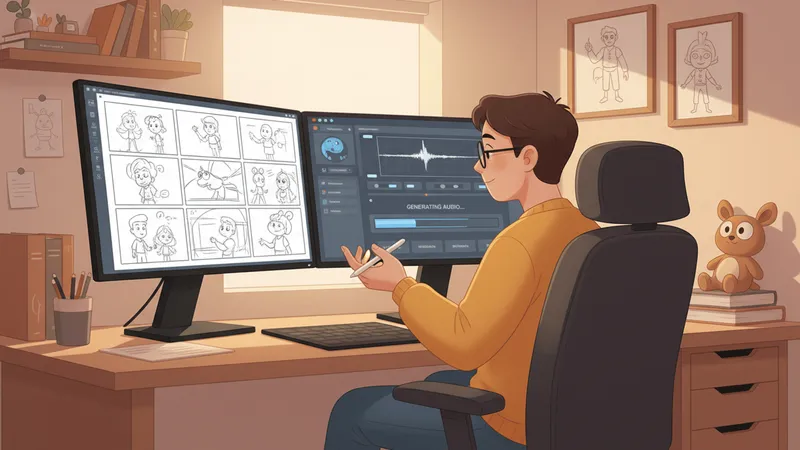
Speechify is best known as a text-to-speech reading tool, but its voice generation capabilities have expanded significantly. Animators working at scale are definitely taking notice.
The platform’s biggest advantage is sheer speed. If you are producing a high-volume animation series with heavy dialogue across multiple episodes, Speechify’s lightning-fast processing pipeline keeps your production moving. It also boasts a growing library of character-style voices that work wonderfully for lighter, comedic animation styles.
When Speechify is the right choice
Think of Speechify as the workhorse option. It is not trying to win awards for most expressive voice performance. What it does is generate huge volumes of usable character audio quickly and reliably, which is exactly what some production pipelines need.
Daily animated content creators, meme channels, and social media animators often prefer this kind of no-friction tool. When you need to turn around three animated shorts a week, waiting five minutes for a single line to render simply is not viable.
Admittedly, the platform is less suited for deep character customization than Typecast or Play.ht. But for creators who prioritize workflow efficiency and need a reliable text-to-speech cartoon solution that won’t slow down production, Speechify easily earns its place on this list.
Lovo AI — expressive voices with a growing character library
Lovo AI rounds out the top five with a platform that has made massive strides in expressive, character-oriented voice generation.
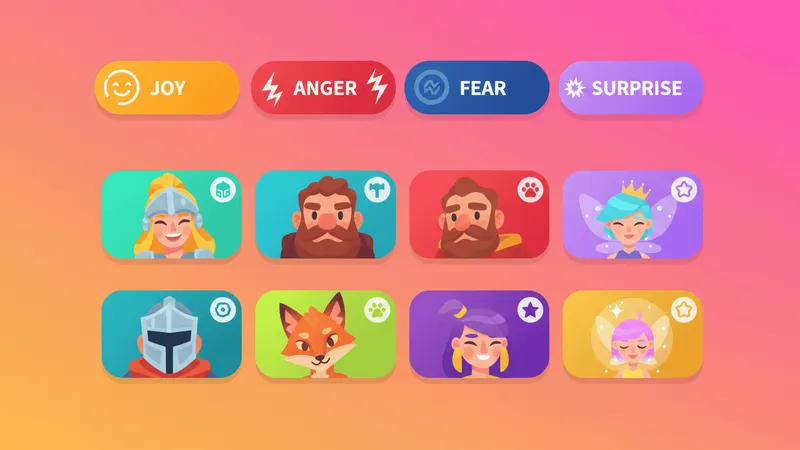
The platform offers over 500 voices across more than 100 languages. Better yet, its emotion engine allows creators to layer distinct feelings like joy, anger, fear, and surprise onto almost any voice. That emotional layering is incredibly valuable for animated storytelling, where character reactions need to feel immediate and authentic.
Features that set Lovo apart
Lovo also includes a built-in video editor, which is a rare feature among voice generation platforms. For animators working with simple motion graphics or slideshow-style animatics, the ability to sync voice and visuals inside a single tool is a massive time-saver.
The platform also supports collaborative workflows, meaning multiple team members can work on a single project simultaneously. For small studios with distributed teams, this removes a lot of the file-shuffling friction that used to slow down voice production.
Ideal projects for Lovo AI
Lovo works especially well for creators building content intended for international distribution. If your animation is going to be released in English, Spanish, Korean, and Japanese simultaneously, having one platform handle all four versions is a genuine advantage.
It might not have the same exhaustive depth of character archetypes as Typecast. However, as a cartoon character voice generator text-to-speech platform with broad language support and solid emotional range, Lovo AI is well worth exploring—especially for creators targeting an international audience.
How to choose the right tool for your animated project
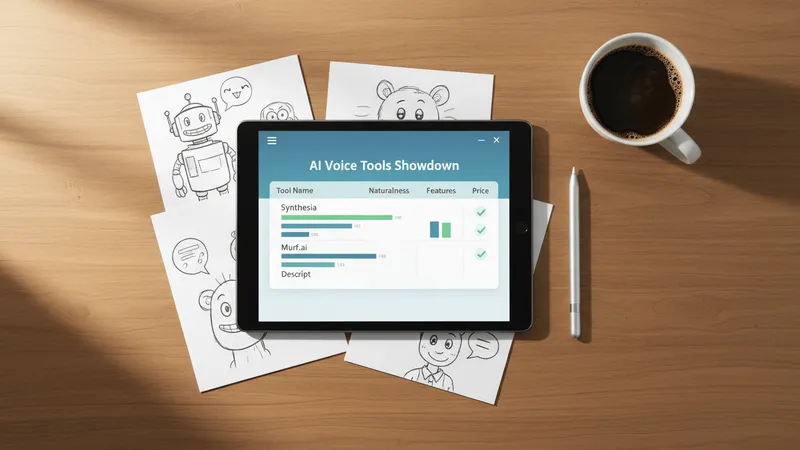
Choosing the best cartoon AI voice generator for your project ultimately depends on what your animation actually needs.
Here is a simple framework to guide your decision:
- Character depth first: If your animation is heavily character-driven with complex emotional arcs, prioritize Typecast or Play.ht.
- Tone matching: Grounded, educational, or narrative cartoons are well-served by Murf’s clean, professional voices.
- Production volume: High-volume series with tight turnaround times will benefit greatly from Speechify’s fast processing.
- Global reach: If you are targeting multilingual audiences, Lovo AI’s impressive 100+ language library is hard to beat.
- Budget: Most platforms offer free tiers, so test at least two or three before committing your budget to a paid plan.
No single tool wins every category. In fact, many professional animators use two platforms in tandem—one for complex hero characters and another for supporting roles or background voices.
The smartest move is to run your most challenging lines of dialogue through each platform’s free tier before making a final decision. Let your characters tell you which voice generator understands them best.
Practical tips for getting better results from any AI voice generator
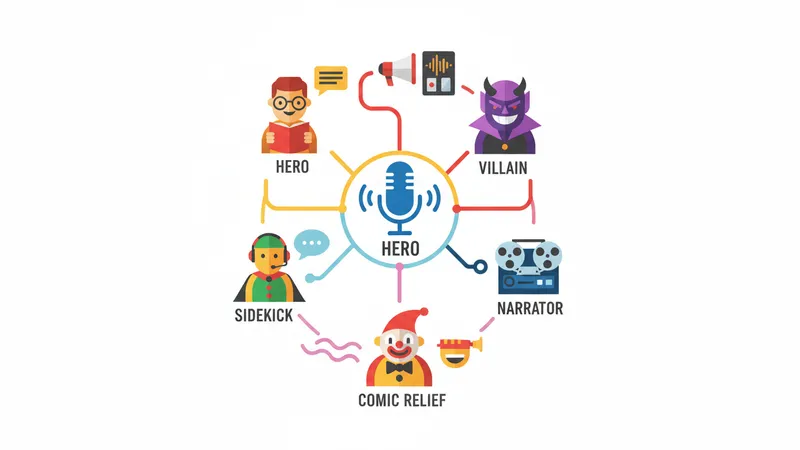
Picking the right platform is only half the battle. How you use it matters just as much. Here are techniques that consistently produce better results, no matter which tool you choose.
Write dialogue that AI voices can perform
AI voice models interpret text based on punctuation, sentence structure, and context. That means writing matters more than you might think.
- Use natural contractions. “I am not going” reads stiffly. “I’m not going” flows naturally.
- Break up long sentences. Shorter sentences give the AI more opportunities to pause, breathe, and shift tone.
- Add punctuation for rhythm. Commas, dashes, and ellipses all influence pacing. Use them intentionally.
- Avoid ambiguous words. If a word could be pronounced multiple ways, rephrase it or use the pronunciation editor.
Small changes to your script often produce better vocal performances dramatically.
Use emotion tags strategically
Most modern platforms support emotion tags or style presets. Rather than applying a single emotion to an entire line, try breaking lines into smaller chunks and assigning different emotions to each.
A character saying “I cannot believe you did this” might start angry, shift to disappointed, and land on resigned. Splitting that line into three parts, each with its own emotional setting, produces a far more compelling performance than applying one flat emotion.
Layer voice takes when needed
Do not assume the first generation is the final version. Generate three or four takes of any important line, then mix them together in your editor. You might use the pacing from one take, the pitch from another, and the emotional spike from a third. This layering technique is how professional animators achieve performances that feel genuinely human.
Match voice to animation style
A visually exaggerated cartoon calls for equally exaggerated vocal delivery. A more grounded, realistic animation needs subtler, more restrained voice work. Before generating dialogue, look at your character designs and ask yourself what kind of voice belongs in that visual world. The answer should guide both your platform choice and your emotion settings.
Common mistakes to avoid when using AI voices
Even the best tools produce weak results if you use them poorly. These are the pitfalls that most frequently trip up new users.
Treating AI voice as a one-click solution
Generating a line and dropping it straight into your animation is almost never the right approach. Professional-quality results require iteration. Plan to generate multiple takes, compare them, and edit the winners. Creators who skip this step end up with dialogue that feels flat, no matter how good the underlying platform is.
Ignoring audio post-processing
AI voices benefit enormously from basic audio treatment. A light EQ pass, gentle compression, and a touch of room tone can transform a sterile-sounding voice take into something that feels like it belongs in your animated world. You do not need expensive plugins—free tools like Audacity handle all of this competently.
Overusing the same voice
If every character in your animation sounds similar, even subtle differences between them will get lost. When casting your project, aim for clear contrast. Pair a high-pitched character with a low-pitched one. Pair a fast talker with a slow, deliberate speaker. These contrasts make each character more memorable and easier for audiences to track.
Neglecting the silence between lines
Timing is part of performance. The pause before a punchline, the breath before an emotional confession, the beat of silence that lets a visual gag land—these moments matter. Most AI platforms let you insert specific pause lengths, and using them thoughtfully can elevate an average scene into a great one.
The future of AI voice in animation

The tools available today are remarkable, but they are still evolving quickly. A few trends are worth watching.
Real-time voice generation is becoming viable for live animated performances and streaming. Expect to see VTubers and interactive animated content increasingly powered by AI voices that respond in real time.
Character persistence across platforms is improving. Soon, you may be able to train a single character voice once and use it seamlessly across multiple tools and services. This would remove one of the last remaining friction points for serialized animation.
Finally, emotional nuance continues to improve. The gap between AI-generated dialogue and human voice acting is narrowing every year. For creators, this means the ceiling on what you can produce alone keeps rising.
Conclusion
The right voice transforms a flat, drawn character into someone audiences genuinely care about. Thanks to today’s AI tools, that magical transformation is more accessible than ever before.
Each platform on this list brings something unique to the table. Typecast leads the pack for character depth and animation-specific design, while Play.ht offers versatile voice options for all-around production needs. Murf delivers unmatched professional clarity, Speechify prioritizes rapid production speed, and Lovo AI offers incredible language range paired with solid emotional expression.
The best tool is ultimately the one that matches your story. A quiet, introspective indie short calls for something very different than a chaotic, gag-driven comedy series. Test widely, listen carefully, and trust your ear.
If you are just getting started, the best next step is simple. Open a cartoon AI voice generator, paste in a few lines of your character’s dialogue, and start listening. The perfect voice is closer than you think.