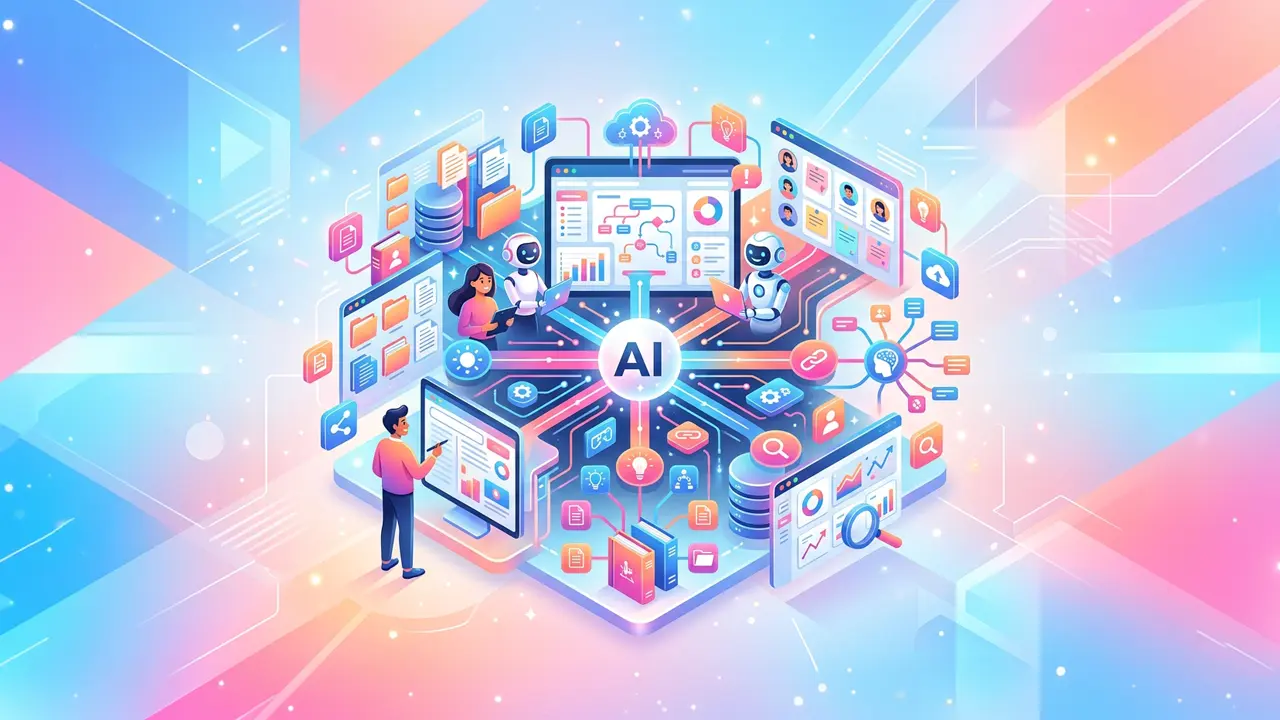





Business process automation is no longer just a “nice-to-have”—it’s quickly becoming the standard way modern teams scale operations without scaling headcount. When you combine automation with AI, business process automation can move beyond simple rule-based workflows and start handling messy, real-world work like sorting requests, drafting responses, and routing tasks intelligently.
AI-driven automation doesn’t replace people; it removes the repetitive steps that slow people down. Done well, business process automation improves speed, consistency, and visibility across departments—while freeing teams to focus on work that actually requires human judgment.
What AI changes about business process automation

Traditional automation follows if/then rules. AI-enabled business process automation can interpret language, detect patterns, and make probabilistic decisions—especially in workflows involving emails, documents, support tickets, and CRM updates.
A useful framing comes from MIT Sloan, which highlights that AI’s strength is augmenting decision-making and enabling new operational capabilities, not simply automating existing steps. As they put it, “Artificial intelligence refers to machines that can perform tasks that typically require human intelligence.” (MIT Sloan Teaching & Learning Technologies)
In practice, that means business process automation with AI can:
- Classify incoming requests (intent detection)
- Extract key details from PDFs or forms (document understanding)
- Recommend next steps (decision support)
- Draft messages and summaries (generative AI)
- Detect anomalies (risk and fraud signals)
Where to automate first (high-impact use cases)
Not every workflow is a good candidate on day one. The best business process automation wins are usually high-volume, repetitive processes with clear handoffs and measurable outcomes.
Common areas to start:
- Customer support triage and ticket routing
- Sales ops (lead enrichment, meeting notes, follow-ups)
- Finance ops (invoice intake, PO matching, expense review)
- HR ops (candidate screening support, onboarding task orchestration)
- IT ops (password resets, access requests, incident intake)
A simple checklist to spot automation candidates
Look for tasks that are:
- Done the same way most of the time
- Triggered by an event (form submission, email, new ticket)
- Dependent on copying data between systems
- Slowed by approvals or handoffs
- Easy to measure (time-to-resolution, error rate, cost per request)
When those conditions are present, business process automation tends to generate fast ROI.
How to automate business processes with AI (a practical framework)

If your goal is to automate business processes with AI, avoid starting with tools. Start with a workflow map, then select the smallest automation that proves value quickly.
A straightforward approach:
- Define the outcome: for example, “Reduce ticket response time by 30%.”
- Map the current process: identify triggers, decision points, systems touched, and handoffs.
- Pick the AI “assist” point: examples include classifying intent, extracting fields, drafting responses, and summarizing.
- Add guardrails: human approval for high-risk actions, confidence thresholds, audit logs.
- Measure and iterate: track throughput, cycle time, and exception rate.
As NIST notes, AI systems can introduce risks that require governance, transparency, and monitoring. Their AI Risk Management Framework emphasizes managing AI risk across design, deployment, and ongoing use.
This is why successful business process automation is as much about process clarity and controls as it is about the model.
Process automation tools vs. business automation software: what’s the difference?
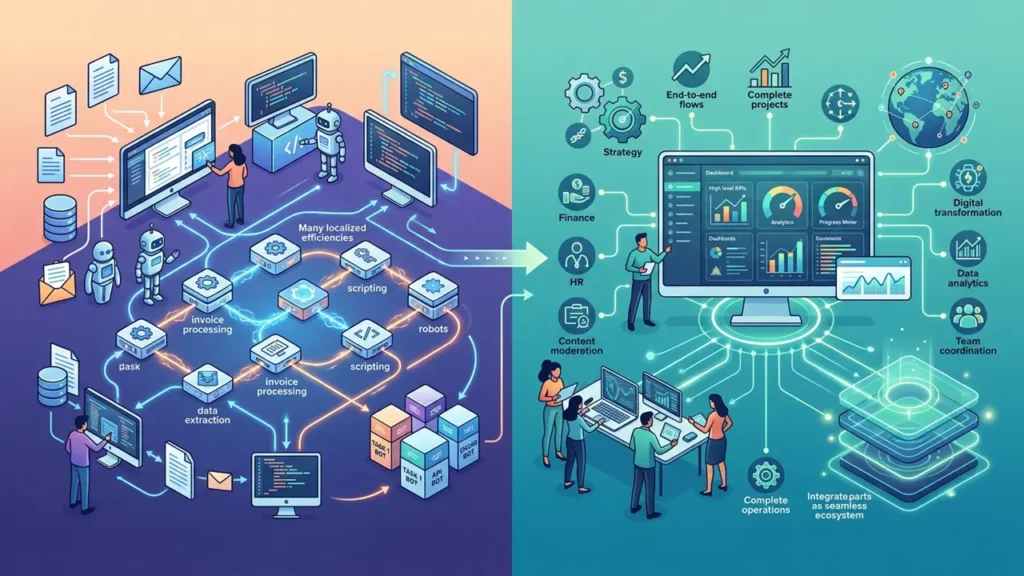
Teams often use “process automation tools” and “business automation software” interchangeably, but they can mean different layers of the stack.
- Process automation tools often focus on workflows and integrations
(Triggers, routing, approvals, ETL, notifications, RPA) - Business automation software often refers to end-to-end platforms
(CRMs, ERPs, helpdesks, HRIS) with built-in automation features
The best outcomes usually come from combining both:
- Use your core platform (CRM/helpdesk/ERP) as the system of record
- Use workflow automation to connect systems and orchestrate steps
- Use AI services to interpret unstructured data and generate outputs
Features to look for in automation platforms
Prioritize:
- Prebuilt connectors (email, Slack, CRM, helpdesk, spreadsheets)
- Role-based access controls and approvals
- Versioning and audit logs
- Error handling and retries
- Analytics dashboards (cycle time, bottlenecks)
- AI add-ons (classification, extraction, generation)
These capabilities help business process automation stay reliable as complexity grows.
Real examples of AI-enabled automation (by department)
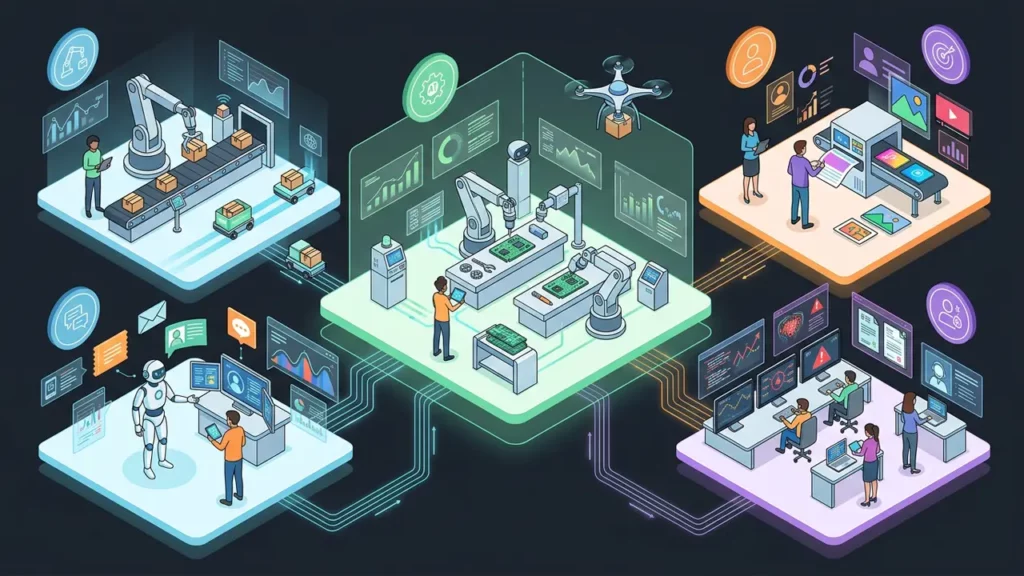
Here are a few realistic automations that go beyond basic “if this, then that,” while still being safe and measurable.
Support
- AI classifies message intent and urgency
- Workflow routes to correct queue
- AI drafts a reply; agent approves and sends
Sales ops
- AI summarizes a call and extracts action items
- Automation creates CRM updates and follow-up tasks
- AI drafts the follow-up email based on the call summary
Finance
- AI extracts invoice fields (vendor, total, due date)
- Automation matches PO and routes exceptions for review
- Automated notifications remind approvers
HR
- AI helps structure candidate notes into consistent scorecards
- Automation schedules interviews and sends templates
- Onboarding workflows assign accounts and training modules
Each of these reduces manual effort while strengthening consistency—exactly what business process automation aims to do.
Scaling automation without creating chaos

As automation expands, the risk is building a patchwork of workflows nobody owns. To keep business process automation sustainable, treat it like a product.
Good operating habits:
- Assign an automation owner per department
- Maintain a workflow “library” with naming standards
- Review automations quarterly (retire, merge, improve)
- Track exceptions and edge cases (they reveal process gaps)
- Document “human-in-the-loop” points clearly
One helpful internal concept is building a lightweight knowledge system—sometimes described as a second brain—so process documentation, prompts, SOPs, and templates remain searchable and reusable across teams.
Pairing automation with AI business intelligence
Automation is execution; analytics is direction. Used together, automation data becomes fuel for AI business intelligence—helping you spot bottlenecks, predict workload, and prioritize process fixes.
For example, once workflows are tracked end-to-end, you can:
- Identify where requests stall (handoff delays)
- Forecast staffing needs by ticket volume trends
- Detect quality issues via sentiment or re-open rates
- Quantify the cost of exceptions and manual rework
That feedback loop is how business process automation evolves from “time-saver” to a strategic advantage.
A quick win you can launch this week

To validate AI automation quickly, start with a communications workflow. It’s ideal for a first test because the input is often unstructured (voicemails, missed-call notes, short messages), while the outcomes are easy to measure—faster response times, fewer dropped requests, and clearer handoffs.
Example pilot workflow:
- Trigger: inbound voicemail or missed call
- AI: transcribe, detect intent (sales/support/billing), and summarize the request
- Automation: open a ticket, route it to the right queue, and draft a callback message
- Human: review, personalize if needed, and send
To make the customer-facing side feel polished from day one, you can standardize greetings and routing messages with a voicemail greeting generator—so your automated workflow doesn’t just move faster, it also sounds consistent and professional.
This kind of small deployment makes business process automation tangible quickly—and builds momentum for larger, cross-department workflows.