




A second brain is the simplest way to stop losing ideas, links, and half-finished insights to busy days. Instead of trusting your memory to “hold it all,” you build a reliable external system that captures information, organizes it, and brings it back when you need it—at work, at home, and in creative projects.
As productivity author David Allen puts it: “Your mind is for having ideas, not holding them.” – Getting Things Done.
What a second brain is (and what it isn’t)
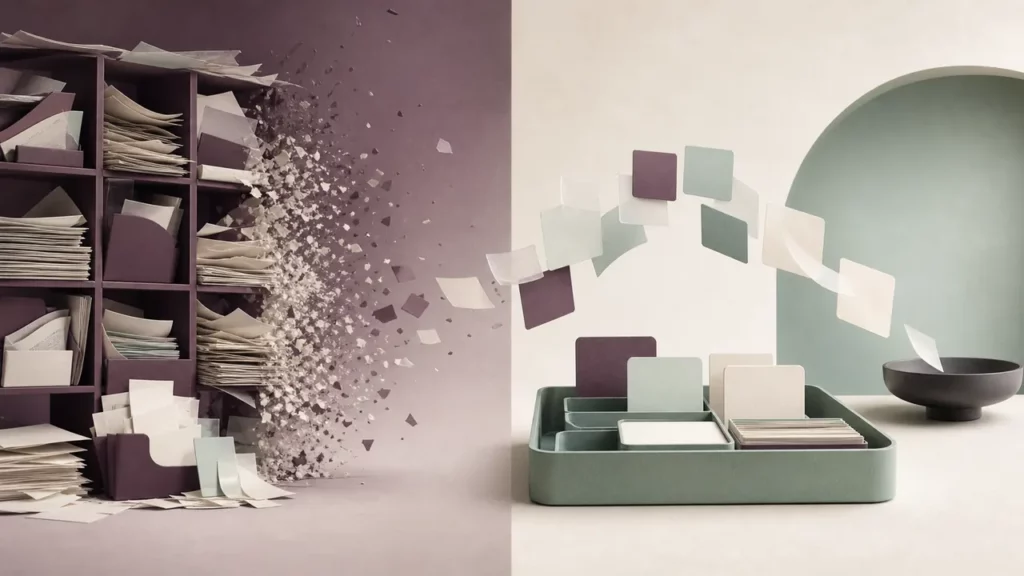
A second brain is not a perfect library or a personal wiki you constantly polish. It’s a practical support system for thinking and doing. The goal is retrieval and reuse: you capture things that matter, shape them into usable notes, and pull them into the next decision, deliverable, or conversation.
This idea is closely related to the “extended mind” view in cognitive science. Clark & Chalmers argue that when something in the world reliably plays the role of memory and reasoning, it functions as part of cognition: “If…a part of the world functions as a process which, were it done in the head, we would have no hesitation in recognizing as part of the cognitive process…”
A well-built second brain helps you:
- Reduce mental load (fewer open loops)
- Turn reading into output (notes that lead somewhere)
- Build continuity across projects (you don’t restart from zero)
Set up the foundations for your second brain
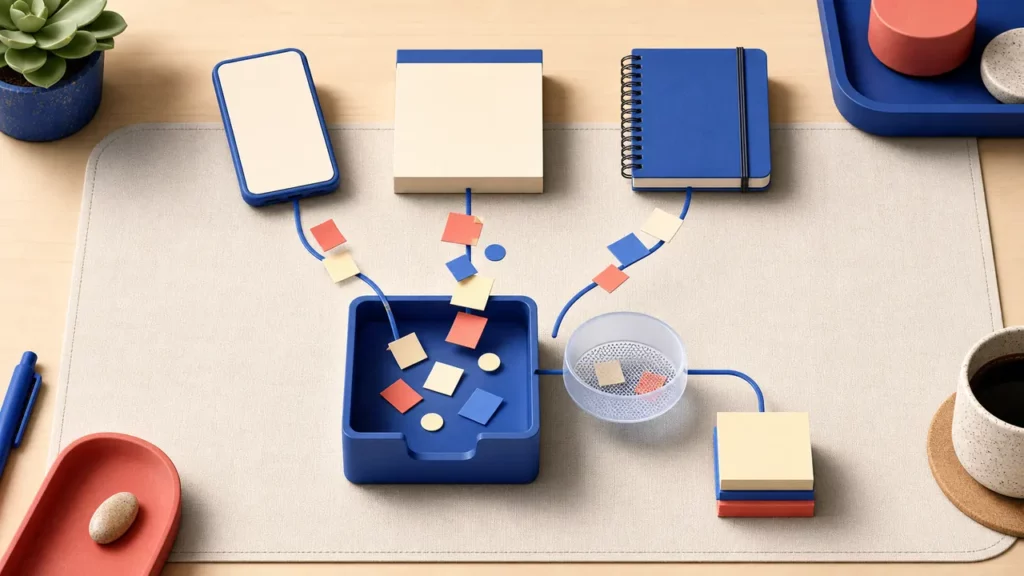
Before you choose apps or templates, define how information flows through your second brain. Most systems fail because capture is inconsistent or organizing is too complicated.
Start with three foundations:
- One capture habit you actually use (phone, desktop, paper—doesn’t matter)
- One place where everything lands first (an “inbox”)
- One decision rule for what’s worth keeping
Create a single capture inbox
Your second brain needs a default “drop zone” so you never debate where something belongs. This can be:
- A notes inbox
- An email-to-notes workflow
- A voice memo folder you process later
The point is speed. Capture first; organize later.
Decide what’s worth saving (a simple filter)
Try this quick filter: save things that are
- Actionable soon (helps you do something)
- Reusable later (helps you explain, decide, teach, write)
- Resonant (you keep thinking about it for a reason)
That alone keeps a second brain from becoming a junk drawer.
Organize your second brain with PARA
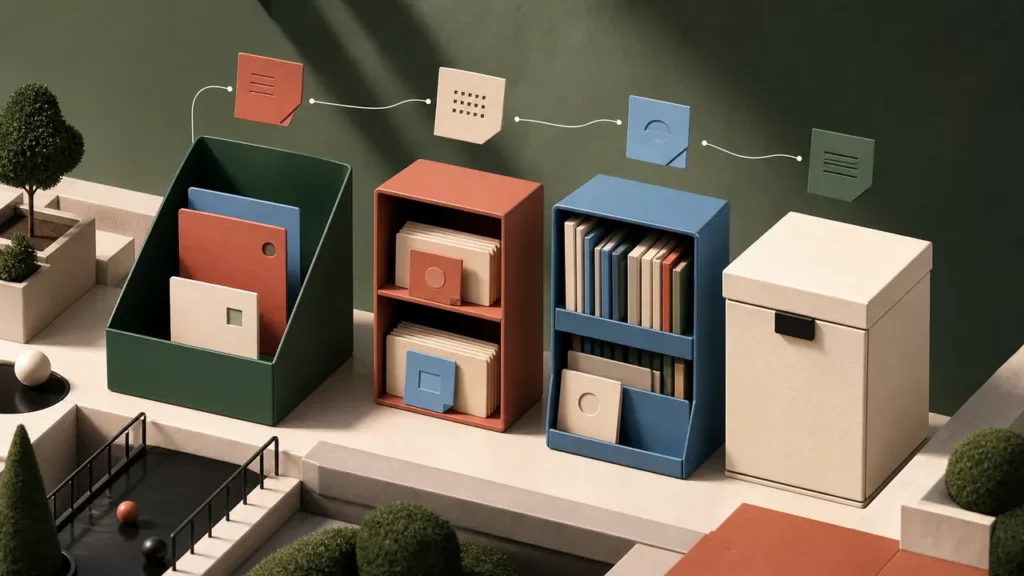
PARA is a lightweight structure that keeps your second brain aligned to outcomes, not categories. Instead of sorting by topic (which multiplies endlessly), you sort by how information serves your life.
Use four top-level buckets:
- Projects: time-bound outcomes (launch website, finish report)
- Areas: ongoing responsibilities (health, finance, team management)
- Resources: reference you might reuse (writing tips, research, recipes)
- Archives: inactive items (completed projects, past roles)
This structure works because it mirrors your real priorities. When you open your notes, you don’t want to admire your taxonomy—you want to move something forward.
Tip: In your second brain, it’s okay if a note “belongs” in multiple places. Choose the place you’ll look first, and rely on search + links for the rest.
Turn notes into action with CODE
If PARA is where things live, CODE is how they become useful inside your second brain:
- Capture: grab highlights, meeting notes, ideas
- Organize: place into PARA (light touch)
- Distill: reduce to the most useful parts
- Express: ship something (email, doc, plan, post, deck)
Distill with progressive summarization
Distilling doesn’t mean rewriting everything. Try this layered approach:
- Keep the original text or highlight
- Add a one-sentence takeaway at the top
- Bold only the most important lines (sparingly)
- Add “next use” tags like: for onboarding, for proposal, for Q3 planning
Over time, your second brain becomes more valuable because the best ideas get easier to scan, remix, and apply—especially when you’re under time pressure.
Maintain a second brain with simple weekly workflows
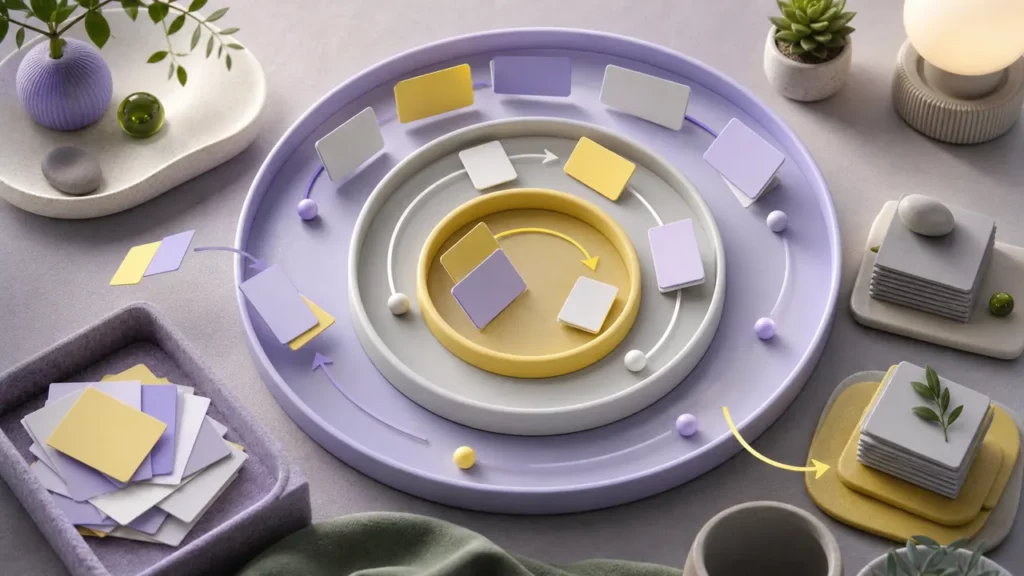
A second brain stays trustworthy when it’s lightly maintained. You don’t need a daily one-hour ritual—you need small, repeatable resets.
Try these workflows:
- Daily (5 minutes)
- Clear the inbox to near-zero
- Add next steps to tasks/calendar
- Weekly (20–30 minutes)
- Review active Projects
- Prune or archive dead notes
- Promote your best insights into “evergreen” notes
- Monthly (30 minutes)
- Identify themes worth developing (writing, learning, career)
- Create a “reuse list” (ideas to turn into outputs)
The aim is confidence. When your second brain feels current, you’ll actually use it—because you trust what you’ll find.
Tools and automations (keep it boring and reliable)

You can build a second brain in many apps. The best choice is the one you’ll open every day. What matters most is consistent capture, search, and a structure you won’t outgrow.
If you’re building a personal knowledge management system, prioritize:
- Fast capture (mobile + desktop)
- Great search
- Links/backlinks (optional but helpful)
- Export/backup options
If you prefer a digital note taking system that supports multiple media, consider how you’ll handle:
- Web clips and PDFs
- Images/whiteboards
- Voice notes
One practical upgrade: turn reading into listening for reviews or commutes using a text-to-speech API, so key notes become audio you can revisit.
And if you’re connecting your notes to work outcomes, you can link insights to dashboards and reporting without turning your notes app into a data warehouse—save that for AI business intelligence and structured tools used in AI in business operations.
Common second brain mistakes (and quick fixes)
These are the traps that quietly break a second brain:
- Mistake: Saving everything
- Fix: Save for reuse—keep only what supports future action or output.
- Mistake: Over-organizing
- Fix: Use PARA + search; stop at “good enough.”
- Mistake: Capturing but never distilling
- Fix: Add a 1–2 sentence takeaway to anything important.
- Mistake: No outputs
- Fix: Create an “Express” list: 10 things you could publish/send/build from your notes.
A second brain pays off when it helps you finish, decide, and create—more often, with less friction, and with fewer forgotten insights.