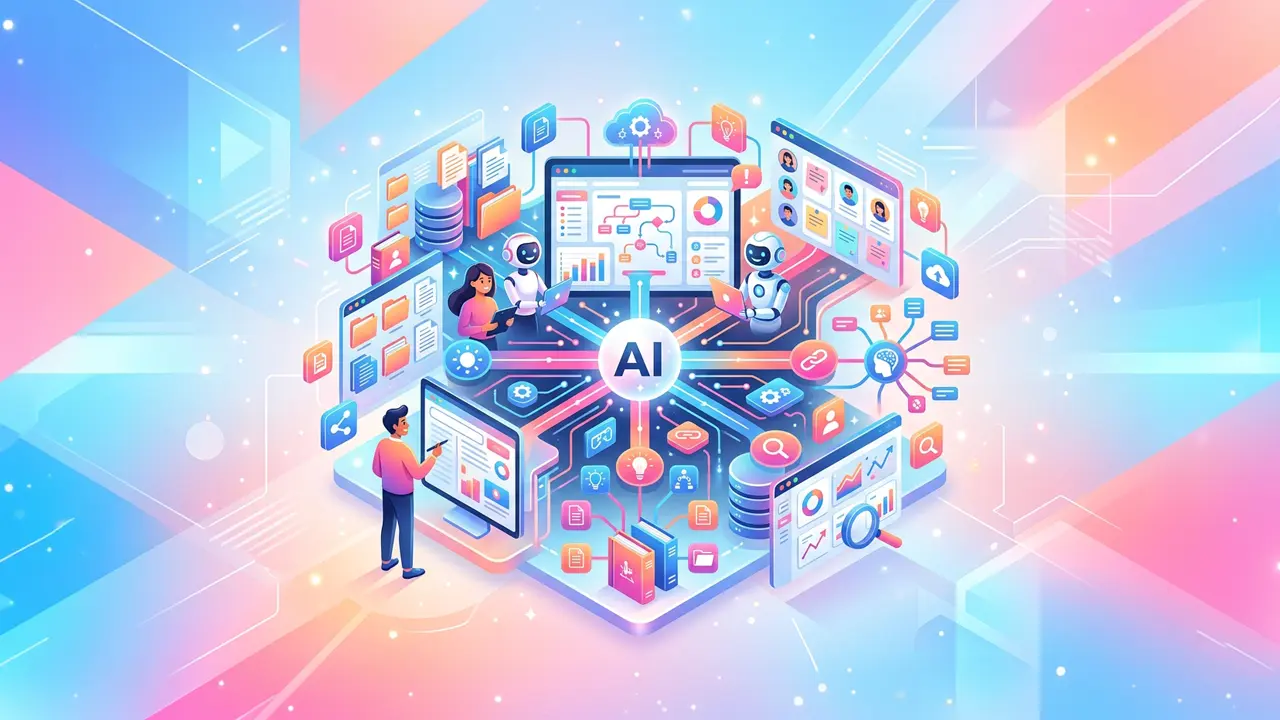





AI business intelligence helps companies turn data into faster, clearer, and more useful decisions. Instead of relying only on static dashboards or manual reports, AI business intelligence uses automation, analytics, and AI-powered summaries to help teams understand what is happening, why it matters, and what to do next.
Quick answer: AI business intelligence is the use of artificial intelligence to collect, analyze, summarize, and act on business data. It helps teams make data-driven decisions by finding patterns, forecasting outcomes, and turning complex information into practical recommendations.
Investopedia describes business intelligence as a “technology-driven process that turns business data into actionable insights.”
AI builds on that foundation by helping teams ask better questions, detect trends faster, and connect insights to action.
This overview covers the main areas that matter: automation, operations, knowledge systems, analytics, task workflows, and practical adoption. Each section is intentionally high level, with linked resources for deeper reading.
What is AI business intelligence?

AI business intelligence combines traditional business intelligence with artificial intelligence. In simple terms, it helps businesses use data to make better decisions with less manual analysis.
A traditional BI dashboard might show that customer churn increased last month. An AI-supported BI workflow can help identify which customer segments changed, what warning signs appeared before churn, and which retention actions may be worth testing.
Common uses include:
- Summarizing dashboards in plain language
- Forecasting sales, demand, churn, or costs
- Detecting unusual changes in performance
- Recommending next steps based on historical data
- Turning meeting notes, tickets, and documents into usable insights
The goal is not to replace human decision-making. The goal is to give people better context before they choose a direction.
How does AI business intelligence improve decision-making?
AI business intelligence improves decision-making by reducing the time between data collection and action. Instead of waiting for analysts to manually prepare every report, teams can use AI to surface patterns, summarize performance, and flag risks earlier.
For example, a sales leader can ask which deals are most likely to close this quarter. A marketing team can compare campaign performance across channels. A finance team can identify unusual expenses before they become larger problems.
AI is especially useful when decisions depend on multiple data sources, such as:
- CRM records
- Product usage data
- Support tickets
- Marketing analytics
- Financial reports
- Customer feedback
- Internal documents
This matters because business decisions rarely depend on one number. Better decisions usually come from connecting several signals into one clear view.
Why does AI business intelligence matter now?

Companies already collect more information than most teams can process manually. Website behavior, sales calls, support conversations, invoices, product analytics, surveys, and employee feedback all contain useful signals.
The challenge is that those signals are often scattered across tools. AI business intelligence helps organize and interpret them.
Axios reported McKinsey’s estimate that generative AI could create “$2.6 trillion to $4.4 trillion a year” in economic value across business functions.
For businesses, that value comes from applying AI to real workflows, not simply adopting tools for their own sake.
The practical opportunity is simple: use AI to make important business decisions faster, more accurately, and with better context.
What are the main use cases for AI business intelligence?

The best AI business intelligence use cases are tied to recurring decisions. These are decisions teams already make every week, month, or quarter.
Examples include:
- Which customers are at risk of churning?
- Which leads should sales prioritize?
- Which campaigns deserve more budget?
- Which products are gaining or losing demand?
- Which operational workflows are slowing teams down?
- Which expenses or invoices look unusual?
- Which support issues are increasing?
These use cases are strong because they connect directly to action. AI should not only produce interesting insights. It should help someone make a better choice.
A useful rule: start with the decision, then choose the data. Do not start with a dashboard and hope the decision becomes obvious later.
How business process automation supports better data

Business process automation is one of the foundations of AI-powered decision-making. When processes are consistent, the data they create is easier to trust.
For example, if every sales rep updates deal stages differently, AI will struggle to forecast revenue accurately. If every support agent categorizes tickets differently, AI may misread customer pain points.
Automation helps standardize how work happens. It can structure lead routing, invoice approvals, onboarding steps, reporting updates, and customer follow-ups. As these workflows become more consistent, the business creates cleaner data for analysis.
That cleaner data makes AI business intelligence more useful. It gives AI systems better inputs, which leads to better summaries, predictions, and recommendations.
Automation also helps close the loop between insight and action. If AI detects a churn risk, an automated workflow can alert customer success, create a task, and track whether the intervention worked.
How can teams automate business tasks for better decisions?

When teams automate business tasks, they reduce repetitive work and create more reliable operational records. Those records can then feed dashboards, reports, and AI analysis.
Good examples include:
- Auto-tagging support tickets by topic
- Sending follow-up emails after sales calls
- Updating CRM fields from meeting notes
- Routing internal requests to the right owner
- Creating weekly performance summaries
- Flagging missing data in customer records
The value is not only time savings. Task automation also makes work more measurable.
If a company automates follow-ups after demo calls, it can track response rates, meeting conversion, close rates, and timing. AI can then analyze which follow-up patterns produce better outcomes.
This is where AI business intelligence becomes practical. It connects daily work to measurable business performance.
How does AI in business operations turn insights into action?

AI in business operations helps companies monitor, manage, and improve how work gets done across departments.
Operations teams often need to answer urgent questions: Where is work stuck? Which process is slowing down? Which issue is likely to affect customers? Which team needs support?
AI can help identify:
- Workflow delays
- Recurring customer complaints
- Staffing or inventory gaps
- Vendor performance issues
- Unusual spending patterns
- Process bottlenecks
This matters because operational problems often appear as small signals before they become large issues. A few delayed approvals may become a missed deadline. A rise in support tickets may reveal a product issue. A change in fulfillment timing may affect customer satisfaction.
With AI business intelligence, operations teams can move from passive reporting to active management.
Why knowledge management tools matter for AI business intelligence

AI is only as useful as the information it can access. That is why knowledge management tools are important for data-driven decisions.
Many companies have useful knowledge spread across documents, Slack threads, sales notes, meeting transcripts, help centers, project plans, and internal wikis. If that information is hard to find, decisions slow down.
Knowledge systems help organize this information so AI can retrieve, summarize, and connect it to business questions.
For example, a customer success leader might ask, “Why did enterprise renewals slow down last quarter?” A strong knowledge system could pull insights from CRM notes, call summaries, support tickets, renewal documents, and customer feedback.
Structured data can show what happened. Knowledge systems help explain the context behind what happened.
That context makes AI business intelligence more complete.
How can a second brain improve business decisions?

A second brain is a system for capturing, organizing, and retrieving useful knowledge. In business, it can help teams preserve the thinking behind decisions.
Dashboards show metrics. A second-brain-style system captures context, such as:
- Why a campaign was launched
- What assumptions shaped a forecast
- Which customer interviews influenced a roadmap
- What risks were discussed in planning
- Which experiments worked or failed
This matters because teams often lose institutional memory. People change roles, documents get buried, and the reasoning behind past decisions disappears.
When AI can access this history, it can provide better answers. For example, if product adoption drops, AI can analyze usage data while also retrieving launch notes, customer interviews, and past retrospectives.
This helps teams avoid repeating old mistakes and build on what they already know.
What are business intelligence AI tools?

Business intelligence AI tools are platforms or features that use AI to help teams analyze, visualize, explain, or act on business data.
Common capabilities include:
- Natural-language data queries
- Automated report summaries
- Forecasting and predictive modeling
- Anomaly detection
- Sentiment analysis
- Data visualization recommendations
- Workflow triggers
- Executive summaries
The best tool depends on the use case. A finance team may need forecasting and variance analysis. A marketing team may need attribution and audience insights. A support team may need ticket classification and trend detection.
The tool should fit the workflow. A powerful platform that no one uses will create less value than a simple tool connected to an important decision.
What is AI business analytics?

AI business analytics uses artificial intelligence to analyze business performance, identify patterns, and predict possible outcomes. It is closely related to business intelligence, but it often focuses more on forecasting, optimization, and future planning.
For example, standard reporting might show that customer acquisition costs increased. AI analytics might predict whether that trend will continue and suggest which channels deserve closer review.
Useful applications include:
- Sales forecasting
- Customer lifetime value prediction
- Churn risk analysis
- Budget planning
- Demand forecasting
- Product usage analysis
- Workforce planning
The important thing is to treat predictions as decision support, not guaranteed truth. AI can help narrow the options, but humans should still review the context, risks, and trade-offs.
How should companies use AI at work?

The best way to understand how to use AI at work is to start with one recurring decision that already matters.
Do not begin with a vague goal like “use more AI.” Begin with a specific question:
- Which customers need attention this week?
- Which leads are most likely to convert?
- Which expenses need review?
- Which projects are falling behind?
- Which support issues are growing fastest?
Once the question is clear, identify the data sources, define the desired output, and assign a human owner for action.
This keeps AI adoption grounded. Teams are more likely to trust AI when it helps them solve a familiar problem.
How can AI turn insights into better communication?
Business intelligence is not only about dashboards. It is also about communicating insights clearly.
Teams often need to turn data into executive summaries, training materials, product updates, customer communications, or internal briefings. AI can help convert raw analysis into formats people actually use.
For example, a weekly performance report could become an internal audio update for distributed teams. A text-to-speech API can help convert written insights into natural-sounding audio at scale.
This matters because data does not create value unless people understand it. Better communication helps insights travel across the organization.
What mistakes should businesses avoid?

AI-powered BI can create value, but only if teams avoid common mistakes.
First, do not connect AI to messy data and expect reliable answers. Incomplete, duplicated, or inconsistent records can produce misleading insights.
Second, do not build dashboards without owners. Every important metric should have someone responsible for reviewing it and acting on it.
Third, do not automate sensitive decisions without human review. Decisions involving customers, employees, finances, compliance, or legal risk need oversight.
Fourth, do not treat AI outputs as final answers. AI can summarize and suggest, but teams should verify important recommendations against source data.
Finally, do not launch too many use cases at once. Focus creates better adoption and cleaner measurement.
What is a simple roadmap for getting started?

A practical AI business intelligence roadmap starts small and expands after the first use case proves useful.
Here is a simple approach:
- Choose one recurring business decision.
- Identify the data needed for that decision.
- Clean and standardize the most important fields.
- Choose an AI workflow or BI tool.
- Define what the AI should summarize, predict, or flag.
- Assign a person to review and act on the output.
- Measure whether the workflow improves speed, quality, or outcomes.
- Expand to another use case after the first one works.
For example, a company might start with churn risk. It can connect product usage, support tickets, renewal dates, account notes, and customer sentiment. AI can then flag accounts that need attention and summarize why.
That first workflow can teach the team what data is missing, which recommendations are useful, and how people respond to AI-supported decisions.
What does successful AI business intelligence look like?

Successful AI business intelligence does not look like a giant dashboard that everyone ignores. It looks like better decisions happening faster across the company.
Sales teams know which deals need attention. Marketing teams understand which campaigns are profitable. Operations teams catch delays earlier. Finance teams forecast with better assumptions. Support teams spot recurring issues before they damage customer trust.
The strongest systems share a few traits:
- They answer specific business questions.
- They use clean and relevant data.
- They show where insights come from.
- They fit into existing workflows.
- They support human judgment.
- They improve over time.
The real advantage is not having more data. It is knowing which data matters, what it means, and what action to take next.