





Last updated: October 12, 2026
A Halloween voice changer can help creators turn an ordinary script into a creepy campfire tale, a playful monster announcement, or a dramatic party invitation. The strongest results usually start with the writing: choose a clear character, set an appropriate level of fright, and give the voice room to perform rather than relying on spooky effects alone.
Whether you are making a short social video, a game trailer, classroom activity, podcast segment, or haunted-house announcement, the goal is the same: create a voiceover that fits the audience and supports the moment. A whisper may work for a ghost story, while a brighter, theatrical delivery may be better for a family-friendly event.
Start with the Halloween mood, not the effect
“Spooky” can mean many different things. Before selecting a voice or adjusting a script, decide what your audience should feel. A clear creative direction makes it easier to avoid a voiceover that sounds too intense, too comic, or simply out of place.
Consider one of these broad directions:
- Playfully spooky: Best for party invitations, children’s activities, seasonal promotions, and lighthearted social posts.
- Mysterious: Useful for scavenger hunts, puzzle videos, escape-room intros, and ghost-story narration.
- Classic horror: Better suited to suspenseful trailers, fictional audio stories, and mature-audience projects.
- Monster comedy: A good fit for character skits, gaming clips, animated scenes, and Halloween countdowns.
- Old-fashioned haunted house: Works well with formal wording, slower pacing, and atmospheric scene-setting.
Once you have a direction, keep the script, pacing, and sound design aligned with it. A comic monster voice paired with ominous writing can be entertaining, but it should be a deliberate contrast rather than an accident.

Write for a Halloween voice changer
A voice changer or text-to-speech workflow performs best when the copy is easy to interpret aloud. Halloween scripts often become overloaded with sound-effect cues, long descriptions, and exaggerated punctuation. Instead, write in short, speakable phrases and use structure to create tension.
Use pauses to build suspense
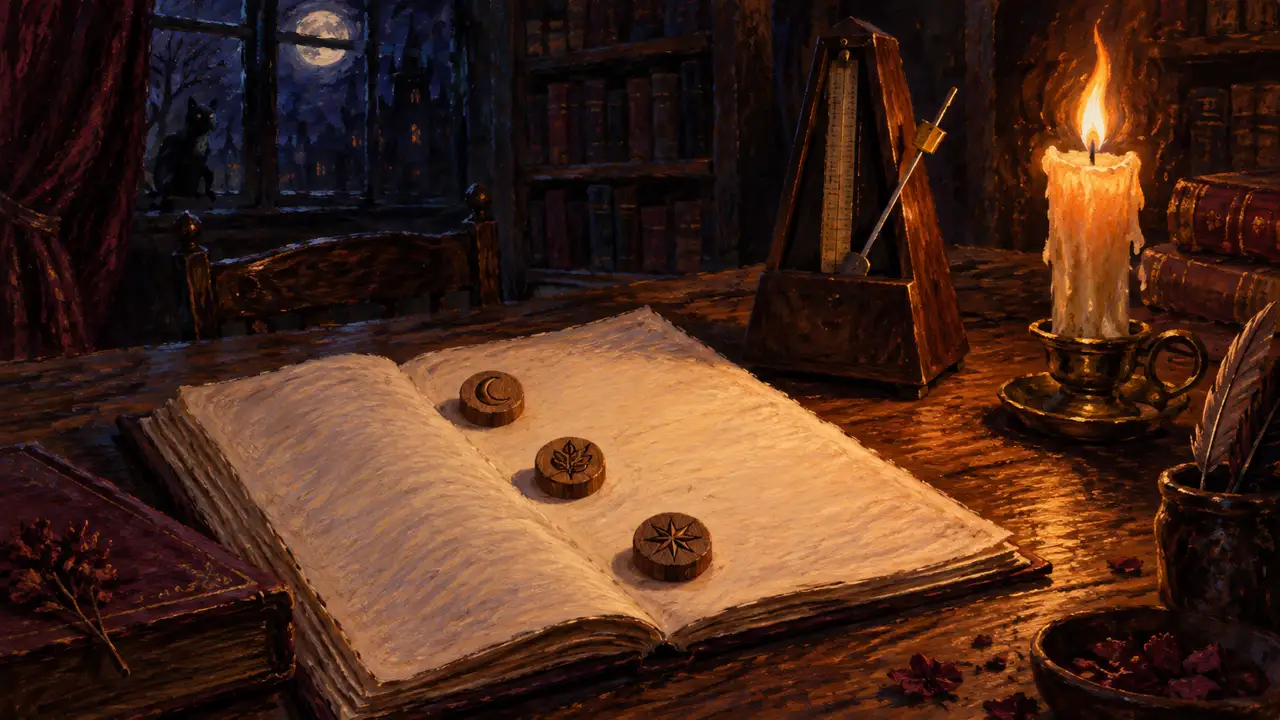
A pause can be more effective than another adjective. Break a sentence when the listener needs a beat to imagine what comes next.
For example:
The door was open.
No one remembered unlocking it.
That simple structure gives the narration a natural rhythm. For an announcement, use pauses before the key detail:
Welcome, brave guests.
The costume contest begins at eight.
Give the character a point of view
A Halloween voice becomes more memorable when it sounds like someone with a reason to speak. Instead of writing a generic warning, decide who is delivering it: a mischievous host, a nervous investigator, a self-important vampire, or a cheerful pumpkin vendor.
Compare the following approaches below.
Generic:
Come to our Halloween party tonight.
Character-led:
Step carefully into the moonlight. Our Halloween party begins tonight.
The second version provides a small scene for the voice to inhabit. It does not need elaborate lore; a few intentional word choices are often enough.
Avoid hard-to-hear phrasing
Alliteration and tongue twisters can be fun on the page but unclear in audio. Read the script aloud before generating a final take. If a line is difficult for you to say smoothly, simplify it.
Also, spell out or clarify words that may be misread, especially unusual names, abbreviations, event times, and web addresses. A seasonal voiceover should be easy to understand on a phone speaker as well as on headphones.
Match the delivery to the project
The right Halloween delivery depends on where and how people will hear it. A voiceover for a 10-second vertical video has different needs from a five-minute story.
Social videos and short announcements
Open with a clear hook. Listeners may encounter the audio while scrolling, so the first line should establish the premise quickly.
Original sample:
The fog is rolling in, and the candy bowl is disappearing.
Halloween night is almost here.
Keep the message focused on one action: attend, watch, enter, vote, or listen. If the project includes on-screen text, make sure the voiceover adds personality instead of repeating every visible word.
Party invitations and event messages
For invitations, clarity should come before character performance. State the event, date, time, and location in a clean section of the script. You can surround those details with atmospheric lines, but avoid burying important information in a dramatic whisper.
Original sample:
Calling all creatures of the night.
Join us for costumes, candy, and a monster mash this Saturday at seven.
Come dressed to impress—or distress.
Fiction, games, and haunted attractions
Narrative projects benefit from contrast. Let the voice become quieter before a reveal, then return to a normal level for instructions or dialogue. If several characters appear, make sure each one has a distinct purpose and speech pattern rather than changing voices only for novelty.
Original sample:
You found the first key. That is the good news.
The bad news is that the house has been looking for you, too.
For haunted-attraction instructions, safety information should remain direct, calm, and understandable. Do not use character treatment in a way that obscures operational or emergency guidance.
Use Typecast for a scripted Halloween voiceover
Typecast works best when the script carries the performance: a party invitation, a story opening, a trailer line, or a short social video. It is a script-to-audio workflow, so plan the words, casting, and delivery together rather than treating it as a live microphone effect.
Start with the audience reaction you want, then cast a voice, shape the pace and tone, listen back in context, and export only when the result supports the scene. The earlier article’s project view is retained below as a genuine historical capture; the current interface and available controls may differ.
Typecast voices to consider for Halloween
For a current starting point, match the voice to the role in the scene rather than choosing by name alone. Typecast’s current scary voice collection highlights four distinct directions:
Sabrina the Witch
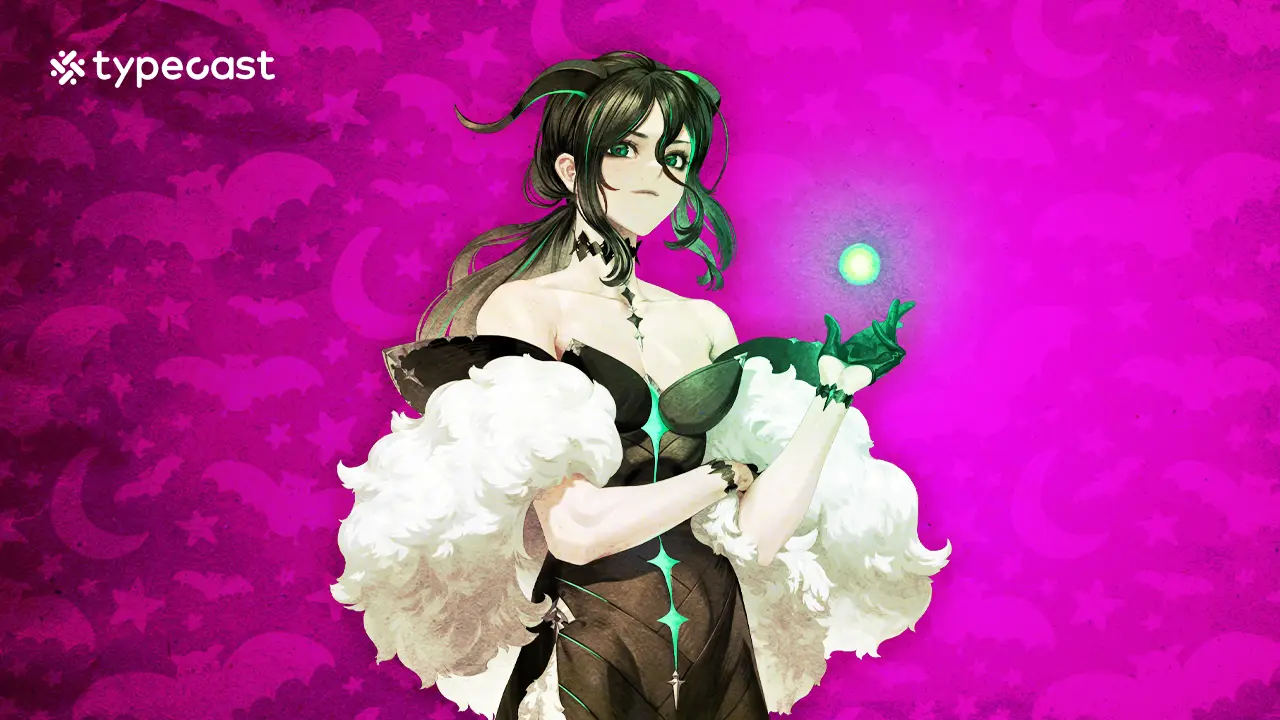
Use Sabrina for mysterious, eerie suspense: a spellbook introduction, a whispered warning, or a slow-burn trailer line. Her character art from the original article is retained here.
Annabelle the Ghost
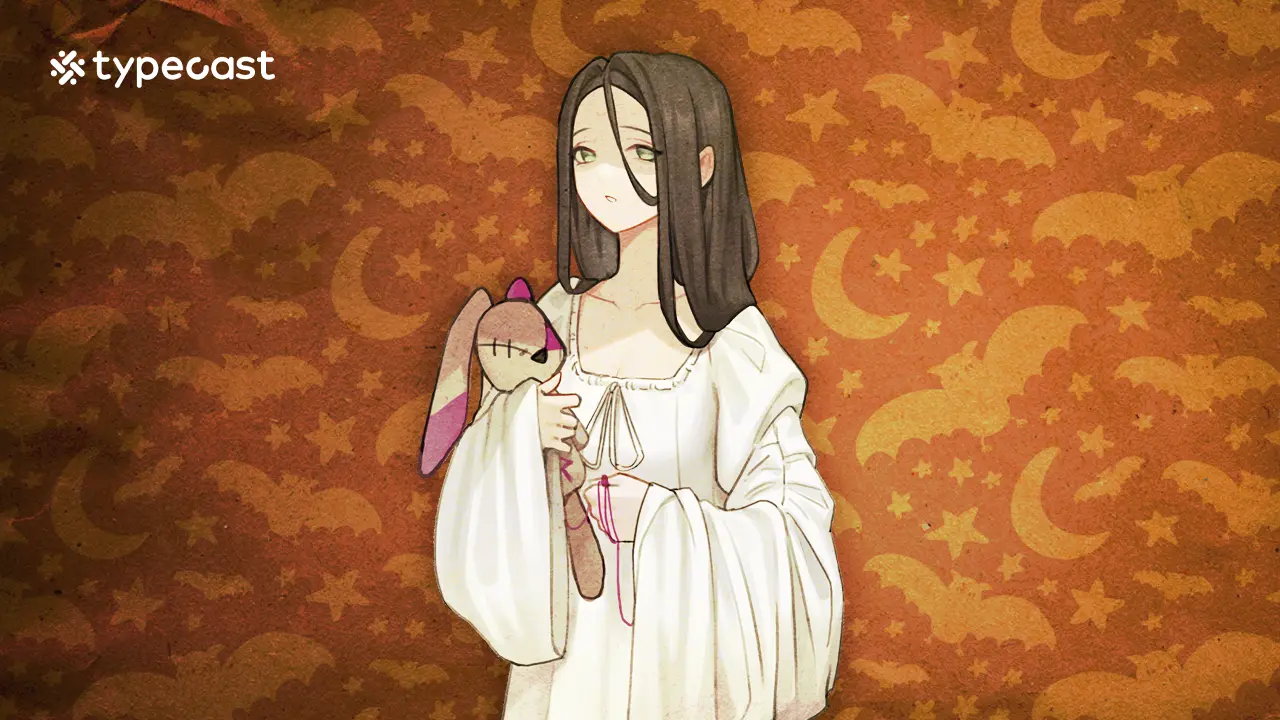
Use Annabelle for hushed, haunting delivery when the scene benefits from space and restraint, such as a ghost-story narration or a quiet reveal. Her original character art remains with the refreshed section.
Icarus

Use Icarus for a darker villain delivery with a more openly menacing edge. Keep the wording short and leave room between lines so the performance can carry the tension.
Viktor
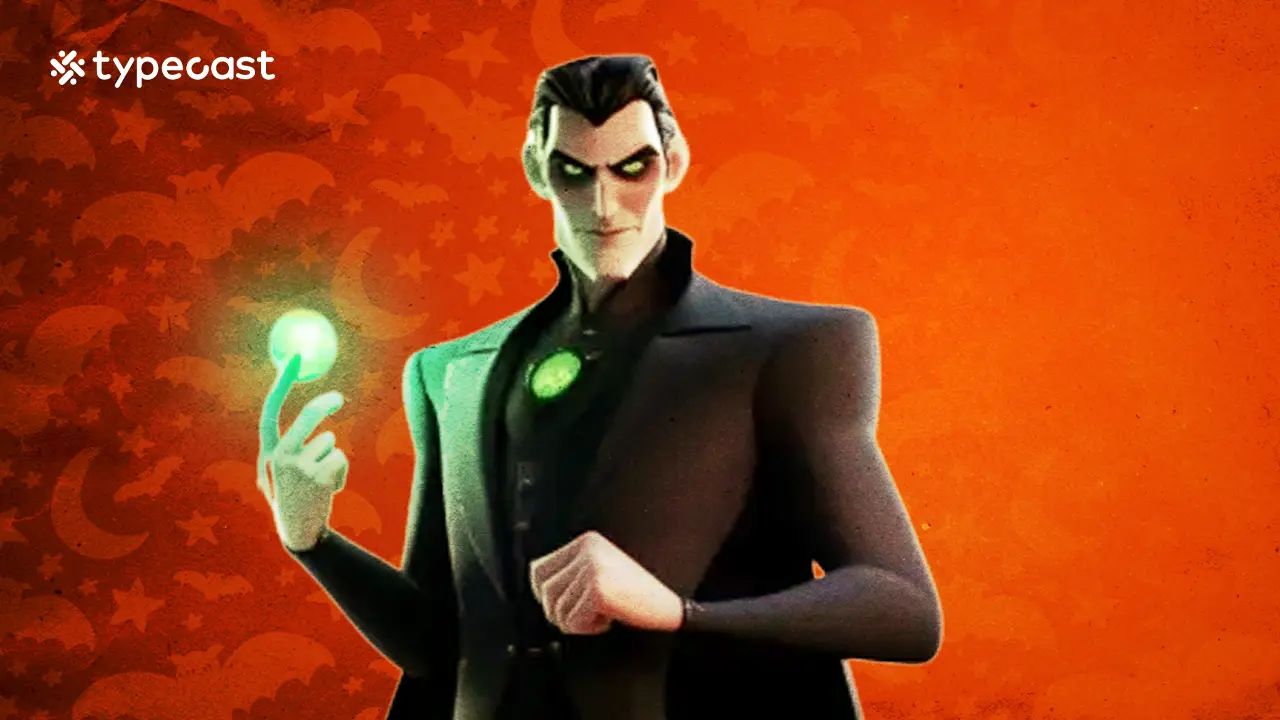
Use Viktor when the script needs a cold, low-pitched, methodical presence. This suits an antagonist’s briefing, an ominous countdown, or a controlled character monologue.
Killian the Vampire
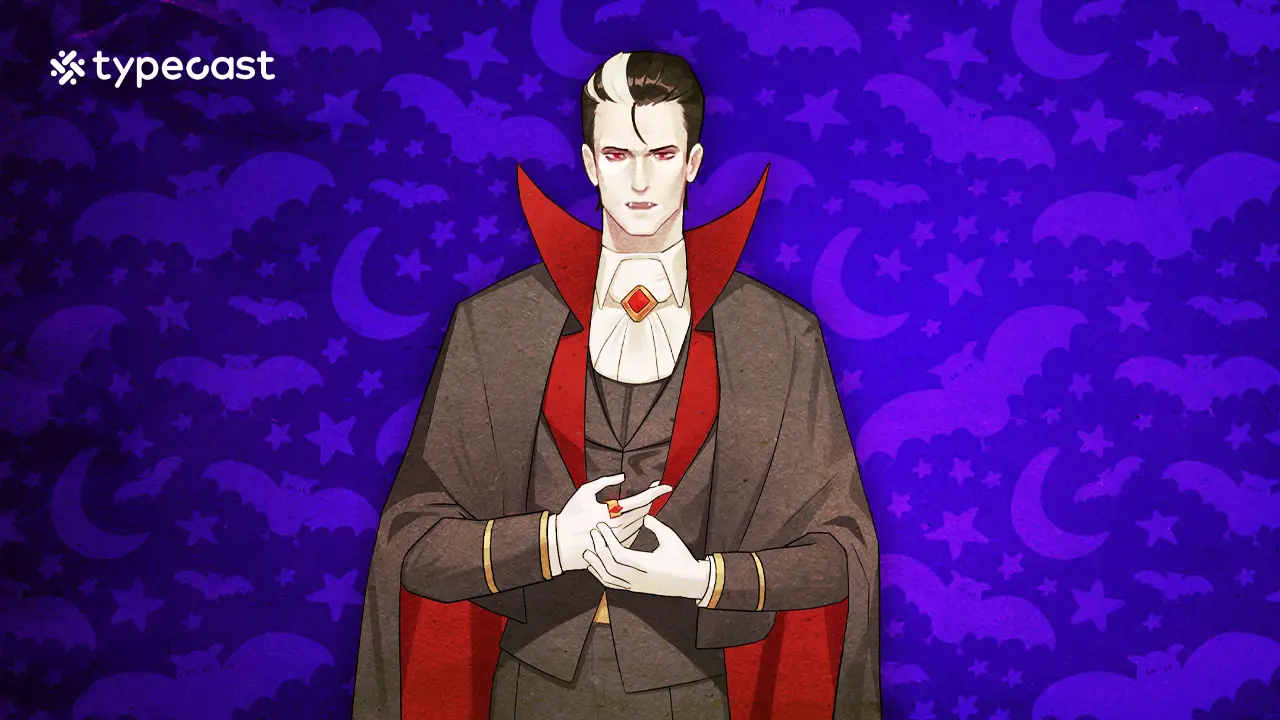
The original article positioned Killian for rich, sinister suspense: a vampire story, a dramatic game moment, or a persuasive villain line.
Frankenstein
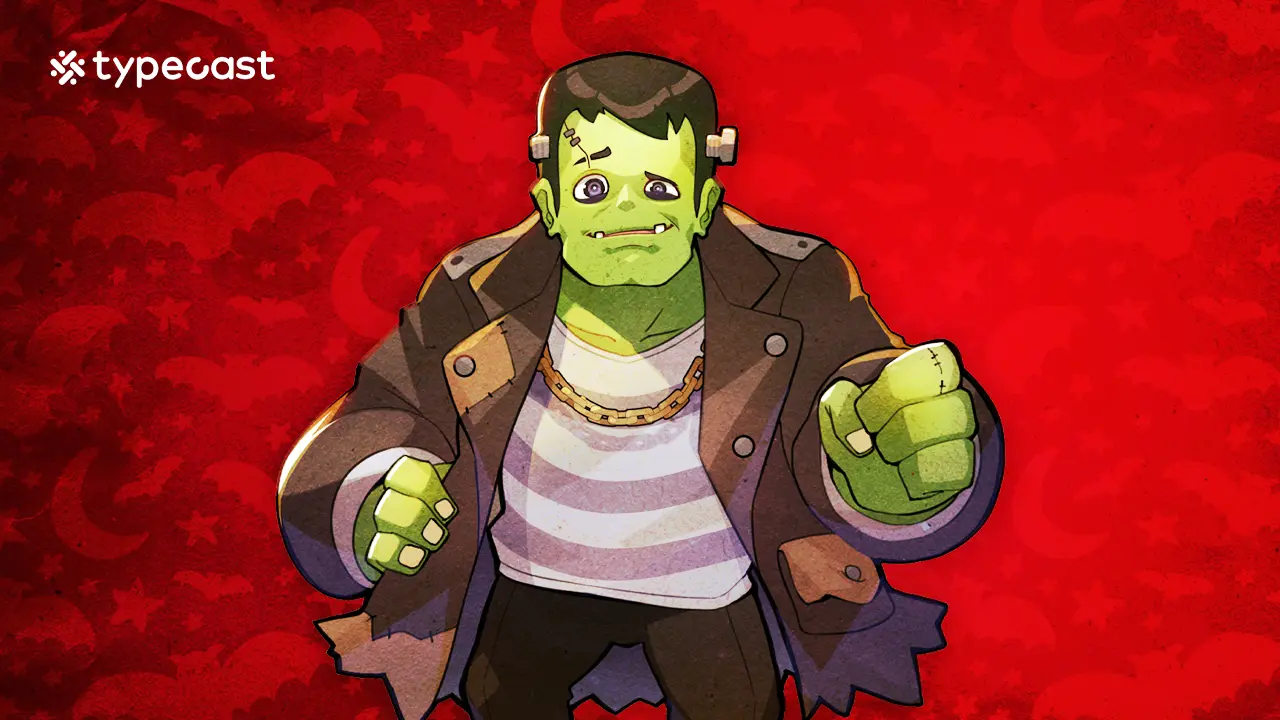
The original article used Frankenstein for a deeper, more humorous monster voice, useful for a friendly scare, an explainer, or a seasonal promotion.
Jack-o’-Lantern
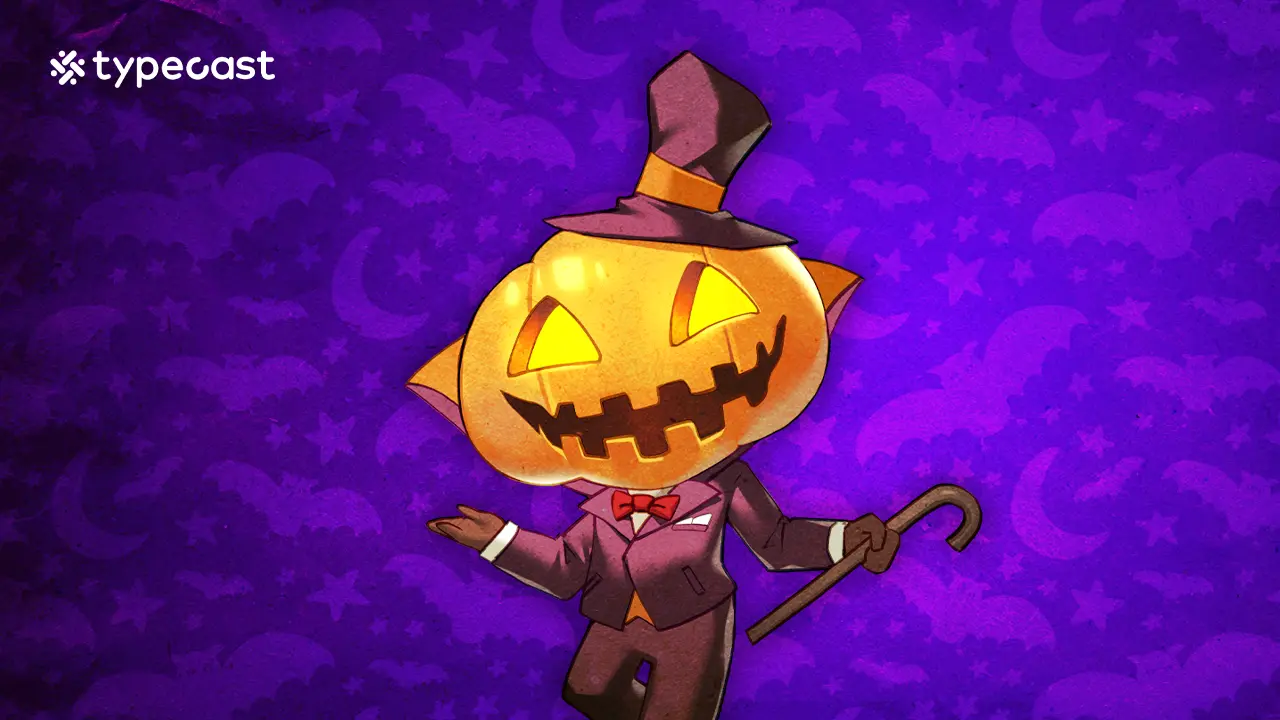
The original article used Jack-o’-Lantern for playful, high-energy Halloween moments where the mood should be festive as well as spooky.
Build a cleaner voiceover in a few passes
Rather than trying to perfect a long script in one attempt, work in short sections. This approach makes it easier to compare deliveries, revise awkward lines, and preserve a consistent mood.
1. Draft the core message. Write what the listener must know without any Halloween styling.
2. Choose a character angle. Add a narrator personality that fits the audience and project.
3. Divide the script into beats. Separate the hook, setup, main message, and closing line.
4. Review pronunciation and pacing. Listen for unclear names, rushed details, and overly long sentences.
5. Add sound thoughtfully. Music and effects should support the voice, not compete with it.
When using Typecast, start by exploring different text-to-speech voices for the tone your project needs. Then use a short sample script to compare character choices before committing to a full narration. If you are ready to turn your revised copy into audio, you can create a text-to-speech voiceover from a script designed for your specific format.
Keep seasonal voiceovers appropriate and responsible
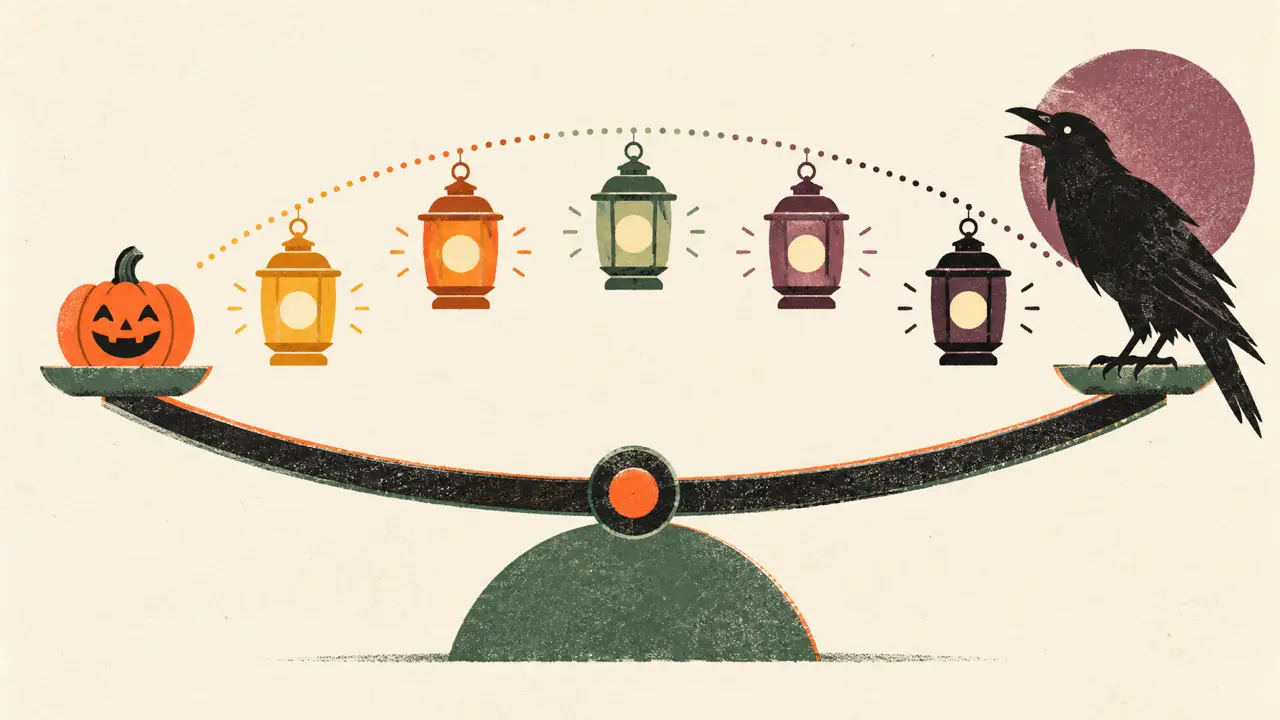
Halloween content can be eerie without being needlessly graphic, offensive, or confusing. Consider the intended audience, the setting, and whether the project could be heard by children or by people outside the immediate context.
Avoid presenting fictional warnings as real emergencies. Be careful with impersonation, recognizable real people, and language that could target or demean a group. If you are creating content for an organization, school, or public event, get approval for the final script and make sure essential information is delivered plainly.
It is also worth checking the final audio with captions or a transcript. Captions help viewers who watch without sound, while a transcript gives you another opportunity to spot unclear wording before publication.
A final checklist for Halloween voiceovers
Before sharing your project, ask:
- Does the opening establish the right level of spooky, silly, or suspenseful?
- Can a first-time listener understand the essential message?
- Does the voice fit the intended audience and platform?
- Are names, dates, times, and locations easy to hear?
- Have you removed lines that sound unnatural when spoken aloud?
- Do music and effects leave enough room for the narration?
- Is the final voiceover respectful, safe, and appropriate for its setting?
A memorable Halloween voiceover is not only about sounding frightening. It uses a clear script, a consistent character, and purposeful pacing to create a seasonal moment listeners can follow and enjoy. The FTC warns that AI-enabled voice cloning can facilitate impersonation, so treat consent and disclosure as part of the production process.