Hestia
Conversational
Bring your ideas to life with Typecast’s AI voice generator. Create expressive voiceovers, clone your own voice, or connect AI voices to your apps and workflows through our API.
Find your sound among 700+ AI voices across 35+ languages, with a range of styles, characters and accents. Listen to a few below.
Conversational

Podcast

Casual conversation

Food content

True crime

Interview

Romantic dialogue

Travel ad
Compare a real person’s voice with their Typecast voice clone.

“Now pour in some almond milk. Almond milk is a great dairy-free option. It’s low in calories and high in vitamins.”
“Raindrops gathered on the window, sliding down one by one.”
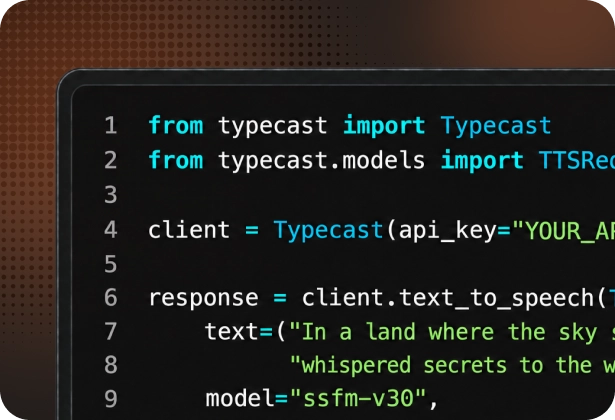
See how to turn text into speech with Typecast’s API.
        from typecast import Typecast
from typecast.models import TTSRequest, SmartPrompt

client = Typecast(api_key="YOUR_API_KEY")

response = client.text_to_speech(TTSRequest(
    text="Bring your next idea to life.",
    model="ssfm-v31",
    voice_id="tc_6a98d6350402016f616a7a7c",
    prompt=SmartPrompt(
        emotion_type="smart",
        previous_text="Every great story starts with an idea.",
        next_text="Start creating with Typecast."
    )
))

with open('typecast.wav', 'wb') as f:
    f.write(response.audio_data)
        import { TypecastClient } from '@neosapience/typecast-js';
import fs from 'fs';

const client = new TypecastClient({
    apiKey: 'YOUR_API_KEY'
});

const audio = await client.textToSpeech({
    text: "Bring your next idea to life.",
    model: "ssfm-v31",
    voice_id: "tc_6a98d6350402016f616a7a7c",
    prompt: {
        emotion_type: "smart",
        previous_text: "Every great story starts with an idea.",
        next_text: "Start creating with Typecast."
    }
});

await fs.promises.writeFile('typecast.wav', Buffer.from(audio.audioData));
Compare emotion in the samples, or edit the script to generate your own.
Voice generation or playback failed. Please try again.
Explore voice samples and create more with Typecast Studio.
Trusted by creators and teams


Create voiceovers, clone a voice, or add speech to your product.
Turn your script into an expressive voiceover.
Bring Typecast’s AI voices into your LLM, application or business workflow.
Create a digital version of your own voice or a voice you have permission to use.
Text-to-Speech
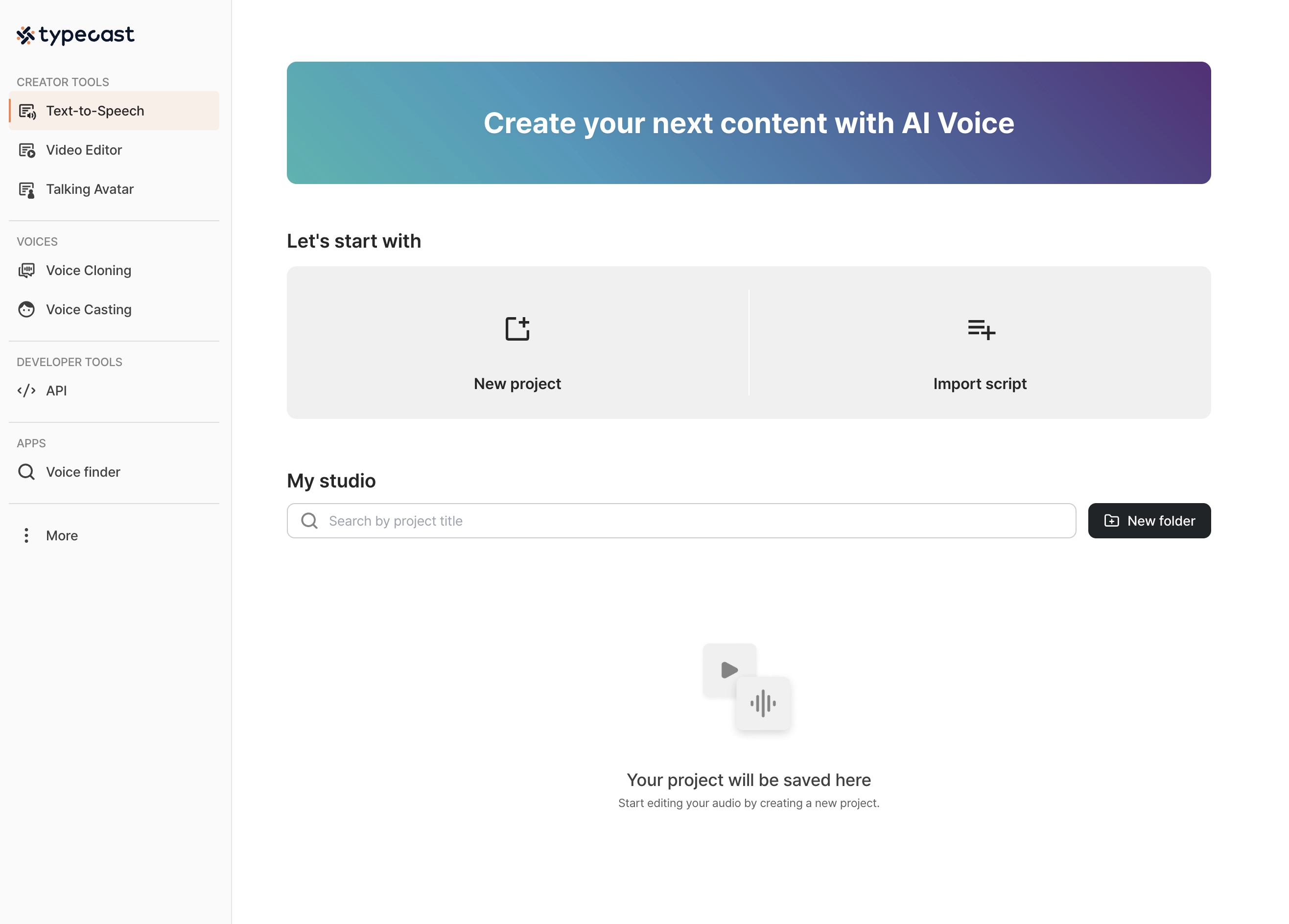
Choose an AI voice and preview how it reads your script. Adjust the delivery until it sounds right.
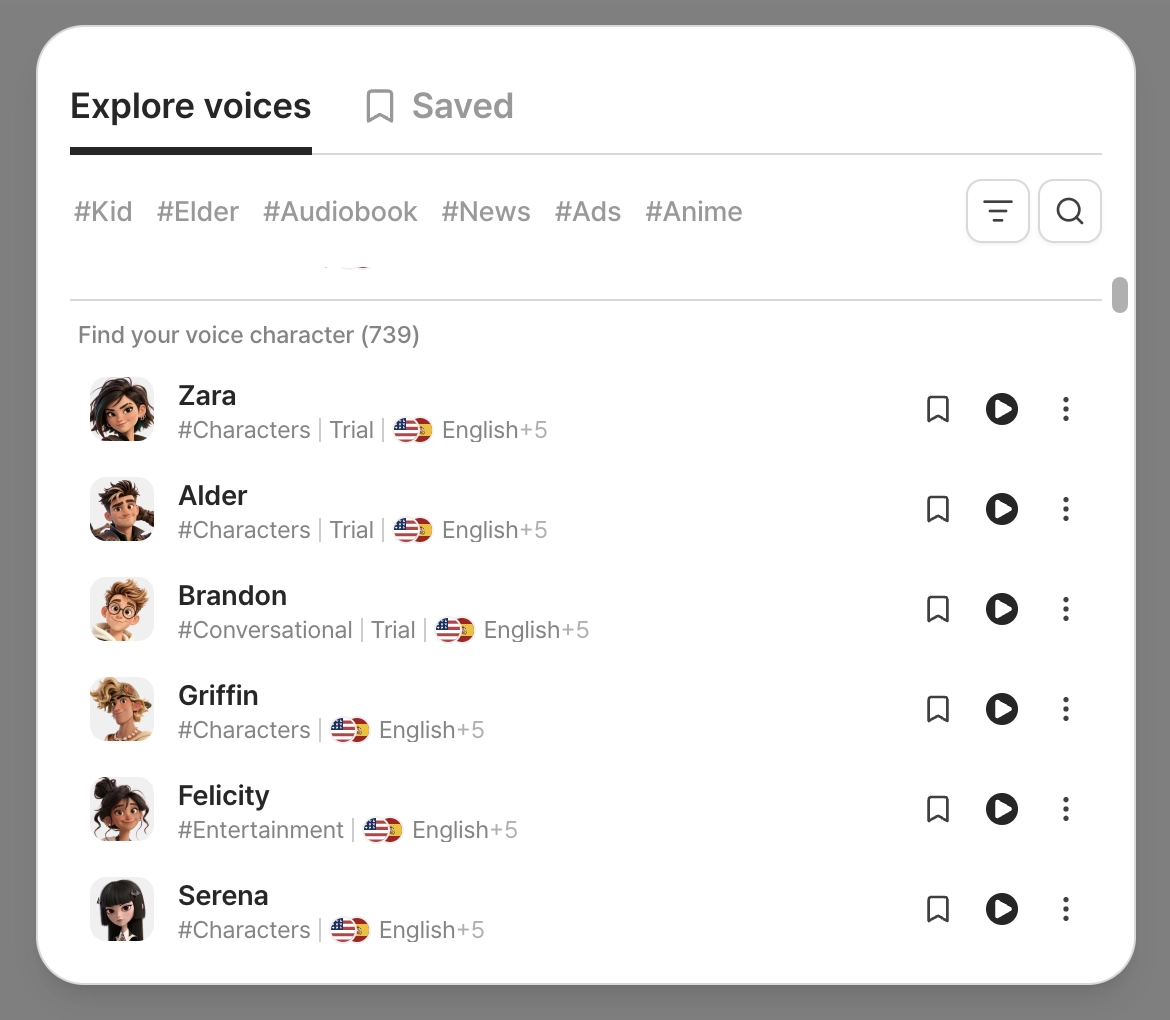
Write or paste the words you want to bring to life.
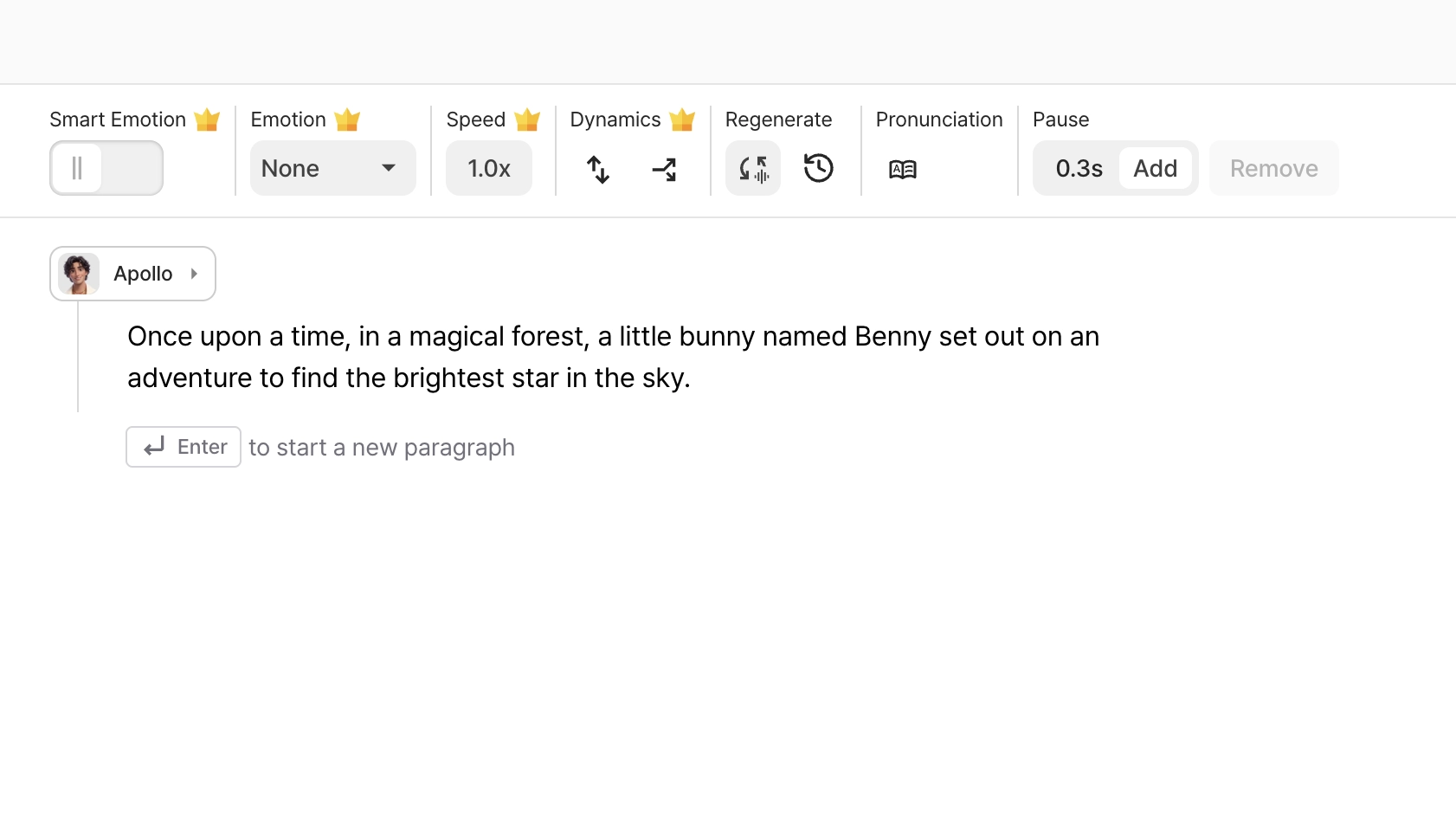
Pick a voice, then adjust the delivery until it sounds right.
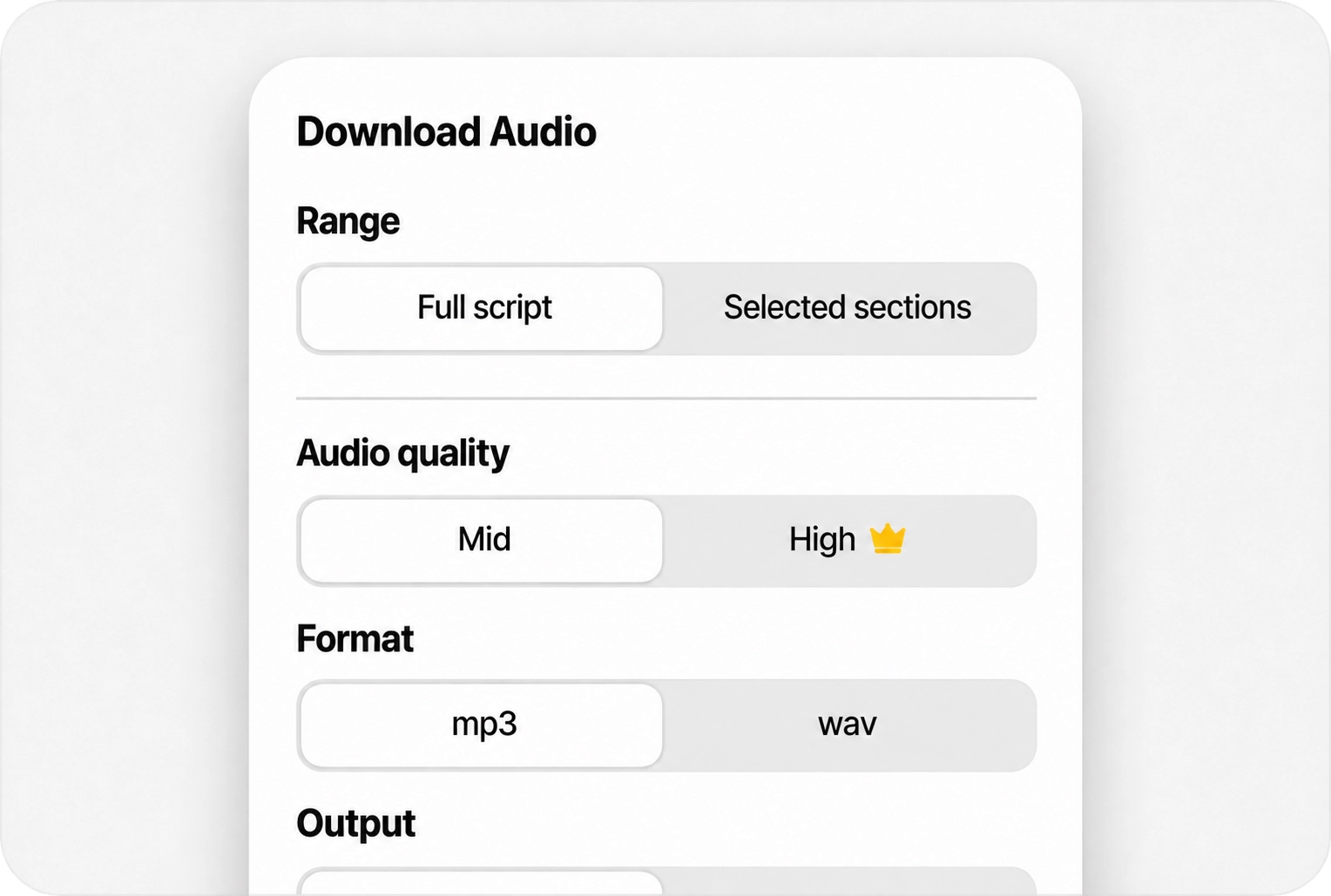
Export the finished voiceover for your project.
Try different voices and edit your script as often as you like. Credits are only used when you download your audio.

Use Typecast’s mobile app to create and edit voiceovers on your phone.
Available for iOS and AndroidSee how expressive AI voices can bring your content to life—from tutorials and product demos to stories and training.
Give tutorials, explainers and short videos a clear, consistent voice.

Try different voices and delivery styles to find the right sound for your message.
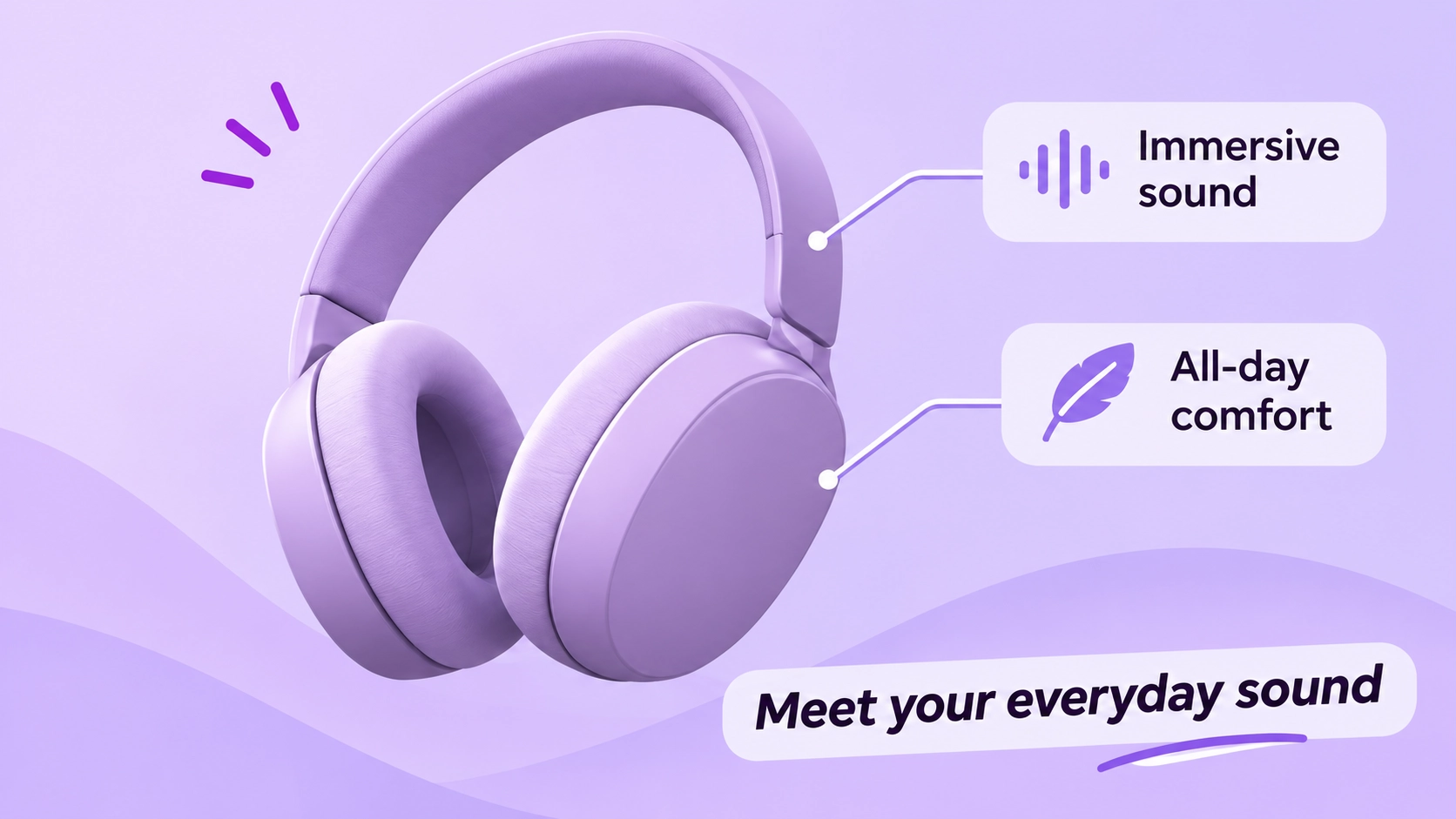
Choose an AI-generated voice for narration and character dialogue.

Add clear, engaging narration to training materials and presentations.
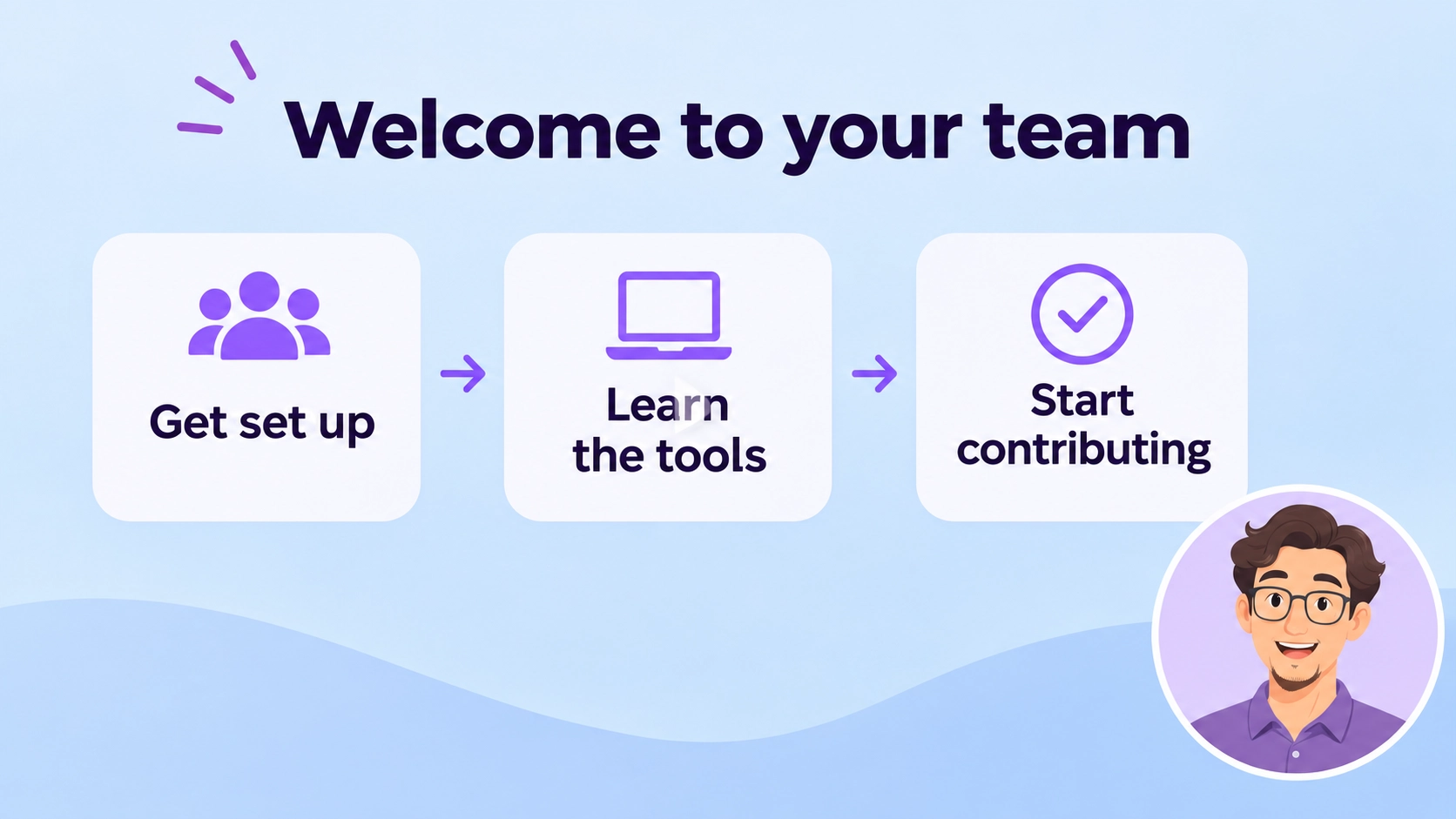
See what creators and professionals say about working with Typecast.
“Typecast feels like holding real auditions for the characters in my head. I can try different voices, adjust the timing, and play with emotions until the story truly comes alive. It’s not just a voice tool. It feels like I’m casting, directing, and producing all at once.”

“I’ve been using Typecast for my YouTube channel, and I’m a fan of their text-to-speech capabilities. The emotional control I get over the voices is what sets them apart - being able to adjust pitch, speed, and delivery creates much more engaging content than typical robotic TTS tools.”

“I’ve tried so many tools, but Typecast is by far the easiest. It’s been a blessing — I can build impactful, user-friendly training videos quickly and easily, and my team actually pays attention now.”

Voice Cloning
Create a voice clone from a recording, then use it to turn your words into expressive speech.
Start with 5+ seconds of audio.
Create a clone in minutes that captures your general tone and pacing.
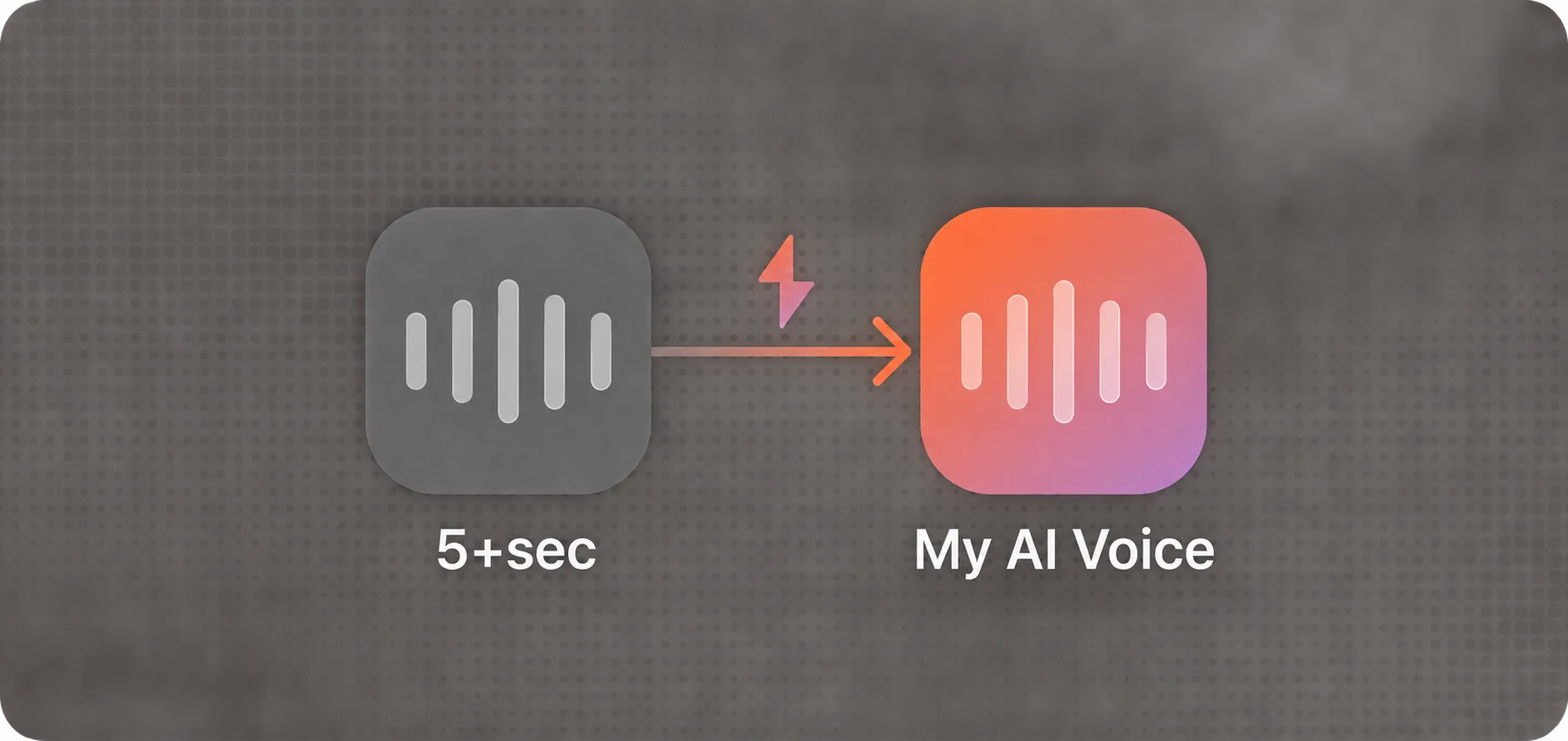
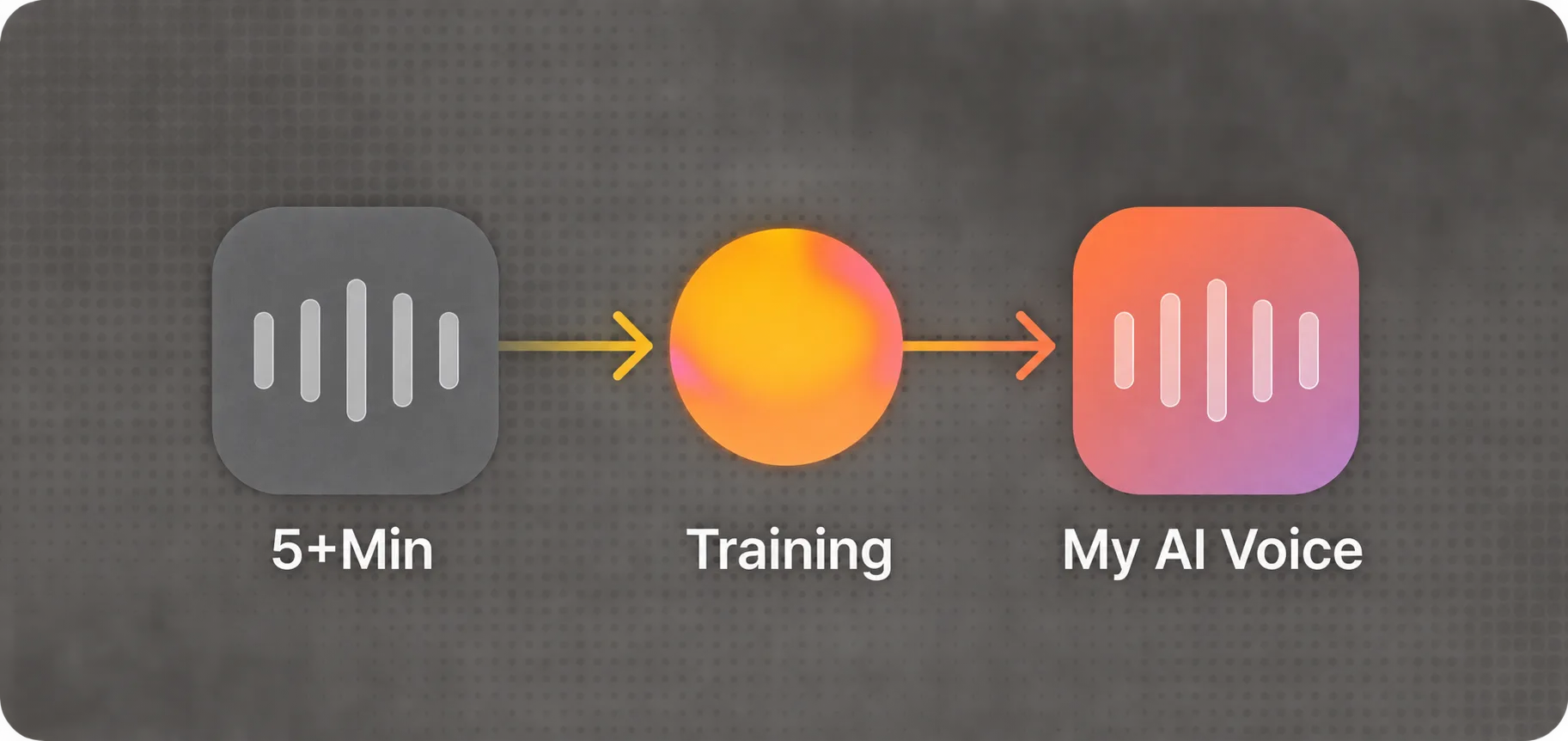
Start with 5+ minutes of audio.
Train a custom voice model that captures your pronunciation, rhythm and emotion.
Typecast API
Connect Typecast’s AI voice generator to your product or content pipeline, with automatic emotion, streaming audio and integrations for your existing tools.
Smart Emotion interprets the surrounding text to shape delivery automatically, with emotion presets for additional control.
Start playing audio as it’s generated for voice agents, chatbots and other conversational experiences.
Build with Typecast SDKs, or automate speech generation through tools such as Zapier, Make and n8n.
Studio and API plans have separate subscriptions and usage allowances.
Generate and play voices for free. The Free plan includes 3,000 lifetime download credits—approximately 5 minutes for trial voices. Attribution is required.
Try Typecast freeCompare download allowances and advanced controls, including Smart Emotion. Businesses, institutions and agencies should use the Business plan.
Compare Studio plans →Have specific requirements for voice production or deployment? Talk to our team about enterprise plans and custom voice solutions.
Typecast’s voice technology is built on years of speech research and model development.
Introduced deep learning-based speech synthesis
Improved pronunciation & naturalness
New architecture trained on large-scale datasets
Multilingual support and advanced voice controls
Context-aware emotion generation
At Typecast, we uphold the highest standards in data ethics and transparency in our AI development processes. We are committed to ethical practices in maintaining clear, respectful partnerships with all contributors to our AI technologies.
An AI voice generator turns written text into speech. Typecast uses AI speech models to create expressive voices from a script.
Typecast voices are designed for natural pacing, pronunciation and emotional delivery. You can preview different voices and adjust the result before downloading.
You can create voiceovers for videos, ads, presentations, training, stories and other content. Developers can add speech to applications with the Typecast API.
Yes. Typecast provides expressive voice options and controls for shaping the tone of a voiceover.
Typecast offers 700+ Studio voices across 35+ languages, with styles suited to a range of projects.
Yes. You can try voices for free in Typecast Studio. Download credits and usage terms depend on your plan.
Commercial usage depends on your plan and the applicable terms. Review the plan details before publishing your project.
Practical help with voiceovers, voice cloning and video creation.
Choose a voice and turn your words into something worth hearing.