
AI voice cloning that sounds like you
Use AI voice cloning to quickly create your very own natural-sounding voice with just a few seconds of audio needed.
So, get this. Smart Emotion. You just throw in your words and suddenly the voice, like… like it comes alive. Now listen: Luma cried, “It's too loud, I can't take it!” Slowly, the forest grew still again, and Luma whispered, “It's peaceful now.”
With the cloned voice:
What is AI voice cloning?
AI voice cloning analyzes your tone, pacing, and pronunciation to create a personal voice model. You can then use text-to-speech to generate natural voiceovers that match your speaking style without re-recording.
Clone your voiceAI voice cloning for every creator
AI voice cloning is for creators who use their own voice and want to scale their content without losing authenticity.
 Video creators
and YouTubers
Video creators
and YouTubers  Teachers and
online course
creators
Teachers and
online course
creators  Podcasters
and narrators
Podcasters
and narrators  VTubers
and storytellers
VTubers
and storytellers  Brands and teams
producing demos
and training content
Brands and teams
producing demos
and training content What makes Typecast AI voice cloning different
Try for freeQuick and easy
Create your custom voice in minutes from a short sample without complex tools or long recordings.

Natural and expressive AI voices
Generate natural voiceovers that match your tone, pacing, and emotion for authentic results.

Custom voice library
Save and manage your custom voices in one place. Access over 700 ready-to-use voices for any project.

AI voice cloning options
Every creator works differently. Choose the voice cloning option that fits your content and workflow.
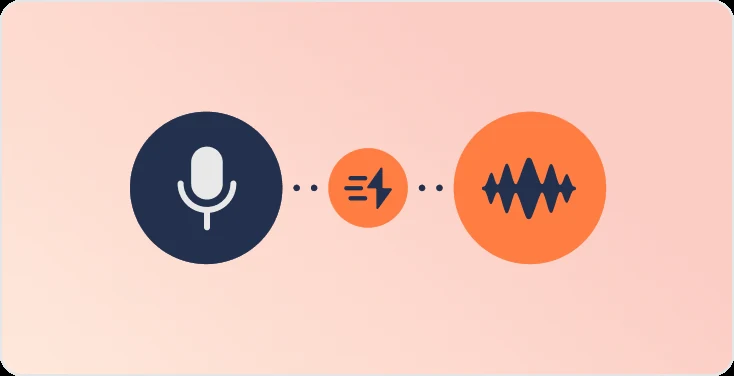
Instant Cloning
Instant Cloning creates a voice clone from a short sample in minutes. It approximates your general tone and pacing, making it great for everyday speaking styles. Highly unique accents or expressive voices may be less precisely captured.
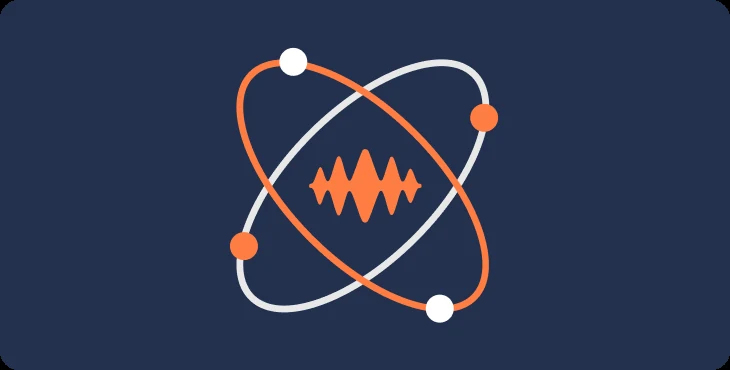
Professional Cloning
Professional Cloning delivers a studio-level AI voice modeled after you. With longer audio samples and extended training, it learns your pronunciation, rhythm, and emotion for a result that mirrors your natural speaking style.
Instant vs. Professional Cloning
| Feature | Instant Cloning | Professional Cloning |
|---|---|---|
| Setup time | Minutes | Several hours |
| Voice sample needed | 5+ seconds | 5+ minutes |
| Model type | Uses general speech patterns | Trains a custom voice model |
| Voice accuracy | Captures tone and pacing | Captures tone, pronunciation, emphasis, and emotion |
| Emotional control | Can adjust emotion, tone, speed, pitch, and intonation | Can adjust emotion, tone, speed, pitch, and intonation |
| Ideal for | Quick videos, updates, short-form content | Courses, narration, storytelling, branded voice identity |
Explore more of what Typecast can do
Check plans & pricing


Dive into AI
Tips, tricks and tools for creators, developers, and storytellers.

Podcast Outro Scripts, CTAs, and Audio Examples Guide
Hyelee Seo | Oct 28, 2026
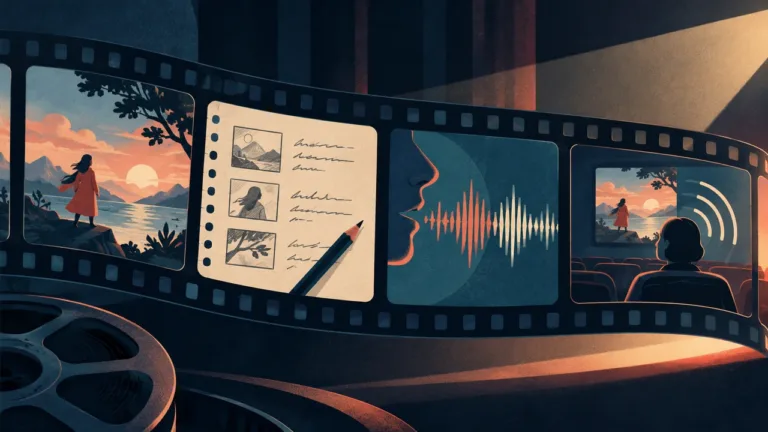
Audio Description Workflow for Video Creators: Guide
Joe Crosby | Oct 26, 2026
Dubbing vs Voice Over: How to Choose for Your Video
Joe Crosby | Oct 25, 2026
Normalize Audio Without Distortion: A Practical Guide
Hyelee Seo | Oct 24, 2026
Explainer Video Script Template With Voiceover Timing
Joe Crosby | Oct 23, 2026
AI Voice Pronunciation for TTS: Names, Acronyms & Numbers
Joe Crosby | Oct 22, 2026
Our commitment to ethics in AI
At Typecast, we uphold the highest standards in data ethics and transparency in our AI development processes. We are committed to ethical practices in maintaining clear, respectful partnerships with all contributors to our AI technologies.