
Generate natural AI TikTok voices

700+ exclusive voices from real voice actors. Find the perfect voice for any project.

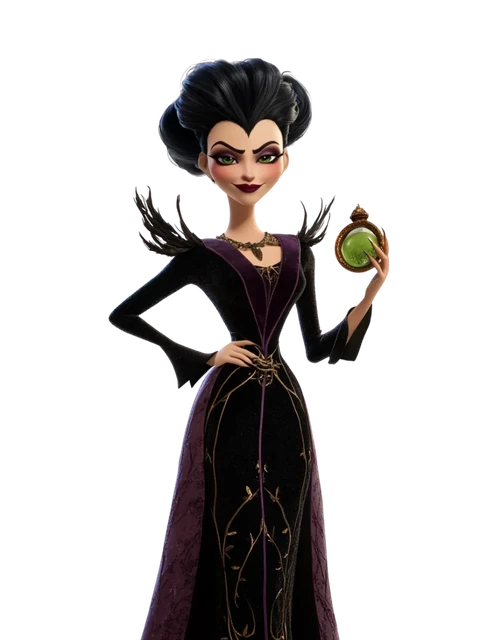
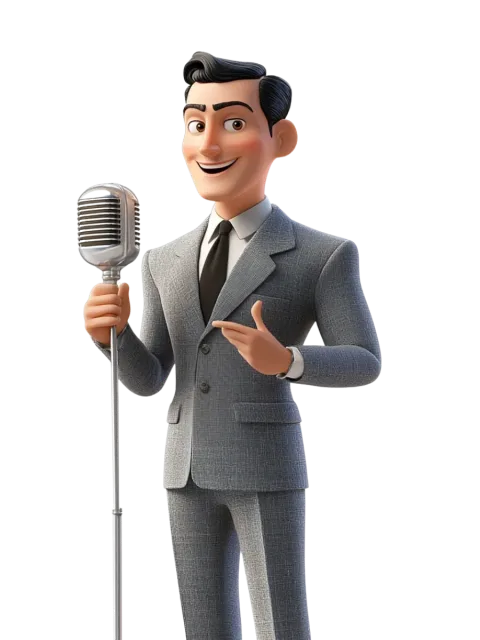
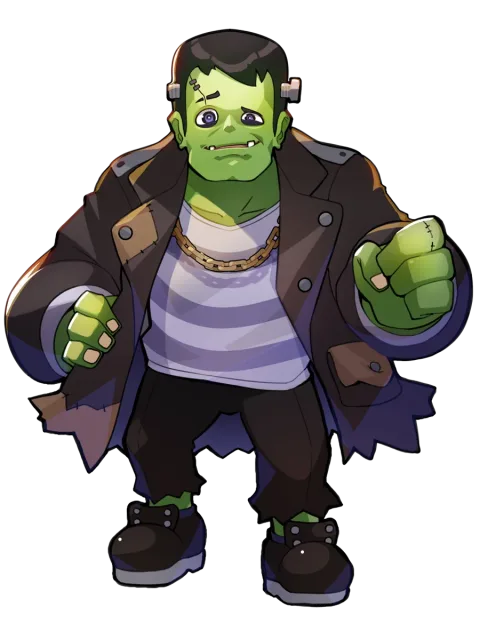
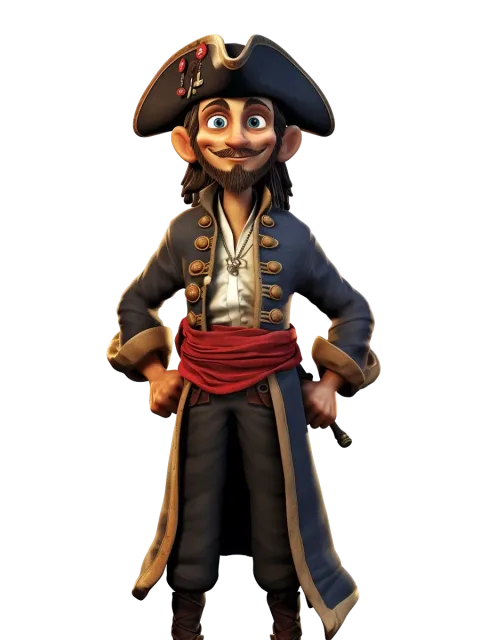
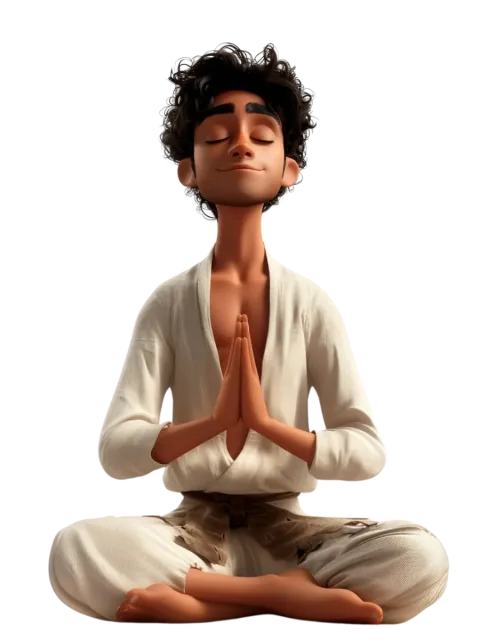
Callan

Callan

The deep, monotonous style trending on TikTok shorts

#robotic #uniform #low-pitched
Use voice
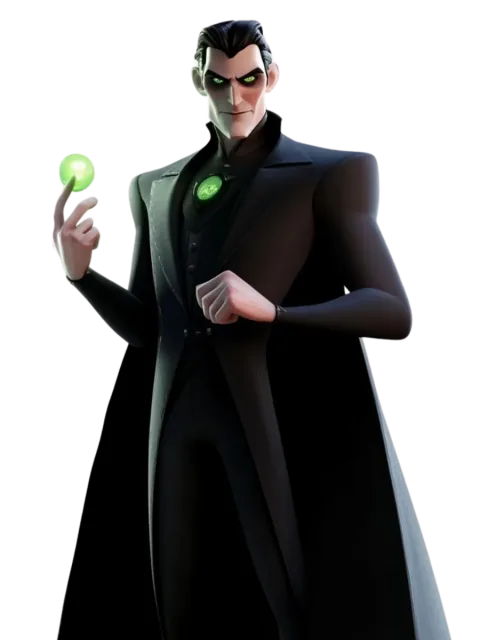
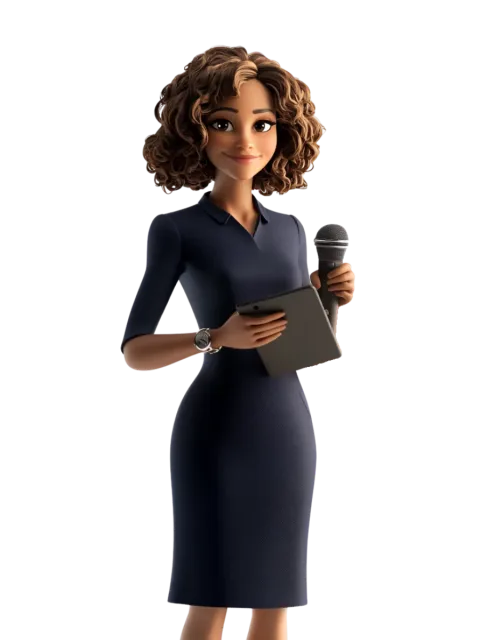
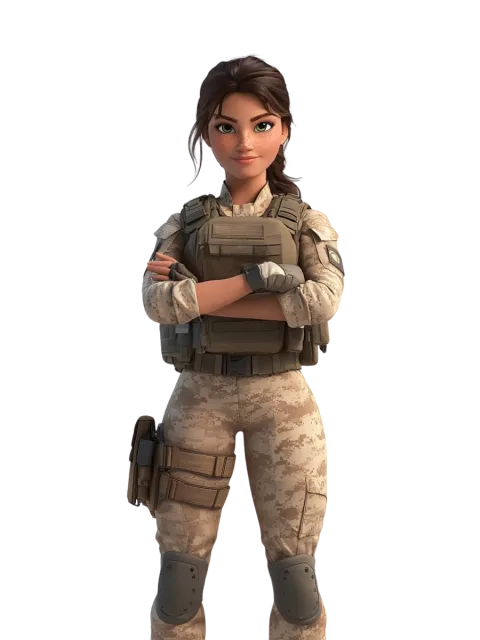
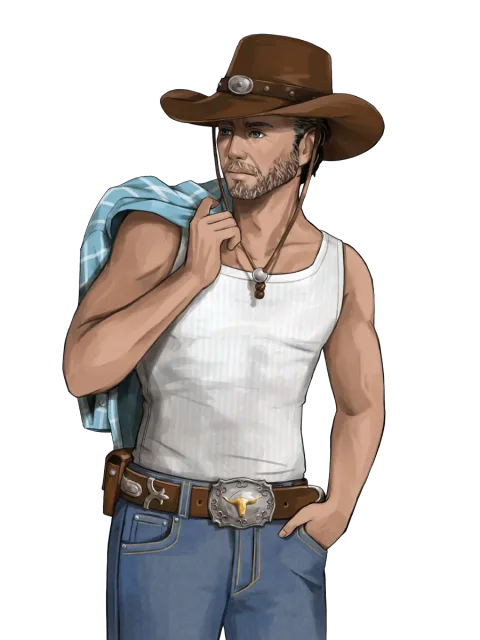
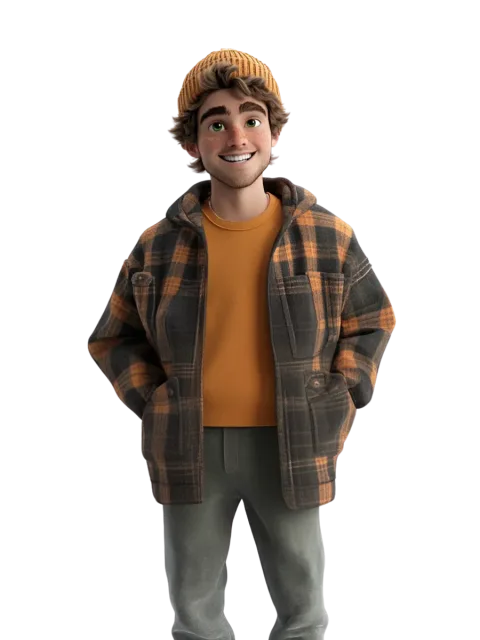
Dylan

Dylan

A relatable, smooth speaker suitable for sharing insights

#laid-back #articulate #deep
Use voice
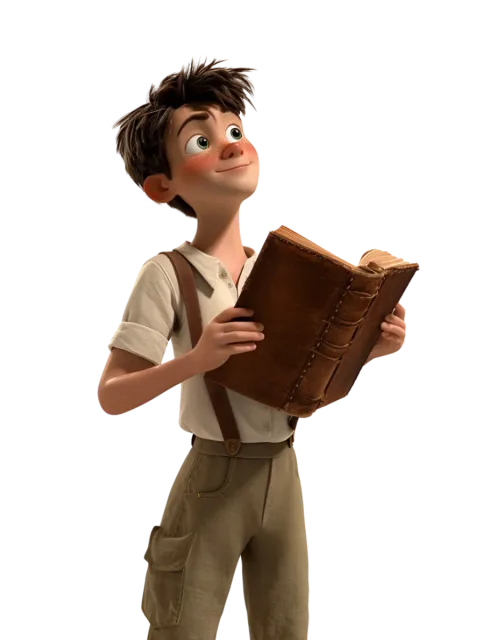
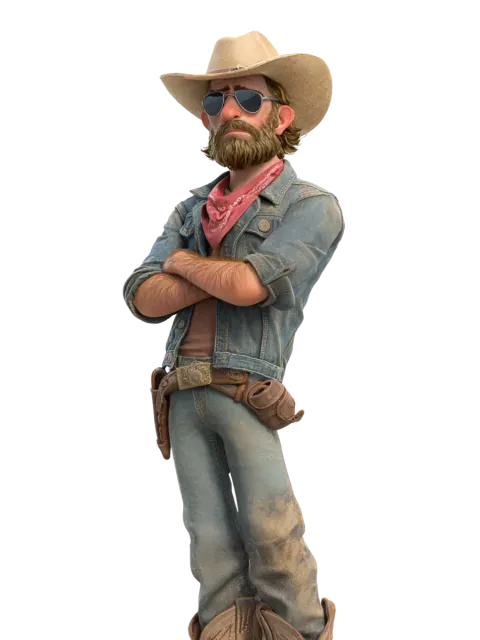
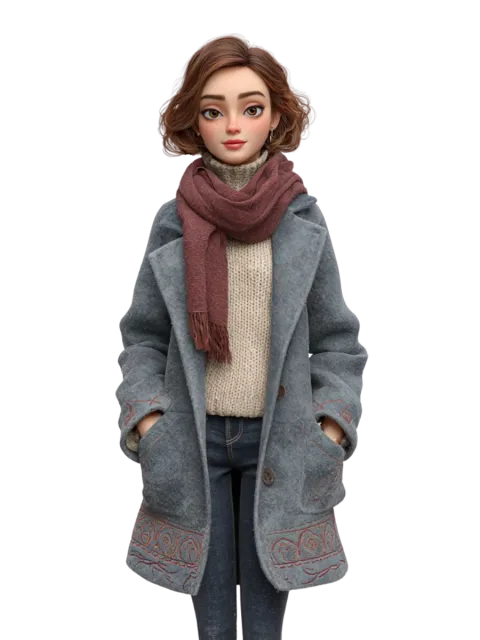
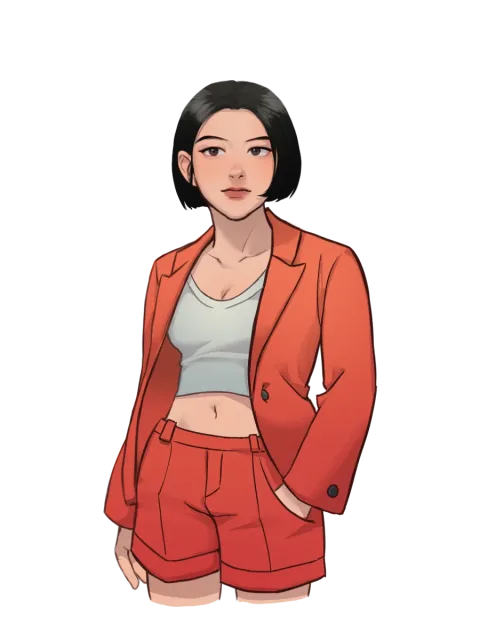
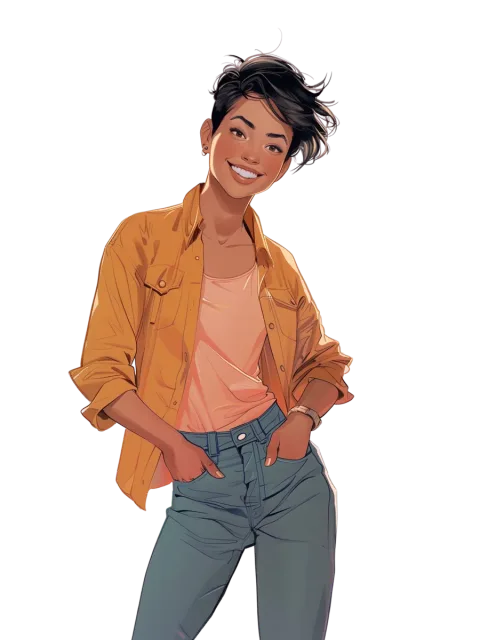
Kristen

Kristen

A high-pitched voice with a distinctly TikTok sound

#mechanical #energetic #upbeat
Use voice
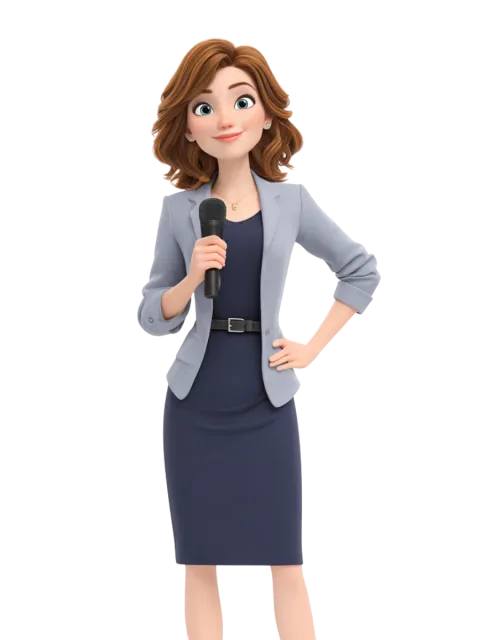
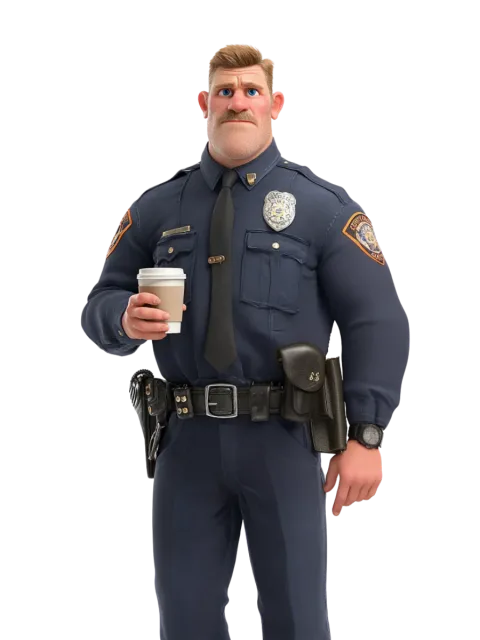
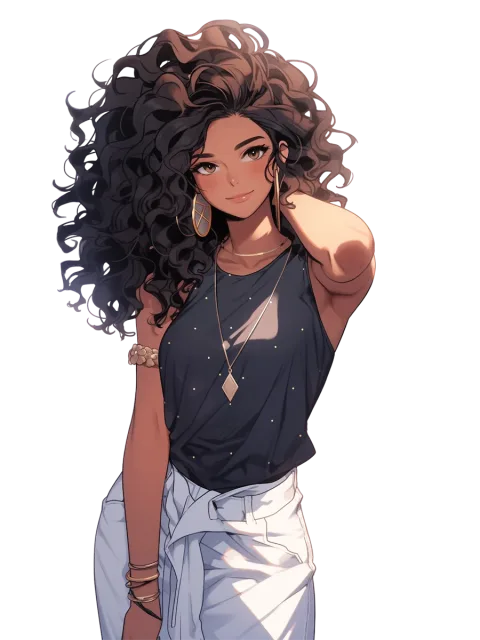
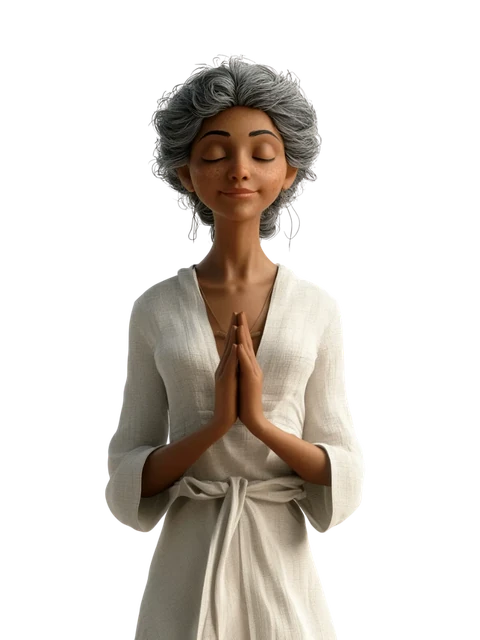
Liz

Liz

The lively Gen Z creator ready to share real-life moments

#vibrant #youthful #talkative

Use voice

Script to audio in just a few steps

  1. Start your project

    Step 1

    Start your project

    Open "Text-to-Speech" and create a new project.
  2. Select a voice

    Step 2

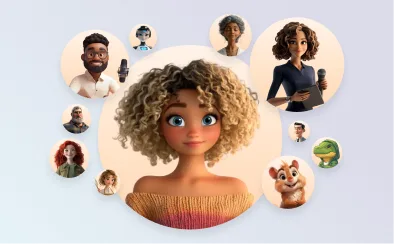
    Select a voice

    Filter by age, gender, language, and style to find the right match.
  3. Write your script

    Step 3

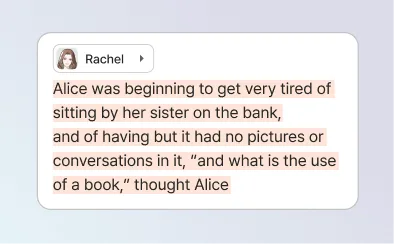
    Write your script

    Type, paste, or import your script in any language.
  4. Get the expression just right

    Step 4

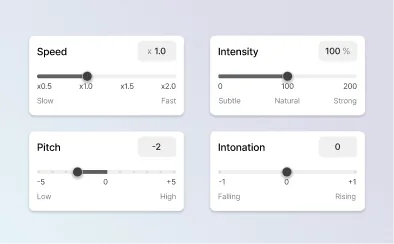
    Get the expression just right

    Adjust tone, pace, and emotion using manual controls or AI.
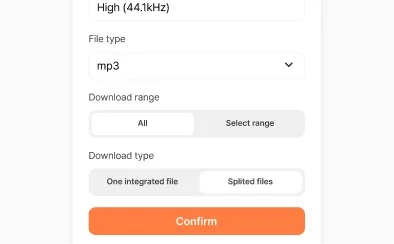
  5. Export and share

    Step 5

    Export and share

    Download your finished audio and use it anywhere.

FAQ

What is a TikTok AI voice generator?
A TikTok AI voice generator converts written scripts into natural-sounding AI voiceovers optimized for short-form TikTok videos, which are upbeat, clear, and paced to capture attention in the first few seconds. Creators use AI TikTok voices to add narration to trending content, explainers, POV videos, and product showcases without recording equipment or showing their face.
What are the best tools for generating AI voices for TikTok?
The best AI voice generators for TikTok offer intuitive text-to-speech editing, quick processing, and a range of voices that span from natural-sounding to quirky. Look for platforms with a wide voice library and customizable voice options for tone, pacing, and style.
How do I choose the right AI voice for TikTok videos?
To choose the best AI voice for TikTok, align the tone with your content. Energetic voices are ideal for trends and entertainment, while conversational tones are perfect for storytelling and explainers. Platforms like Typecast allow creators to preview different social media voice styles and adjust pacing, tone, and delivery to suit various formats, making it easy to produce engaging and on-brand content.
How do I create AI TikTok voiceovers quickly?
To create AI TikTok voiceovers quickly, write a catchy script, select an engaging TikTok voice, and generate the audio using a text-to-speech (TTS) tool like Typecast. You can easily adjust tone, pacing, and emotion in the TTS editor to match your content style. Once you're satisfied, export the final voiceover and add it to your TikTok video in just minutes.
How do I add an AI voice to my TikTok video?
To add an AI voice to your TikTok video, export your voiceover from a text-to-speech tool like Typecast, then import the audio into TikTok or CapCut. Sync the voice with your footage and adjust timing as needed.
Can AI voices help TikTok videos go viral?
AI voices can help TikTok videos perform better by enabling fast content creation and consistent audio quality. Clear, engaging narration can improve viewer engagement, retention, and watch time. While not a guarantee of virality, AI TikTok voices make it easier to test content styles and scale production efficiently.
How natural do AI TikTok voices sound?
Today's AI TikTok voices sound increasingly natural, with improved tone, pacing, and pronunciation that closely mimic human speech. They are widely used for short-form narration, explainers, and product videos. At the same time, deliberately stylized or robotic AI voices are also trending on TikTok, especially for memes and viral formats. This range allows creators to match voice style to content and audience.

Your perfect voice is waiting

Find your voice