Create professional product demo videos with AI voices
Showcase your product effectively with professional AI voiceovers, screen recording, and automated editing tools.
Why use our free product demo video AI generator
See what makes our product demo maker different.
-
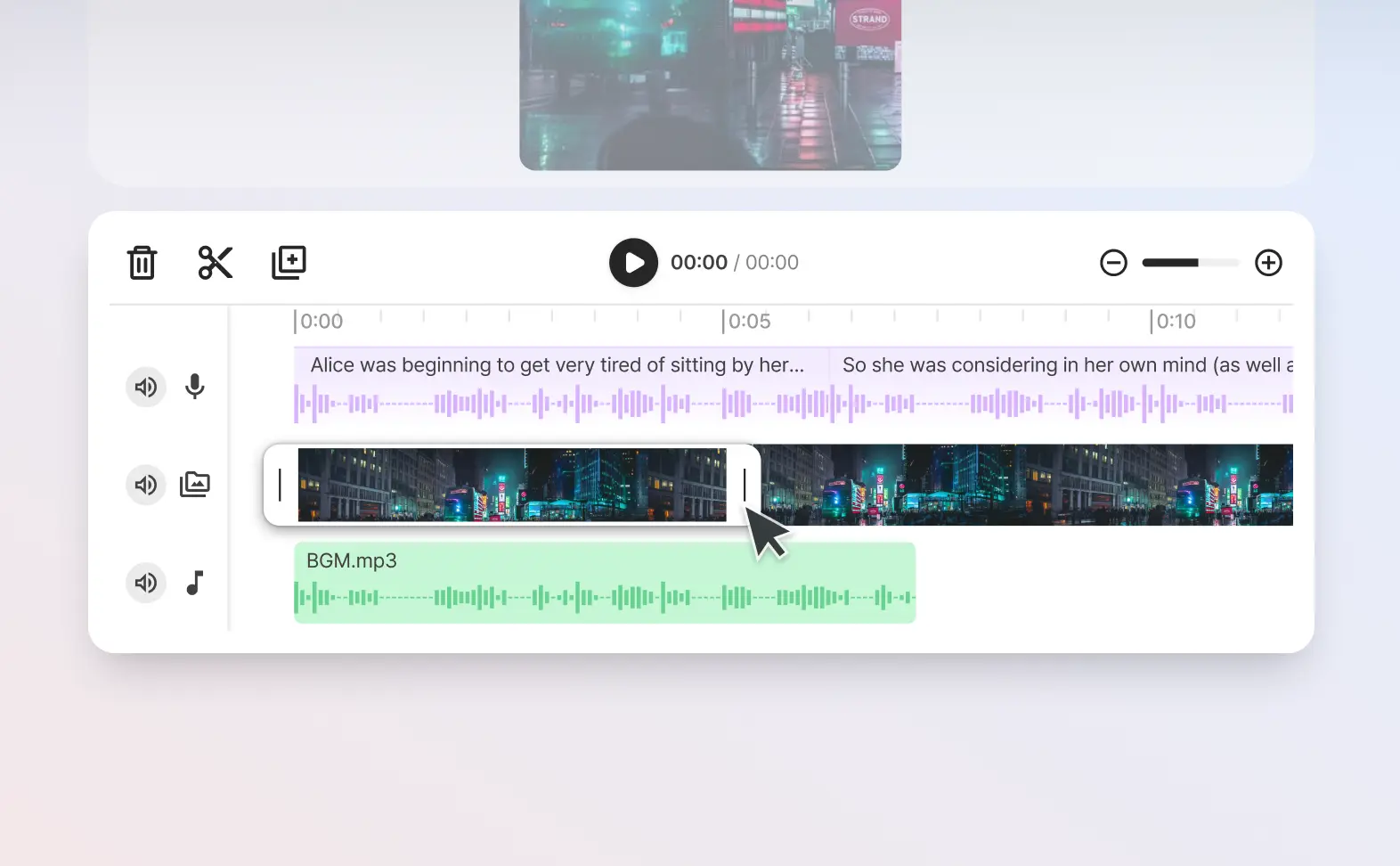
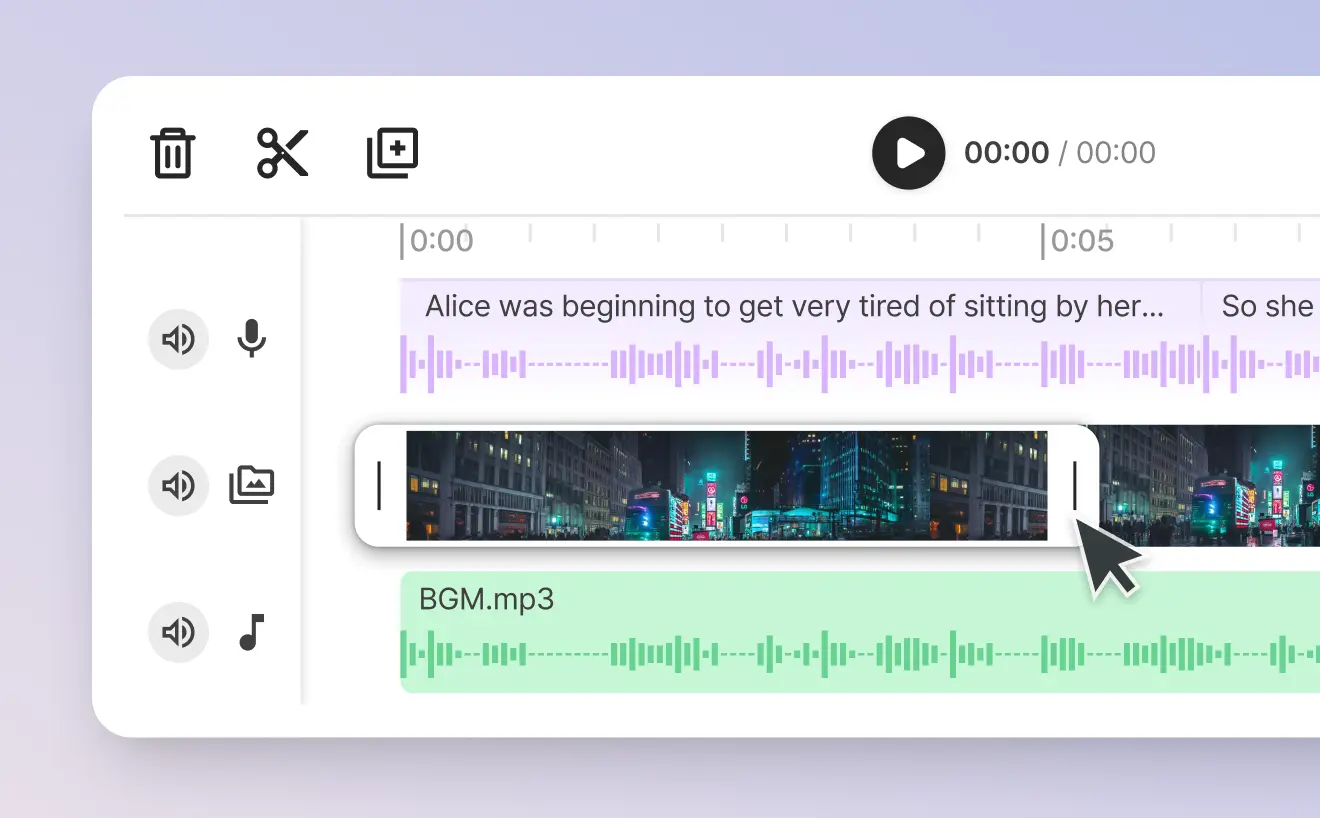
Trim & cut voice and video together
You can edit your product demo video together with our AI generated voices at the same time, ensuring you get the perfect voice over.
-
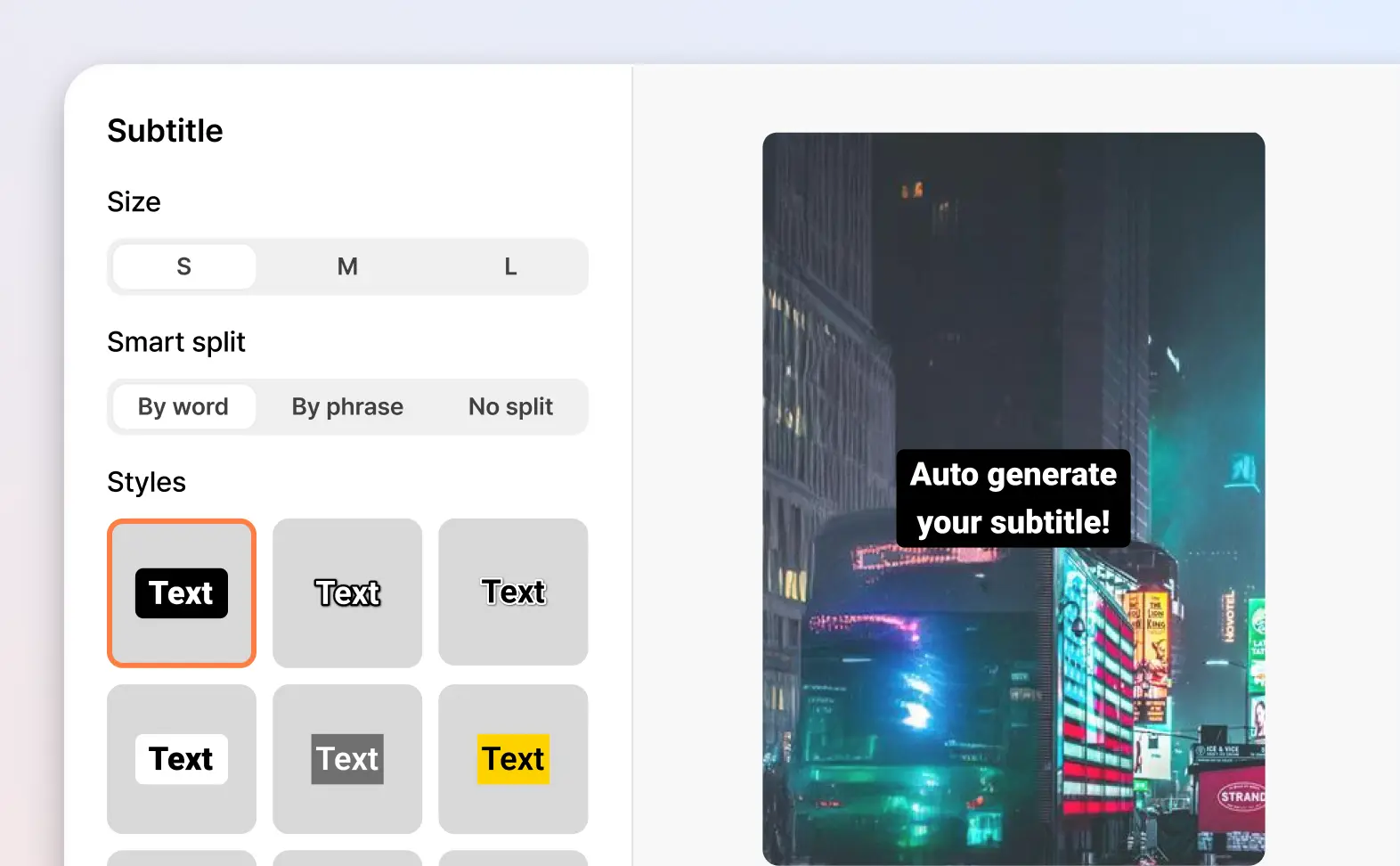
Auto-generate captions
Automatically create captions in your video while you type and edit the voice over.
-
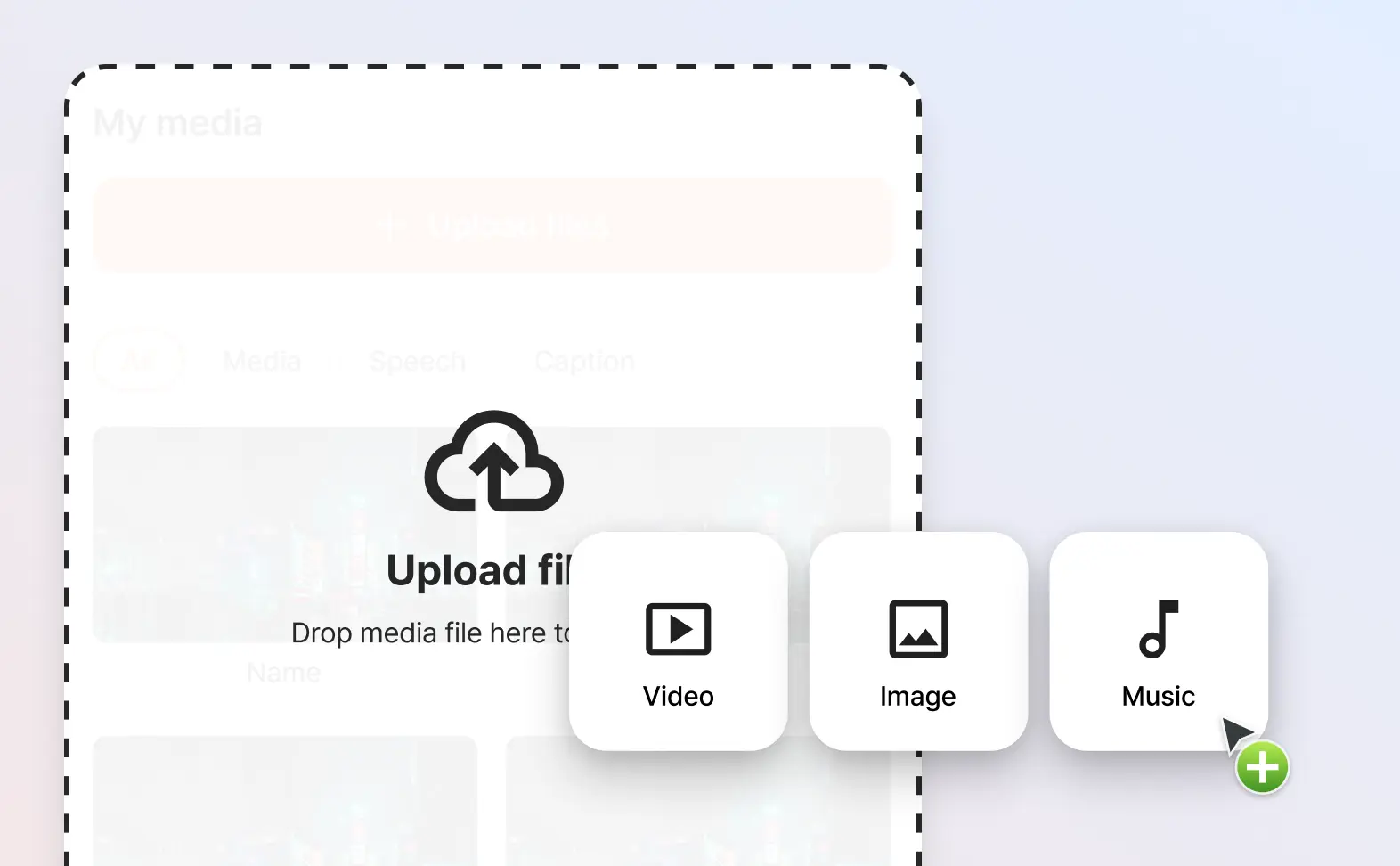
Multi-media support
Import in your own images, videos, music and audio files to create the product demo video you want.
-
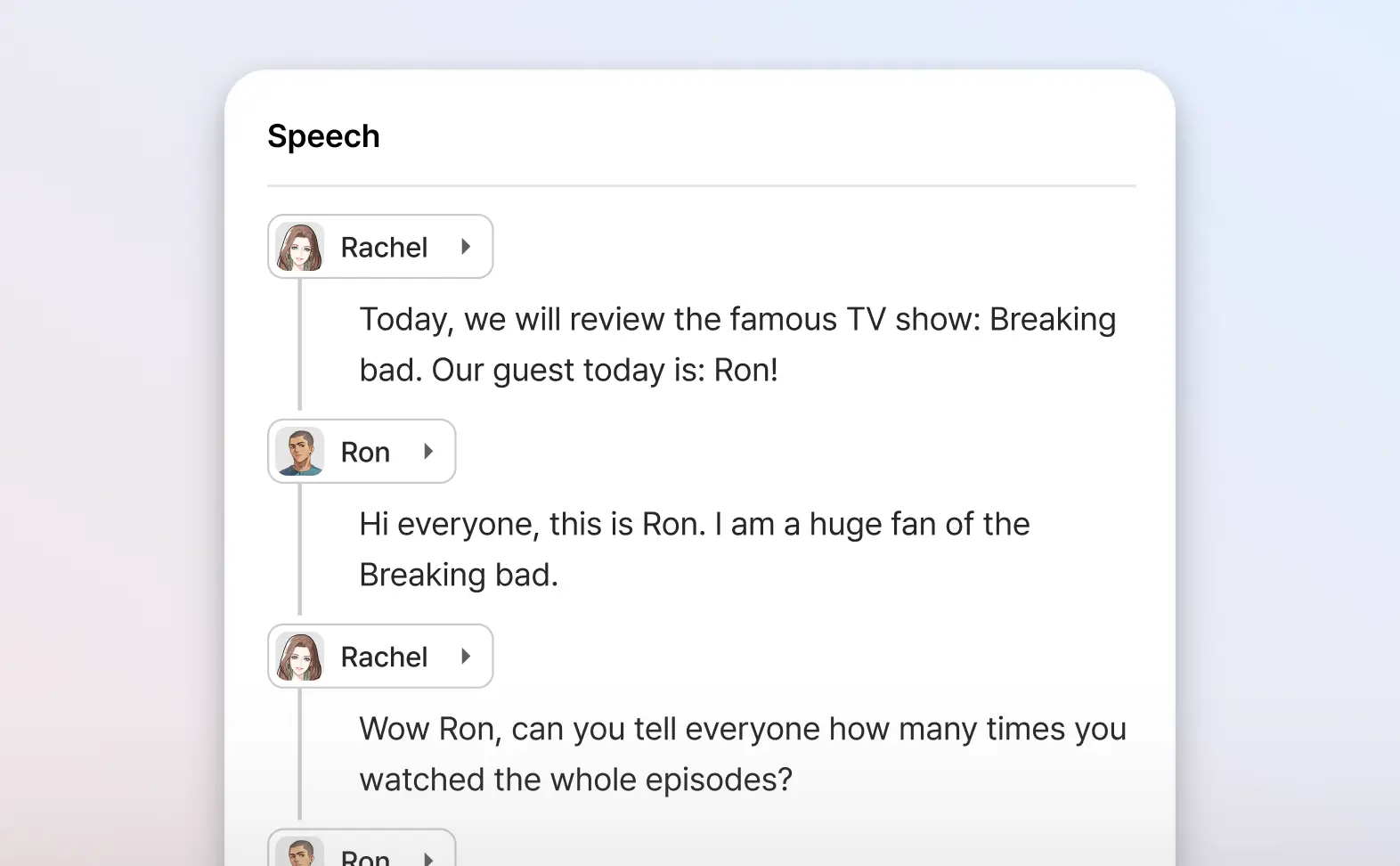
Add multiple voice overs to the same video
Why only use one voice? Add as many AI voices as you want to the same video.
Add lifelike voiceovers to your product demos with our AI voice generator
Typecast supports 35+ different languages and accents with its vast library of multilingual AI voices.
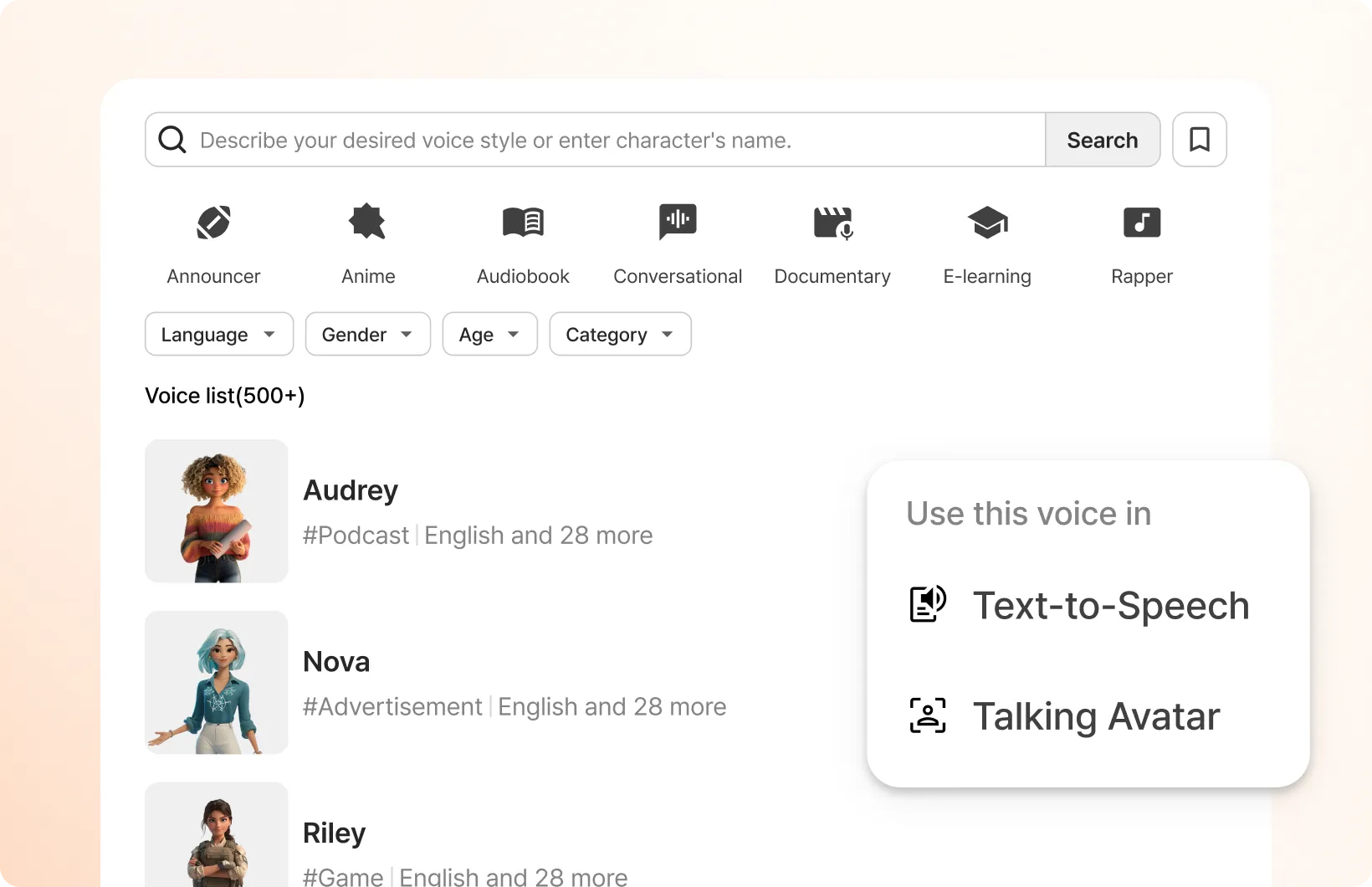
How to use the Typecast product video maker
In just a few steps, you can start creating your own AI product demos right away.
-
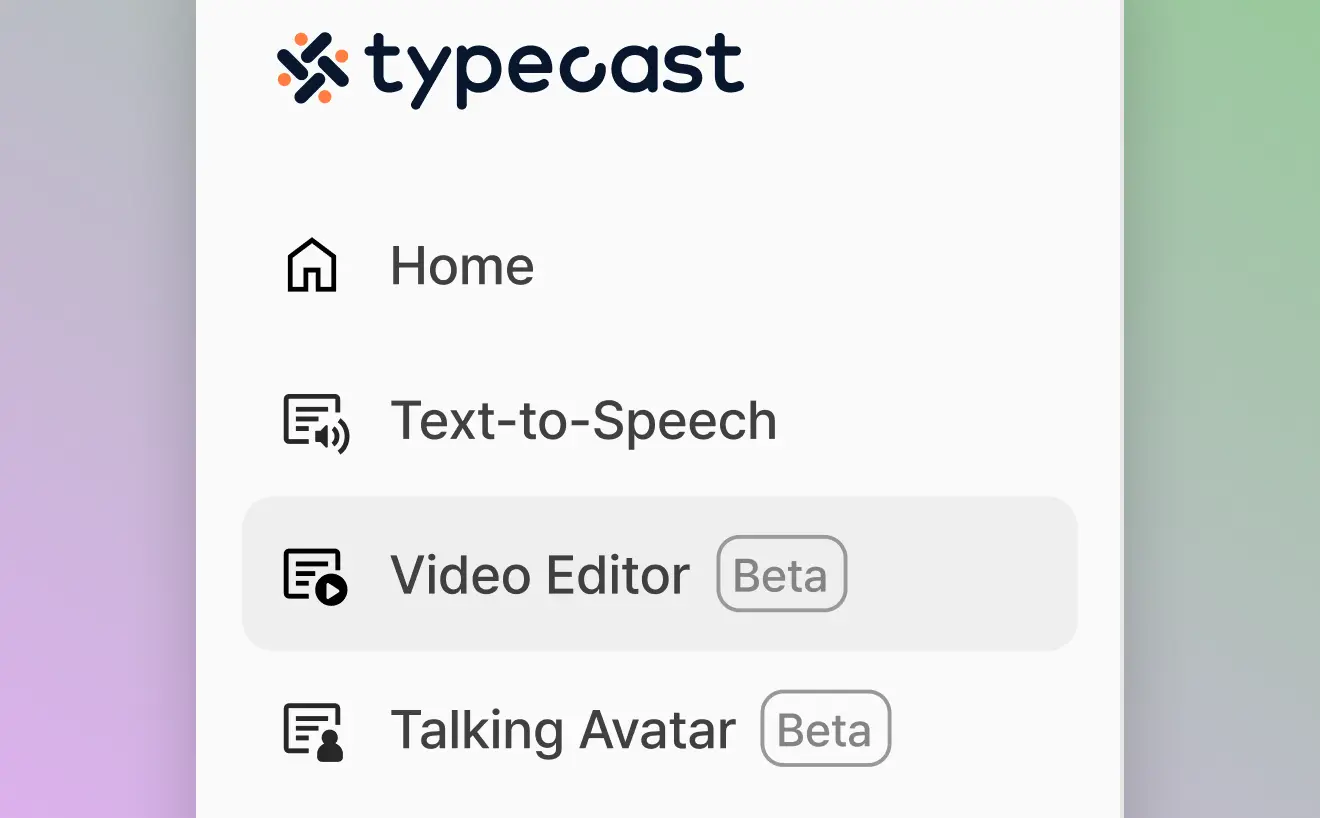
STEP 1
Step 1: Visit our Video Editor tool
Go to Typecast's product demo maker by selecting the Video Editor tool from the menu on the left.
-
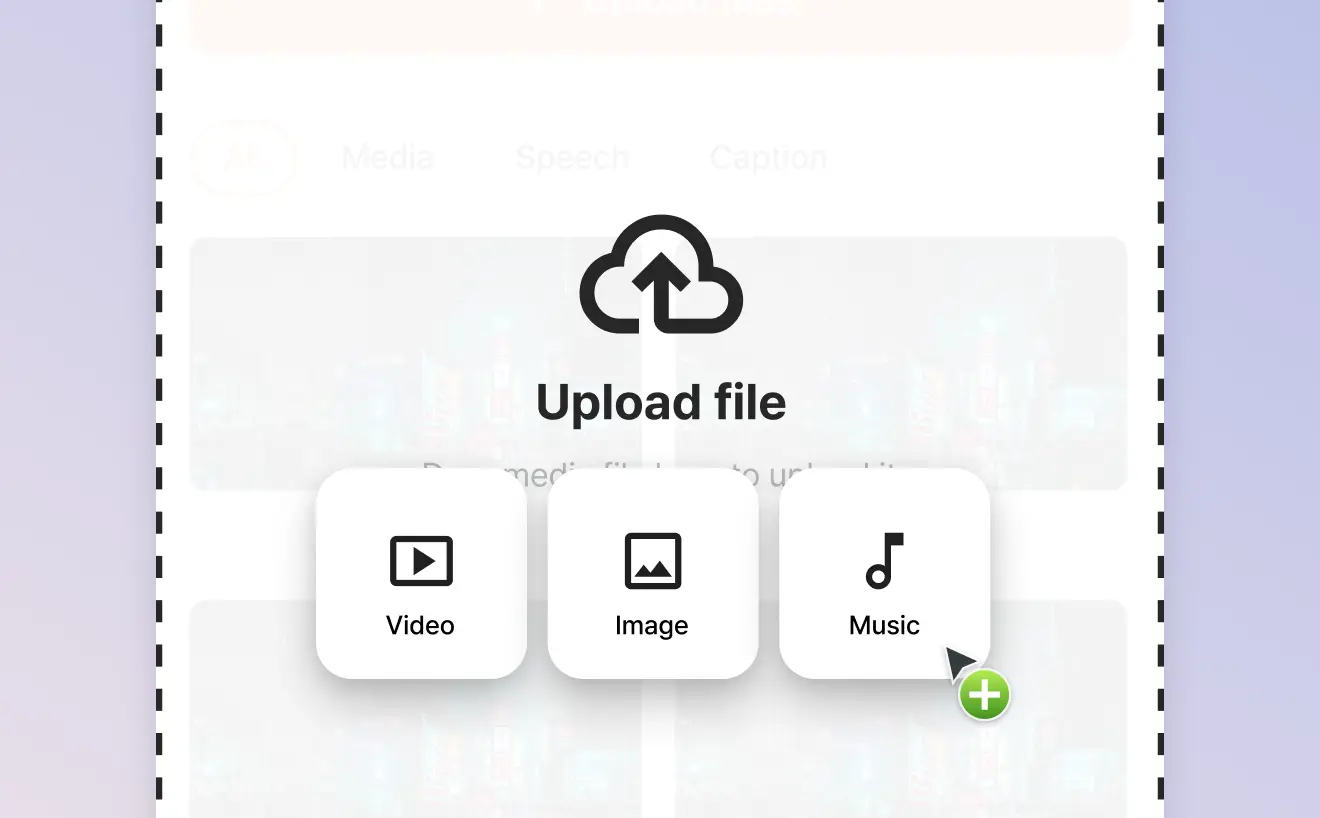
STEP 2
Step 2: Upload a video or image
Start by adding any asset such as an image file, video file or even an audio file.
-
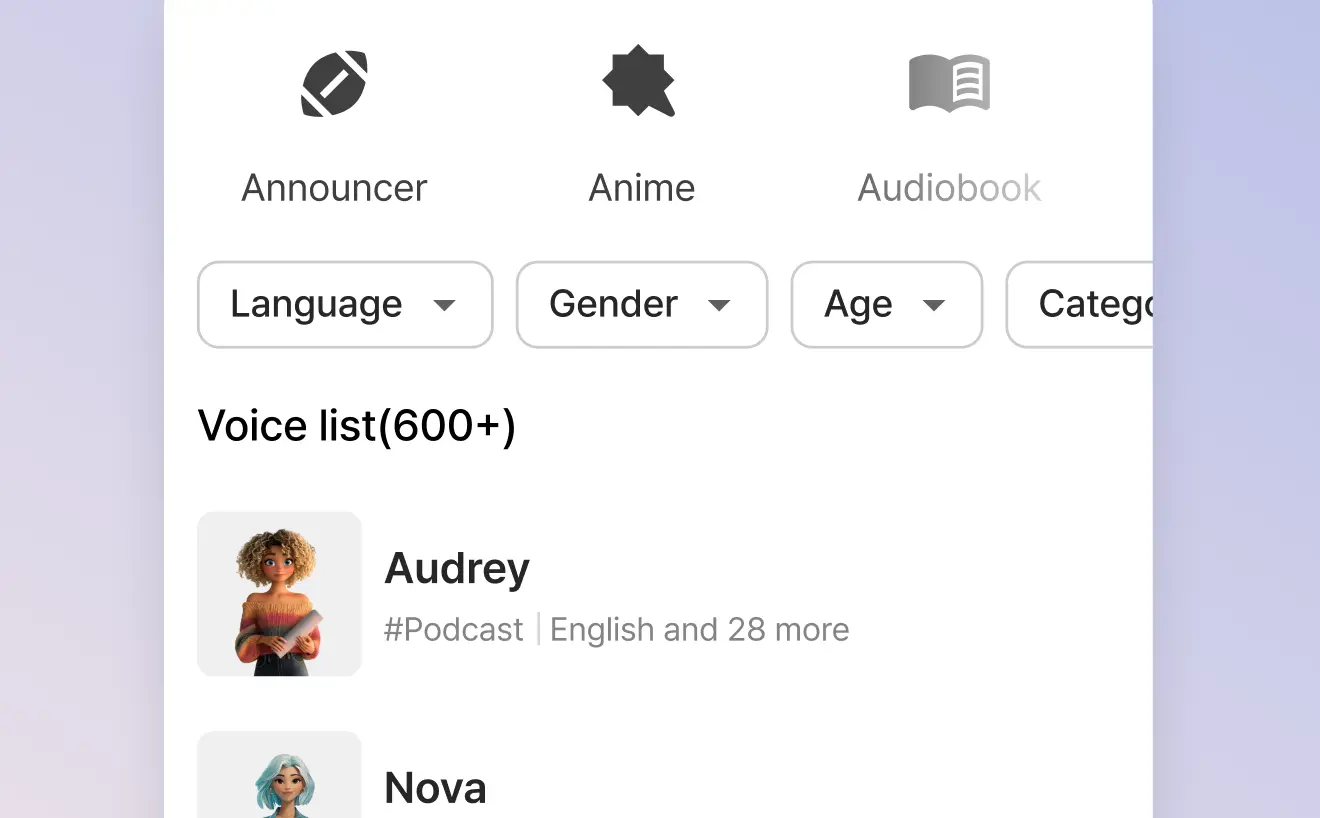
STEP 3
Step 3: Select one or more AI voice actors to voice your video
Click on the script icon then the character icon to browse our Voice Casting library and select as many voice actors needed to voice your video.
-
STEP 4
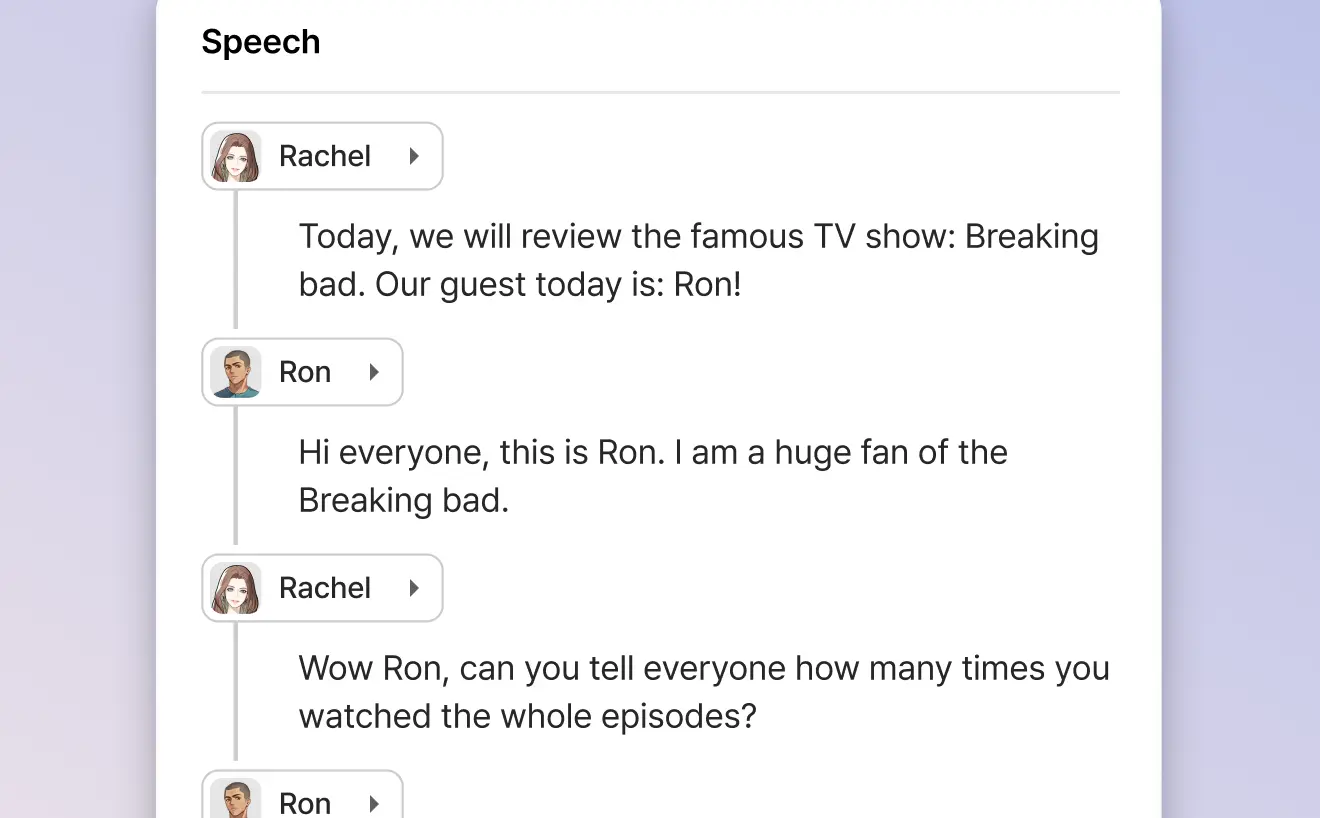
Step 4: Write your video's script
With your AI voice actors selected, you can either start writing your video script or paste one in.
-
STEP 5
Step 5: Edit, cut, add captions & effects
Edit the video and voiceover together at the same time, as well as adding various transitional effects and captions to engage as many of your viewers as possible.
-
STEP 6
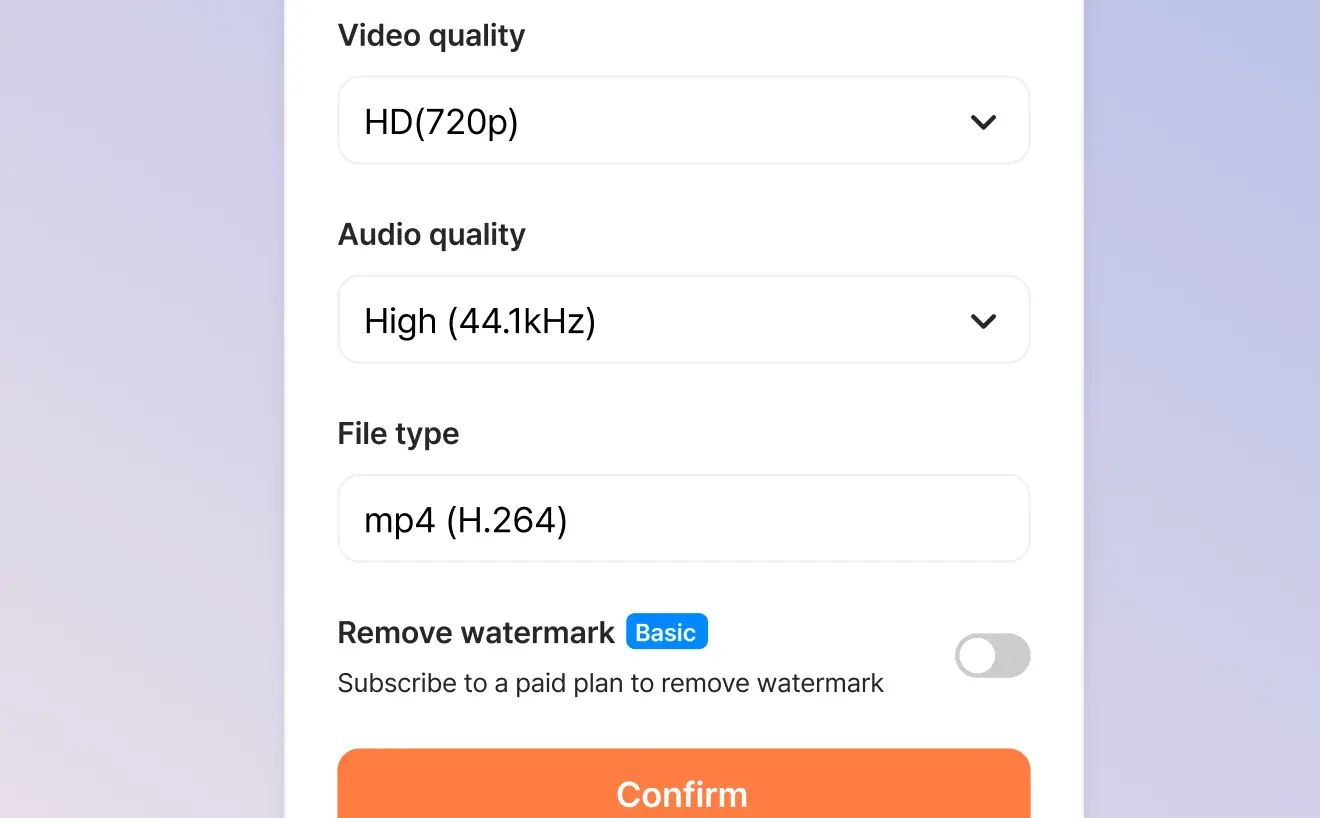
Step 6: Download your finished video
When you're finished, you can automatically export your video in a format suitable for product demos.
What creators say about making product demos
Plans made for all content creators
Choose the plan that fits your content creation needs.
Free
Try AI voices for free
Voice generation & playback
Lifetime download credits
(~5 mins)
Included features
Attribution is required for all content downloaded on the Free plan.
Attribution guidelinesBasic
Access all AI voices
Voice generation & playback
Monthly download credits
(~35 mins)
Everything in Free, and
Plus
NEWControl voice speed
Voice generation & playback
Monthly download credits
(~50 mins)
Everything in Basic, and
Pro
Most popularFine-tune voices with emotion controls
Voice generation & playback
Monthly download credits
(~90 mins)
Everything in Plus, and
Business
Scalable AI voice platform for teams
Voice generation & playback
Monthly download credits
(~250 mins)
Everything in Pro, and
Frequently asked questions
What is a product demo video?
How do I make a product demo video?
What makes a good product demo video?
Can I use multiple voices in one product demo video?
What file formats can I upload to create product demo videos?
Do the AI voices support multiple languages?
Start creating your product demo today
Join the many businesses creating professional product demo videos with Typecast AI voices.