Create professional faceless videos with AI voices

Create anonymous video content while protecting your privacy with AI avatars, professional voices, and automatic editing.

Why use a free faceless video AI generator

See what makes our faceless video creation tool different.

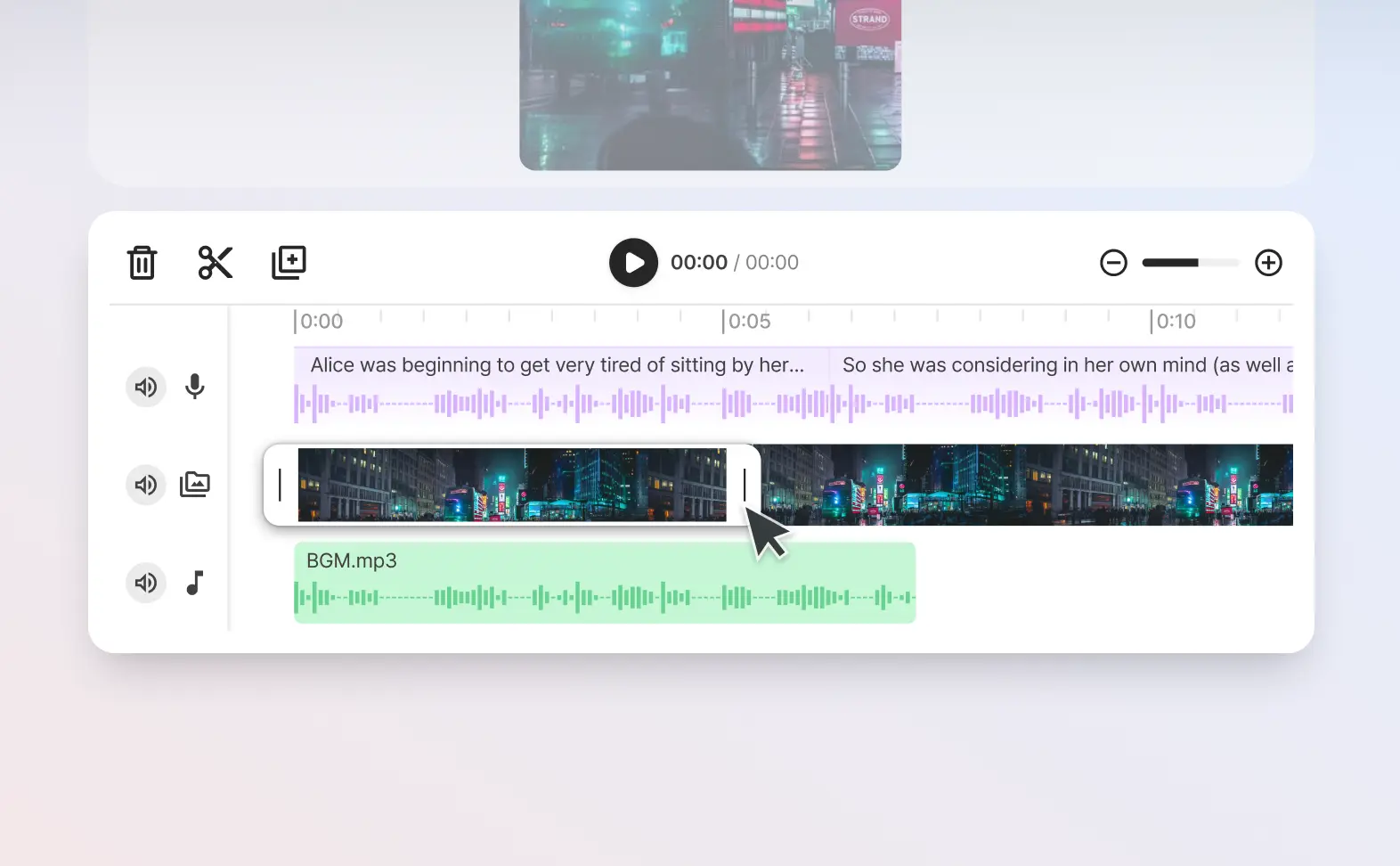
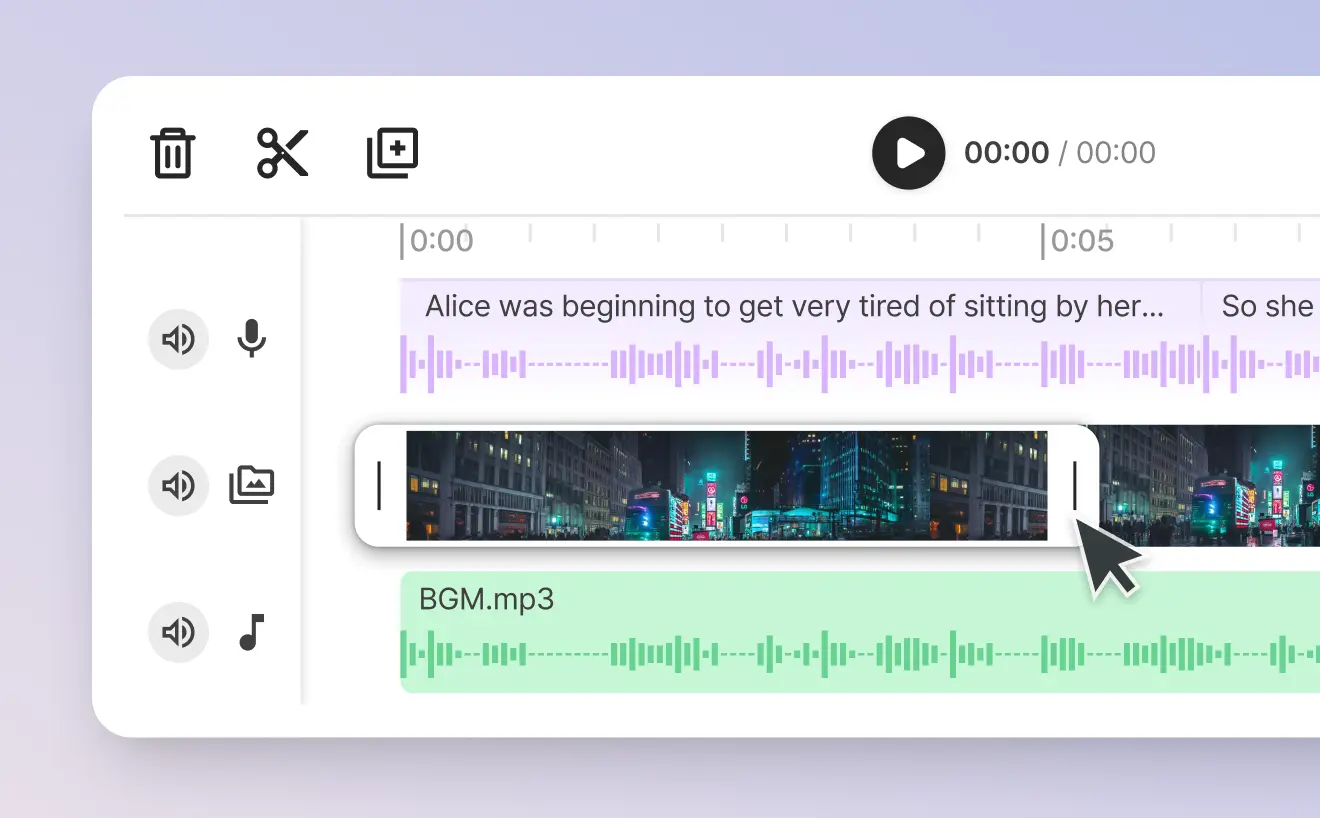
  1. Trim & cut voice and video together

    You can edit your faceless video together with our AI generated voices at the same time, ensuring you get the perfect voice over.

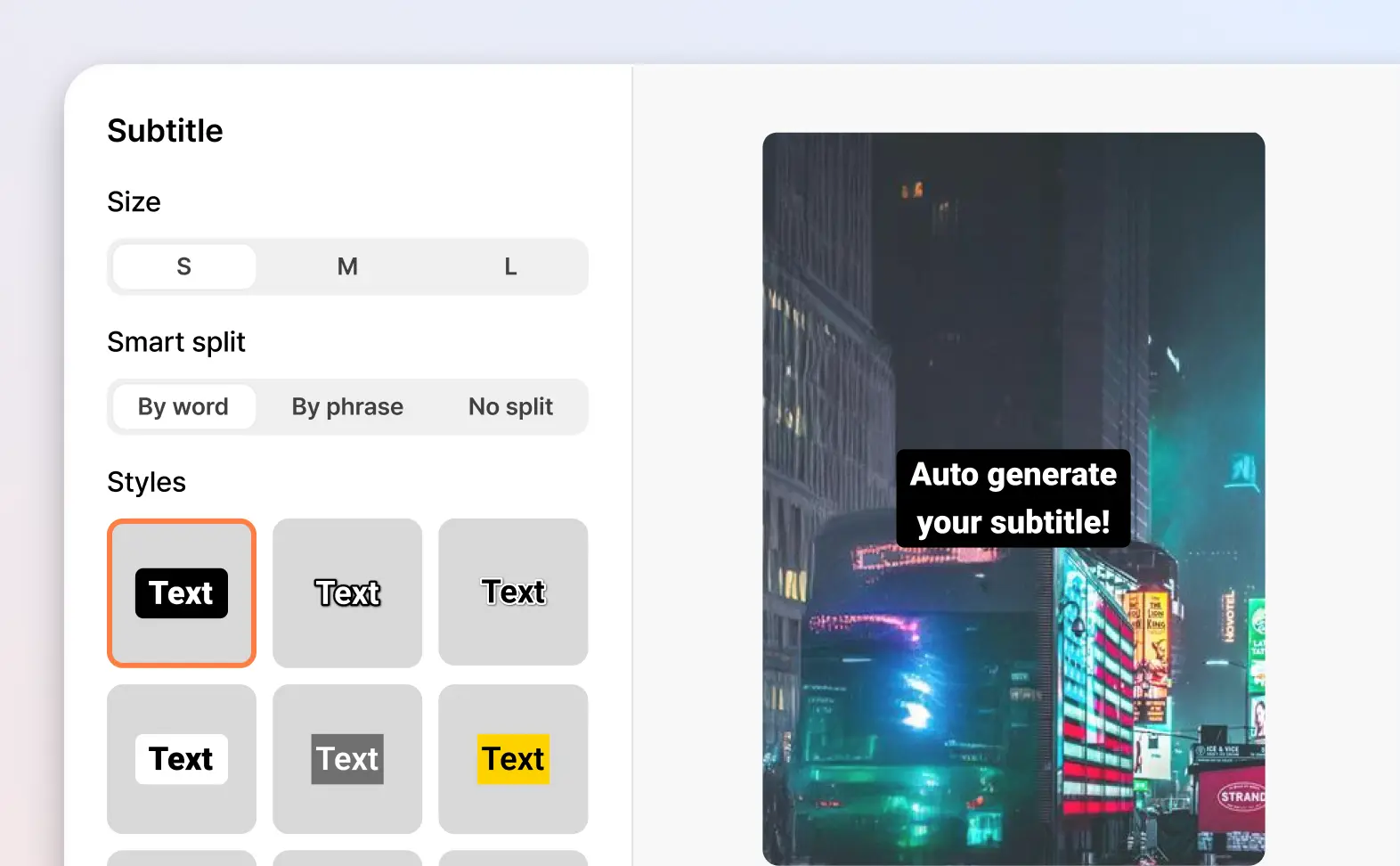
  2. Auto-generate captions

    Automatically create captions in your video while you type and edit the voice over.

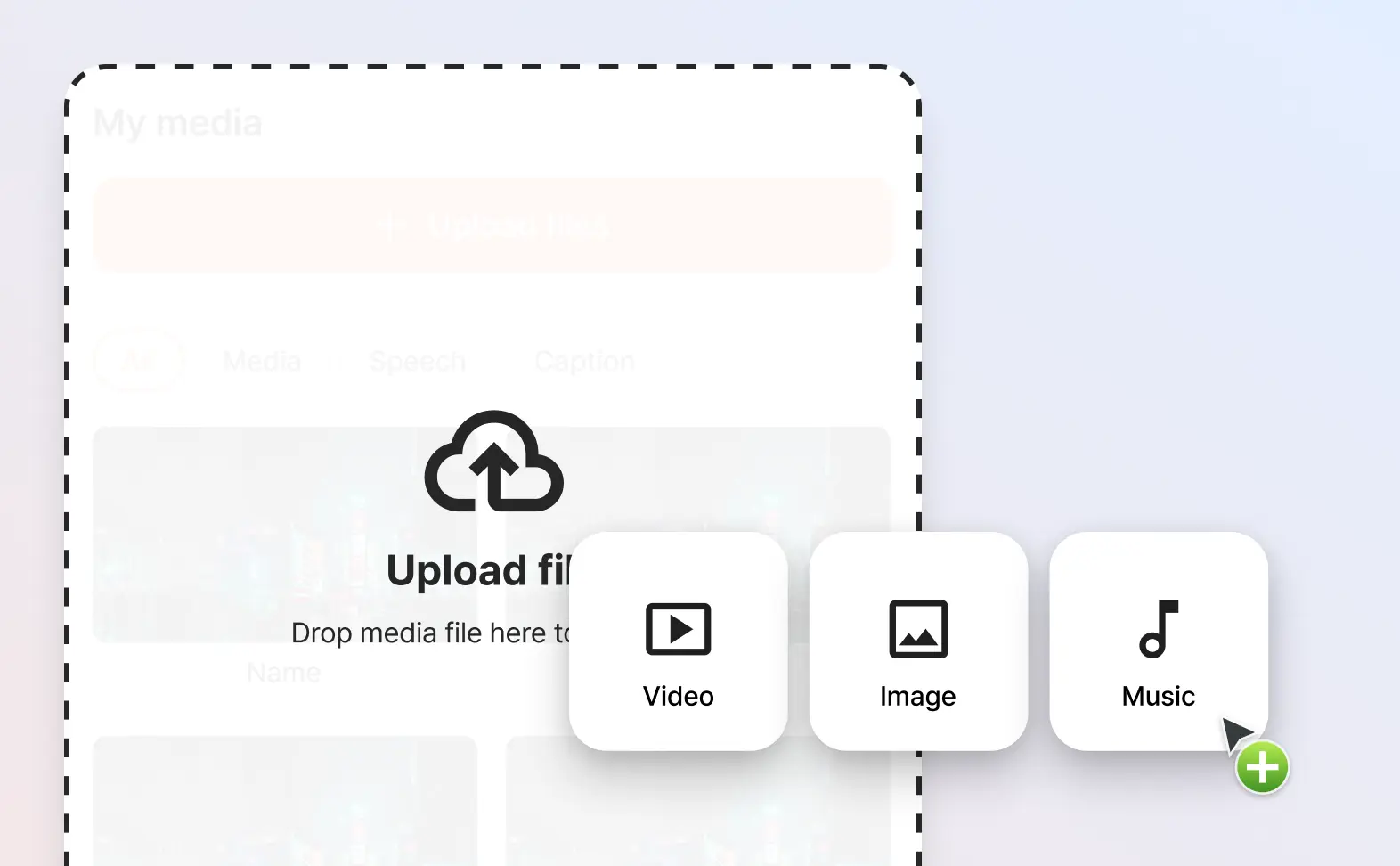
  3. Multi-media support

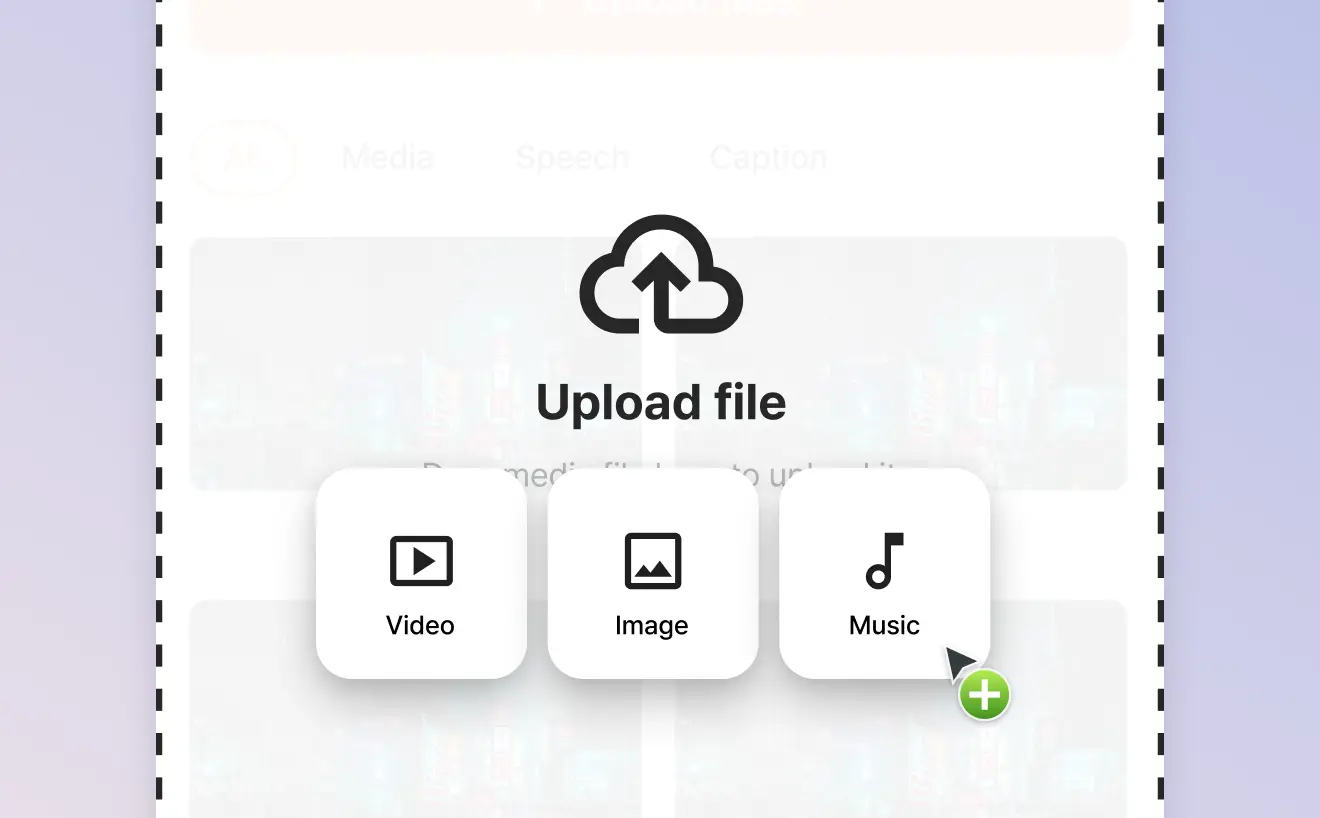
    Import in your own images, videos, music and audio files to create the faceless video you want.

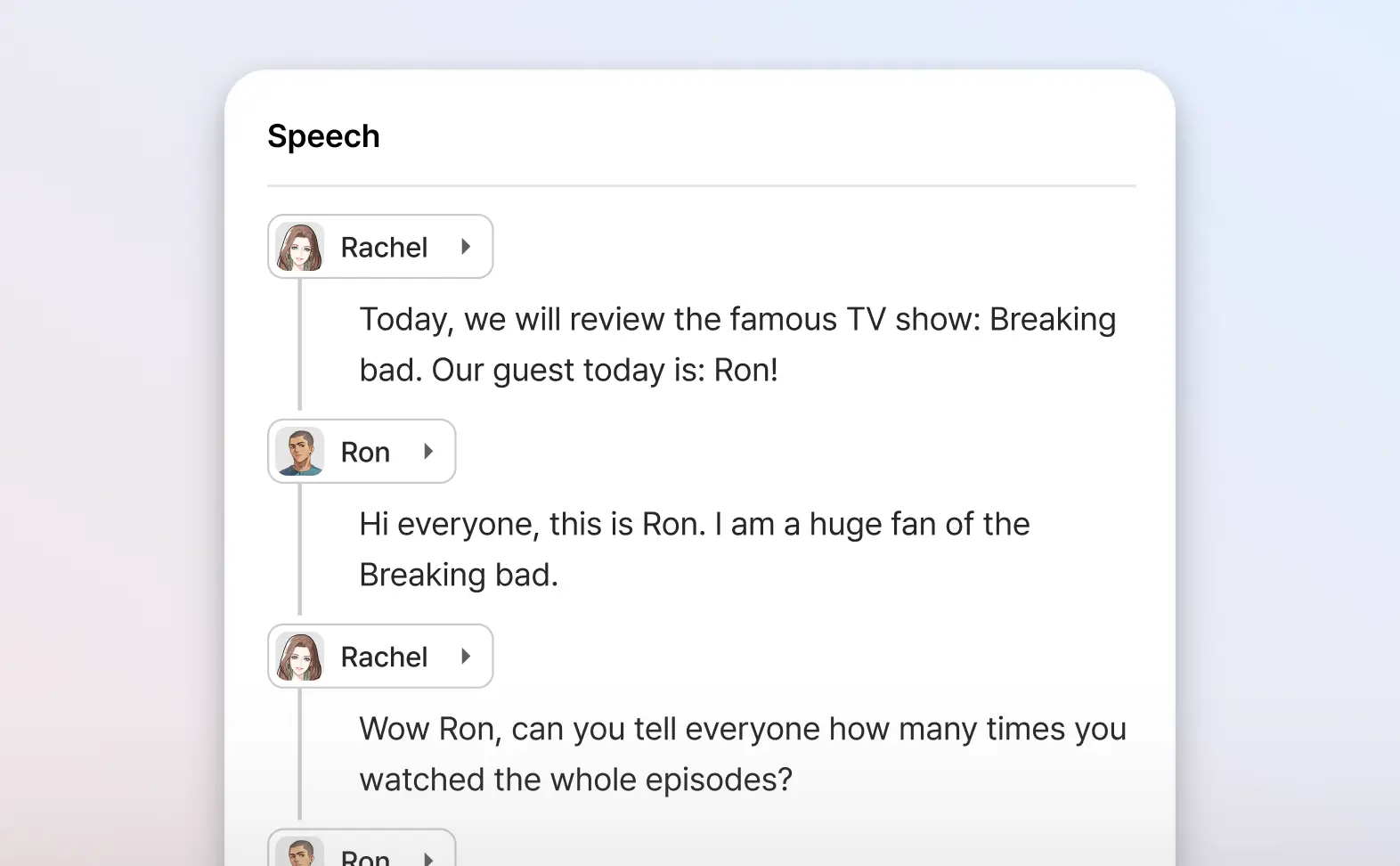
  4. Add multiple voice overs to the same video

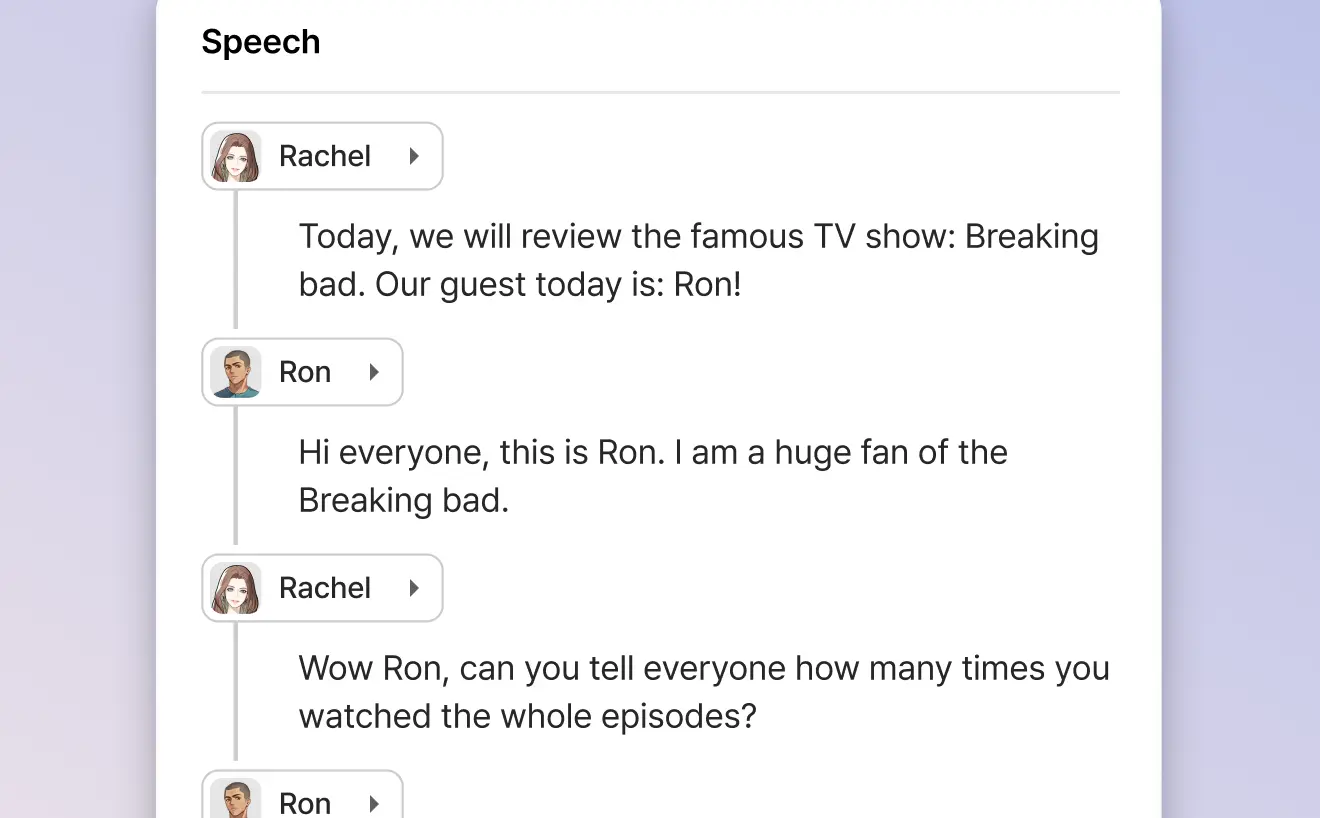
    Why only use one voice? Add as many AI voices as you want to the same video.

Give your faceless videos lifelike voiceovers with an AI voice generator

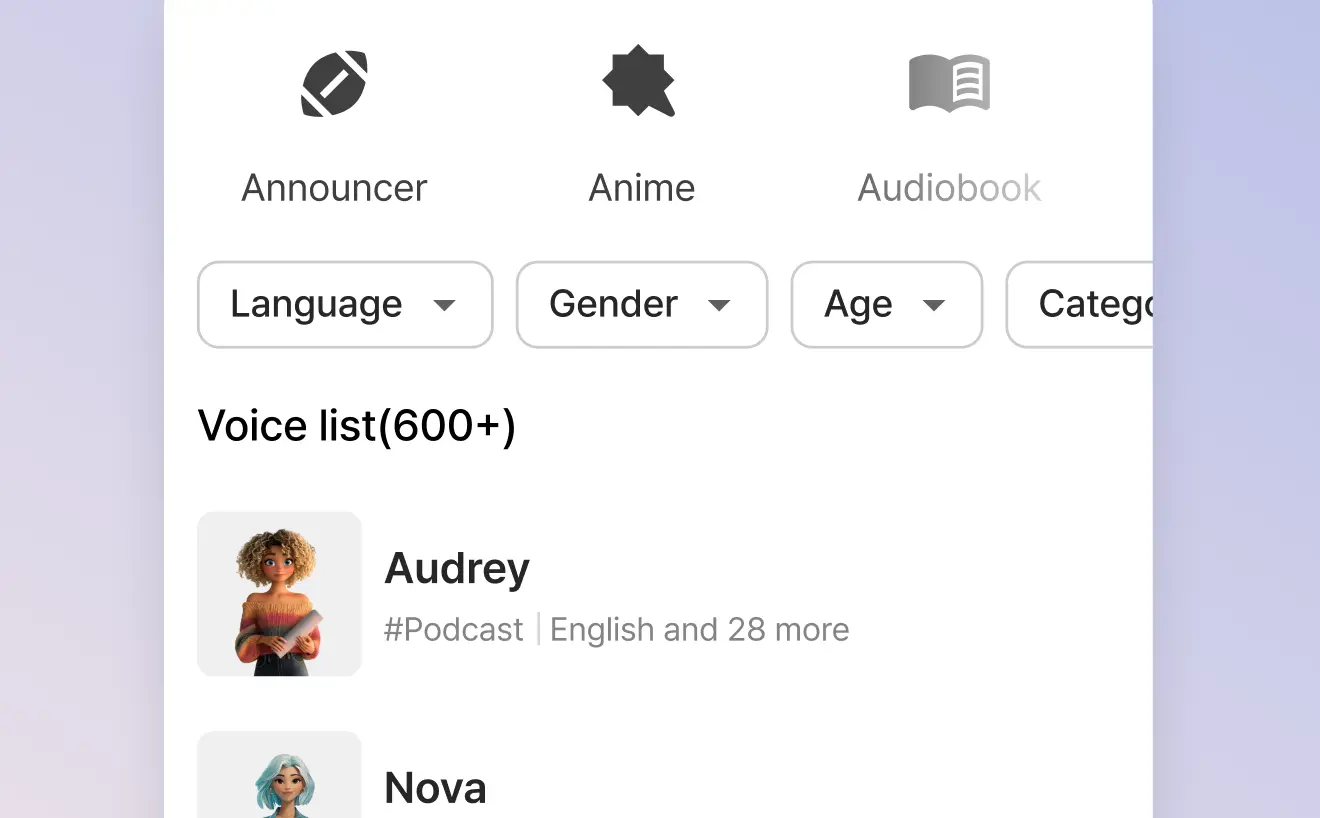
Typecast supports 35+ different languages and accents with its vast library of multilingual AI voices.
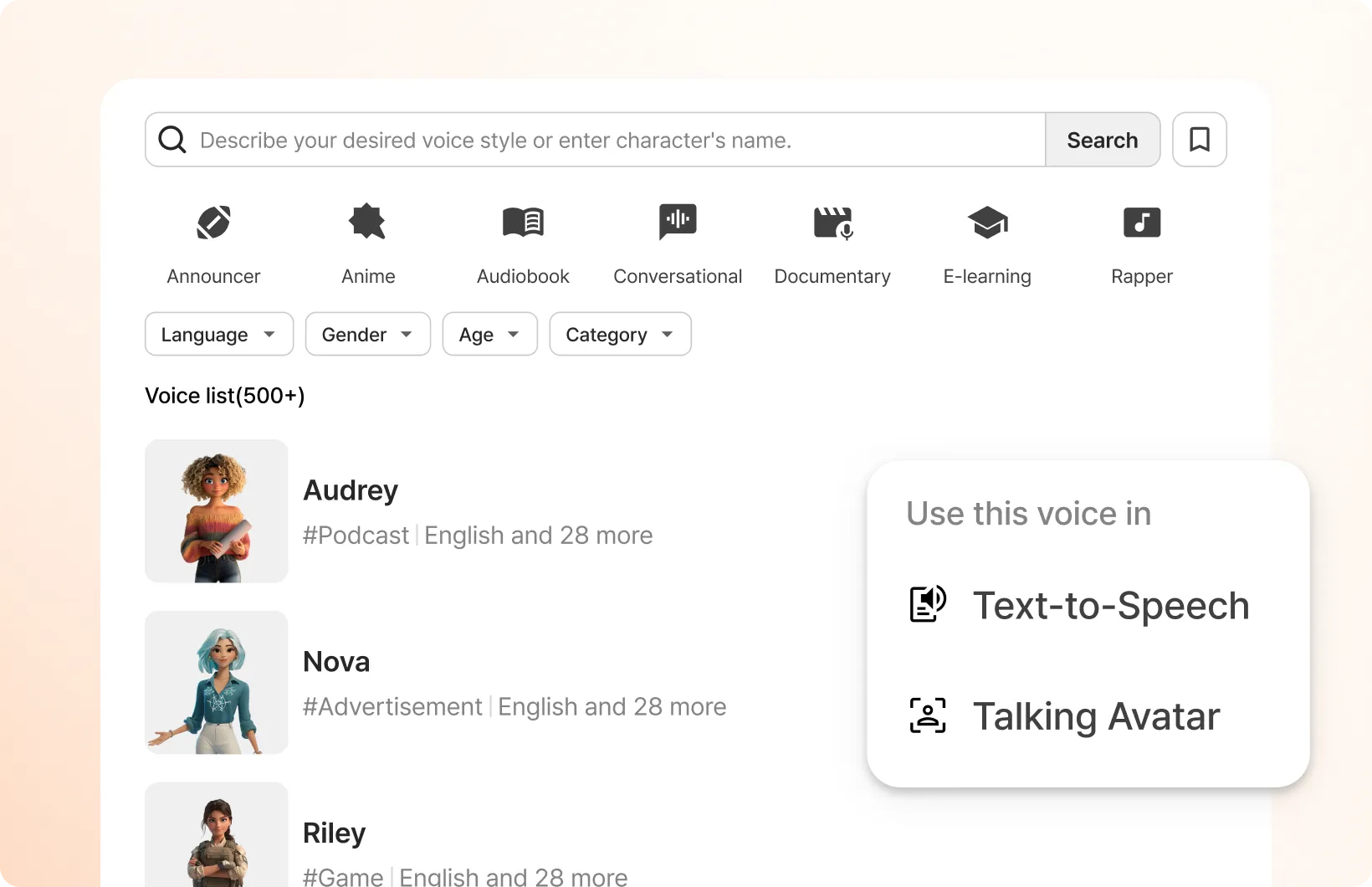
Typecast Voice Casting screen

How to use the Typecast faceless video maker

In just a few steps, you can create your own AI faceless video right away.

  1. STEP 1

    Step 1: Visit our Video Editor tool

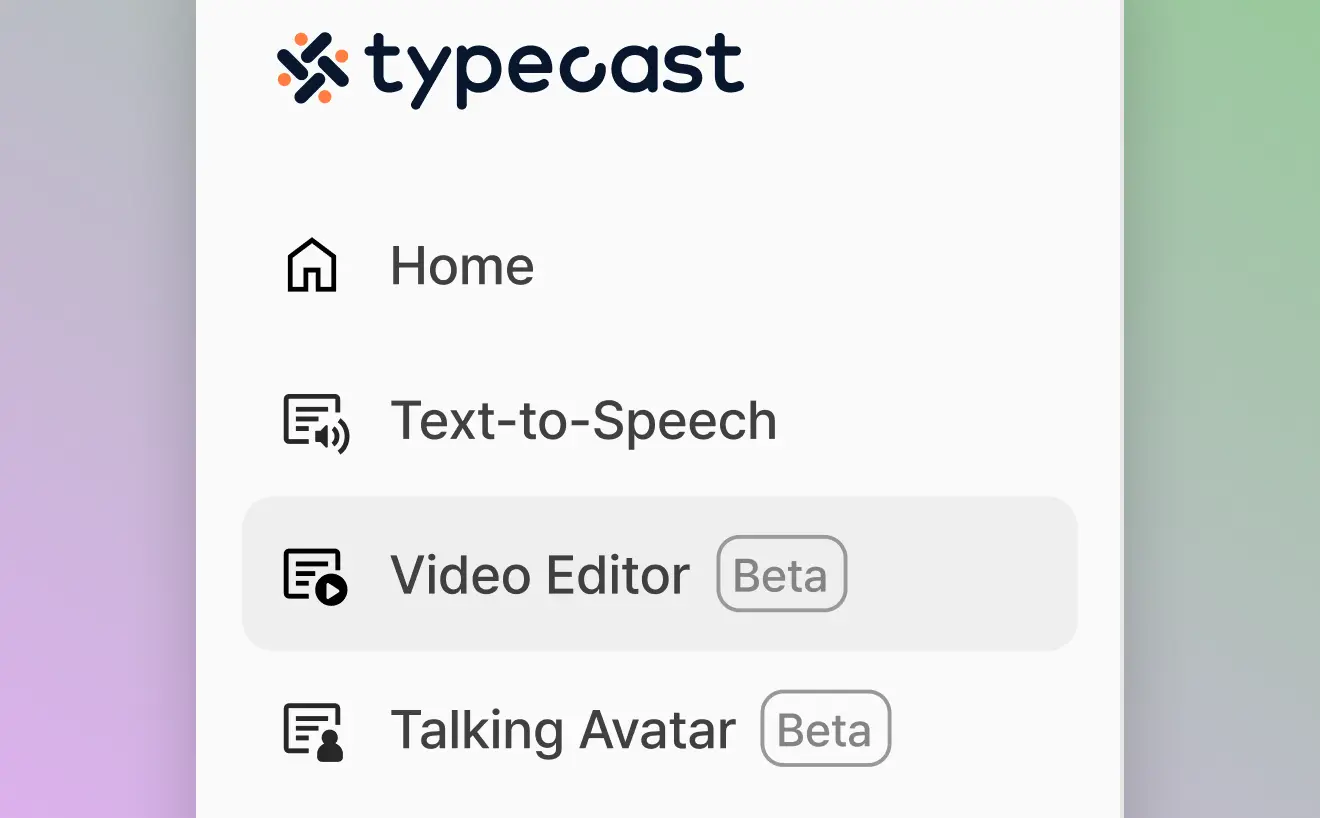
    Go to Typecast's faceless video maker by selecting the Video Editor tool from the menu on the left.

  2. STEP 2

    Step 2: Upload a video or image

    Start by adding any asset such as an image file, video file or even an audio file.

  3. STEP 3

    Step 3: Select one or more AI voice actors to voice your video

    Click on the script icon then the character icon to browse our Voice Casting library and select as many voice actors needed to voice your video.

  4. STEP 4

    Step 4: Write your video's script

    With your AI voice actors selected, you can either start writing your video script or paste one in.

  5. STEP 5

    Step 5: Edit, cut, add captions & effects

    Edit the video and voiceover together at the same time, as well as adding various transitional effects and captions to engage as many of your viewers as possible.

  6. STEP 6

    Step 6: Download your finished video

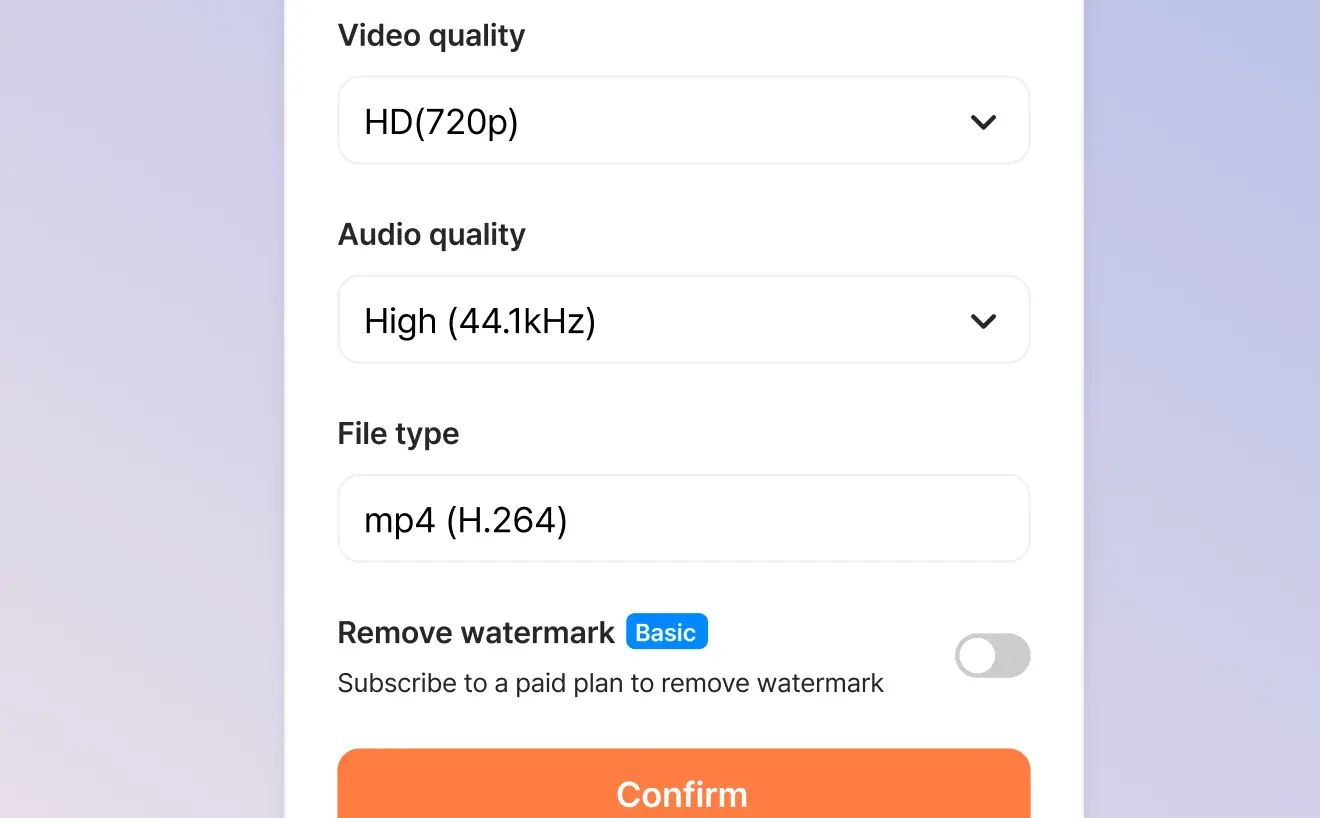
    When you're finished, you can automatically export your video in a format suitable for faceless videos.

What creators say about making faceless videos

  • Thanks to Typecast's faceless video tool, I was able to start a YouTube channel without showing my face. The AI voices are unbelievably natural!

    Jennifer K.

    Content Creator

  • As someone who values privacy, this tool is perfect. I can create engaging educational content while staying anonymous.

    Michael R.

    Online Educator

  • I love the multi-voice feature. I can make different characters in my videos have conversations with each other.

    Sofia M.

    Social Media Manager

  • It has been a game changer for my business. I can create professional-grade videos without expensive equipment or voice actors.

    Thomas L.

    Marketing Director

  • The editing features are intuitive, and the automatic caption generation saves me hours of work.

    Amanda P.

    Digital Marketer

  • It is perfect for creating tutorial videos. My students really love the clean, professional narration.

    Dr. Robert Chen

    University Professor

Plans made for all content creators

Choose the plan that fits your content creation needs.

Free

Try AI voices for free

$0 /month
Get started

Voice generation & playback

Unlimited

Lifetime download credits

3,000 credits
(~5 mins)

Included features

Download trial voices
HD (720p) video exports
1GB media storage

Attribution is required for all content downloaded on the Free plan.

Attribution guidelines

Basic

Access all AI voices

$5 /month
Get started

Voice generation & playback

Unlimited

Monthly download credits

30,000 credits
(~35 mins)

Everything in Free, and

Access all AI voices
High quality (44.1kHz) audio downloads
Instant Cloning (1 slot)
Full HD (1080p) video exports
5GB media storage in total
Watermark-free video exports
Commercial license

Plus

NEW

Control voice speed

$19 /month
Get started

Voice generation & playback

Unlimited

Monthly download credits

40,000 credits
(~50 mins)

Everything in Basic, and

Speed control
Professional Cloning (1 slot in total)
Ultra HD (4K) video exports
30GB media storage in total

Pro

Most popular

Fine-tune voices with emotion controls

$29 /month
Get started

Voice generation & playback

Unlimited

Monthly download credits

75,000 credits
(~90 mins)

Everything in Plus, and

Emotion controls including Smart Emotion's one-click AI voice adjustment
Advanced voice controls including intonation
2 voice cloning slots in total
50GB media storage in total

Business

Scalable AI voice platform for teams

$69 /month
Get started

Voice generation & playback

Unlimited

Monthly download credits

200,000 credits
(~250 mins)
Additional credit purchases

Everything in Pro, and

10 voice cloning slots in total
100GB media storage in total

Frequently asked questions

What is a faceless video?
A faceless video is content in which the creator's face never appears on screen. Instead, the video is built from screen recordings, animations, stock footage, text overlays, or AI-generated visuals, combined with talking avatars, voiceovers, and background music. It is a popular style of online video because it lets you share informative or entertaining content while staying anonymous.
How do I make a faceless YouTube video?
Go to the Typecast talking avatar tool, upload the image you want, write your script, choose an AI voice, and hit generate. You can then bring the finished video into the Typecast Video Editor to add editing, captions, and other YouTube-ready features to make it even more engaging.
What kind of YouTube content is good to make without showing your face?
Tech, finance, history, psychology, life advice, tutorials, and niche commentary are all popular formats for faceless YouTube content. Tools like Typecast.ai create talking avatars with lifelike voiceovers, making it easy to produce engaging faceless video content while working behind the scenes.
Can I use multiple voices in a single faceless video?
Yes! Typecast lets you add multiple AI voice actors to the same video project. It is perfect for creating conversations and interviews or adding variety to your content.
What file formats can I upload to create faceless videos?
You can upload a wide range of file formats to create your faceless video content, including images (JPG, PNG, WebP), videos (MP4, MOV), and audio (MP3, WAV).
Do the AI voices support multiple languages?
Yes, Typecast supports 35+ languages and accents with its vast library of multilingual AI voices, making it perfect for creating global content.

Start creating anonymous content today

Join the many creators making professional faceless videos with Typecast AI voices.

Digital storyboard creator tool interface