


Hans
A lively and youthful voice to help boost viewer engagement
#mid-tone #friendly #natural
700+ exclusive voices from real voice actors. Find the perfect voice for any project.
Hans
A lively and youthful voice to help boost viewer engagement
#mid-tone #friendly #natural

Oscar
A steady, warm voice suited for conversations or explainers
#british #personable #smooth
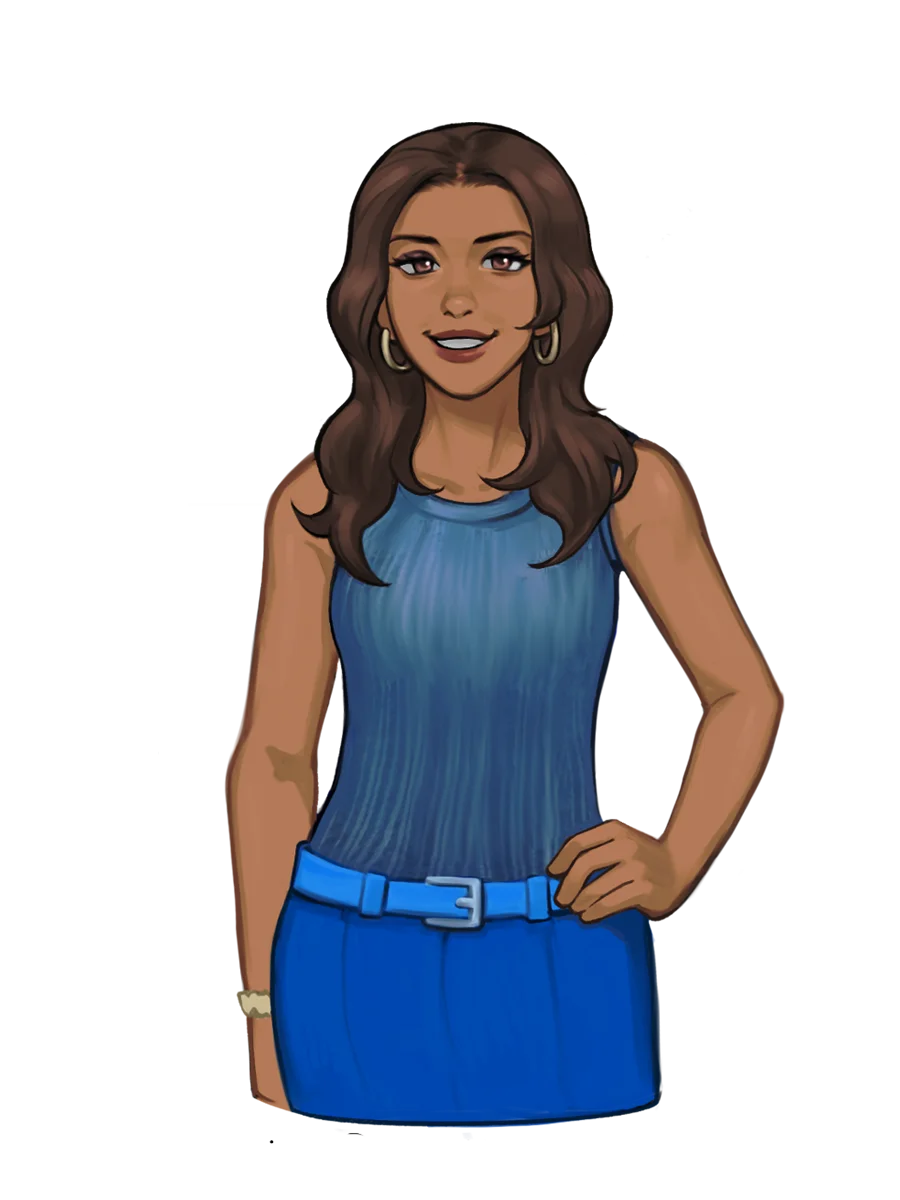
Angela
A relatable voice fit for weekly vlogs and lifestyle content
#bright #authentic #easygoing

Chase
A viral-ready voice perfect for hooks and faceless videos
#low-pitched #gravelly #chill
A growing library of realistic AI voices across all styles and tones — built for any use case.
 Ads
Ads 

 Kid voices that bring young characters to life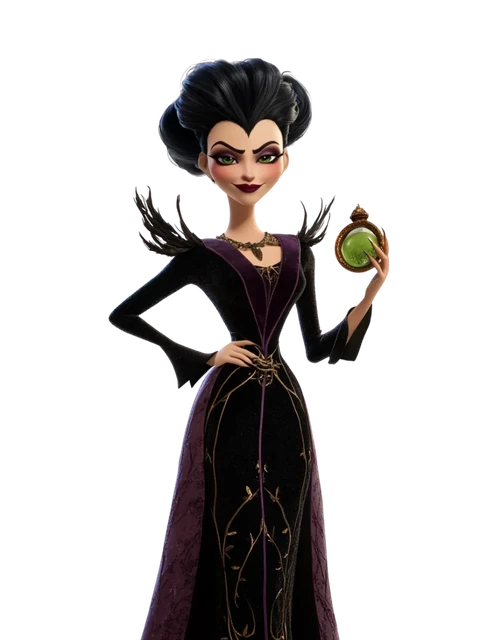
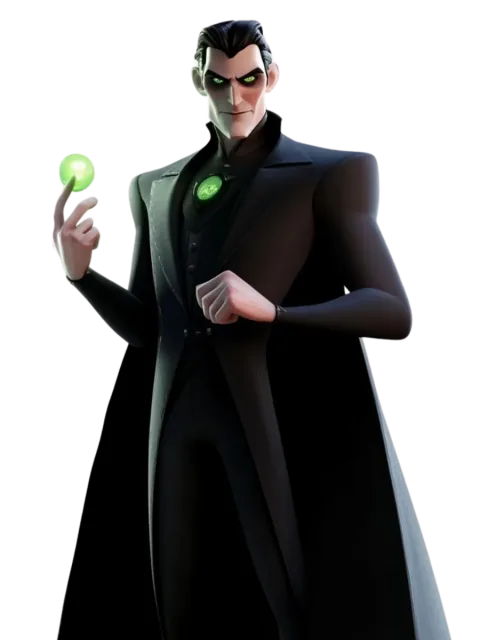
 Characters to animate your stories and games
  E-learning
  Voicemail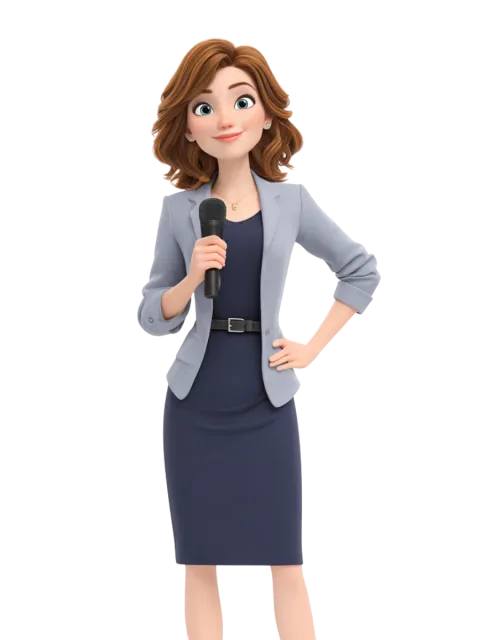

 Announcers that can captivate any audience

 Accents spanning diverse regions and cultures
  Conversational
  Audiobook

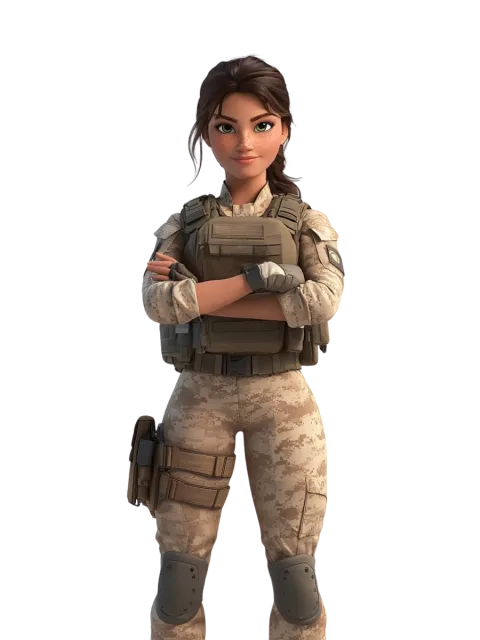 Scary voices for eerie, atmospheric moments

 Funny voices that spark smiles and laughter
  News Reporter
  Game
Game  Deep bass tones with cinematic presence

 Relaxing voices that calm the mind and body
  Podcast
Step 1
Start your project
Open "Text-to-Speech" and create a new project.
Step 2
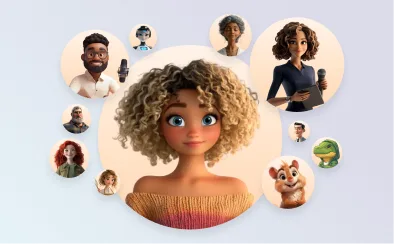
Select a voice
Filter by age, gender, language, and style to find the right match.
Step 3
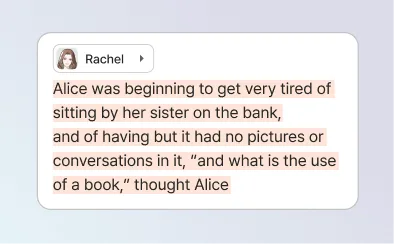
Write your script
Type, paste, or import your script in any language.
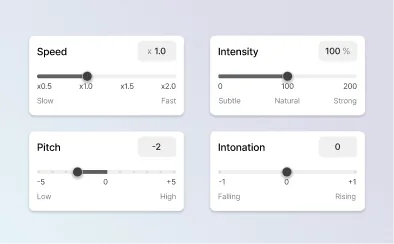
Step 4
Get the expression just right
Adjust tone, pace, and emotion using manual controls or AI.
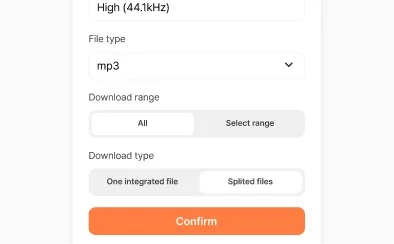
Step 5
Export and share
Download your finished audio and use it anywhere.