



An AI voice generator for ads and product demos should make the product easy to understand, fit the audience, and remain practical to revise when the interface or message changes. A polished showcase sample may still handle your product name, a technical phrase or the pace of an actual screen recording poorly.
Before choosing a tool, test the same representative script in each candidate. Listen for pronunciation, clarity, pacing, and consistency; then check the commercial terms, export format, and total cost of revisions. Here is a practical way to make that decision.
Start with the job your demo needs to do
A product demo may introduce a new idea, explain an unfamiliar workflow, or help an existing customer complete a task. Those jobs call for different delivery. A fast, energetic voice may suit a short social introduction, while a measured, conversational voice may give viewers more time to understand a complex setup.
Write down three decisions before auditioning voices:
- Audience: Who is watching, and what do they already know?
- Outcome: What should they understand or do after the video?
- Context: Will the narration sit over a screen recording, product footage, or a presentation?
Keep the narration’s role distinct from the visuals. A screen recording can show the button being selected; the voice can explain why the action matters. If your script is still in development, use the product demo script template to plan its structure first.
Build a useful audition script
Instead of judging a provider by its showcase sample, assemble a short passage from your actual project. Include a product or company name, an acronym, a number, a technical term, a transition between ideas, and the call to action. Test a representative passage in each language you intend to publish.
For example, a fictional team might test this passage:
“Meet LumaDesk. In three steps, your team can organize an incoming request, assign an owner, and see its status. Open the API settings to connect your workspace. When you’re ready, start a trial and invite a teammate.”
This is an illustrative script for a fictional product, not a claim about a real product. Listen to how each candidate handles “LumaDesk,” “API,” the sequence of actions, and the shift into the final invitation. Use the same text and comparable settings for a fairer comparison.
We made these fictional examples with Typecast Text-to-Speech. Both use the same script and voice; only the tempo setting changes. Listen for clarity and timing, and compare at a comfortable level.
A. Normal tempo (1.0): 11.90 seconds
B. Slower tempo (0.8): 15.063 seconds
The script is printed immediately above. These samples demonstrate a pacing choice, not a controlled test or proof of a better voice.
How to evaluate an AI voice generator for ads
| Criterion | What to listen or check for | A warning sign |
|---|---|---|
| Clarity | Can a first-time listener follow the explanation without reading the screen? | Important words disappear or consonants sound unclear. |
| Pronunciation | Are names, acronyms, numbers, and technical terms correct? | A product name requires repeated manual corrections. |
| Pacing | Does the narration leave time to understand each action? | The speech finishes before the visual action or rushes past it. |
| Consistency | Do adjacent clips sound as if they belong in the same video? | Tone or volume changes noticeably after a revision. |
| Workflow fit | Can your team revise, export, and license the audio for its intended use? | The workflow or rights are unclear only after production starts. |
Use the table as a decision aid rather than a universal ranking. A technical onboarding video may prioritize pronunciation and pacing; a short campaign may put more weight on tone and speed of revisions.
Check pronunciation and control before committing
Write down the terms that must be consistent: product names, feature names, acronyms, URLs, and local pronunciations. Generate or preview several sentences that include them, then ask someone familiar with the terminology to listen. If a word is wrong, try a supported pronunciation or script adjustment and listen again; changing the spelling can also change the meaning of a transcript or caption, so retain a correct text version for review.
Some speech systems support Speech Synthesis Markup Language (SSML), a standard for directing synthesized speech. The W3C specification defines controls such as breaks and prosody. Check the documentation for your exact tool and voice before assuming it accepts that markup.
Test the voice against the video, not just the script
Place a representative narration clip against the actual screen recording. Watch whether the viewer can see each action while hearing its explanation. If a line feels hurried, first shorten or split the script. You can also adjust the edit to leave space for a difficult concept. Speed controls may help, but accelerating a dense sentence does not make it easier to understand.
Listen through ordinary speakers or headphones as well as your editing setup. Check whether background music masks key words, whether successive clips have noticeable volume changes, and whether the final call to action is intelligible. A colleague who has not worked on the product can tell you where narration and screen action fall out of step.
Check licensing, privacy, and the cost of changes
A good-sounding voice must also be usable for the planned project. Read the current terms for the specific product and plan, and confirm whether they cover client work, paid advertising, distribution channels, territories, and the duration of the campaign. If you clone a person’s voice, obtain appropriate permission for the cloning and the intended uses; those are separate questions from a stock voice’s commercial license.
For unpublished product information, review the provider’s current data handling terms before uploading the script. For budgeting, compare the complete workflow: subscription or usage charges, generated audio, expected revisions, and any additional team or API costs. Do not treat a free preview as proof that the same plan covers a commercial release.
Before distributing an ad or client project, check the current terms for the selected plan and intended use. Ask your team’s responsible reviewer to resolve any uncertainty; a voice audition does not establish usage rights.
Try a short production pilot
Choose two or three voices and put the same short sequence through the full workflow: script, generated narration, edit, captions, internal feedback, and one revision. Record the settings and the reason for your choice so that another editor can maintain the same direction later. Do not call a voice consistent across updates until you have tested it across those revisions.
If Typecast fits the project, its product demo page describes a workflow combining product footage and AI narration. Start with a representative section, confirm the features and terms available to your account, and review the output against the finished visuals.
Use the same test for paid ads
A product demo and a paid advertisement have different jobs: a demo explains a visible workflow, while an ad may need to communicate one offer and a call to action in a few seconds. Use the same audition script for each voice, but include the actual brand, offer, and intended placement. Confirm rights for paid distribution and any client handoff before release.
Listen in the media mix
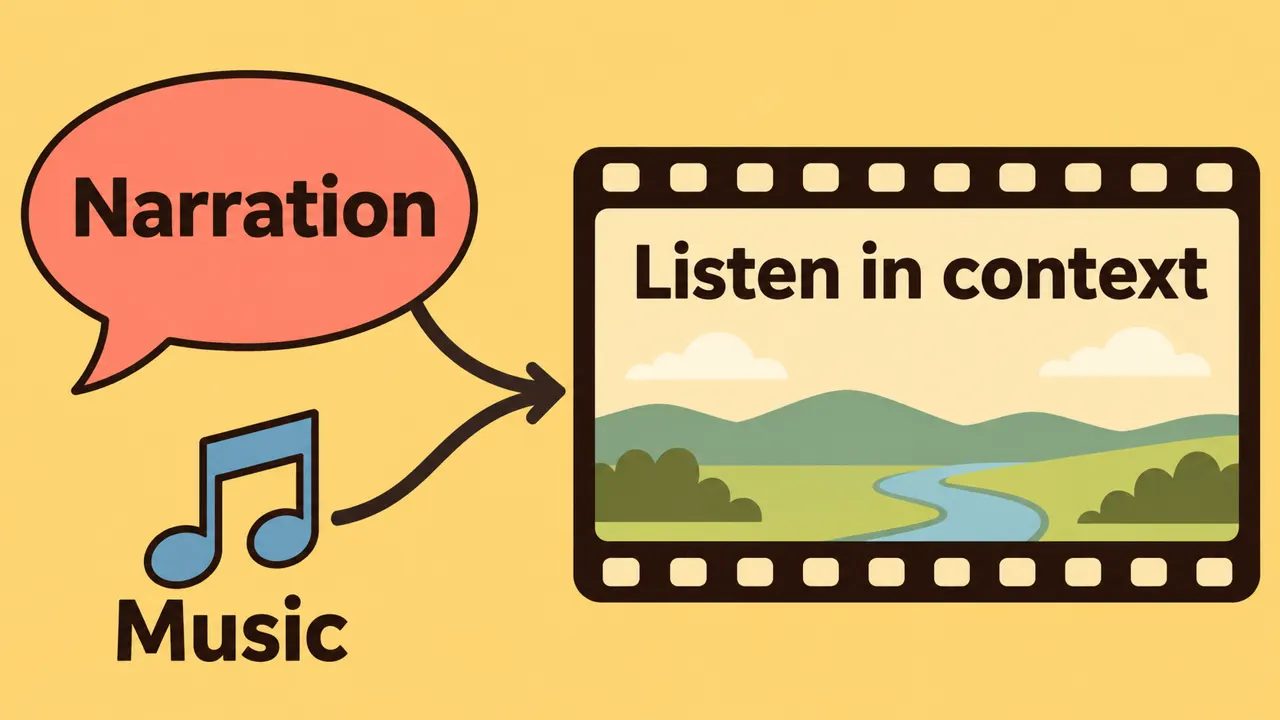
Add the candidate voice to the real ad edit with its music, effects, and captions. Listen through headphones and a phone speaker, and check whether important words remain audible. If music masks the call to action, lower or adjust the music before trying to compensate by making the narration unnaturally loud.
Pay attention to the beginning and end of each sentence. Avoid trimming away consonants or leaving gaps that make the ad feel disconnected. If the ad has several versions, compare the voice across them and keep a record of the voice, settings, script version, and export used in each edit.
Compare creative performance carefully
If you want to learn whether voice choice matters for a campaign, plan the comparison before launch. Keep the script, visuals, offer, placement, audience, and measurement window as comparable as practical, and change the voice deliberately. Record the versions and the outcome measures your team normally uses. Small samples and platform delivery differences can make results uncertain, so do not attribute a change to the voice without considering those limitations.
A good voice choice begins with clear creative direction and a representative listening test. Use the Typecast voice library to explore candidates, then judge the finished ad in context and verify the rights before distribution.
Document a repeatable listening test
When testing an AI voice generator for ads, use the same script and comparable listening levels for each voice. Record the provider, voice and model version, settings, export format, listening devices, reviewer count, and specific pronunciation or audio issues. A handful of internal preferences is useful for production, but it is not a formal mean opinion score or proof that a provider is best. ITU-T P.800.1 distinguishes listening-quality measures by how they are obtained.
Frequently asked questions
Is an AI voice generator for ads suitable for product demos?
It can be suitable when the voice is clear, the script is accurate, the team can make the necessary revisions, and the license covers the intended distribution. A human narrator may be a better fit when the project needs a particular performance, live direction, or a recognizable person whose rights and availability are already agreed.
Should the voice match the brand or the audience?
Both matter. Start with what the audience needs to understand, then choose a delivery that fits the brand without making the explanation harder to follow. A highly distinctive voice is not helpful if listeners struggle with the product name or the instructions.
How do I keep the same voice across multiple demos?
Record the chosen voice, settings, approved pronunciations, sample script, and export preferences. Generate and compare a short sample whenever the provider, voice, settings, or editing process changes. Keep a human review step for each final video.
For related context, see our AI marketing guide. Explore commercial voiceover actors for this workflow.