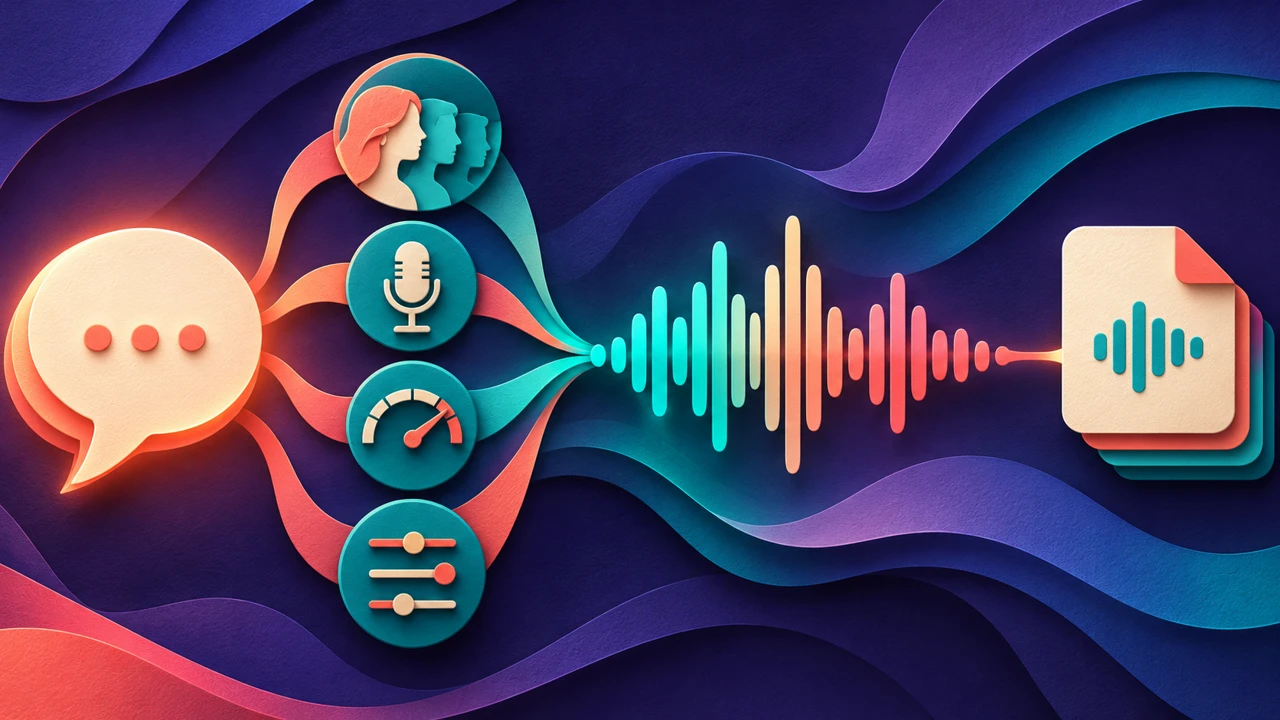





An AI podcast voice generator should produce narration that is easy to follow for more than a short preview. Choose a representative passage from your episode, listen for pronunciation and pacing, and test how the narration fits beside music, interviews, or other voices. Then confirm that the voice license and the exported file meet your publishing needs.
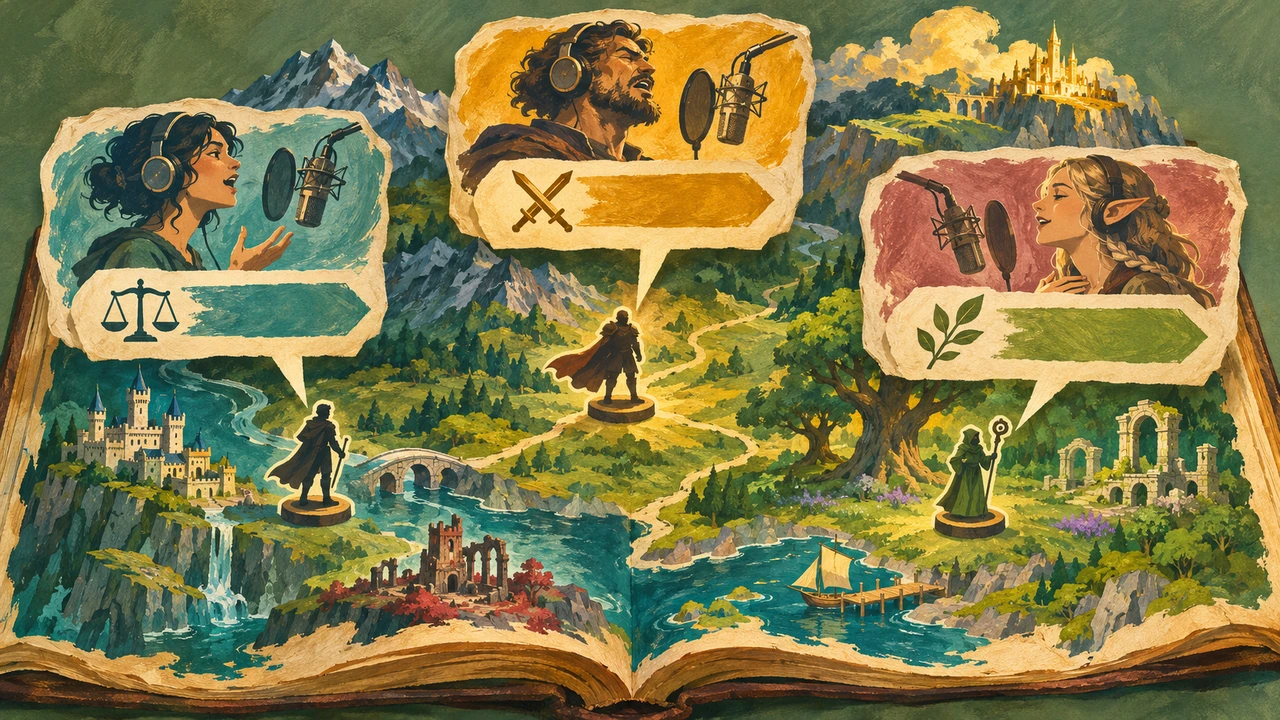
The best choice depends on the format. A calm narrator may suit a documentary, while an energetic voice may help frame a short news recap. A generated voice is one production option; a human presenter may be a better fit when a show relies on spontaneous conversation, a recognizable personality, or a directed performance.
Decide what the voice will do
Start with the listener’s experience, not a list of available voices. Is the voice introducing a human interview, narrating a scripted story, reading short transitions, or carrying an entire episode? A voice that works for a 20-second opening may become tiring over a much longer passage.
Write down the show’s audience, purpose, and approximate episode structure. If more than one voice is used, decide why each speaker is there and whether listeners will easily recognize who is speaking. Avoid creating a simulated interview that could mislead listeners into believing a real person participated.
This guide covers voice auditioning and episode preparation. An intro or trailer is a smaller scripting task with its own timing needs.
Prepare a representative audition
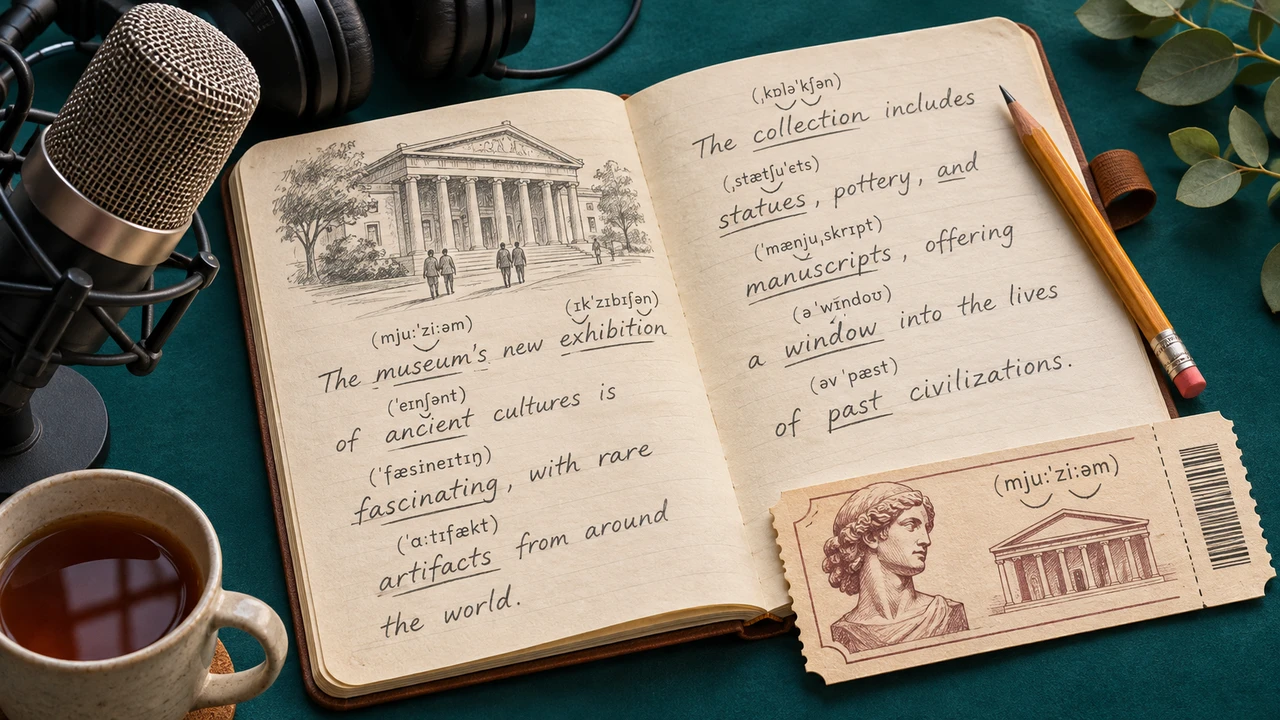
To evaluate an AI podcast voice generator, choose a short passage that sounds like the actual show. Include the title, a guest or place name if relevant, a number, a transition between ideas, and a sentence that requires a change in emphasis. Audition the same text in each candidate voice. Include the longest or most complex sentence likely to appear in the episode.
Here is a fictional example:
“Welcome to The Field Notes. Today we visit the Harbor Museum and ask how a small collection became a community archive. In a moment, we will hear from its director, Maya Chen.”
We made this voice sample with Typecast’s text-to-speech. Listen for the show title, the museum name, the transition, and the pronunciation of Maya Chen.
Podcast audition — Cyrus, 10.25 seconds
The show, museum, and guest are fictional. Use this opening to audition names and transitions. The longer assembly example below joins it to an original narration passage and sign-off; the named interview is a placeholder.
Listen for more than a natural first impression
| Criterion | What to check |
|---|---|
| Clarity | Can a first-time listener understand names, numbers, and key ideas without a transcript? |
| Pacing | Is there enough space between thoughts without unnecessary pauses? |
| Tone | Does the delivery match the show and the subject? |
| Long-form consistency | Does a longer passage remain comfortable and coherent? |
| Revisions | Can a changed sentence be placed next to the original without a distracting shift? |
| Workflow and rights | Can the team export, edit, and distribute the audio for the planned use? |
Listen to a longer representative section before committing to an episode. Ask a colleague who has not seen the script to note misheard words and moments where attention is lost. Record their feedback as observations, not as a claim that the voice will improve audience retention.
Check names, delivery, and continuity
Make a pronunciation list for names, locations, unfamiliar terms, and recurring phrases. Preview those words in complete sentences; a term can sound different when the surrounding sentence changes. Correct the script or use supported pronunciation controls where available, then listen again. Keep a separate, correctly spelled transcript if the spoken input needs a special representation.
Save the selected voice, settings, script version, and any approved pronunciation notes. If the provider offers voice or model versions, note which one was used. Generate a replacement for one sentence and listen to the transition into the preceding and following lines. Do not claim long-term consistency until you have performed that comparison.
Typecast’s voice library describes podcast-oriented voice options. Review the current selection and plan for your project, and test your own material before choosing a voice.
Edit the episode as a complete listening experience

Place the narration in your audio editor with any interview clips, music, and transitions. Confirm that speech stays clear when music plays and that speaker changes are easy to follow. Remove accidental gaps or abrupt cuts while preserving natural pauses. Listen at a comfortable level on headphones and ordinary speakers.
We made this edited narration example with Typecast’s text-to-speech, using Cyrus. It joins a fictional opening, body passage, and ending with two 0.6-second transitions. The opening’s guest teaser is a script placeholder; this segment contains narration only. The WAV is 72.70 seconds, mono, 44.1 kHz, and 16 bit. A decoded PCM check found zero clipped samples, with a sample peak of about −1.0 dBFS. These measurements describe this file and leave listening quality for review.
Edited narration segment — Cyrus, 72.70 seconds
Transcript: “Welcome to The Field Notes. Today we visit the Harbor Museum and ask how a small collection became a community archive. In a moment, we will hear from its director, Maya Chen.”
Our museum and its collection are fictional, but the production problem is practical. A spoken story needs a clear path. Start with one object, explain why it matters, and give the listener a reason to continue. Imagine a notebook donated by a retired ferry operator. Its pages record the weather, the number of passengers, and the small repairs that kept the crossing open. In a written article, a photograph could carry some of that detail. In audio, the script must supply enough context without overwhelming the listener. Keep the date and place clear. Read unfamiliar names in a full sentence. Then leave a short pause before the story changes direction. When editing, listen to the sentence before and after each cut. A clean waveform alone cannot tell you whether the transition makes sense.
That is the end of this fictional Field Notes production example. Before exporting your own episode, check the script against the final audio, review the opening and ending, and listen again on a second device. Keep the original recordings and the edit notes together so that a later correction can be traced. Thanks for listening.
Keep the final transcript aligned with the audio. If you cut or rewrite a line, update both. Check that you have permission for any interview recording, music, or third-party material; a voice license does not automatically cover the other parts of an episode.
Apple Podcasts provides episode transcripts that listeners can read and search. Review the transcript alongside the final audio, including speaker names and any passages changed during editing.
Check the file and distribution requirements
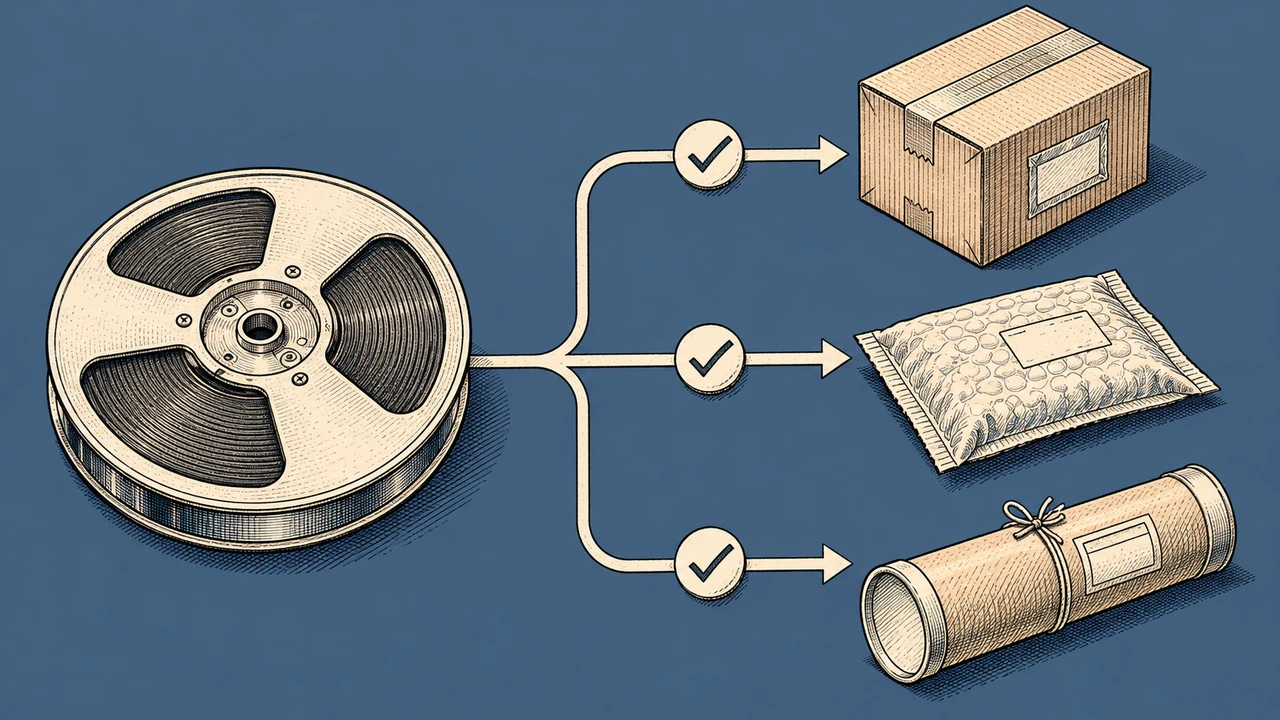
Spotify for Creators accepts MP3, M4A, and WAV audio episodes in mono or stereo. In the YouTube Studio podcast workflow, a show is a playlist and its episodes are videos. Check the destination’s current requirements before export.
For narration created with an AI podcast voice generator, choose an export that meets the destination’s specifications and the team’s editing workflow. Do not assume that a higher sample-rate number alone guarantees a better-sounding episode. Listen to the finished export from beginning to end and verify that the opening, transitions, and ending survived the final render.
Frequently asked questions
Can an AI voice narrate an entire podcast episode?
It can be used for a fully scripted episode when the voice, rights, content, and distribution rules fit the project. Audition a long passage and review the whole finished episode; a short preview is not enough to establish long-form quality.
Should I use the same voice for every episode?
Consistency can make a show easier to recognize, but the choice depends on the format. Record the selected voice and settings, and compare revised lines against an approved reference whenever the production workflow or voice version changes.
Can I upload an AI-narrated episode to every podcast platform?
Do not assume every platform has identical policies. Check the destination’s current content, ownership, disclosure, and technical requirements as well as your voice provider’s license before uploading.
For broader narration setup, read our text-to-speech online guide. Explore Typecast’s AI podcast voices when you are ready to audition the script.