




Learning how to translate YouTube videos can help creators make useful content more accessible to viewers who speak different languages. Whether you publish tutorials, product explainers, interviews, or educational videos, a reliable translation workflow can help you create localized versions without losing the meaning, pacing, or personality of the original.
YouTube video translation is more than swapping words from one language to another. It involves preparing a clean script, adapting the message for the target audience, creating subtitles or a voiceover, reviewing the result, and organizing the final assets for publishing. The process becomes much easier when you treat it as a repeatable production system.
Choose the right translation format first
Before translating anything, decide how viewers will experience the new language version. The best format depends on your audience, content type, budget, and production capacity.
Subtitles
Subtitles display translated dialogue as on-screen text. They are often a practical starting point because they preserve the original speaker’s voice and production. They can work well for interviews, podcasts, short tutorials, and videos where the speaker’s delivery is important.
Subtitles may be a good choice when:
- Your audience is comfortable reading while watching.
- The original audio includes emotion, music, or recognizable speakers.
- You want to test interest in a new language before producing a dub.
- Your video includes visual demonstrations that do not require continuous narration.
Voiceover or dubbing
A translated voiceover replaces or layers over the original spoken audio. Dubbing can make a video easier to follow for viewers who prefer listening in their own language, especially for instructional, educational, and presenter-led content.
Voiceover projects require additional preparation because the translated script needs to sound natural when spoken. It also needs to fit the timing of the video closely enough that visual cues, scene changes, and demonstrations remain understandable.
A separate localized video
For some channels, the strongest option is a fully localized version of the original video. This may include translated on-screen text, a localized thumbnail, new subtitles, and a voiceover. It takes more work, but it gives you more control over the viewer experience.
Step 1: Confirm that you can translate the video
Start with rights and permissions. If you own the video, you can move ahead with your localization plan. If the video belongs to someone else, get permission before creating or publishing a translated version.
This applies to more than the spoken dialogue. Review the video for material that may need separate approval or replacement, including:
- Music and sound effects
- Stock footage or licensed clips
- Screenshots and slides
- Brand names and logos
- Third-party interviews or guest appearances
- On-screen graphics and captions
If you are translating client content, define who approves the script, voice, subtitles, and final export before production begins. Clear ownership and approval steps can prevent late revisions.
Step 2: Create an accurate source transcript
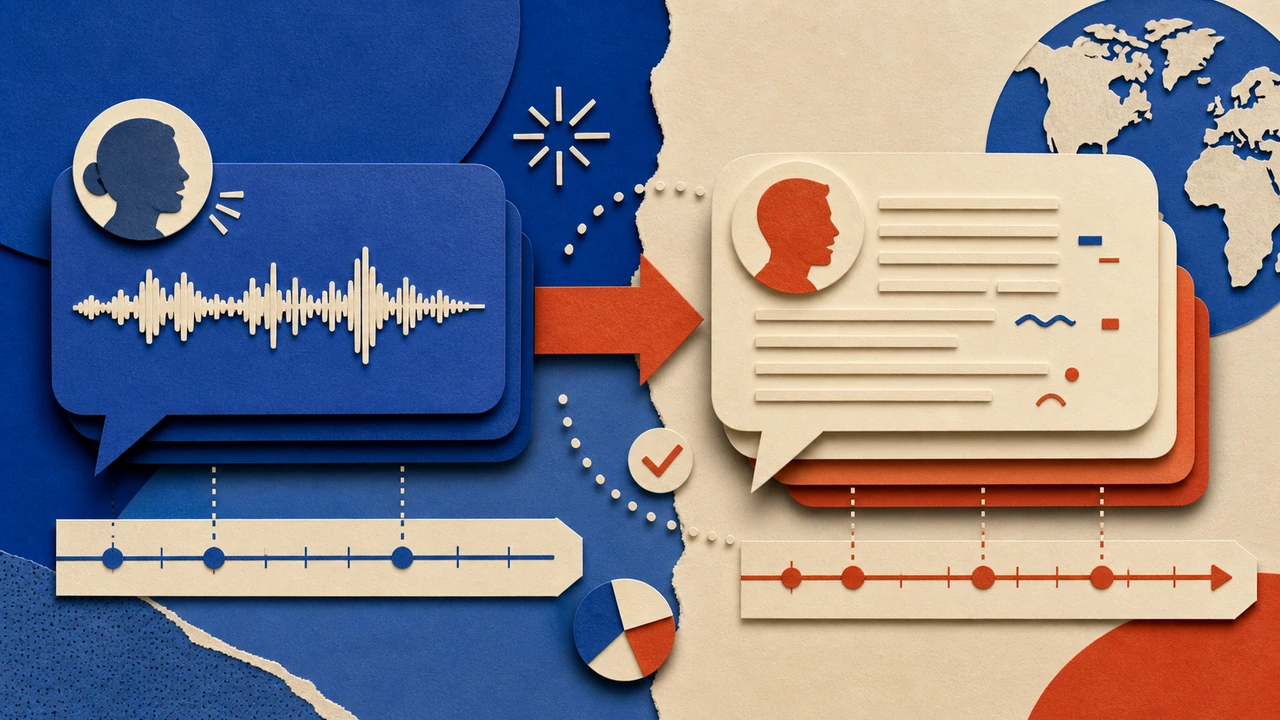
A good translation starts with an accurate source-language script. Do not translate directly from memory or rely on a rough summary of the video. Instead, create a transcript that reflects what is actually spoken and identifies important visual context.
As you prepare the transcript, include:
- Speaker labels when more than one person talks
- Time references or scene markers
- On-screen text that affects the meaning
- Product names, technical terms, and proper nouns
- Notes for jokes, idioms, or cultural references
- Unclear audio that needs human review
Clean up filler words only when doing so does not change the speaker’s meaning or tone. A tutorial may benefit from a clearer, more concise script, while an interview may need more of the original phrasing and conversational rhythm.
A transcript is also a useful source file for future updates. If the original video changes, you can identify exactly which translated assets need revision.
Step 3: Translate for meaning, not word order
The goal is not a literal word-for-word conversion. The goal is to deliver the same idea clearly and naturally in the target language.
Literal translations can create awkward phrasing, confusing instructions, or unintended tones. This is particularly common with idioms, humor, calls to action, and phrases that depend on cultural context.
When you translate a YouTube video, review these areas carefully:
Names, terms, and product language
Create a glossary for recurring names, technical terminology, product labels, and brand language. A glossary improves consistency across videos and helps reviewers catch changes in wording.
Calls to action
A phrase such as “subscribe below” may not match the layout or habits of every audience. Adapt calls to action so they remain clear without making claims about where a specific interface element appears.
Units, dates, and examples
Consider whether measurements, dates, currencies, examples, or references should be adapted for the target audience. Keep the original meaning while making the content easier to understand in context.
Speaking pace
Languages vary in length. A translated sentence may take much longer or shorter to say than the original. Mark sections that need rewriting before recording or generating the voiceover.
Step 4: Adapt the script for subtitles or spoken delivery
The translated script should be prepared differently depending on whether it will appear as subtitles or be read aloud.
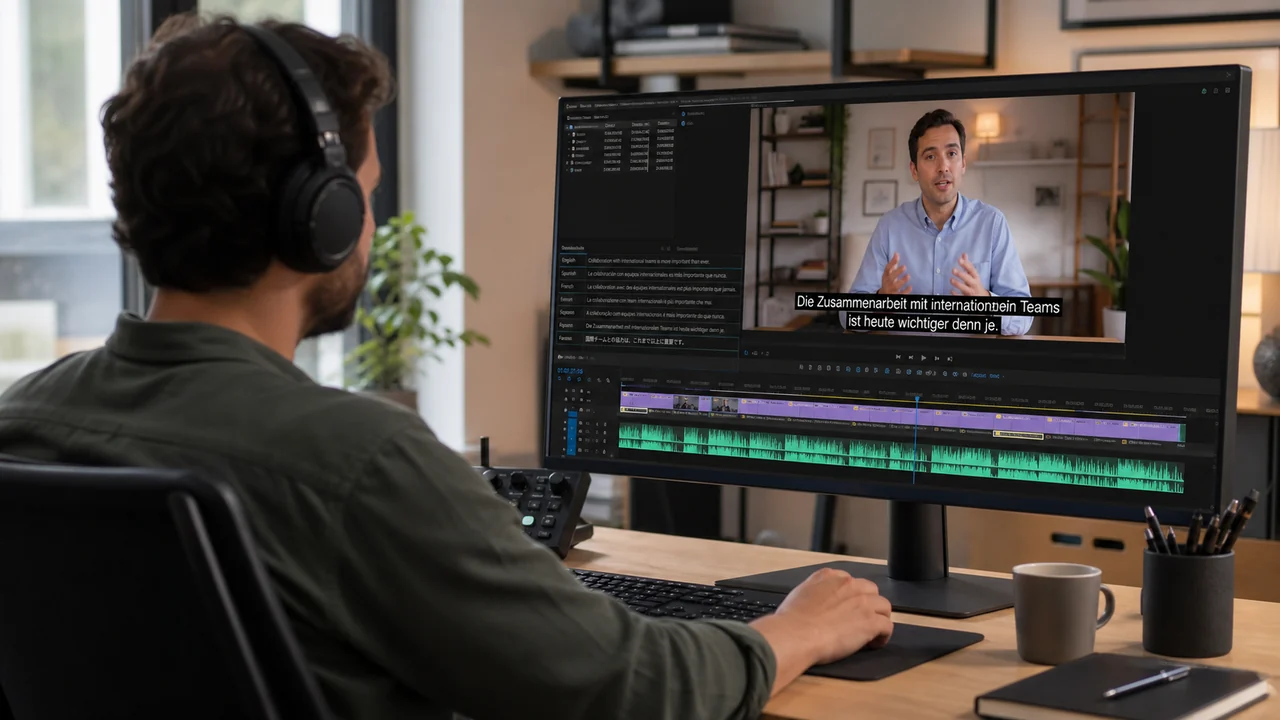
For subtitles, prioritize readability. Break long sentences into meaningful units, avoid placing too much text on screen at once, and time each line so viewers can read it comfortably. Keep important text away from visual elements that viewers need to see, such as interface demonstrations or lower-third labels.
For voiceover, prioritize natural speech. Rewrite stiff phrasing, remove unnecessary repetition, and use punctuation to guide pacing. Read the script aloud before producing the final audio. If a line is difficult to say, it will likely be difficult for viewers to follow.
A useful approach is to maintain two versions of the translation:
1. A full translated script for review and recordkeeping.
2. A performance-ready script adjusted for timing and speech.
This separation makes it easier to preserve translation accuracy while still producing a voiceover that sounds natural.

Step 5: Build a repeatable character-voice workflow
Voice consistency matters when you translate a video series. If each localized video has a noticeably different narrator style, viewers may find the channel less cohesive.
Start by defining the voice role rather than choosing a voice at random. Document the qualities the narration needs, such as calm, energetic, instructional, conversational, authoritative, or warm. Also note the intended pace and the type of content the voice will support.
For a repeatable workflow, use the same review checklist for every project:
- Does the voice fit the audience and content category?
- Is pronunciation correct for names and technical terms?
- Does the pacing match the video’s visual rhythm?
- Are pauses placed where viewers need time to process information?
- Does the delivery preserve the intended tone?
- Are any lines too fast, too long, or difficult to understand?
AI voice tools can support this process by helping teams produce and revise narration efficiently. When evaluating a text-to-speech workflow, test a short representative section before producing the full video. Include a typical introduction, a technical explanation, a name or unfamiliar term, and a closing call to action.
You can begin building voice-led video assets in Typecast Create. Before committing to a production process, review the current workflow and available controls in the product so your team can plan around the features that are available at the time of production.
Step 6: Match the audio to the video
Once you have a translated voiceover, align it with the video’s timing. Perfect lip synchronization may not be necessary for every format, but the audio should support what viewers see on screen.
Pay close attention to:
- Scene changes
- Screen recordings and cursor movements
- Text reveals
- Slides and diagrams
- Demonstrations with numbered steps
- Moments where the speaker points to a visual detail
If the translated narration runs long, do not simply speed it up. First, look for phrases that can be shortened without losing the meaning. You can also add pauses in the visual sequence, shorten transitions, or adjust the edit where appropriate.
If the narration runs short, avoid filling the gap with unnecessary wording. A brief pause may give viewers more time to absorb an important visual.
Step 7: Localize on-screen text and supporting assets
A video may still feel incomplete if the voice is translated but the visuals remain in the source language. Review every text element that viewers need to understand.
This may include:
- Title cards
- Lower thirds
- Slide text
- Screen-recorded instructions
- Charts and labels
- End screens
- Download prompts
- Thumbnail text
Not every visual element needs translation. For example, a brand logo or product interface may need to remain unchanged. Focus on the text that affects comprehension and the viewer’s next action.
Keep translated text concise. A phrase that fits neatly in English may need a different layout in another language. Plan for line breaks, font size, and available screen space early rather than trying to force a long translation into the original design.
Step 8: Run a multilingual quality review
Quality assurance is where many translation issues become visible. Review the finished video as a viewer would, not only as an editor comparing scripts.
A strong review process includes at least two passes.
Language review
Have a fluent reviewer check whether the translation is accurate, natural, and appropriate for the target audience. They should also verify terminology, pronunciation, and any localized examples.
Playback review
Watch the complete video with the translated subtitles or voiceover in place. Check timing, readability, volume, scene alignment, and whether the viewer can understand the video without relying on the original language.
Use a simple issue log that records the timestamp, issue type, suggested fix, and approval status. This is especially useful when several people review one project.
Step 9: Publish and maintain a clear asset system
When you publish translated versions, use a naming system that makes it easy to identify the language, version, and source video. Store the source transcript, translated script, subtitle file, audio export, and final video in the same project structure.
A clear asset system helps when you need to update a product detail, replace a broken link, refresh an outdated example, or create another language version later.
For a broader overview of multilingual narration planning, script preparation, and localization considerations, see the AI Dubbing Guide.
Common mistakes to avoid
Translating without a clean transcript
Errors in the source script can be repeated and amplified in every language version. Review the original before translating.
Using direct translations for every phrase
Natural localization requires adaptation. Preserve meaning and intent rather than copying source-language word order.
Ignoring timing until the final edit
Timing should be considered during script adaptation, not only after the voiceover is complete.
Changing voices without a documented standard
A consistent character-voice brief helps maintain continuity across a channel or video series.
Skipping native-language review
A final review by someone fluent in the target language can catch issues that script-only checks miss.
Frequently asked questions
Can I translate YouTube videos with subtitles only?
Yes. Subtitles can be an effective option when you want to preserve the original audio, test audience interest, or make content available in another language with a lighter production process.
Is dubbing better than subtitles?
Neither is automatically better. Dubbing can be easier for viewers who prefer listening, while subtitles retain the original speaker and can be faster to produce. Choose based on your audience, video format, and resources.
How do I keep translated voiceovers consistent?
Use a documented voice brief, maintain a pronunciation glossary, test representative script sections, and apply the same review checklist to every video.
Should I translate old videos or new videos first?
Start with videos that remain useful over time, answer common audience questions, or support important business goals. A small pilot group can help you refine the workflow before translating a larger library.
Final takeaway
The most reliable way to translate YouTube videos is to treat localization as a structured production process. Start with a clean transcript, translate for meaning, adapt the script for the chosen format, maintain a consistent voice approach, review the finished video in context, and organize every asset for future updates.
With a repeatable workflow, video translation becomes easier to scale across languages, formats, and content series while keeping the viewer experience clear and consistent.