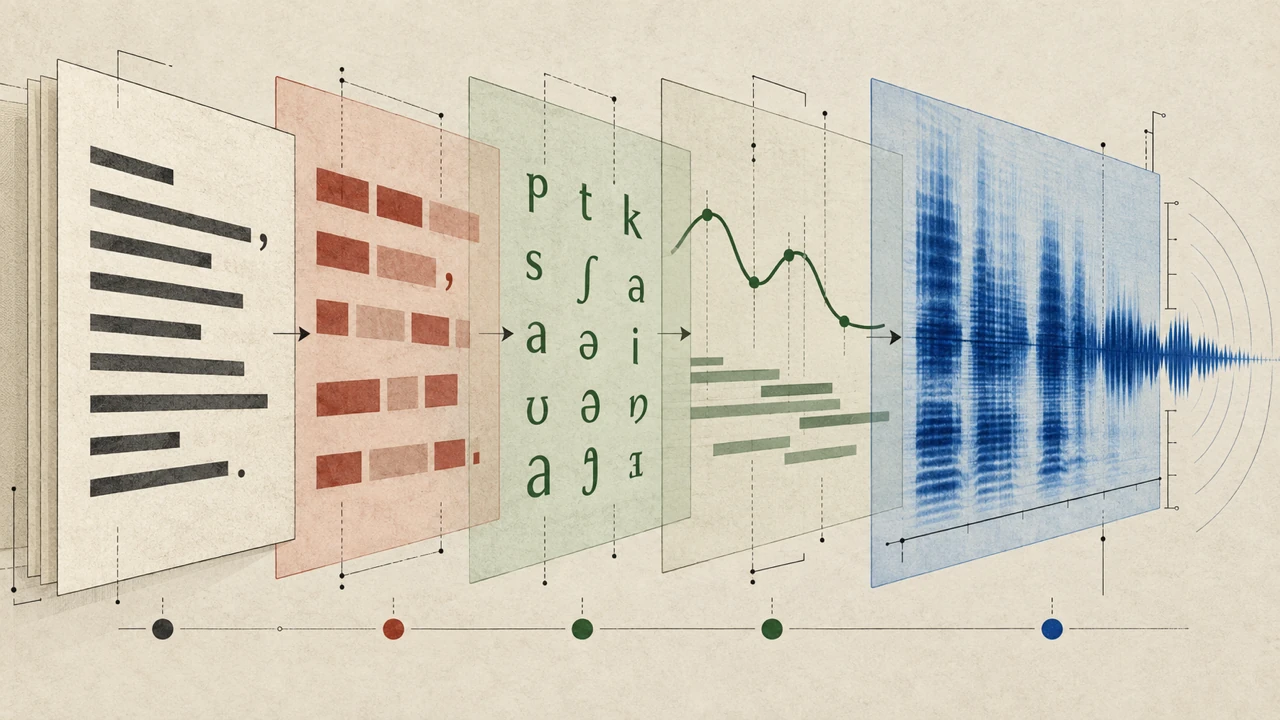





Learning how to add translated captions to a video starts before you open a caption editor. Strong translated captions depend on a clear source script, deliberate pacing, accurate timing, and a review process that accounts for how people actually read on screen. When those foundations are in place, video localization can make a message easier to follow for audiences who speak different languages or prefer to watch with the sound off.
Captions and subtitles are often used interchangeably, but their roles can differ. Captions generally represent spoken dialogue and may include meaningful sound cues, while subtitles typically translate or transcribe dialogue. In practice, the best approach depends on your audience, the platform, and whether the video needs accessibility support, language localization, or both.
Start with a caption-friendly source script
Translation is easier when the original script is concise and unambiguous. Before creating translated subtitles, review the source copy for phrases that could be difficult to localize.
Aim for short sentences with one main idea at a time. Avoid stacking multiple instructions, qualifications, or jokes into a single line. Expressions that make perfect sense in one language may not have a direct equivalent in another, so replace vague idioms with plain language when clarity matters.
For example, instead of writing, “Let’s hit the ground running and get the ball rolling,” write, “Let’s begin with the first steps.” The second version gives a translator more room to preserve the intended meaning without forcing a literal translation.
Also identify terms that should stay consistent across versions, such as product names, feature names, acronyms, or industry terminology. A simple glossary can help collaborators use the same translation every time a term appears.
Write for spoken pacing, not just reading
A script can look clear on a document and still move too quickly in a video. Captions need enough screen time for viewers to read them comfortably while watching the visual content.
Read the script aloud at the pace intended for the final narration. Mark sections that feel rushed, especially where the speaker introduces a new concept, lists several items, or uses long names. Consider shortening those lines before recording or generating a voiceover.
This step is particularly important when using text-to-speech narration. A natural-sounding voice can still speak faster than viewers can read a dense caption. Build pauses into the script around key transitions, demonstrations, and calls to action.
Choose the languages and caption format
Decide which languages to prioritize based on your audience and distribution plan. A focused first release is often easier to review and maintain than publishing many language versions at once.
Next, determine how captions will be delivered. Common options include:
- Burned-in captions: Text is permanently embedded in the video image. This can work well for social clips and mobile-first viewing, but viewers cannot turn the text off.
- Selectable caption tracks: Separate caption files can be enabled or disabled by the viewer when supported by the platform.
- Localized video versions: Each version may use translated captions, a translated voiceover, or both. This approach can support a more complete localization experience.
If your video includes important non-speech information, such as applause, a door closing, or music that changes the meaning of a scene, decide whether those cues should appear in each caption version. Accessibility captions may need more descriptive information than standard translated subtitles.
Create accurate source captions first

It is usually best to make a clean source-language caption file before translating. This file becomes the reference for every localized version and helps maintain consistency when the original video changes.
Review the source captions for spelling, punctuation, speaker labels, and timing. A caption should match the spoken meaning without becoming unnecessarily long. Break lines at natural points in the sentence rather than splitting names, numbers, or closely connected phrases.
Keep these practical reading considerations in mind:
- Limit each caption to a manageable amount of text.
- Avoid placing captions over essential on-screen labels or demonstrations.
- Leave enough time for viewers to read each caption before it disappears.
- Time captions to the start of the relevant speech rather than waiting until the sentence is nearly complete.
- Use consistent punctuation and capitalization throughout the video.
A well-timed source file makes translation less error-prone because translators can focus on meaning rather than trying to reconstruct where each line belongs.
Translate for meaning and reading speed
Translated captions should communicate the intended message, not merely mirror every source word. Different languages use different word orders, sentence lengths, and levels of formality. A direct translation may be technically correct but still sound unnatural or take too long to read.
Give translators context whenever possible. Share the video, the source script, the intended audience, and any on-screen text that affects the dialogue. Context helps them choose the right tone and recognize when a word has a specialized meaning.
Then review the translated text with caption length in mind. A short English phrase can expand considerably in another language. If a line becomes too long, try one of these options:
1. Simplify the translation while retaining the key meaning.
2. Split the caption at a logical pause.
3. Extend the display time if the timing allows.
4. Shorten the original narration in future versions if the video consistently moves too fast.
Do not solve every length problem by shrinking the font or speeding up the video. Readability is part of the viewing experience, and hard-to-read video captions can reduce the value of an otherwise useful translation.
Sync captions to the final edit

Caption timing should be completed against the final version of the video. Even a small edit to narration, transitions, or scene length can shift captions out of sync.
As you time each language version, watch for moments where the spoken message and visuals do not align perfectly. A caption may need to appear slightly earlier when a visual introduces a concept before the narrator explains it. Conversely, it may need to remain on screen during a pause so the viewer has time to finish reading.
Pay special attention to:
- Fast introductions and opening hooks
- Screens with dense instructional text
- Lists, prices, dates, and measurements
- Names and words that are difficult to pronounce
- Dialogue that overlaps with music or other speakers
- End screens, where captions can compete with a call to action
For localized videos with voiceovers, make timing adjustments after the translated narration is final. A translated voice track rarely has the exact same duration as the original language track.
Review captions in context

A text-only review is useful, but it is not enough. Watch the full video with the translated captions enabled on the devices and platforms your audience is likely to use.
During review, check whether captions are readable against the background, whether they cover important visual information, and whether the tone fits the intended audience. Confirm that names, links, numbers, and branded terms remain correct. If possible, have a fluent speaker review the localized captions for natural phrasing rather than only checking for literal accuracy.
It is also helpful to test the video with sound off. This quickly reveals whether the captions provide enough information to follow the story, instructions, or argument. Then watch with sound on to make sure the captions are synchronized and do not distract from the narration.
Add translated captions with Typecast’s Video Editor
If you are creating a narration-led video, Typecast’s Video Editor gives you one place to build the source version and review its subtitle text. Create the source-language video first, then make one localized caption pass for each target language.
1. Create the source-language video project
Log in and click on the Video Editor tool, select the aspect ratio for the final format, and give the project a clear name. Build the source version first so its script, voiceover, and visuals remain the reference for every translated caption version.

2. Add and check the source-language captions
Use the approved source script to create the initial captions, then watch the edit once. Correct lines that begin or end too early, and split captions that are too dense to read at the intended pace.
3. Replace the subtitle copy with a reviewed translation
Before changing the subtitle text, turn off Script sync. Select the caption paragraph, choose Edit, replace the source text with the approved translation, then choose Apply. Repeat this for each caption while keeping the phrasing natural and the line length readable.

4. Review each language version in the final edit
Preview the entire video with the translated captions visible. Check that every line fits the scene, stays clear of important visual information, and remains synchronized with the narration before publishing.
Build a repeatable localization workflow
Once you have created one translated caption version, document the process for future videos. Keep the approved source script, caption files, terminology list, and language-specific notes in an organized location.
A repeatable workflow might look like this:
1. Finalize the source-language script.
2. Record or generate the narration and complete the video edit.
3. Create and review source captions.
4. Translate captions with video context and terminology guidance.
5. Adjust line breaks and timing for each language.
6. Review each localized version in the final player or publishing environment.
7. Save approved files and notes for later updates.
This structure helps teams avoid redoing work when a product name changes, a new language is added, or an existing video needs a revised ending.
Use captions as part of a broader video localization plan
Translated captions are a practical starting point for reaching viewers across languages, but they are only one part of video localization. Depending on the content, you may also need translated on-screen text, localized thumbnails, language-specific descriptions, or multilingual voiceovers.
For videos that need narration in more than one language, this AI Dubbing Guide explains how to plan multilingual voiceover production alongside your localization workflow. If you are creating an on-camera-free format that relies heavily on narration, visuals, and readable text, a faceless video creator can help support that production style.
The central principle remains the same: make the message easy to understand before translating it. Clear scripts, measured pacing, careful timing, and contextual review give translated captions the best chance of serving viewers well in every language.