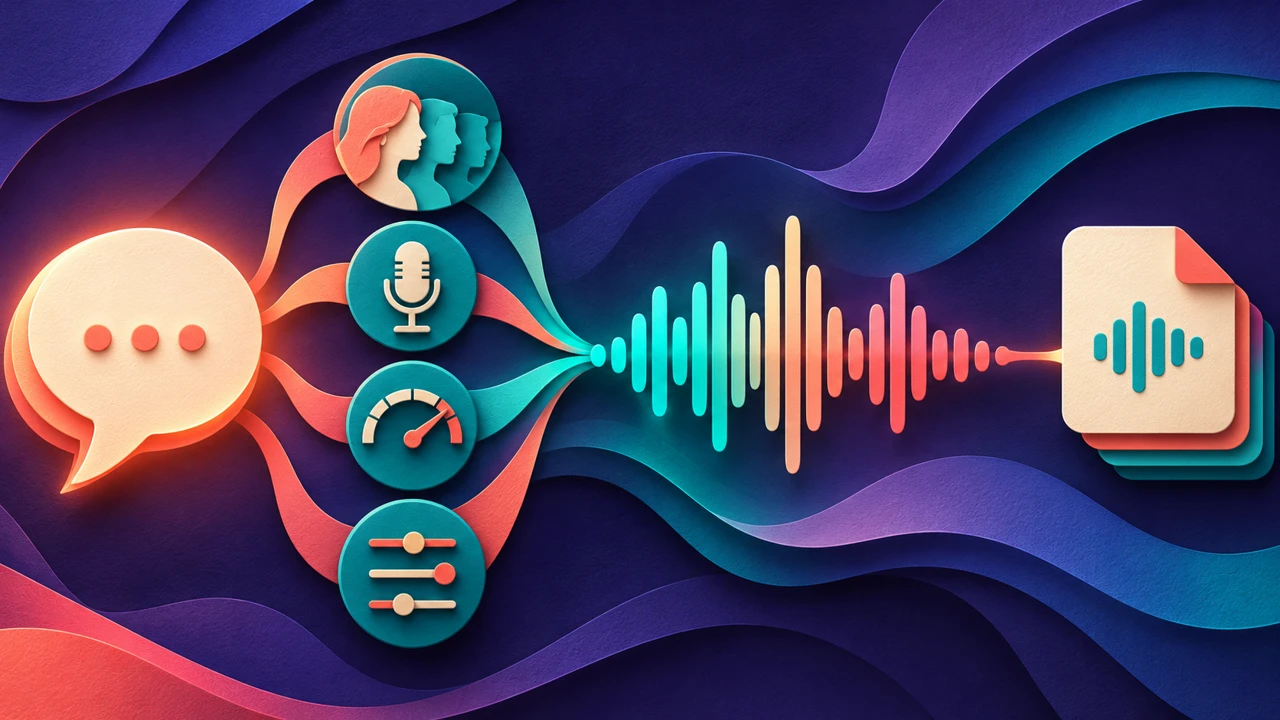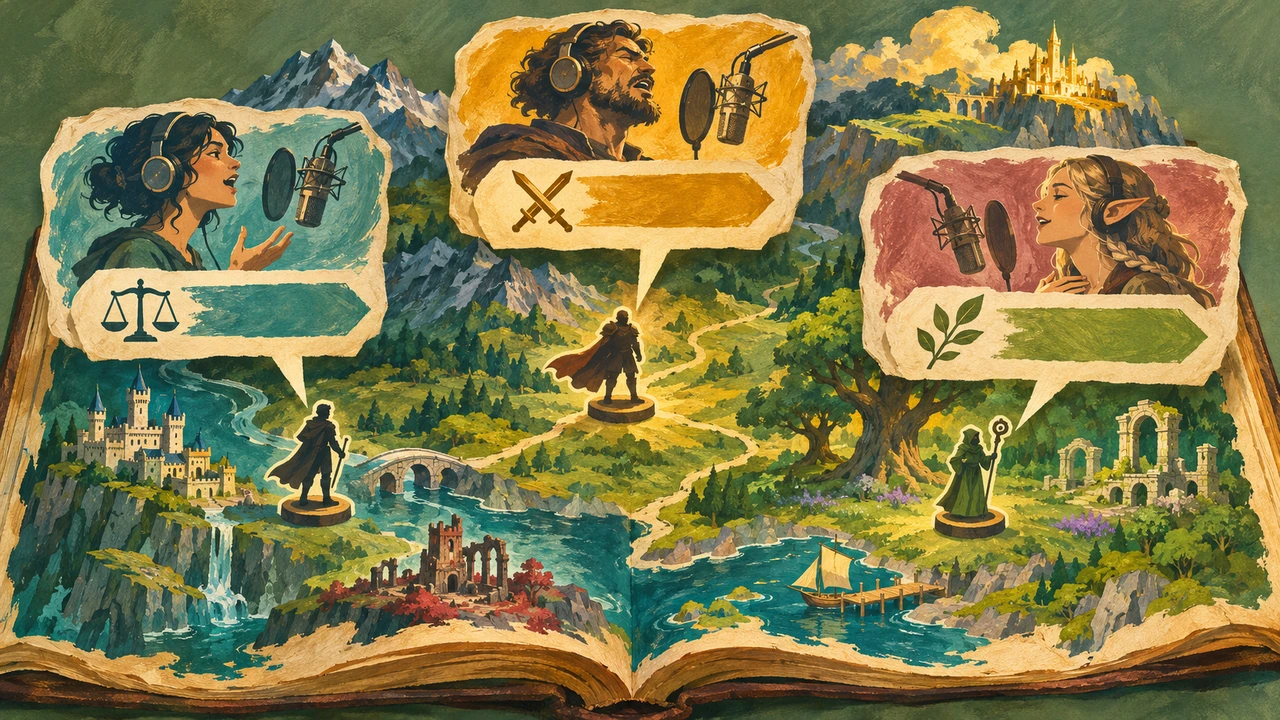





Choose an AI voice generator for games by testing its voices in a scene, not only in a voice library. A useful test includes lines that reveal the character, a line that reacts to gameplay, and a line that another character interrupts. Listen for clarity, range, timing, and consistency, then check whether the license covers your game and how the files will be delivered.
Some projects need a human performer, live direction, or a distinctive performance that a generated voice cannot supply. AI narration may be useful for prototyping or for a production where the creative team has confirmed that the voice, rights, and review process fit the work. Label prototype audio clearly so it is not mistaken for final approved dialogue.
Define the scene before casting

Write a short description of each character’s role and relationship to the player. Avoid defining a voice only by age or pitch: a cautious navigator, an impatient mechanic, and a friendly shopkeeper may all need different pacing and attitudes. Decide what the player must understand on the first listen, particularly for instructions and warnings.
For a first test, use a fictional three-line exchange:
Navigator: “The bridge is open. Take the left path.”
Mechanic: “Left? That is where the old machines are.”
Navigator: “Then stay close and listen for the alarm.”
We made this voice sample with Typecast’s text-to-speech. Listen for the two directions and the pause between them.
Navigator audition — Chester, 4.79 seconds
Transcript: The bridge is open. Take the left path. Then stay close and listen for the alarm.
This original fictional audition covers the navigator lines only. The mechanic line above remains an unrecorded script example. The browser-scene playback results appear below.
Audition voices in context
When comparing an AI voice generator for games, generate or record the same lines for each candidate, using comparable direction. Play them in sequence with a rough version of the scene. If you have music or effects, include them at representative levels. Check whether the player can distinguish speakers and understand the instruction without reading a transcript.
| Test | Question to answer |
|---|---|
| Character fit | Does the delivery suit the role and the scene’s tone? |
| Clarity | Can a new listener understand instructions and names? |
| Contrast | Can the listener tell speakers apart without relying only on pitch? |
| Range | Can the same voice carry a quiet line and an urgent line without an awkward shift? |
| Revision | Does a revised line fit beside the original approved lines? |
A distinctive voice is useful only if it serves the scene. If the player misses the next objective because a stylized delivery obscures a key word, revise the line or try another voice.
Direct the performance one decision at a time
Start with the words. Replace a long sentence with a shorter one if it is difficult to follow during play. Then adjust delivery using the controls actually offered by the selected tool. Test pauses at changes in thought, and listen to the character’s emotional direction across a complete exchange rather than optimizing each line in isolation.
Some tools offer emotion or intensity settings; availability can depend on the voice and plan.
Keep a simple direction record: character, voice, model or version where available, settings, approved sample, pronunciation notes, and the lines that need review.
Plan files for implementation
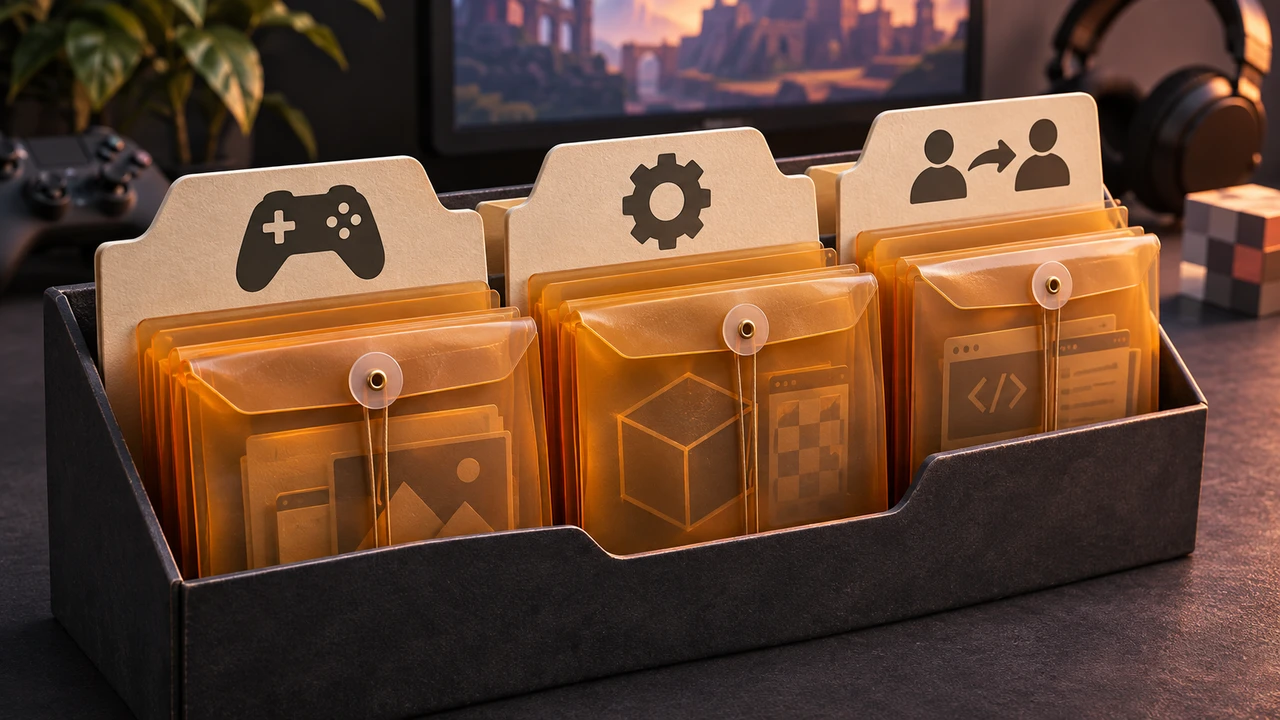
Agree with the developer on filenames and export requirements before generating every line. A practical naming scheme might use a scene, speaker, and line identifier, such as bridge_navigator_001.wav. Keep the script and the final file list together so that a text change can be traced to a new audio version.
Ask the implementation team which format, sample rate, channel layout, loudness targets, and silence at the beginning or end of each file the project requires. Those requirements depend on the game and engine; do not assume one universal export setting. Test a few final-format files in the actual build before generating a large dialogue set.
Epic’s audio-import documentation explains that imported audio becomes a Sound Wave asset and can be previewed in the editor. It also describes internal conversion to 16-bit WAV. Confirm the settings for the engine version used by your team before preparing the final dialogue files.
Confirm consent and rights
Check whether the provider’s current license covers the game’s distribution, commercial use, territories, and any client or publisher handoff. If using a clone of a real person’s voice, obtain permission for both the clone and the specific game uses. A stock voice license does not authorize copying an actor’s identity, and permission to use a sample for a prototype does not automatically cover a commercial launch.
The U.S. Copyright Office’s digital-replicas report examines realistic reproductions of an individual’s voice or appearance. Use it as background for a qualified rights review of any proposed voice clone.
Typecast’s voice library provides stock options to audition. Our examples use Typecast’s API.
Review the playable scene
Our browser-scene test used the original Chester recording in a small playable bridge scene. In Chrome 157, we triggered the line near a sign, checked that another keypress during playback did not overlap it, replayed it after completion, and followed the left path. The subtitle appeared during playback and cleared when the line ended. A synthesized background tone was reduced during speech. These observations apply to this HTML Canvas and Web Audio example. Engine-specific import steps still need checking in the engine used by your project.
Once the files are in the build, play the scene as a new player. Listen while moving, interacting, and hearing the normal mix. Check subtitles against the final audio and confirm that critical instructions remain understandable. Record specific issues by scene and line ID, revise them, and replay the affected sequence.
Testing an AI voice generator for games in a short, playable pilot exposes problems that a voice gallery cannot: competing sound effects, interruptions, unsuitable timing, or delivery that feels repetitive over several lines. Use what the team learns from that pilot before committing to a full cast.
Frequently asked questions
Can I use AI voices in a commercial game?
Possibly, if the provider’s terms, the plan, the voice rights, and your agreements permit the intended use. Verify distribution and client or publisher handoff before release.
How many different voices should a game use?
Choose the number, the story and budget support. The important test is whether players can follow who is speaking and what each line means; more voices do not automatically make a scene clearer.
Should AI dialogue replace a voice actor?
It depends on the project’s needs and agreements. Human performance can be important for direction, nuance, and a specific creative identity. AI may fit a prototype or a different production workflow when the team has verified its rights and quality.
For the wider narration workflow, see our guide to text-to-speech online. Then explore AI voices for your scene.