



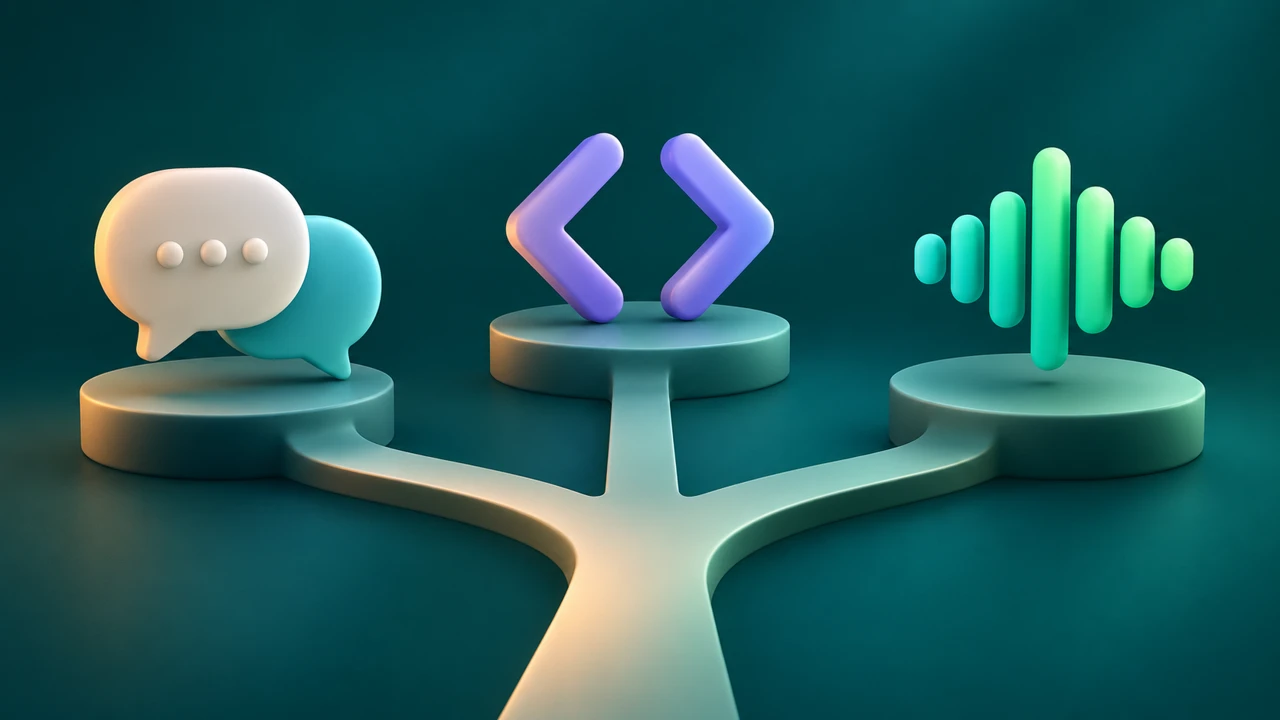
Yes. ChatGPT can do text-to-speech in a voice conversation, and OpenAI also provides audio technology that developers can use in applications. The right choice depends on what you need: an interactive spoken answer, a custom-built audio feature, or a finished narration file for a video or article.
For a creator who already has a script and needs to produce and revise voiceover, a dedicated text-to-speech editor such as Typecast is another option. Here is how to choose without assuming that every voice feature works the same way.
Can ChatGPT do text-to-speech in a conversation?
ChatGPT Voice lets you have a spoken conversation with ChatGPT. You can ask a question aloud, listen to the response and follow up as the conversation develops. In the desktop app, OpenAI describes voice as a way to talk through ideas and coordinate work; access depends on your plan, rollout and workspace settings. See OpenAI’s ChatGPT Voice documentation.
That makes Voice useful when you want to brainstorm a script, ask for a shorter introduction or hear an explanation while you work. The conversation itself is the main experience. If your goal is a reusable voiceover, check the current export options and terms for the specific product and plan before building your workflow around them.

How is OpenAI’s audio API different?
An API is for developers building software. OpenAI documents text-to-speech capabilities for applications in its text-to-speech guide. A developer can use the relevant API to incorporate generated speech into a product or workflow, subject to the model’s current availability, pricing and terms.
The developer route gives a team the opportunity to integrate speech into an existing application, but it also requires implementation and maintenance. Models and endpoints change, so check OpenAI’s current model and migration guidance before committing to an integration. ChatGPT Voice access and API access should be evaluated separately.
ChatGPT Voice, an audio API or a voiceover editor?
| Your goal | A practical starting point | What to check |
|---|---|---|
| Talk through an idea and hear a response | ChatGPT Voice | Availability on your account and device |
| Add generated speech inside your own application | OpenAI audio API | Current model, documentation, cost and engineering requirements |
| Make narration for a video or audio article | A text-to-speech editor such as Typecast | Voice fit, revisions, export options and usage terms |
Choose among ChatGPT text-to-speech options by the output you need: a conversation, speech generated inside an application or a finished narration file. You may use more than one route. For example, a creator can brainstorm a script in ChatGPT, edit it for accuracy and then produce the final narration in a voiceover editor. For a deeper look at delivery, see our guide to getting text to speech with emotion.
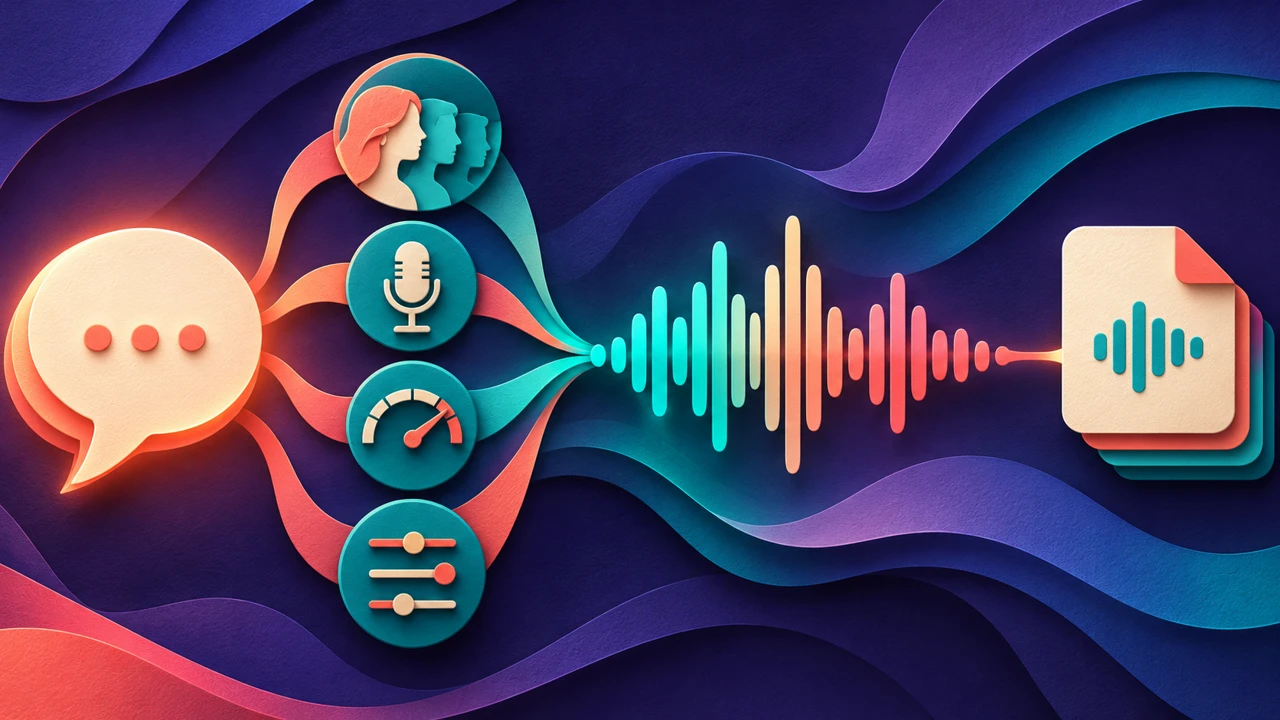
A simple workflow for a finished voiceover
- Write a short script. Start with the outcome the listener needs. Break a long paragraph into short sentences and remove instructions intended only for the editor.
- Check the facts. If you used an AI assistant to draft, verify names, dates, quotations and product claims against reliable sources. The final script is your responsibility.
- Prepare the spoken version. Spell out an abbreviation where it improves clarity and give numbers enough context to sound natural. Keep the meaning aligned with the source.
- Choose a voice and listen to a sample. In a dedicated editor such as Typecast, add your script, choose a suitable voice and preview the delivery. Compare clarity, pace and tone on the same passage.
- Revise and export. Correct awkward pauses and pronunciation, then check the available format and usage rights for your intended channel. Listen to the exported result before placing it in a video or publishing workflow.
For example, a product team could ask ChatGPT for three opening lines, choose one, verify the product claim and use a voiceover editor to create a 30-second narration. Keep the final script and audio version together so a later correction can be made consistently.
Listen to an original example
We made this 7.00-second AI voice sample with Typecast text-to-speech.
Transcript: “A clear voiceover starts with a useful script. Review the facts, listen to the delivery, and make each word easy to follow.”
For a broader introduction, see our guide to text-to-speech online.
Frequently asked questions
Can ChatGPT read a response aloud?
In supported ChatGPT mobile responses, look for Read aloud in the response actions. OpenAI’s mobile app FAQ notes that the available actions vary by message. This plays a response; Voice is the separate experience for a live spoken conversation.
Is ChatGPT Voice the same as the OpenAI API?
No. ChatGPT Voice is a conversation experience. The API is a developer interface for building audio capabilities into applications. Their access, controls and costs can differ.
Can ChatGPT do text-to-speech for a video voiceover?
Start with the script and the deliverable. If you need to audition voices, revise narration and export an audio file, compare a dedicated editor with your other options. Check current export formats and permitted uses before production.
Can I use an AI-written script without editing it?
You can use it as a starting point, but verify its claims and edit for your audience. Read the finished version aloud or preview it with a voice to catch phrasing that looks fine on the page but sounds unnatural.