





An effective event announcement script gives attendees useful information without interrupting the event experience. Whether the message welcomes guests, redirects a room, introduces a session, or closes the program, it should be easy to hear, easy to understand, and timed to the moment.
For organizers using recorded audio, text-to-speech can provide a consistent delivery for repeatable announcements while leaving hosts and presenters free to focus on attendees. This guide includes original fictional scripts, a practical writing process, and timing guidance for announcements you can adapt for in-person, virtual, or hybrid events.
What makes an event announcement work?
The best announcements answer the attendee’s immediate question: What do I need to know or do right now? They avoid background detail, give one clear action at a time, and use wording that sounds natural when read aloud.
A useful event announcement usually includes:
- A quick cue that the message is beginning
- The essential update or instruction
- A location, time, or next step when relevant
- A brief repeat of the most important detail
- A polite close or transition
Write for the ear rather than the page. Short sentences, familiar words, and direct instructions help listeners follow along. The W3C’s guidance on writing clear, concise instructions similarly recommends keeping language simple and placing important information first.
Before recording an event announcement script, identify the announcement type. A welcome message has a different job than a schedule update. Trying to combine both can make a short announcement feel crowded.
Start with a simple announcement structure
Use this five-part structure for most event messages:
1. Attention cue: Signal that attendees should listen.
2. Context: Name the event, session, or moment when needed.
3. Core message: State the update, instruction, or transition.
4. Action: Tell attendees what to do next.
5. Close: Thank attendees or move smoothly into the next activity.
For example, instead of saying, “We would like to make everyone aware that there has been a change involving the location for the upcoming breakout session,” say, “Attention, please. The Marketing Strategy breakout has moved to Room 204. Please head there now.”
The second version is more direct, easier to scan, and easier to understand in a busy venue.
Welcome announcement script
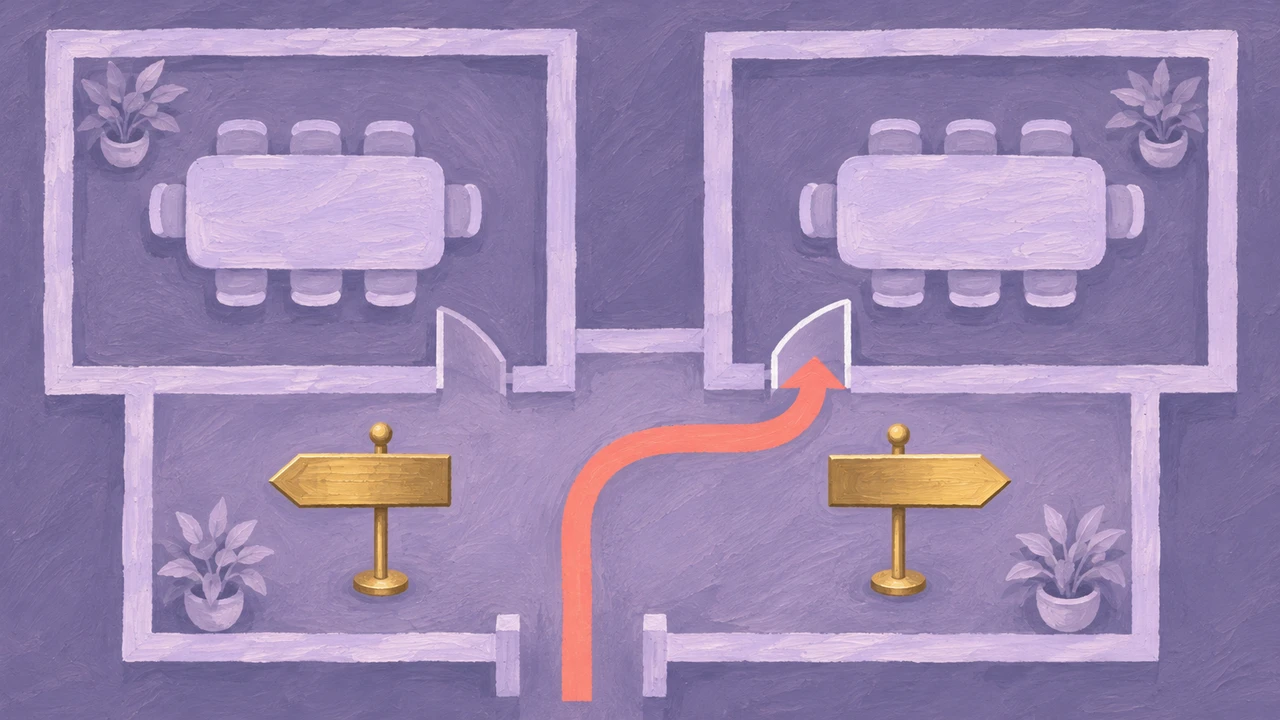
A welcome script should set expectations, establish a calm tone, and point attendees toward the first action. Keep it short enough that it feels like an opening cue, not a speech.
Original fictional welcome script
We made these original samples with Typecast’s text-to-speech, using its API and the Cyrus stock voice.
Welcome message · 8.80 seconds
Welcome to the fictional North Hall creative workshop. Registration is open in the foyer. Please take a seat in the main room. Our first session begins at ten.
The fictional North Hall example identifies the event, directs visitors to registration, and gives the next start time. Its measured length is the duration of this particular generated file, rather than a timing recommendation for every venue.
For a virtual event, replace physical directions with access information. For example, tell attendees where to find the session link, chat channel, agenda, or technical support contact. Accessible virtual-event planning also benefits from sharing participation details and available supports clearly in advance and during the program, as outlined in Canada’s guidance for accessible virtual events.
Room-change announcement script
Room changes need immediate clarity. Attendees may be walking, checking schedules, or talking with colleagues, so lead with the session name and the new location.
Original fictional room-change script
Room update · 9.75 seconds
An update for North Hall workshop guests. The afternoon drawing session has moved to Room Two. Follow the signs from the foyer. A team member at registration can help you find the room.
When a room change affects multiple sessions, create separate recordings rather than one long update. A person looking for one session should not need to listen through unrelated schedule changes.
If the venue has digital signage, printed schedules, a mobile event app, or a chat channel, update those sources as well. Audio should reinforce the change, not become the only place attendees can find it.
Session-start and transition scripts
Transitions help an event maintain momentum. They can signal that a session is starting, that a break is ending, or that participants should move to their next activity.
Original fictional session-start script
Our next session begins in five minutes.
Please take your seats in the Innovation Theater for “Designing Better Customer Journeys.”
The session will begin promptly at 2:00 PM.
Original fictional break-ending script
The afternoon break is now ending.
Please return to the Grand Hall for the keynote presentation, beginning in five minutes.
Thank you.
These messages are most useful when they are scheduled around real attendee movement. A five-minute reminder may be enough for a single-room event, while a larger venue may need a 10-minute notice followed by a shorter final reminder.
Closing announcement script

A closing message should give attendees a sense of completion while covering only the final logistics that matter. It may include exit directions, networking information, transportation details, or a reminder to complete feedback.
Original fictional closing script
Closing message · 8.65 seconds
Thank you for joining the North Hall workshop. Today’s sessions have finished. Please collect your belongings before leaving. The registration team can help with any final questions.
Avoid adding several unrelated calls to action at the end. If attendees need to complete a survey, collect materials, join a reception, and find transportation, consider separate announcements at the appropriate moments.
Choose a voice and pace for the setting
The voice should match the event’s setting and the message’s urgency. A formal conference may call for a composed, steady delivery. A community festival may suit a warmer, more energetic tone. For repeated logistics updates, clarity should take priority over performance.
When selecting announcer voices, listen for pronunciation, pace, and intelligibility—not just personality. Test the voice with event names, speaker names, room numbers, acronyms, and local place names before finalizing the recording.
Pacing matters as much as the script itself. Add pauses after a room number, a time, or a key instruction. If a listener needs to remember “Room 230,” give that detail space to land before moving to the next sentence.
A practical listen-through process is:
1. Read the script silently to remove unnecessary words.
2. Listen to a draft at normal volume on headphones and a phone speaker.
3. Check names, times, numbers, and directional language.
4. Time the full recording, including pauses.
5. Ask someone unfamiliar with the event to identify the required action after one listen.
If the listener cannot repeat the action, revise the script before adjusting the voice speed.
Create recordings with a consistent workflow
A repeatable workflow helps teams manage multiple announcements without losing track of versions. Start with a shared script document that includes a message title, intended playback time, location or channel, and owner.
For recorded messages, a text-to-speech online workflow can help teams turn approved copy into audio drafts for review. Keep the final script separate from working notes so that only listener-facing language reaches the recording stage.
- Use a naming convention that makes files easy to find during the event. For example:
- welcome-main-hall-0900
- room-change-customer-research-1100
- break-ending-keynote-1355
- closing-main-hall-1700
Record or generate alternate versions only when the attendee action changes. A new room, revised time, or canceled session warrants a new message. A minor stylistic preference usually does not.
Before the announcement is played
Check the room, time and requested action in the event announcement script against the current run sheet. Then rehearse through the actual playback system, with a person unfamiliar with the message. Keep matching text updates available in the event’s written channels.
These recordings are original non-emergency production examples. They have not been tested through a venue public-address system and do not replace emergency procedures or trained venue staff.