





AI voice pronunciation can make or break an otherwise polished voiceover. A synthesized voice may handle ordinary prose well but stumble on a customer’s name, an unfamiliar place, an all-caps acronym, a product code, or a string of digits. The most reliable fix is usually not to keep rerendering the same script. Instead, identify the troublesome text, make its intended reading explicit, and test a short sample before producing the full recording.
This guide explains a practical workflow for improving pronunciation in text-to-speech projects. For a broader introduction to choosing voices and preparing audio, start with our guide to text-to-speech online.
Why pronunciation problems happen
A text-to-speech system has to infer how written language should sound. That is straightforward when spelling, grammar, and context point to one likely reading. It becomes harder when the written form is ambiguous.
For example, “Jordan” could be a person’s name or a country. “US” could be read as the letters “U-S” or as the word “us.” “2026” may need to sound like “twenty twenty-six,” “two thousand twenty-six,” or “two zero two six,” depending on the context. A model can make a reasonable guess and still choose the reading you did not intend.
Pronunciation issues commonly come from:
- Proper names, especially names from languages other than the surrounding script
- Brand names and product names with nonstandard capitalization or spelling
- Acronyms that should be read letter by letter
- Initialisms that are commonly spoken as words
- Numbers, dates, years, addresses, IDs, and version numbers
- Abbreviations such as “Dr.,” “St.,” “Ave.,” or “No.”
- Words with multiple pronunciations, such as “read,” “record,” or “lead”
The goal is not to change the meaning of the script. It is to remove ambiguity so the voice has a clearer path to the intended spoken form.
Start with a pronunciation audit
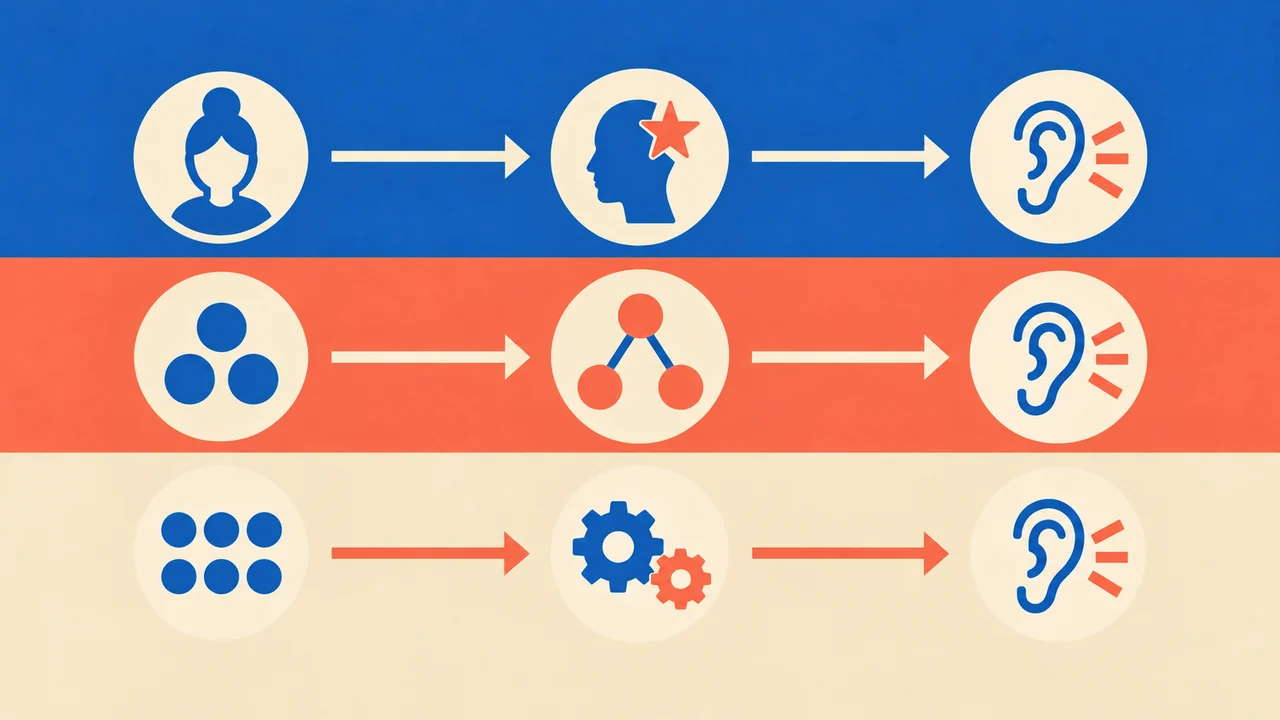
Before generating a long voiceover, read the script as a listener would. Mark every item that could have more than one spoken interpretation. This is especially important for opening lines, calls to action, legal copy, proper nouns, and numbers that carry business or instructional meaning.
Create a small pronunciation list with four columns:
| Script item | Intended spoken form | Why it may be unclear | Test sentence |
|---|---|---|---|
| AcmeQ | “ACK-me cue” | Mixed capitalization | “AcmeQ is available today.” |
| QBR | “cue bee ar” | Acronym | “Our QBR begins Monday.” |
| 401(k) | “four oh one kay” | Number and parenthetical letter | “Update your 401(k) contribution.” |
| 3.5% | “three point five percent” | Decimal and symbol | “Growth reached 3.5%.” |
This list becomes useful when a script changes or when multiple people are producing voiceovers from the same terminology. It also prevents an editor from fixing one instance of a name while missing another later in the script.
Fix names by writing for the ear
Names are often the highest-risk part of a voiceover because spelling is not a dependable pronunciation guide. A name may be unfamiliar, have multiple accepted pronunciations, or be pronounced differently by the individual who uses it.
Confirm the preferred pronunciation first
When possible, use a first-party source: the person, organization, client, brand guide, event organizer, or official company recording. Do not assume that a familiar-looking spelling has a familiar pronunciation.
If a stakeholder gives you a phonetic spelling, save it with the approved script. Ask for a short example sentence as well. Pronunciation can change slightly depending on the words around a name.
Use a readable phonetic rewrite for testing
If the platform does not pronounce a name correctly from its standard spelling, test a phonetic rewrite in a duplicate of the sentence. For example, a test version of a name might use syllable breaks or a more speech-friendly spelling. Keep the original spelling in the on-screen copy, captions, or written materials where accuracy matters.
Avoid overly complicated phonetic spellings. The best rewrite is the smallest change that produces the intended result. A rewrite that helps one voice may not work the same way with another voice, so test it with the selected voice rather than treating it as universal.
Test the whole sentence, not just the name
A name can sound correct in isolation but change when followed by punctuation, a possessive ending, or another word. Test these variants when relevant:
- The name at the start of a sentence
- The name after a title, such as “Dr.” or “Professor”
- The possessive form
- A name followed by a number or acronym
- The name in a list alongside other names
Decide whether an acronym should be letters or a word

Not every all-caps term should be spoken the same way. Some abbreviations are initialisms, such as “FBI,” and are usually pronounced letter by letter. Others are acronyms, such as “NASA,” and are commonly pronounced as words. Some terms vary by industry or audience.
Write the intended delivery down before editing the script. Then test the acronym in its actual sentence.
For letter-by-letter readings
Use punctuation or spacing only when it improves the result in your selected voice. For example, testing “Q.B.R.” and “Q B R” may produce different pacing or emphasis. Listen for whether the letters remain distinct and whether the voice inserts unwanted pauses.
Be careful with terms that can become ordinary words. “US,” for instance, may be interpreted differently depending on capitalization and sentence context. If the intended reading is “U-S,” test it in a sentence rather than assuming capitalization will be enough.
For acronym-as-word readings
If an acronym is meant to sound like a word, the surrounding sentence should reinforce that reading. Avoid punctuation that forces a letter-by-letter interpretation. If the term has a less obvious pronunciation, test a phonetic script version and keep an approved pronunciation note for future projects.
A useful editorial rule is to prioritize listener comprehension over typographic purity in the voice script. The written version for publication can preserve the official styling, while the voiceover script can use a pronunciation-friendly form where needed.
Make numbers explicit
Numbers have more possible readings than many teams expect. A string of digits might be a year, a quantity, a street address, an account number, a phone number, a version, or a date. The correct spoken form depends on what the number represents.
Write numbers according to their role
Consider these common distinctions:
- Years: “2026” may be “twenty twenty-six.”
- IDs and codes: “2026” may need to be “two zero two six.”
- Decimals: “3.5” is usually “three point five.”
- Percentages: “3.5%” should be checked for “three point five percent.”
- Ranges: “5–7 days” may need “five to seven days.”
- Dates: “4/5/26” is ambiguous, especially for an international audience.
- Currency: “$1,250” should be tested for a natural currency reading.
- Phone numbers: Grouping and punctuation can affect pacing.
For critical numbers, write out the desired spoken form in the voiceover script. This is particularly useful for instructions, financial information, addresses, dates, measurements, and promotional offers. A listener cannot look back at a number they misheard.
Avoid ambiguous symbols when clarity matters
Symbols are efficient in visual copy but can introduce uncertainty in speech. A slash may mean “or,” “per,” or a date separator. A hyphen may signal a range, a negative value, or part of a product code. An ampersand may need to be spoken as “and.”
Where the script must be exact, replace symbols with the words you want the audience to hear. Then test the surrounding sentence for natural pacing.
Use markup only when it is supported and appropriate

Speech Synthesis Markup Language (SSML) provides standardized elements for controlling aspects of synthesized speech, including interpretation of text and pronunciation-related information. The W3C Speech Synthesis Markup Language specification defines elements such as `say-as`, `phoneme`, and `sub` for these purposes.
However, support can vary by text-to-speech platform, voice, editor, and export workflow. Do not assume that every SSML feature will be available or behave identically in every environment. If your workflow supports markup, use the smallest amount necessary and preview the result. If it does not, a carefully prepared spoken-script rewrite is often the clearer option.
A practical approach is:
1. Start with normal written text.
2. Test a short clip containing the problematic term.
3. Try a script rewrite that makes the intended reading clear.
4. Use supported markup only when it improves the output and fits the production workflow.
5. Save the approved version in your pronunciation list.
Build a repeatable Typecast review workflow
When you create a text-to-speech voiceover, treat pronunciation review as a separate editing pass rather than an afterthought. Produce short test clips before committing to a full script render, especially when the project includes names, branded terminology, acronyms, or detailed numerical information.
Use the same voice and the same sentence context that will appear in the final recording. Then listen for more than whether the word is technically recognizable. Check whether the pacing, stress, pauses, and confidence match the intended meaning.
For each issue, record:
- The exact script text that caused the problem
- The approved spoken form
- The tested replacement or formatting change
- The voice used for the test
- Any context that affects the result
- The date the pronunciation was approved
This documentation is useful when scripts are updated, another editor takes over, or a campaign needs a localized variation. It also helps separate editorial decisions from voice-specific behavior.
Final pronunciation checklist

Before approving a voiceover, listen through the following items:
- Are all names pronounced according to an approved source?
- Are acronyms clearly read as letters or words, as intended?
- Are years, dates, decimals, prices, and codes spoken correctly?
- Are symbols and abbreviations interpreted clearly?
- Have important terms been tested in their full sentence context?
- Does the selected voice maintain the intended pronunciation throughout the script?
- Has each approved exception been documented for future use?
Clear AI voice pronunciation comes from preparation, not guesswork. By identifying ambiguous terms early, writing the voice script for listening, and testing short real-context samples, you can make names, acronyms, and numbers sound more reliable and easier to understand.