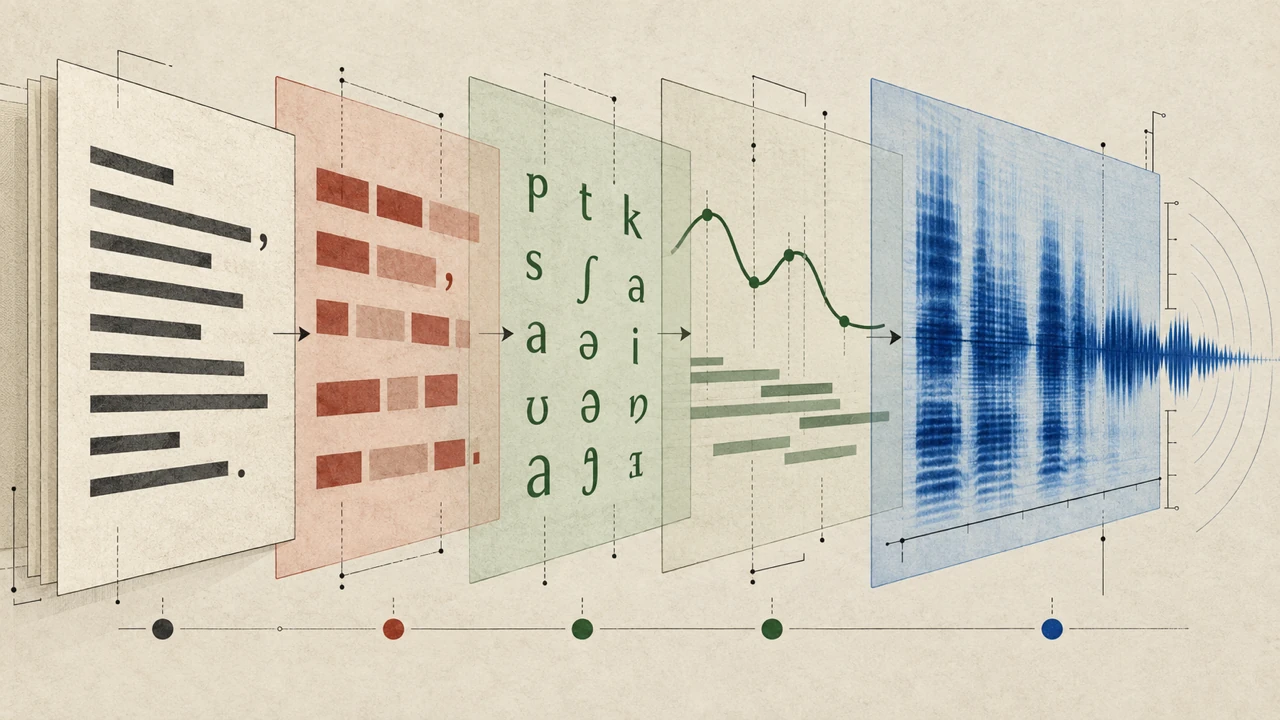





Text-to-speech turns written language into audible speech. So, how does text-to-speech work? At a high level, software reads text, interprets its words and structure, plans how the sentence should sound, and generates an audio signal that resembles spoken language. The result may be used for accessibility, learning, narration, customer communication, prototyping, and other situations where listening is useful.
Text-to-speech is often discussed alongside speech synthesis. The terms are closely related, but they describe slightly different things: text-to-speech is the practical application that converts written content into spoken output, while speech synthesis is the broader technical process of generating human-like speech with software.
For a broader introduction to formats, use cases, and voice selection, see this text-to-speech guide.
What is text-to-speech?
Text-to-speech, sometimes abbreviated as TTS, is a technology that transforms digital text into audio. A user might paste a script into an application, select a voice and language, then generate speech that can be previewed, edited, or exported depending on the tool being used.
The source text can come from many places:
- A document, article, or presentation
- Video narration or a social media script
- An e-learning lesson or training module
- A product walkthrough or software prototype
- A notification, phone system prompt, or chatbot response
- Accessible versions of written material
The quality of a result depends on more than the voice itself. Punctuation, word choice, sentence length, abbreviations, names, numbers, and formatting all influence how a system interprets the script. A well-prepared script generally gives the synthesis system clearer information to work with.
How text-to-speech converts words into audio

Although different systems use different models and methods, modern text-to-speech workflows commonly involve several stages. These stages may happen quickly enough that they feel like one action to the user.
1. Text analysis and normalization
First, the system examines the input. It identifies letters, words, punctuation, sentence boundaries, and other signals that help determine meaning and pacing. This is often called text analysis or natural language processing.
The system also normalizes text, which means converting written forms into words that can be spoken naturally. For example, it may need to decide how to read:
- Numbers such as “2026” or “3.5”
- Dates such as “04/12/2026”
- Currency symbols and percentages
- Abbreviations such as “Dr.” or “Ave.”
- Web addresses, email addresses, and product codes
- Initialisms and acronyms
Normalization matters because written text does not always show exactly how it should sound. “$12” could become “twelve dollars,” while “12:30” could become “twelve thirty.” Context helps the system make a reasonable interpretation.
2. Linguistic and pronunciation processing
Next, the system maps words to likely pronunciations. Many speech systems represent pronunciation through phonemes, the smaller sound units that make up spoken words. The same spelling can sometimes have different pronunciations depending on context, so the system uses language rules and learned patterns to choose an appropriate sound sequence.
Names, technical terms, borrowed words, and brand-specific language can be harder to interpret. This is why users may need to adjust spelling, add punctuation, use pronunciation controls when available, or rewrite a phrase for clarity. A small script edit can be more effective than repeatedly regenerating the same ambiguous line.
3. Prosody planning
Speech is not simply a string of correctly pronounced words. Natural speech includes rhythm, emphasis, pauses, pitch movement, and changes in pace. These qualities are often grouped under the term *prosody*.
During prosody planning, the system estimates how a sentence should flow. A period may suggest a longer pause than a comma. A question mark may influence intonation near the end of a sentence. A short phrase set apart by dashes or parentheses may need a different cadence than the surrounding sentence.
Prosody is one reason punctuation is important in text-to-speech scripts. Consider the difference between these two lines:
> Let’s eat, everyone.
> Let’s eat everyone.
The wording is nearly identical, but punctuation changes the intended meaning and the likely delivery. Clear punctuation does not solve every problem, but it provides useful guidance.
4. Speech synthesis and audio generation
After the system has determined the words, pronunciation, and likely delivery, it generates audio. Older approaches often relied on recorded speech fragments or statistical models. Modern systems may use neural networks trained to model patterns in human speech.
In many contemporary workflows, one model predicts speech-related features from the text and planned prosody, while another model converts those features into an audible waveform. This waveform is the digital audio signal that listeners hear through speakers or headphones.
The technical implementation varies by provider and voice model. What matters for most users is that the system is trying to produce speech that is intelligible, consistent, and appropriate for the selected language, voice, and script.
5. Playback, review, and revision
Generation is not always the final step. Listening to the output helps identify issues that are difficult to spot on the page, including rushed phrasing, misplaced emphasis, unusual pronunciation, or pauses that feel too short or too long.
A practical text-to-speech process includes review. Writers and editors can revise the script, split long sentences, clarify unfamiliar terms, or change punctuation before creating a final version. Treating generated speech as an editorial output—not just an automatic conversion—usually leads to clearer audio.
What affects text-to-speech quality?
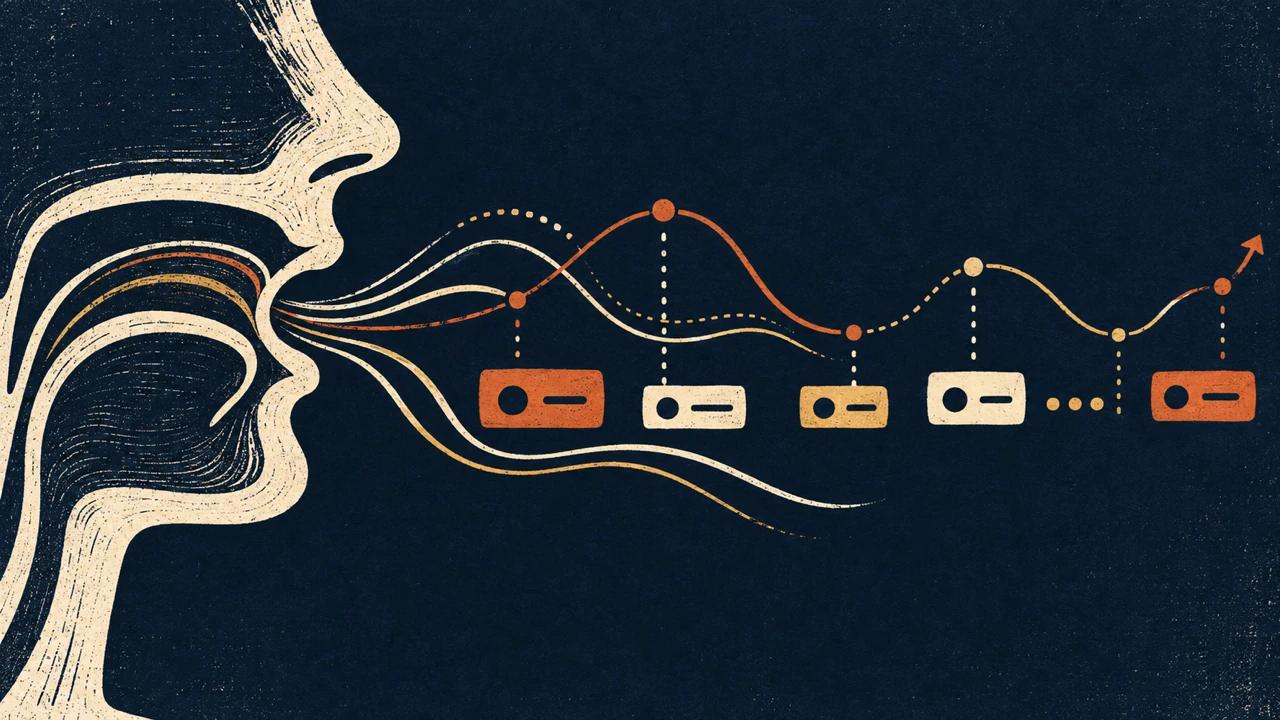
No text-to-speech system can infer every detail a writer intended. The output is influenced by the interaction of the script, language settings, voice design, and synthesis model.
Script structure
Short, direct sentences are often easier to interpret than dense sentences with multiple clauses. Headings, lists, quotations, and parenthetical remarks may need special attention because their visual structure does not always translate neatly into spoken structure.
Punctuation and formatting
Punctuation provides cues for pauses and phrasing. Commas, periods, question marks, and line breaks can all affect delivery. However, adding punctuation solely to force a pause can make written copy harder to read, so it is best to balance spoken clarity with readable source text.
Voice and language selection
A voice is not interchangeable with a language setting. The same script may sound different when generated with a different voice, accent, or language configuration. Choose a voice that fits the intended audience and content rather than assuming one option will work equally well for every use case.
Pronunciation of specialized terms
Industry terminology, proper nouns, acronyms, and non-English words can create uncertainty. If a term sounds incorrect, try writing out an abbreviation, adding context, separating words differently, or using a pronunciation feature if the platform provides one.
Emotional context
Text alone may not fully communicate tone. A sentence that is clearly playful to a human reader may sound neutral when synthesized unless the wording and context support the intended delivery. Scripts benefit from explicit, concrete language when tone matters.
Common uses for text-to-speech

Text-to-speech can support many kinds of communication, but the right use depends on the audience, channel, and editorial goal.
Accessibility and reading support
Audio versions of written material can help people who prefer to listen, who are reading on the move, or who need an alternative way to engage with text. When using synthesized audio for accessibility, it is important to consider the entire experience, including navigation, transcripts, labels, and the clarity of the source content.
Video and presentation narration
Teams may use text-to-speech to create draft narration, explain a concept, or produce voiceover for videos and presentations. This can be useful when a project needs fast iteration or when a script is likely to change during production.
Learning and training content
Instructional material can be made available in audio form for review and repetition. Text-to-speech may be particularly useful for turning lessons, procedures, or study notes into listenable content, provided that the script is organized clearly and important terms are checked for accurate pronunciation.
Product and interface experiences
Speech output can be part of prototypes, guided demonstrations, in-app instructions, and conversational interfaces. In these settings, concise wording is especially important because listeners cannot scan back over a paragraph as easily as readers can.
Content review
Listening to a draft can reveal awkward repetition, run-on sentences, and confusing transitions. Even when the final piece will remain written, text-to-speech can provide a useful additional review method.
How to use text-to-speech effectively
Use Typecast Text-to-Speech for this practical workflow. Prepare a short script first, then make the project, check the language, and listen to a small test before finalizing a longer output.
1. Create a text-to-speech project
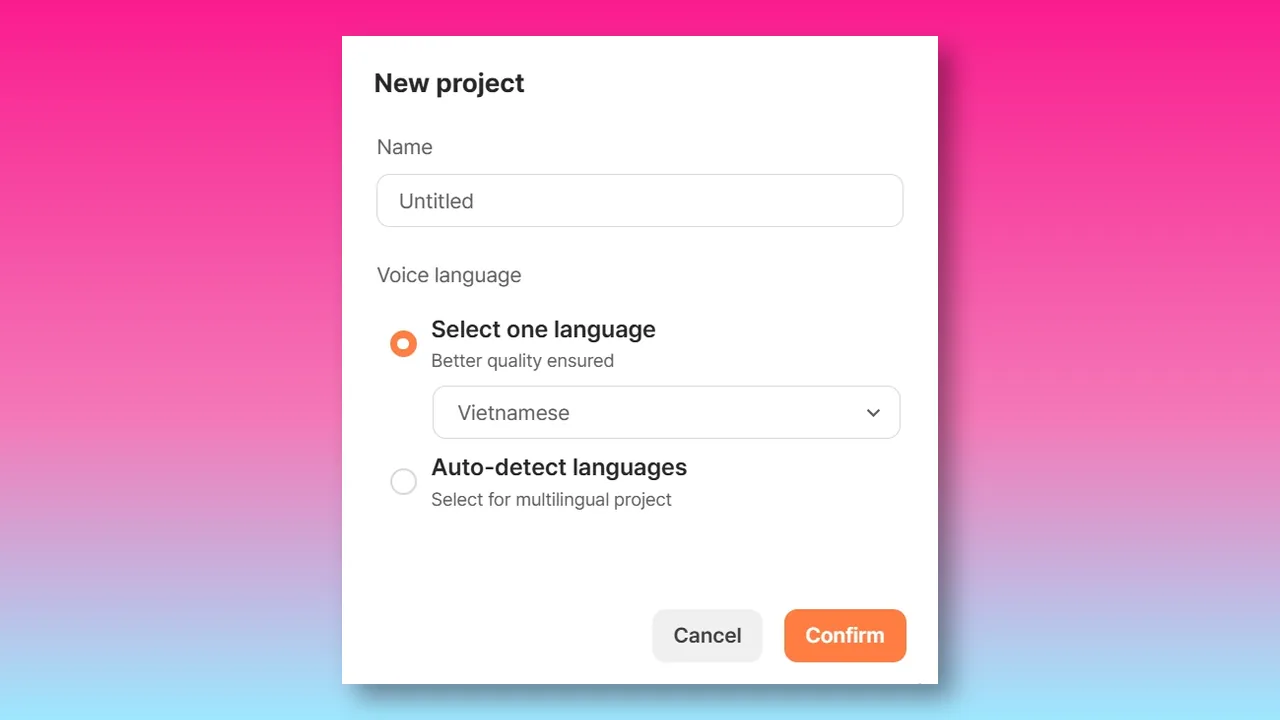
In the AI Voice Editor, select New project, give it a clear title, and choose the language for the voice you plan to generate.
2. Add a clean script
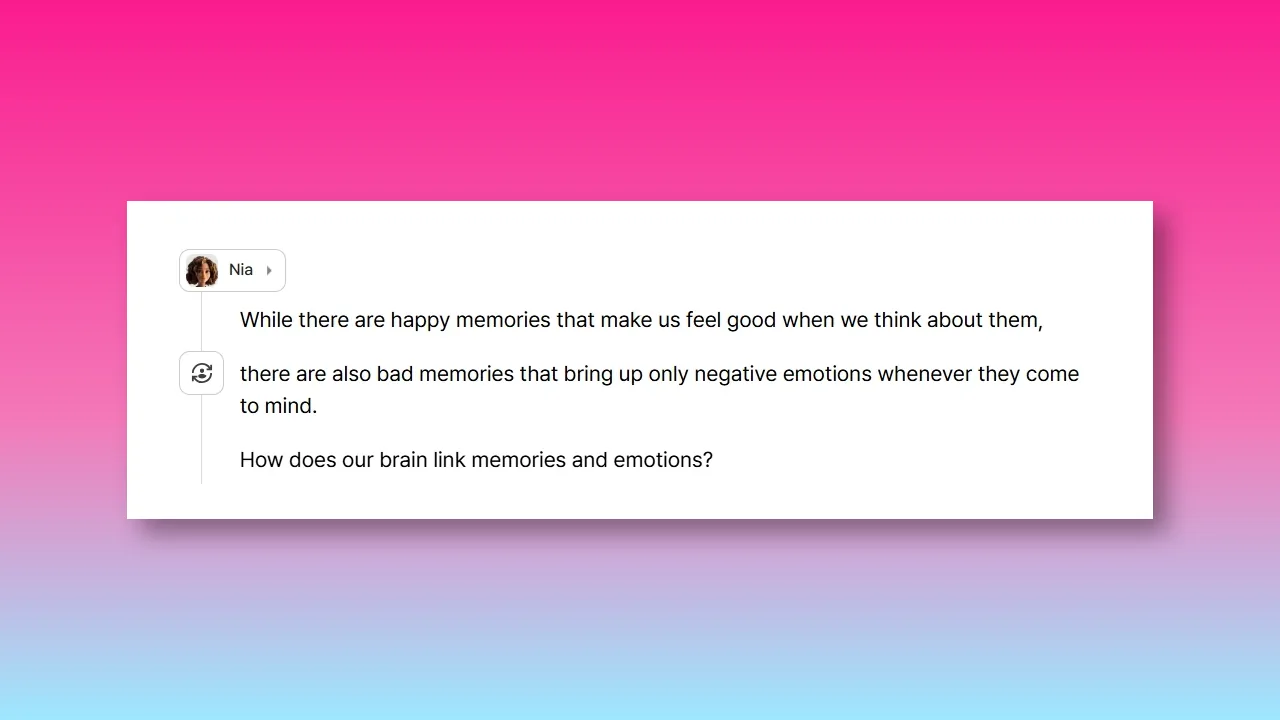
Paste or type a clean script. Remove production notes and anything that should not be spoken. A voice is assigned when the project is created; use this first pass to check that the written copy reads naturally aloud.
3. Set the voice language
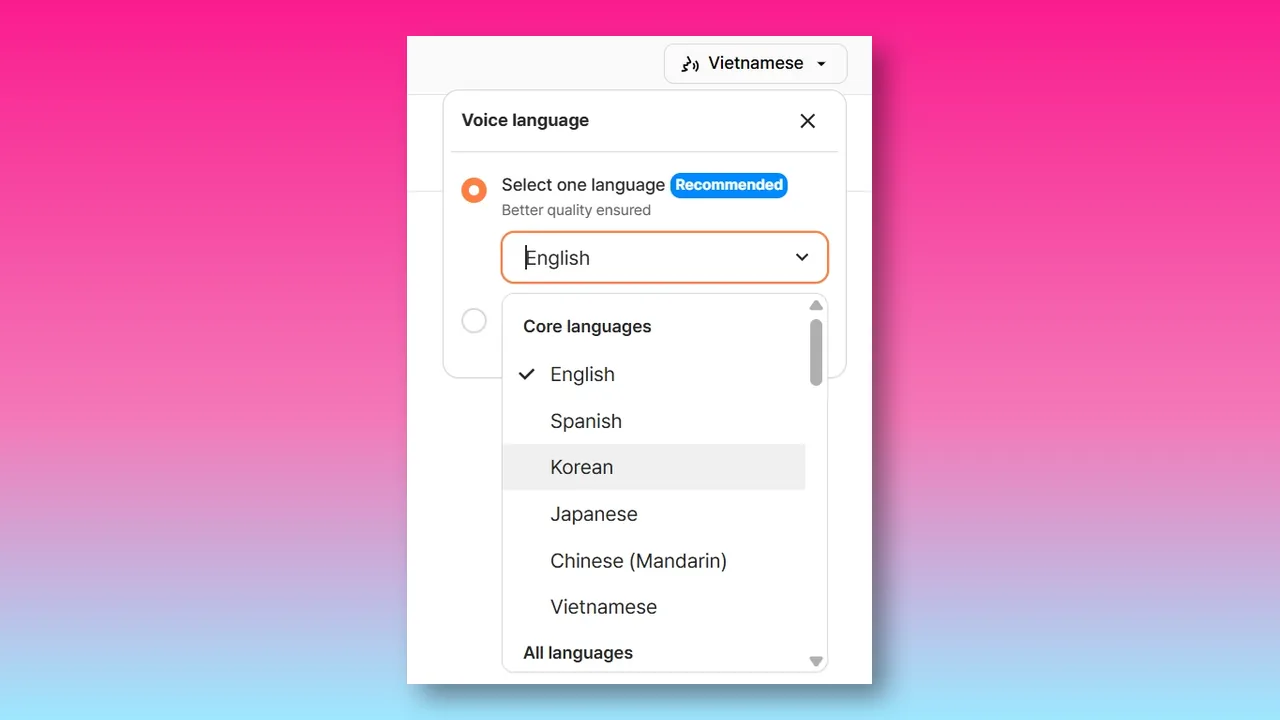
Open Voice Language and choose the language that matches the script. A single-language setting gives the generator clearer context for pronunciation and speech patterns; use auto-detect only when the project genuinely needs multiple languages.
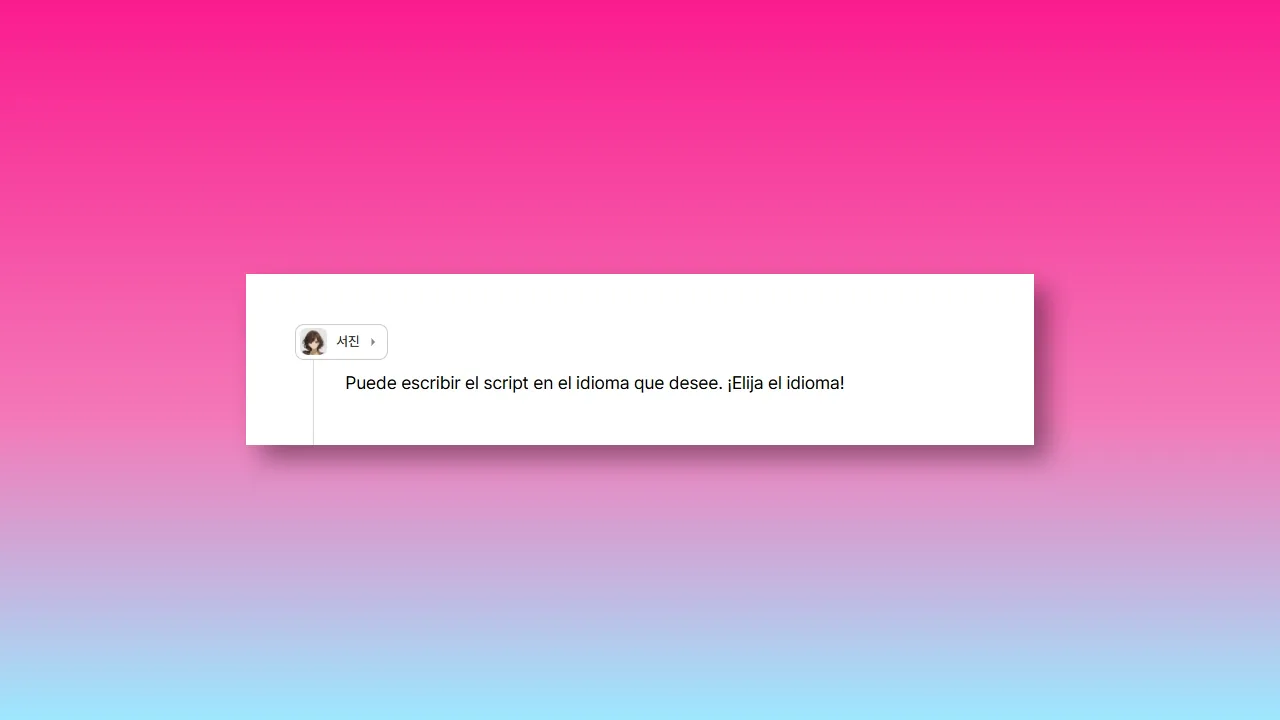
4. Select a voice language
Open Voice Language and select the language that matches the script. A single-language setting gives the generator clearer context for pronunciation and speech patterns.
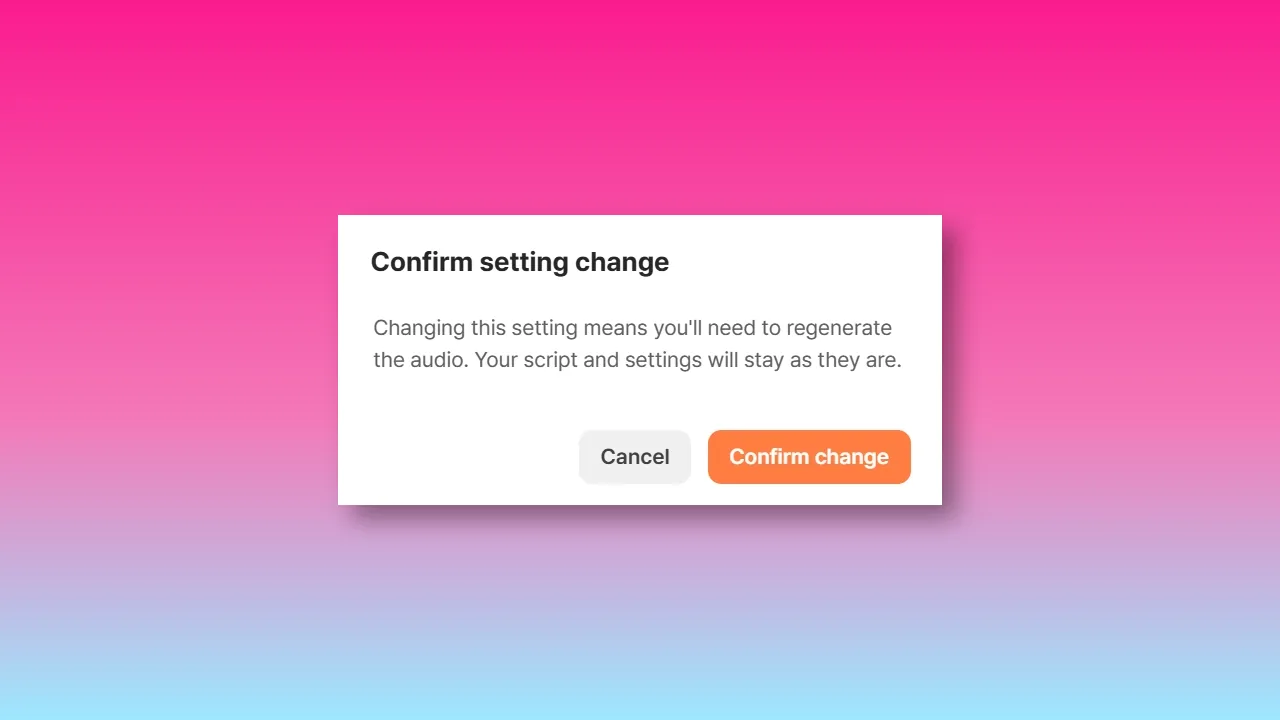
After reviewing the selection, choose Confirm to apply the setting. Typecast will regenerate the audio with the new language.
5. Generate and review a test passage
Generate a short representative passage and listen for pronunciation, pacing, and emphasis. Revise the script or language choice before generating the full narration.
Text-to-speech and speech synthesis: what is the difference?
In everyday conversation, people often use text-to-speech and speech synthesis interchangeably. That is usually fine, but the distinction can be useful.
- Text-to-speech refers to the user-facing task of converting text into spoken audio.
- Speech synthesis refers to the technical generation of artificial speech, including the models and processes that create the sound.
Speech synthesis can include text-to-speech, but it may also relate to other systems that generate spoken output from structured data, commands, or conversational responses. In a typical content workflow, “text-to-speech” is the more practical term because it describes what the user is doing with a script.
Responsible use of synthesized voices
Text-to-speech can make audio production more flexible, but it should be used thoughtfully. Be transparent where disclosure is appropriate, avoid creating misleading impressions about who is speaking, and obtain appropriate permissions for any content, voice, or identity involved.
It is also important to review generated audio before publication. An output can be technically fluent while still being unclear, insensitive to context, or unsuitable for the intended audience. Human editorial judgment remains important for accuracy, tone, and audience trust.
The key takeaway
Text-to-speech works by analyzing written language, determining how words should be pronounced and delivered, and using speech synthesis to generate an audio waveform. The technology can make written content easier to hear and reuse, but strong results still depend on clear scripts, careful voice selection, and attentive review.
Whether you are creating narration, supporting accessible content, testing a script, or building an audio-first experience, start with the message. A well-structured sentence gives a text-to-speech system the context it needs to produce clearer, more useful speech.