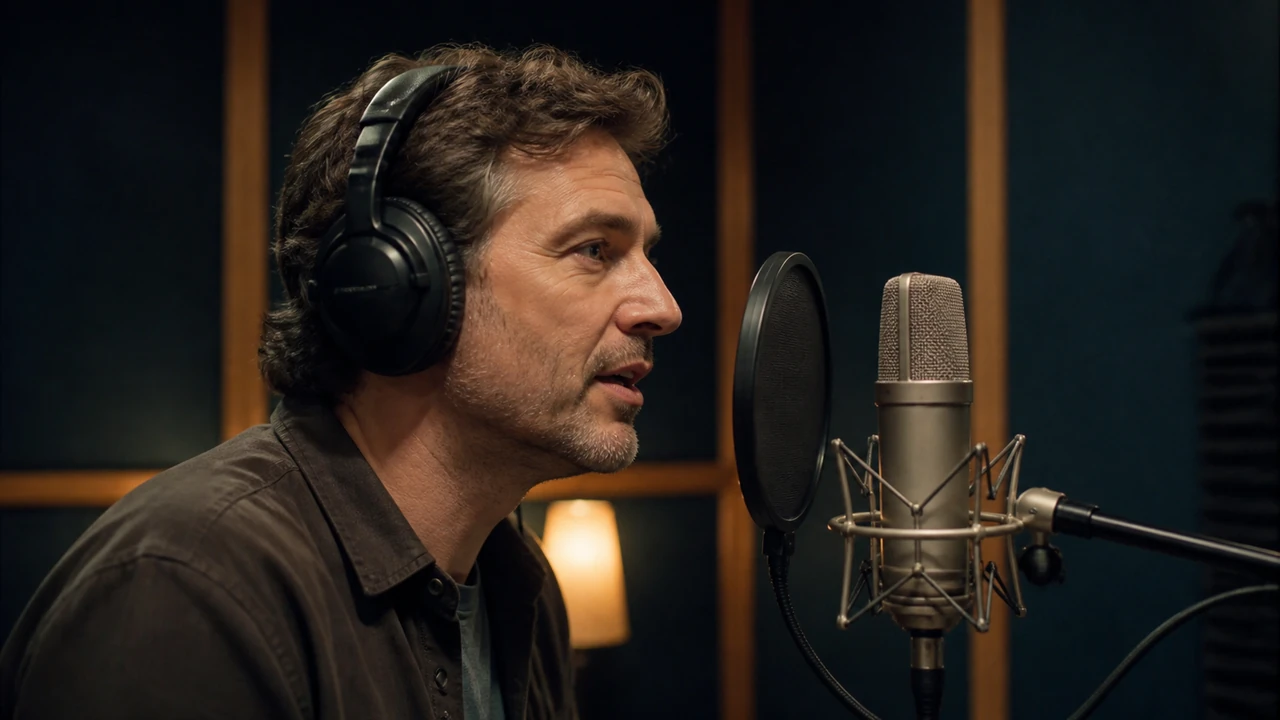





What is AI dubbing, and where does it fit into a video localization strategy? AI dubbing is the use of artificial intelligence to help create a translated spoken audio track for a video. Depending on the workflow, it can involve transcription, translation, text-to-speech voice generation, timing adjustments, and review by people who understand the content and intended audience.
Traditional dubbing has long involved translators, voice performers, directors, and audio engineers. AI-assisted workflows can change how teams prepare and produce multilingual versions, particularly when they need to adapt a large library of training, marketing, product, or educational videos. The goal is not simply to replace one language with another. Effective dubbing should preserve the video’s meaning, tone, pacing, and usefulness for the people watching it.
How AI dubbing works
AI video dubbing generally follows a sequence of language and production tasks. The exact process varies by project, but most workflows include the following stages.
1. Understand the original video
The source video needs a clear starting point. Teams may begin with an existing script, a transcript, or a review of the spoken audio. This step identifies dialogue, narration, on-screen context, names, numbers, technical terms, and moments where the speaker’s delivery carries important meaning.
Audio quality matters at this stage. Background noise, overlapping speakers, heavy accents, or unclear speech can make transcription and later review more difficult. A clean source does not guarantee a strong localized version, but it gives translators and reviewers a more reliable foundation.
2. Translate for meaning, not just words
A direct translation may be grammatically correct while still sounding unnatural or missing the point. Localization considers audience expectations, regional vocabulary, cultural references, units of measurement, product terminology, and the level of formality appropriate for the content.
For example, a short English phrase used in a fast-paced product demo may require a longer translation in another language. The localized script may need to be tightened, rephrased, or divided into shorter lines so it can fit the available time without rushing the listener.
3. Select a voice for the audience and content
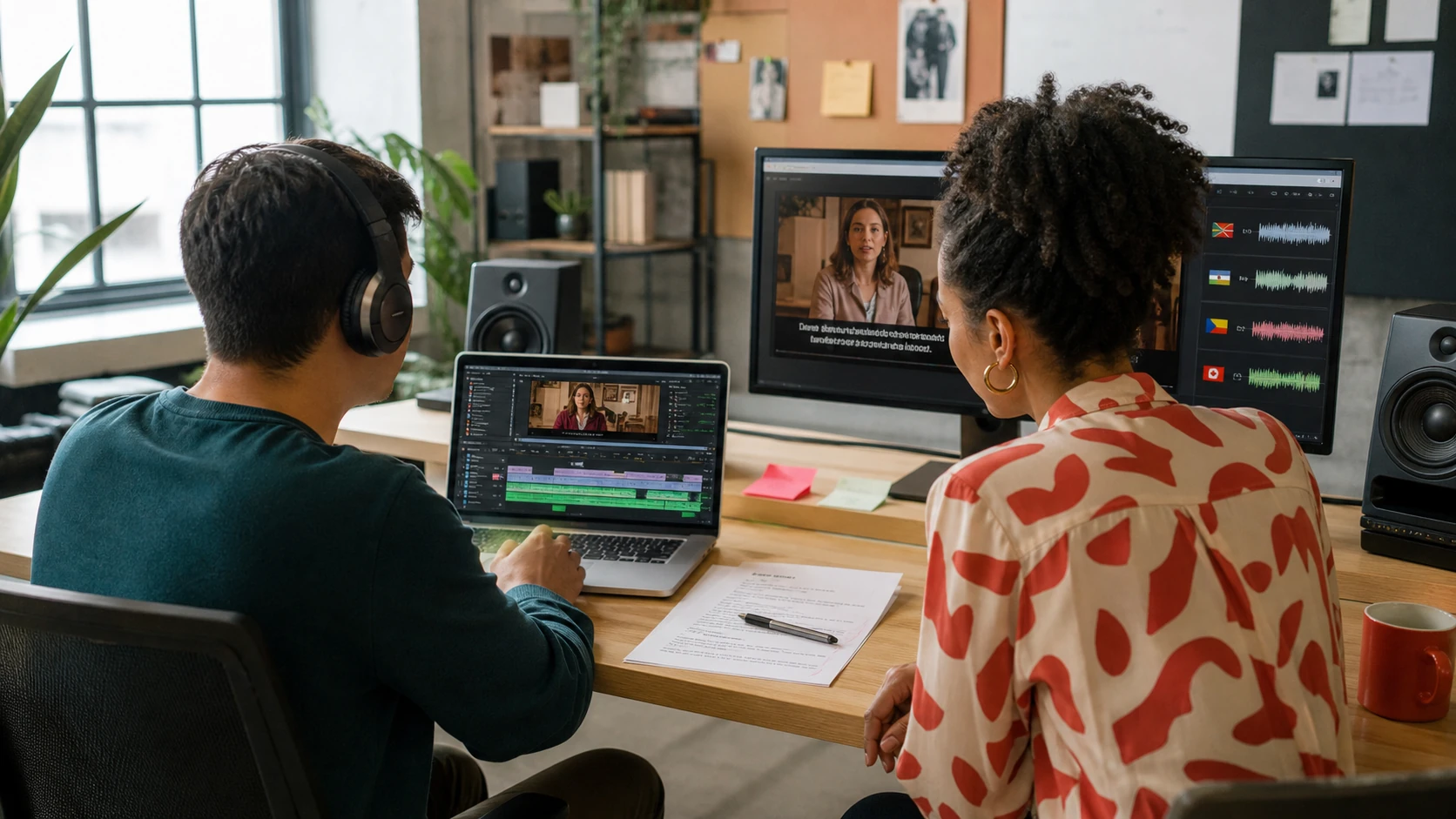
After a script is prepared, a team chooses a voice that fits the video’s purpose. AI-generated voices can be evaluated much like any narration option: by clarity, pace, pronunciation, emotional range, and suitability for the intended audience.
Voice selection should start with the learner or viewer, not just the language. Consider questions such as:
- Is the video instructional, promotional, conversational, or formal?
- Does the audience need a calm, measured delivery to follow complex information?
- Would a warm, approachable voice support a customer onboarding video better than a highly dramatic one?
- Are there product names, technical terms, or proper nouns that require careful pronunciation?
- Does the voice’s pacing leave enough room for viewers to process visual information?
A voice that sounds polished in a short sample may not be the best choice for a 20-minute lesson. Review a representative section that includes key terminology, transitions, numbers, and emotionally important moments before applying a voice choice across the full project.
4. Generate and align the localized audio
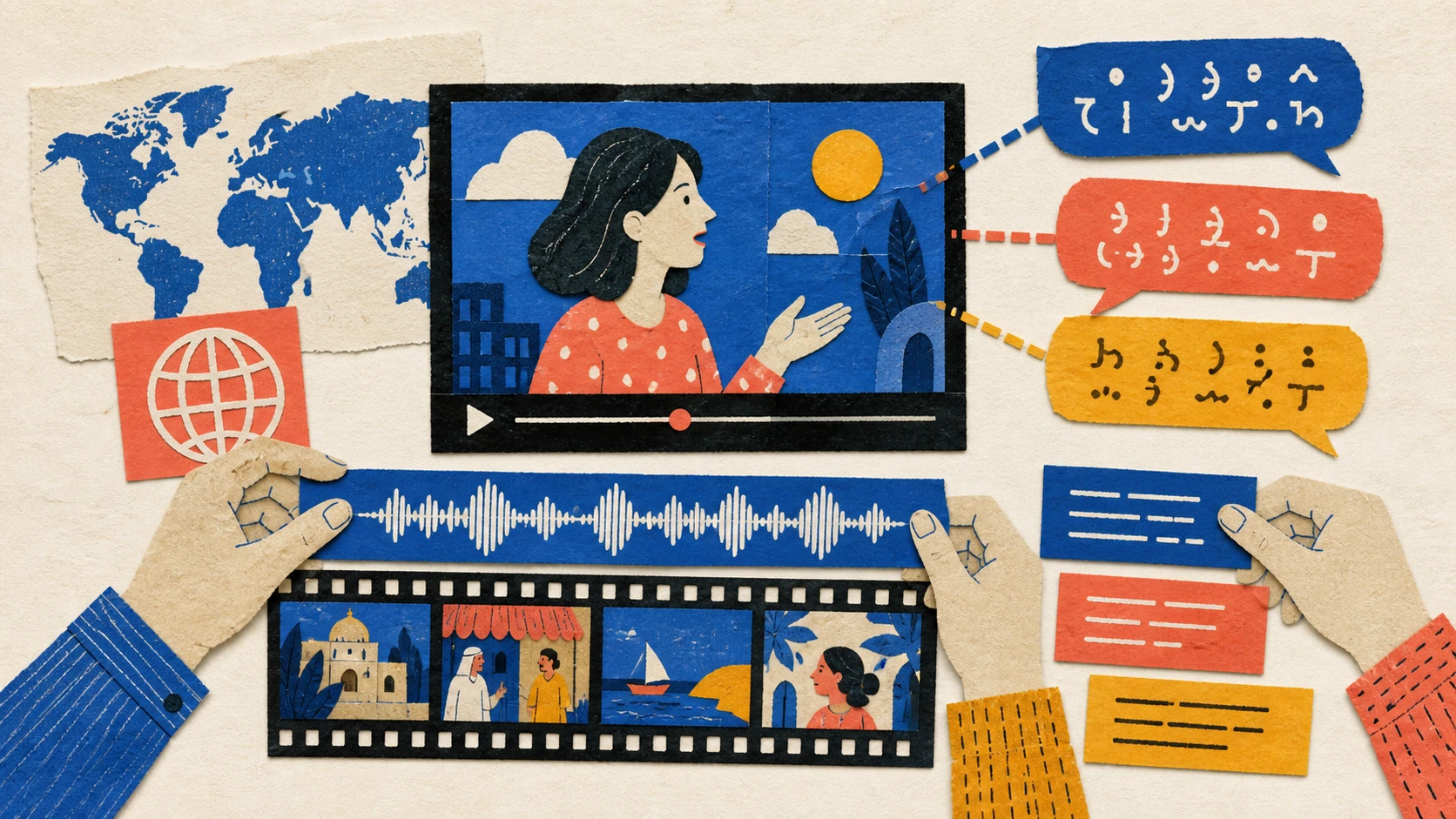
The localized script is turned into spoken audio, often through text-to-speech technology. The new track then needs to align with the video’s timing, scene changes, demonstrations, and pauses.
Timing is especially important when a video includes step-by-step instructions, screen recordings, or visual demonstrations. If the narration tells viewers to click a button before it appears on screen, the localized version can become confusing even if the translation itself is accurate.
Some projects also require attention to visible speakers. When a person is on camera, viewers may notice differences between the speaker’s mouth movements and the new audio. The appropriate level of synchronization depends on the content, production standard, audience expectations, and available review time.
5. Review the finished version
AI dubbing still benefits from human quality assurance. A reviewer can check whether the translated audio communicates the intended meaning, sounds natural, matches the visuals, and uses terms consistently.
Review is not only a final proofreading step. It is where teams can identify issues that are easy to miss in isolated lines, such as an overly fast section, a mistranslated UI label, a voice that feels too casual for compliance content, or a phrase that conflicts with text shown on screen.
AI dubbing vs. subtitles, voice-over, and localization
These terms are related, but they are not interchangeable.
Subtitles display translated text on screen. They can make a video accessible to viewers who prefer reading or who are watching without sound. However, subtitles place the reading work on the viewer and may compete with diagrams, product interfaces, or other visual details.
Voice-over adds spoken narration in another language. It may be used over the original audio, after lowering the original track, or as a replacement for it. Voice-over can be useful when exact synchronization with an on-screen speaker is not the priority.
Dubbing replaces or recreates the spoken audio in a target language. It is typically intended to give viewers a more natural listening experience in their preferred language.
Video localization is the broader practice of adapting video content for a particular language, region, or audience. Dubbing may be one part of localization, alongside translated subtitles, on-screen text, graphics, calls to action, metadata, and cultural review.
When AI video dubbing can be useful
AI video dubbing may be worth considering when spoken language is a barrier to understanding the content. Common use cases include training libraries, software walkthroughs, educational materials, internal communications, customer onboarding, product explainers, and recurring video series.
It can be particularly relevant when teams have source material that is already valuable but was created for only one language audience. Instead of rebuilding every video from the beginning, they can assess which pieces are most useful to localize first.
A practical starting point is to prioritize videos that are:
- Frequently viewed or shared
- Essential to onboarding, learning, or support
- Likely to remain accurate for a meaningful period
- Built around clear narration rather than improvised conversation
- Supported by scripts, transcripts, or subject-matter reviewers
Not every video is equally suitable. Highly sensitive announcements, nuanced brand campaigns, legal communications, and content with dense cultural references may require additional editorial oversight or a different production approach.
What to check before publishing a dubbed video
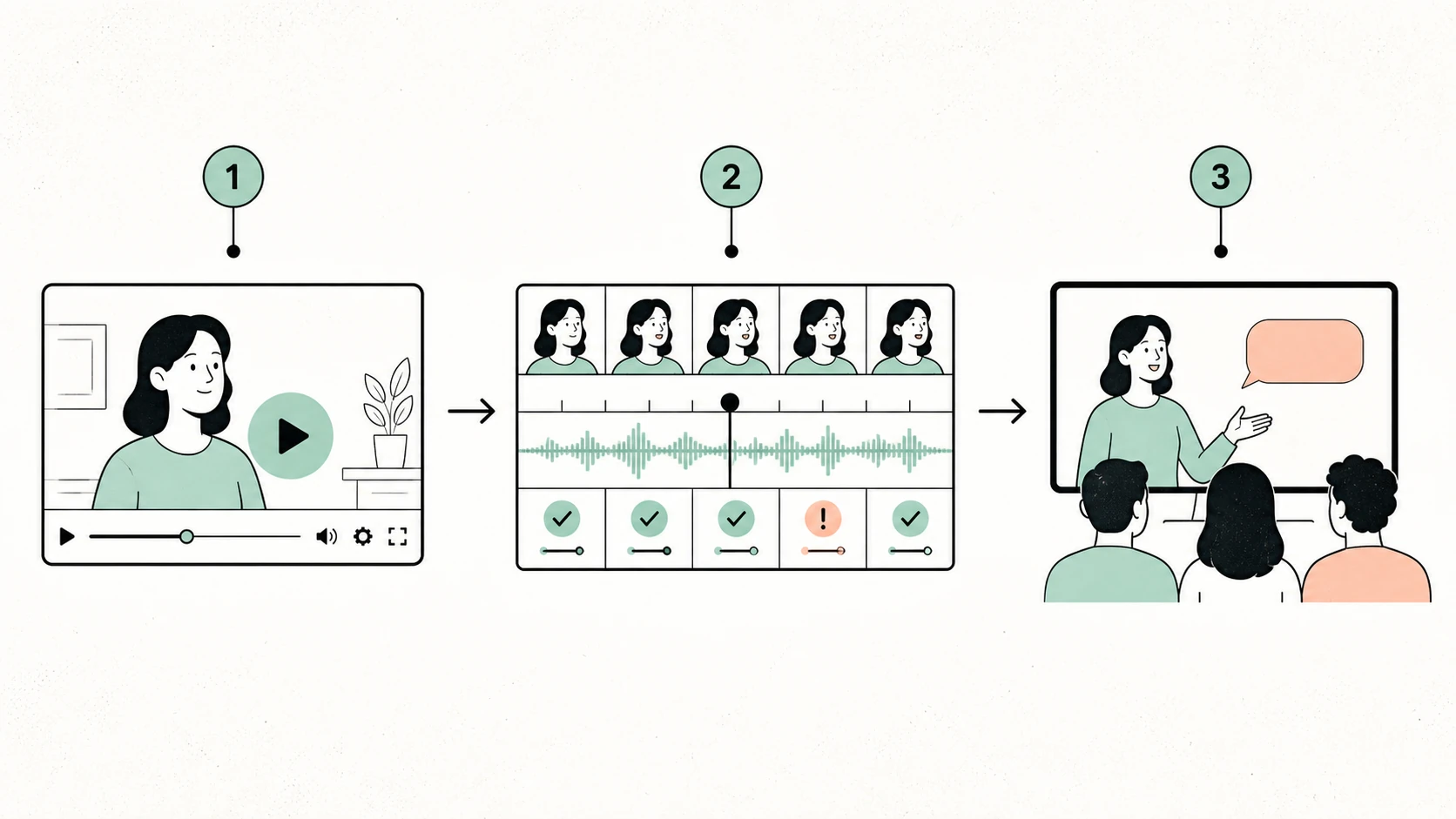
A reliable review process protects both the viewer experience and the accuracy of the content. Before publishing, evaluate the localized version at the sentence level and as a complete video.
Meaning and terminology
Confirm that the translated narration retains the original meaning. Create a terminology list for product names, acronyms, feature labels, and recurring phrases. This is especially useful for technical training and product content, where an inconsistent term can make a process harder to follow.
Voice fit and intelligibility
Listen for clarity rather than judging the voice only by whether it sounds human-like. The delivery should suit the material, make key information easy to understand, and avoid distracting shifts in pace or tone. If the audience includes learners, prioritize comprehension over style alone.
Timing and visual alignment
Watch the video rather than reviewing the audio separately. Check whether narration begins and ends at appropriate moments, whether pauses support understanding, and whether instructions align with the visual action. Make sure translated audio does not obscure important original sounds, such as alerts or demonstrations.
On-screen consistency
Compare the spoken translation with subtitles, lower-thirds, slides, UI text, and calls to action. A viewer should not hear one term while seeing a conflicting translation on screen. If on-screen text remains in the source language, decide whether it needs separate localization or additional context.
Rights, consent, and disclosure
Use voices, scripts, and source materials only when you have the necessary permissions. Establish clear internal guidelines for voice use, especially when a project involves a recognizable person, customer content, or confidential information. Teams should also follow their organization’s policies for review, data handling, and disclosure.
Building a practical AI dubbing workflow
A repeatable process can make localization easier to manage as a video library grows. Start with a small, representative set of videos and document decisions that should remain consistent across languages.
Useful workflow elements include a source-script standard, translation guidance, a glossary, voice-selection criteria, review ownership, and version tracking. These materials help prevent localized videos from drifting in tone or terminology over time.
For teams creating narration and video projects, Typecast’s AI voices for video can be a place to explore voice-led content workflows. The right process should still include editorial review, especially when content teaches, persuades, or guides viewers through important decisions.
It can also help to define success before production begins. For an internal training video, success may mean that employees can complete a task without confusion. For customer education, it may mean that viewers can understand product concepts in their preferred language. Clear goals make it easier to decide how much adaptation, review, and production polish a project requires.
Getting started with video localization
If you are new to AI dubbing, begin with one audience, one language, and one content type. Choose a video with a stable message and a clear script. Prepare the transcript, identify terminology, select a voice based on audience needs, and ask a qualified reviewer to assess the completed version in context.
Then use what you learn to improve the next project. You may find that certain content needs more script adaptation, that viewers respond better to a different pacing style, or that specific terms require a maintained glossary. Iteration is part of creating localized video that feels useful rather than merely translated.
For a more detailed walkthrough of multilingual voiceover planning and production considerations, see the AI Dubbing Guide.
The bottom line
AI dubbing helps teams create spoken video versions for audiences who use different languages. It combines translation, voice generation, timing, and review, but its value depends on the quality of the localization decisions around it.
The strongest results come from treating dubbing as an audience experience: choose voices that support the content, adapt scripts for meaning and timing, verify terminology, and review every localized version alongside the visuals. That approach can help multilingual video feel clearer, more consistent, and more useful to the people it is meant to serve.