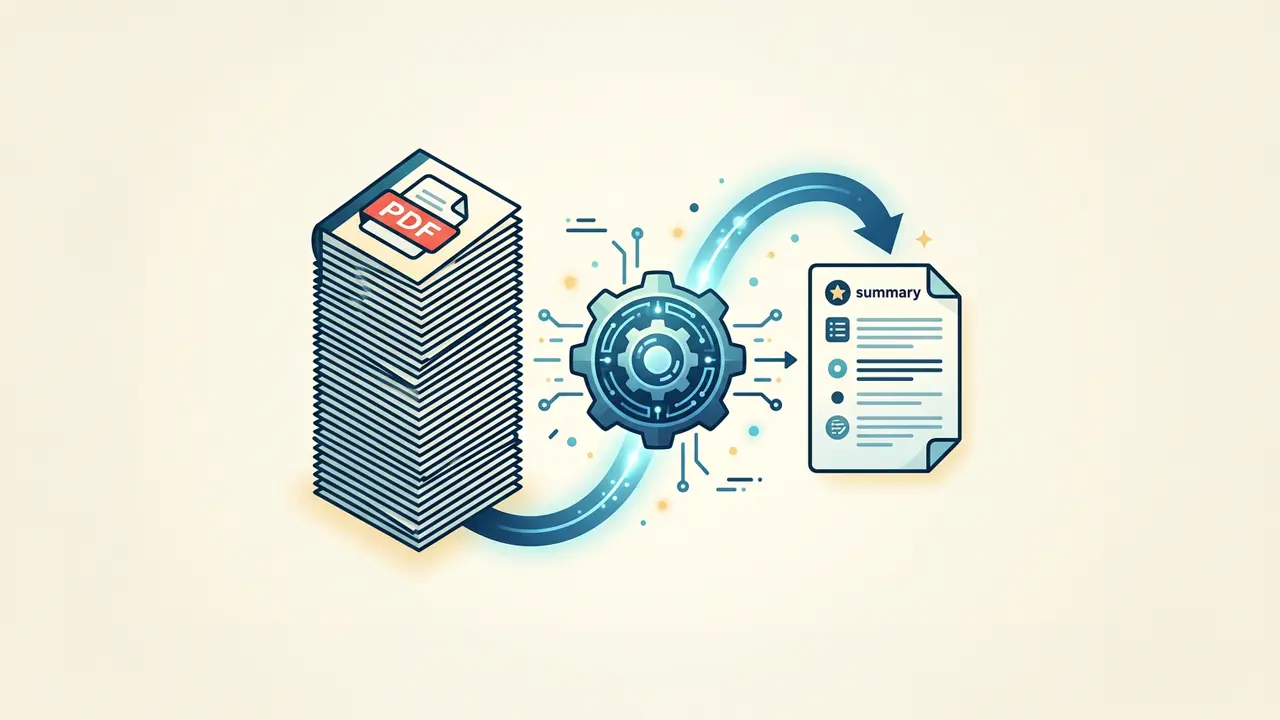





If you’ve ever stared down a 60-page contract or a dense research paper, you already know why tools that summarize PDFs with AI are surging in popularity. These AI PDF summarizers turn sprawling documents into actionable briefs in seconds, changing the way professionals read, research, and make decisions.
Why PDFs are uniquely difficult for AI
Not every document format is created equal. PDFs were designed for visual consistency, not for easy data extraction. That creates specific challenges when you try to summarize PDF content using AI:
- Locked layouts — Text can be embedded as images, tables, or multi-column spreads that confuse parsers.
- Scanned documents — Without OCR (optical character recognition), an AI sees pixels, not words.
- Headers, footers, and page numbers — These repeat on every page and pollute the extracted text.
- Embedded charts and figures — Most summarizers skip visual data entirely.
Understanding these quirks helps you choose the right PDF summarizer AI tool — one that handles messy inputs, not just clean copy-paste text.
How to summarize PDFs with AI: a step-by-step workflow

You don’t need a technical background to get reliable results. Follow this process to summarize PDF documents using AI efficiently.
Step 1: Prepare your PDF
Before uploading, ask yourself:
- Is the PDF text-based or scanned? (If scanned, make sure your tool includes OCR.)
- Does the document contain tables or charts you need captured?
- Are there multiple PDFs you want summarized together?
Quick cleanup — removing cover pages, appendices, or blank pages — improves output quality.
Step 2: Choose the right tool
Look for an AI PDF reader that offers:
- Adjustable summary length (one-paragraph overview vs. section-by-section breakdown)
- Question-and-answer mode (ask specific questions about the document)
- Citation linking (trace every claim back to a page number)
- Batch processing (upload multiple files at once)
Some platforms also integrate with AI data analysis tools, which is valuable when your PDFs contain numerical data, financial tables, or survey results that need deeper interpretation.
Step 3: Review, refine, and verify
AI summaries are starting points, not final answers. After generating a summary:
- Cross-check statistics, names, and dates against the original.
- Ask follow-up questions to extract information from PDF AI tools that can answer contextually.
- Regenerate with different length or focus settings if the first pass misses key sections.
“Summarization models can omit critical qualifiers… users should treat outputs as drafts requiring verification.” — Google DeepMind, Gemini Technical Report
Practical use cases across industries

Knowing how to summarize PDFs with AI opens doors across nearly every field. Here’s where it makes the biggest difference:
- Legal — Summarize contracts, depositions, and regulatory filings to surface key clauses and obligations.
- Academic research — Condense journal articles and literature reviews into structured notes with citations.
- Finance — Pull highlights from earnings reports, prospectuses, and audit documents.
- Healthcare — Summarize clinical trial PDFs, insurance policies, or patient intake forms.
- Sales and marketing — Distill competitor whitepapers or RFP documents into quick-reference briefs.
For teams that handle heavy email traffic alongside document review, pairing a PDF summarizer with an AI email assistant can streamline the entire information pipeline — from inbox to insight.
Tips for getting better summaries

Even the best PDF summarizer AI tool benefits from smart prompting and setup. A few habits that consistently improve results:
- Be specific with instructions. Instead of “summarize this,” try “list the five main obligations of Party A in this contract.”
- Segment long documents. Upload chapters or sections separately for more focused summaries.
- Use question mode for targeted extraction. Asking “What methodology did the study use?” yields sharper answers than a generic summary.
- Compare outputs across tools. Different models prioritize differently; a second opinion catches blind spots.
If you’re repurposing PDF summaries into audio content — training materials, podcast scripts, or accessibility recordings — a narrator voice generator can turn your written summaries into professional-sounding narration without hiring voice talent.
What to look for as PDF AI tools evolve
The next wave of tools will likely handle multi-modal PDFs (text, images, and tables together), offer real-time collaboration on summaries, and integrate directly into document management systems.
For now, the smartest approach is to build a consistent workflow, verify outputs, and treat AI as a capable first-pass reader — not an infallible one.
The professionals who benefit most from AI-powered PDF summarization are those who pair speed with scrutiny.