



How much audio do you need to clone a voice? There is no single answer, because voice-cloning audio requirements depend on the technology, the quality of the recordings, and what you need the resulting voice to do. A short, clean sample may be enough for some workflows, while a more flexible or highly consistent voice model typically benefits from a larger and more varied recording set.
The most useful way to plan is not to start with a number of minutes. Start with your intended use. Consider whether the voice will read short social clips, long-form narration, customer-facing messages, or a wide range of text-to-speech scripts. Then review the provider’s current requirements and prepare the cleanest, most consistent recordings you can.
The short answer: More usable audio is usually better
For voice cloning, usable audio matters more than simply having a long recording. A lengthy file with room echo, background noise, interruptions, or inconsistent microphone placement can be less useful than a shorter set of clean, steady recordings.
In general, providers may support different approaches:
- Short-sample cloning, which may use a brief voice sample to create a voice quickly.
- Custom voice training, which may require a more substantial collection of recordings to capture speech patterns with greater consistency.
- Project-specific voice creation, where requirements vary according to the language, style, and intended output.
These approaches should not be treated as interchangeable. A voice that sounds acceptable in a short demonstration may need additional source material before it performs reliably across varied scripts, emotional delivery, unusual names, or longer narration.
What determines how much audio to train a voice clone?
Several factors affect the voice sample length for AI voice cloning. They also explain why one provider’s minimum may not be enough for every use case.
The cloning method
Different systems process voice data differently. Some are designed to work from a limited reference sample. Others use a larger collection of recordings to learn more about pronunciation, pacing, vocal tone, and speech variation.
Before recording, check whether the service distinguishes between a quick clone and a trained custom voice. The provider’s current documentation should be the source of truth for accepted file formats, required sample length, supported languages, and any review process.
The intended use
A narrowly defined use case can require less variety than a broad one. For example, a voice intended to read a small set of similarly styled lines may not need the same breadth of source recordings as a voice intended for ongoing narration across many topics.
Think about the scripts the voice will need to handle. If your content includes technical terms, product names, numbers, acronyms, dialogue, or expressive copy, your source audio should reflect the kind of speaking you expect from the final output.
Audio quality

Audio quality has a direct effect on the material available for cloning. A clean recording lets the system focus on the speaker’s voice rather than distractions in the environment.
Common issues that can reduce usefulness include:
- Background conversations, traffic, fans, or keyboard noise
- Noticeable room echo or reverb
- Music under the speech
- Clipping, distortion, or overly low volume
- Abrupt changes in microphone distance
- Heavy editing that makes the voice sound unnatural
- Different speakers appearing in the same file
A quiet, consistent recording environment is often one of the easiest ways to improve the source material without recording more audio.
Speaker consistency
A voice clone is easier to evaluate when the recordings represent one person speaking in a relatively consistent way. That does not mean the speaker must sound flat or emotionless. It means the source material should make it clear which vocal characteristics belong to the speaker and which are caused by changing conditions.
Try to keep the microphone, room, recording settings, and general delivery consistent across sessions. If you include multiple sessions, label and organize them so you can identify which files were recorded under different conditions.
Language and pronunciation needs
Language support and pronunciation needs can influence voice-cloning audio requirements. A recording set that covers only a narrow range of words may not represent how a speaker handles all the sounds, names, or phrasing that appear in future scripts.
If the voice will be used in a particular language or accent, record natural speech in that language. Avoid assuming that a sample in one language will necessarily deliver the same quality in another. Review the provider’s supported-language guidance before planning a multilingual project.
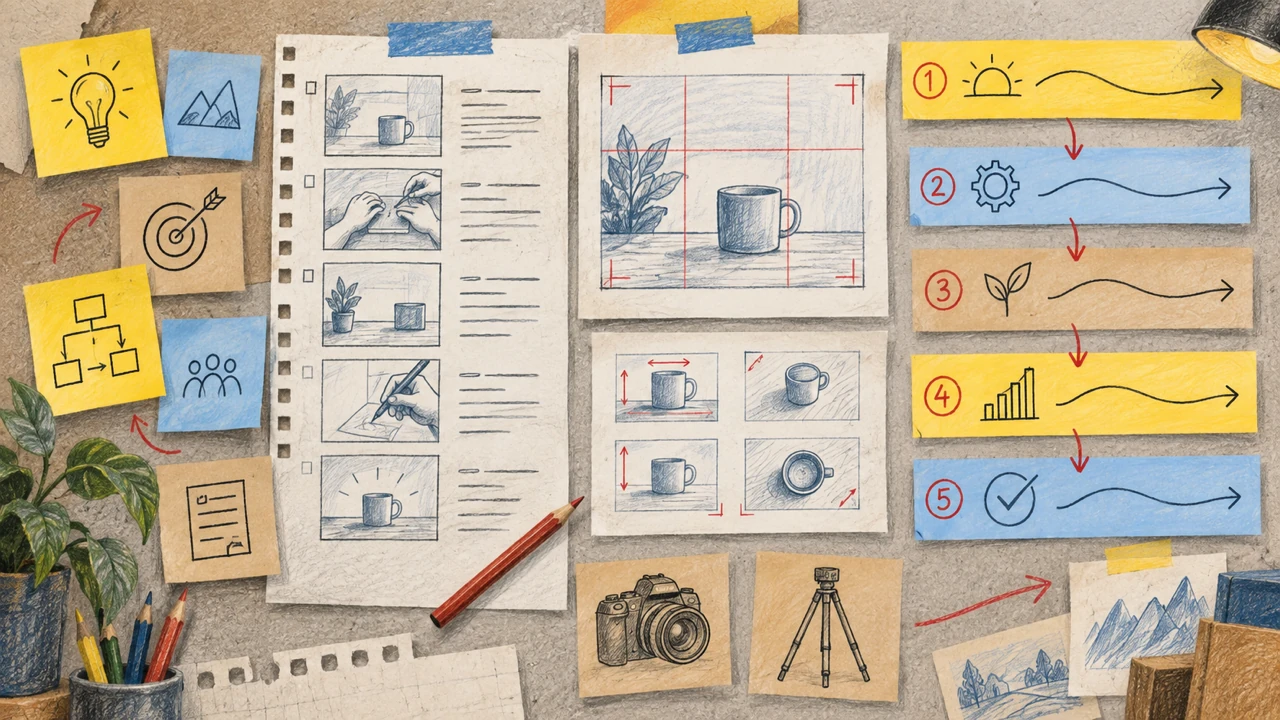
A practical way to plan your recording set
Instead of aiming for an arbitrary duration, build a recording plan that matches your use case. This process can help you collect stronger source material from the beginning.
1. Define the output you need
Write down where the cloned voice will appear and what it needs to communicate. Your plan might include educational videos, product explainers, podcasts, training material, accessibility content, or internal presentations.
Then identify the likely speaking styles. Will the voice be calm and instructional? Conversational? Energetic? Formal? If the intended output calls for several styles, decide whether your recordings should demonstrate those styles or whether a single consistent delivery is more appropriate.
2. Prepare a varied but natural script
A useful recording script includes complete sentences rather than isolated words alone. It should sound like material the speaker would naturally say and include a reasonable mix of sentence lengths, punctuation, common vocabulary, and relevant terminology.
Where appropriate, include examples of the kinds of content you expect to generate later. For a training series, that may mean instructional language. For branded videos, it may mean approved product terms and recurring names.
Do not force exaggerated performances merely to create variety. Unnatural delivery can make the source material less representative of the voice you actually want to use.
3. Record in a controlled environment
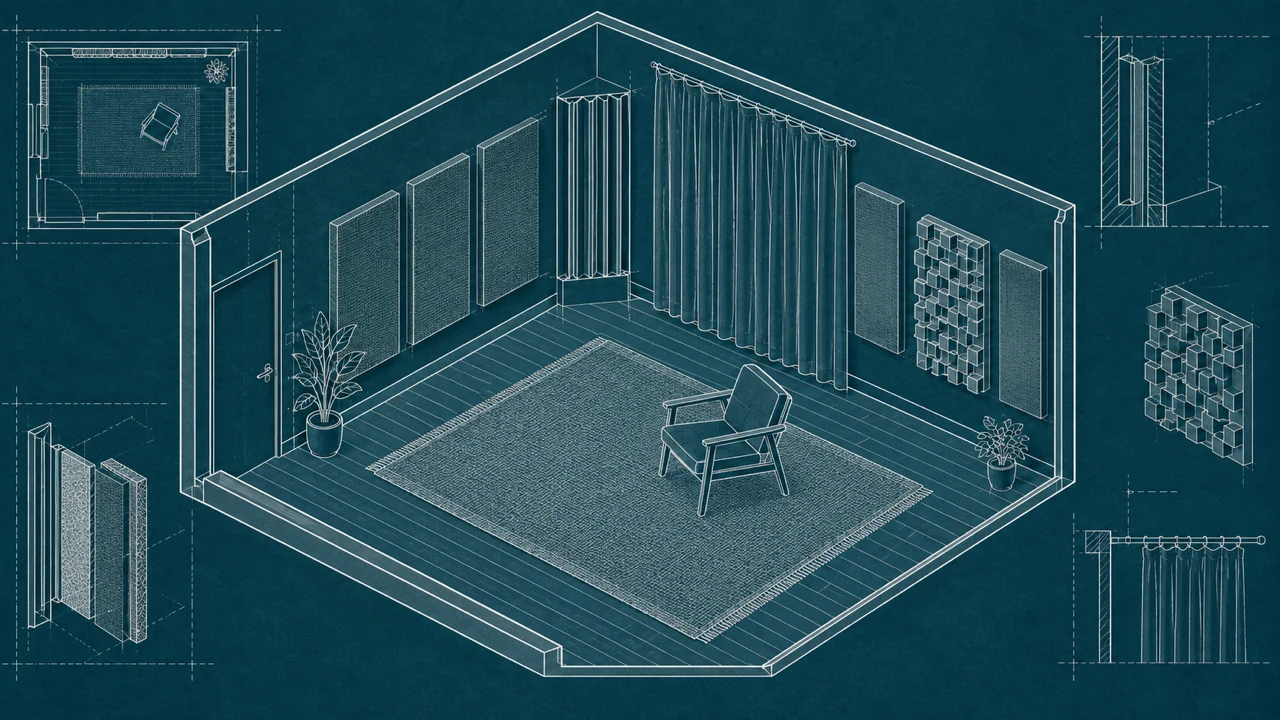
Choose a quiet room and reduce reflective surfaces where possible. Keep the microphone at a stable distance, record at a comfortable level, and pause if an interruption occurs. Consistency matters more than building an elaborate studio setup.
Make a brief test recording before completing a larger session. Listen for room noise, plosives, echo, and volume changes. Correcting these issues early is easier than discovering them after you have recorded a full set of files.
4. Review before uploading
Listen through the material and remove takes with major disruptions, other speakers, accidental speech, or severe audio problems. Keep the speech natural, but do not include content you do not have the right to use.
Organize files clearly. Simple labels for session, speaker, language, and recording date can make the collection easier to manage if you need to update it later.
Is a longer sample always better?
Not necessarily. More recordings can provide more coverage, but only if they are relevant and clean. Adding poor-quality files or material recorded under dramatically different conditions can introduce inconsistency instead of improving the final result.
A better approach is to increase your collection deliberately. If an early output struggles with certain vocabulary, delivery styles, or pronunciation patterns, record additional clean examples that address those needs. Follow the provider’s requirements for whether and how a voice can be updated with new audio.
It is also important to distinguish between source length and output expectations. No recording set can guarantee that every generated line will sound perfect. Test the cloned voice with representative scripts, listen for issues, and revise your recording plan when needed.
Consent is a requirement, not a recording detail

Only clone a voice when you have clear authorization from the person whose voice is being used. Consent should be informed, documented where appropriate, and specific enough to cover the intended use.
This is especially important for professional voice talent, employees, clients, public-facing contributors, and anyone whose voice may be associated with an organization. Consider discussing how the voice will be used, where the generated audio may appear, who can access it, and whether the permission has limits.
Do not use recordings of another person simply because they are publicly available. Availability is not the same as permission. Responsible voice cloning starts with the speaker’s consent and continues with careful handling of their recordings and generated voice output.
Questions to ask before choosing a provider
When comparing voice-cloning options, use the following questions to understand the actual audio requirements:
- What is the current minimum and recommended amount of source audio?
- Does the service offer more than one cloning method?
- What recording formats and audio settings are accepted?
- Are there requirements for language, accent, or speaker verification?
- Can you add or replace samples later?
- How does the provider handle consent and ownership confirmation?
- Can you test the voice with representative scripts before using it broadly?
Requirements can change as products evolve, so verify these details directly with the provider rather than relying on a general recommendation from another platform or an older tutorial.
For a broader overview of the process, including preparation and responsible use, see this AI voice cloning guide.
Preparing audio for Typecast
If you are considering Typecast, confirm the current requirements on the relevant product page before recording or uploading files. The details that matter for your project may include the available cloning workflow, accepted source audio, consent process, and the type of content you plan to create.
Visit Typecast’s Voice Cloning tool to review the current information and determine whether its workflow fits your intended use.
Final takeaway
The answer to how much audio you need to clone a voice is not just a duration. It is a combination of the provider’s requirements, your intended use, recording quality, speaker consistency, and permission to use the voice.
Start with the platform’s current guidance, record clear audio in a stable environment, and make sure your samples reflect the type of speech you want to generate. If you need greater flexibility across scripts and styles, prioritize a clean, well-planned recording collection over simply adding more audio.