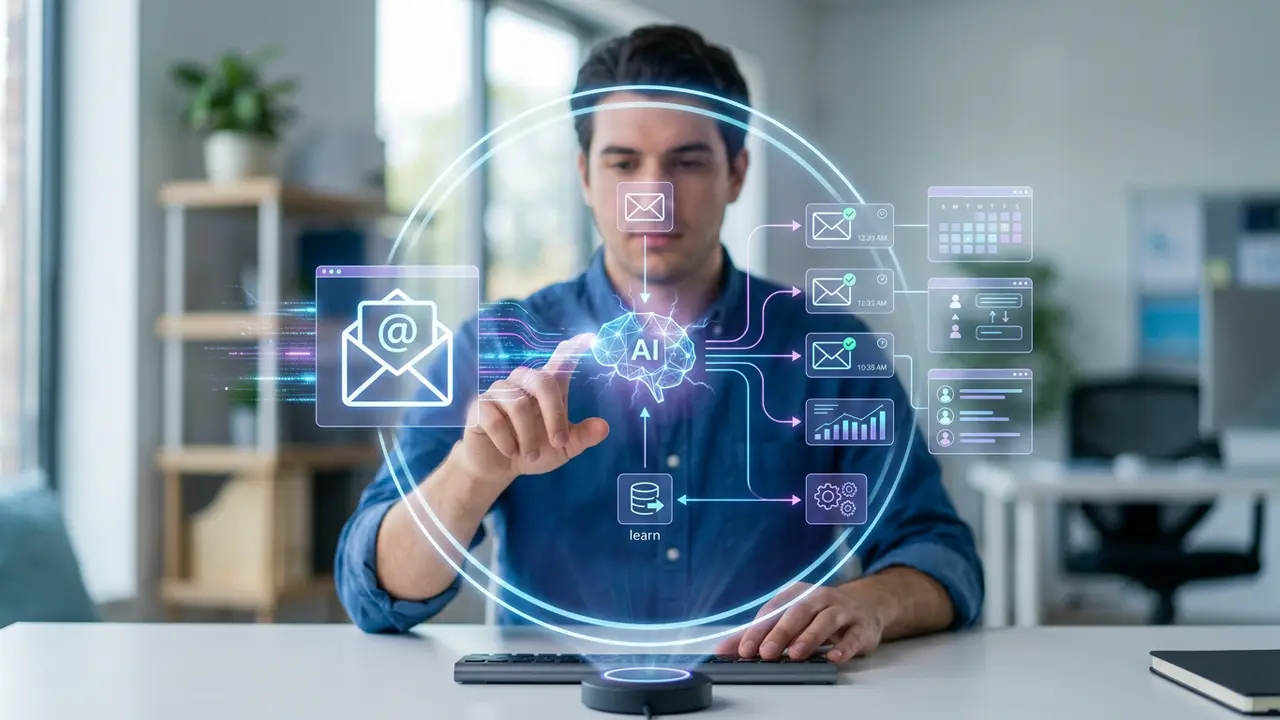





If your inbox feels like a full-time job, an AI email assistant can help you take back control. From drafting replies to sorting messages, AI email assistants are changing how professionals handle communication.
The average worker spends over five hours a day on email, according to Adobe. Much of that time goes to repetitive tasks.
With the right strategy, you can automate those tasks and focus on work that actually matters.
Why you should automate your emails
Email overload is more than an inconvenience.
It drains focus, delays responses, and hurts productivity. An AI email assistant tackles these problems head-on.
Here are a few reasons to consider automation:
- Faster response times: AI can draft and send replies in seconds.
- Fewer errors: Automated sorting reduces the chance of missing important messages.
- Consistent tone: AI keeps your messaging professional and on-brand.
- Scalability: Handle hundreds of emails without adding headcount.
“AI won’t replace managers, but managers who use AI will replace those who don’t.” — Harvard Business Review
When you automate email tasks, you free up mental bandwidth for strategic decisions.
How an AI email assistant works
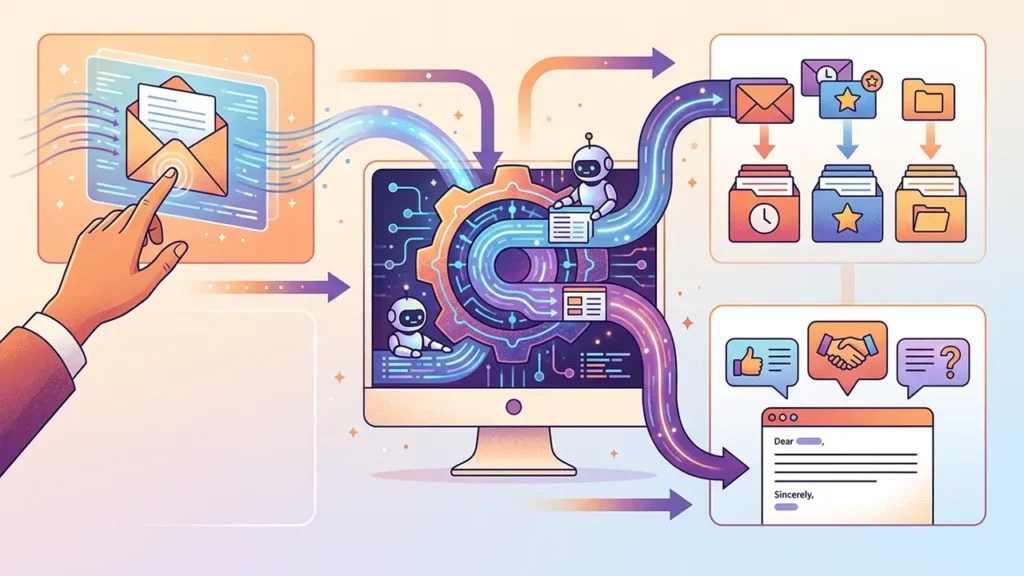
At its core, an AI email assistant uses natural language processing to understand, categorize, and respond to messages.
Most tools integrate directly with platforms like Gmail or Outlook.
Sorting and prioritizing your inbox
AI scans incoming messages and labels them by urgency, topic, or sender. This means you see the most critical emails first.
Email management AI tools can learn your preferences over time, getting smarter the more you use them.
Drafting and suggesting replies
Many AI email automation tools generate reply suggestions based on the email’s content. You can accept, edit, or reject these drafts.
This cuts the time spent composing messages from minutes to seconds.
Scheduling and follow-ups
An AI email assistant can also schedule sends for optimal open rates.
It can flag conversations that need a follow-up, so nothing slips through the cracks.
Steps to automate your emails with AI
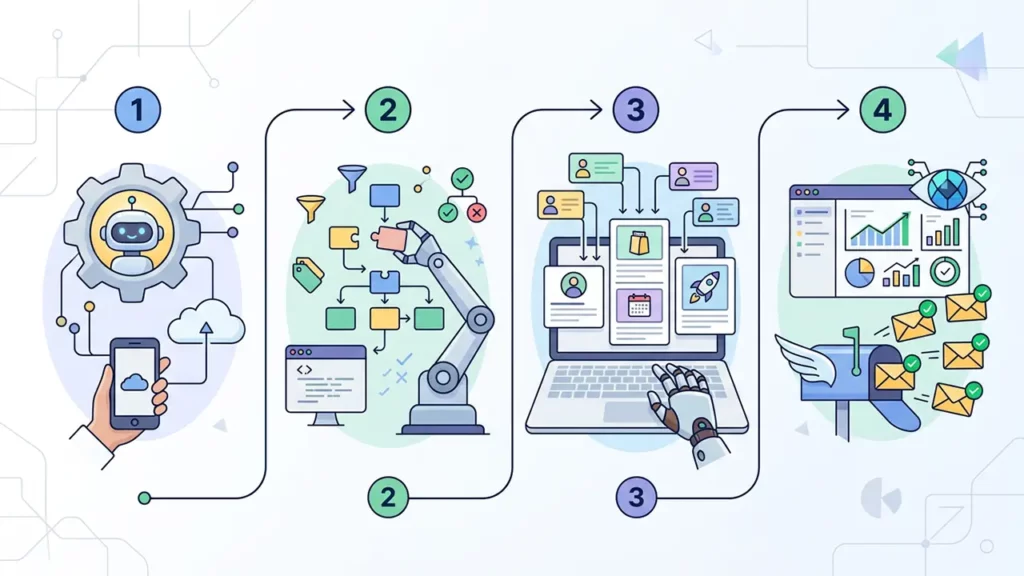
Getting started is simpler than you might think. Follow these steps to set up your own system.
Step 1: Identify repetitive email tasks
Start by auditing your inbox. Look for patterns like:
- Answering FAQs from clients or colleagues
- Sending weekly status updates
- Confirming meeting times
- Forwarding messages to the right team member
These are prime candidates for automation.
Step 2: Choose the right tool
Not all tools are created equal. Look for AI email automation tools that offer:
- Seamless integration with your email provider
- Customizable templates and tone settings
- Strong data privacy and encryption
- Analytics to track performance
Popular options include tools built into Google Workspace, Microsoft Copilot, and standalone platforms like Superhuman or SaneBox.
Step 3: Set up rules and templates
Configure your tool with rules that match your workflow.
Create templates for common scenarios. For instance, set an auto-reply for meeting confirmations or a template for client onboarding emails.
Step 4: Monitor and refine
Automation is not a set-and-forget solution. Review AI-generated drafts regularly. Adjust rules as your workload changes.
The goal is continuous improvement.
Connecting email automation to broader AI workflows
Email automation works best as part of a larger system. When you integrate it into your AI workflows, you create a seamless pipeline.
For example, an automated email can trigger a task in your project management tool or log a conversation in your CRM.
This kind of integration amplifies AI productivity across your entire operation. It removes silos and keeps every team member in the loop without extra effort.
Beyond the inbox: let AI narrate the rest
Why stop at email? Once you have your inbox running on autopilot, have a little fun with the other parts of your communication stack.
A narrator voice generator can turn training docs, product walkthroughs, or internal announcements into engaging audio complete with a voice that sounds like it belongs on a documentary.
Pair that with your automated email campaigns and suddenly your brand has a voice — literally — across every channel.
Common mistakes to avoid

Even with great tools, there are pitfalls to watch for:
- Over-automating: Some emails need a personal, human reply. Know when to step in.
- Ignoring privacy: Always check that your tool complies with data regulations like GDPR.
- Skipping testing: Run a pilot before rolling automation out to your entire team.
- Neglecting updates: AI models improve frequently. Keep your tools current.
Start small and let AI handle the rest
An AI email assistant is no longer a luxury. It is a practical tool for anyone drowning in inbox clutter.
By automating repetitive tasks, choosing the right AI email automation tools, and integrating with your broader systems, you can reclaim hours every week.
Start with one or two automations, measure your results, and scale from there. Your future self will thank you.