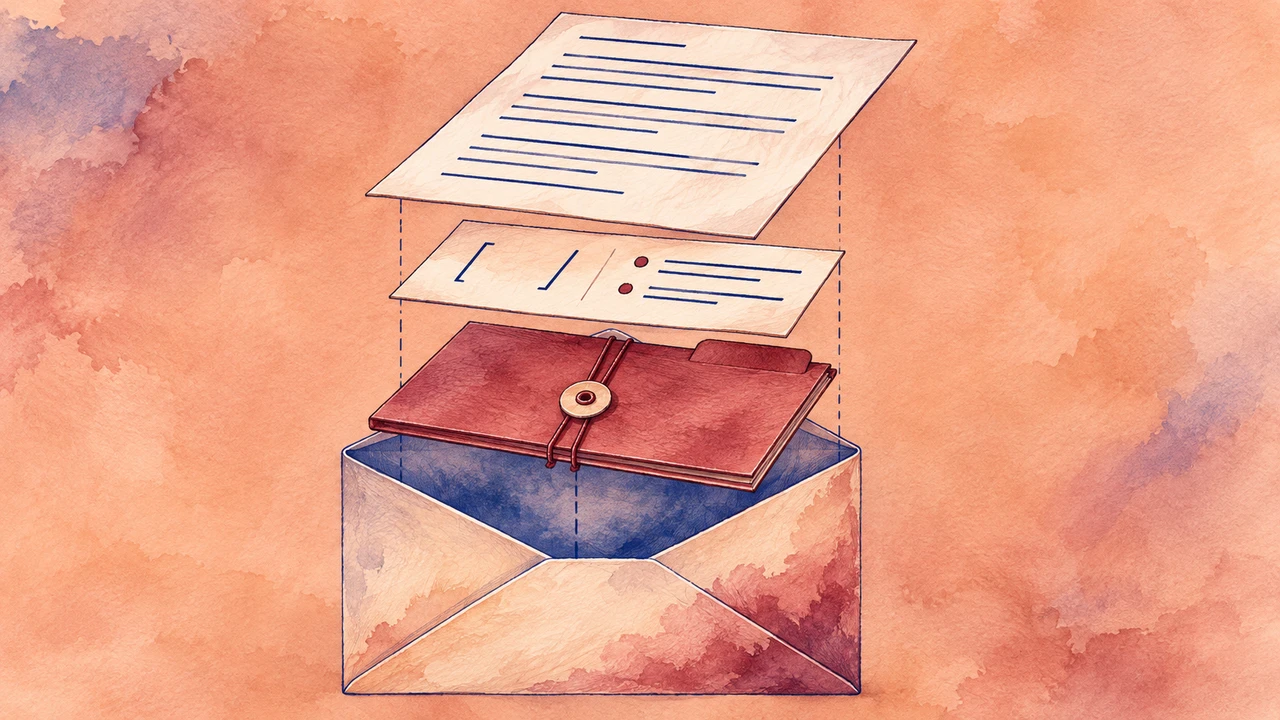





You can convert a blog post to audio by preparing a spoken script, generating or recording the narration, checking it against the published text and adding the finished audio to the article page. A text-to-speech tool can help produce the narration, but the editing and listening steps still matter.
This guide focuses on an audio version that accompanies an existing article. It does not require launching a podcast or changing the article into an episode.
Start with the article and the listener
Choose an article you own or have permission to adapt. Evergreen explainers, practical guides and short opinion pieces are good candidates because their structure can translate naturally to speech. Check that examples, links and product details are still current before recording.
Decide what the audio should do. A near-complete reading works for someone who wants to listen to the article; a short summary works for someone who wants the main points quickly. Label the result clearly so the listener knows which version they are getting.
Keep the written article available. Readers can skim headings, inspect links and check details at their own pace, while listeners can follow the narration.
1. Make a spoken script
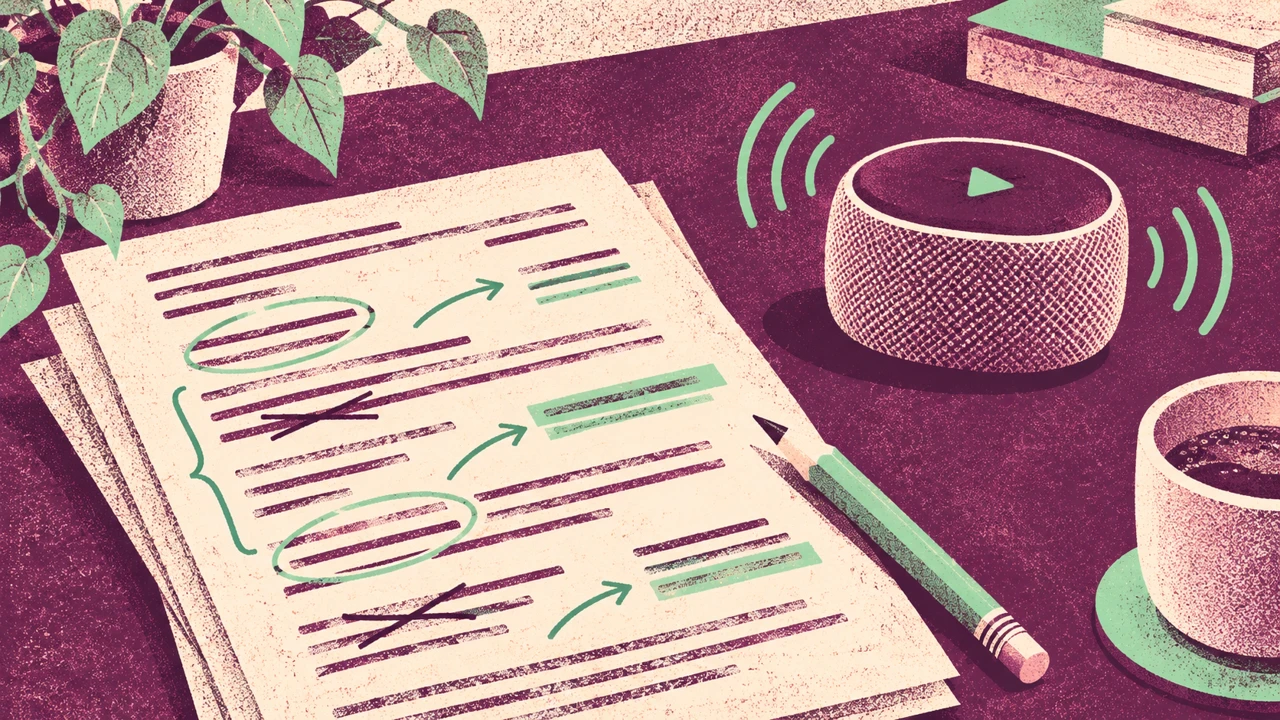
Before you convert a blog post to audio, copy the approved text into a working document and read it as if you were explaining it to a person. Remove navigation labels, repeated calls to action and image file names. Keep useful headings, but make them sound like transitions rather than page furniture.
Rewrite visual references that do not make sense by ear. For example:
On the page: “As shown in the table below, the first option has three steps.”
In the audio: “The first option has three steps: prepare the script, record the narration and review the result.”
Describe a chart’s takeaway when it matters to the argument. Do not invent a number that is missing from the original. If a long list of links cannot be read naturally, point listeners to the article’s resources section instead.
Expand unfamiliar abbreviations on first mention and check how names, dates and numbers should be spoken. Our pronunciation guide covers more ways to review difficult terms.
2. Choose a voice that fits the article
For a practical explainer, choose a clear, steady voice that is comfortable to follow for several minutes. An opinion piece may suit a more conversational delivery. Test two or three options with the same paragraph rather than comparing unrelated snippets.
Listen for three things: whether the words are easy to understand, whether the pace leaves room for ideas to land, and whether the tone matches the subject. A naturally upbeat voice is not automatically the best fit for sensitive material. For other delivery choices, see how to get text-to-speech with emotion.
3. Create the narration in manageable sections
Open a text-to-speech editor such as Typecast, add your prepared script and preview a short passage. Work section by section when that makes review easier. Use the same voice and consistent delivery across sections unless a change serves a clear editorial purpose.
If a sentence sounds rushed or awkward, edit the sentence first. A full stop, a simpler phrase or a clearer transition can make a bigger difference than repeatedly generating the same wording. Keep a record of the script version and the selected voice so you can recreate or update a passage later.
Export using a format supported by your editing or publishing workflow. Before selecting a format, check the destination’s requirements and the current options and terms in your chosen tool. Do not assume that an audio editor automatically adds a player to your website.
4. Review the whole audio against the text
Listen from beginning to end, ideally once without reading along and once while checking the script. Pay special attention to the title, names, figures, links, transitions and final call to action. Replace a section if its meaning has changed or a word is mispronounced.
Use this short checklist:
– The narration matches the intended version of the article.
– Names, figures and abbreviations are understandable.
– Visual references have a useful spoken explanation where needed.
– Section transitions and volume are consistent.
– The final file opens and plays from beginning to end.
– The article and spoken script are saved together with a version date.
If the article changes, assess whether the audio needs a matching update. A price or factual correction may matter more than a minor punctuation edit.
5. Add audio alongside the article
Use a player supported by your site’s publishing system or an approved hosting service. Place it where readers can find it, give it a clear label such as “Listen to this article,” and test playback on a phone and desktop. Make sure the player can be operated with a keyboard and that its controls are labeled.
Keep the text equivalent to the narration. If the audio includes information absent from the article, provide an accurate transcript or update the written content. The W3C’s guidance on transcripts explains why text alternatives matter; its WCAG explanation also describes the exception for a clearly labeled media alternative to text. Assess your actual implementation rather than assuming the player alone makes a page accessible.
Listen to an original example
We made this 7.05-second AI voice sample with Typecast text-to-speech.
Transcript: “Welcome to the audio version of our article. First, prepare a script for listening. Then choose a clear voice and review the finished recording.”
For a broader introduction, see our guide to text-to-speech online.
Frequently asked questions
Can I convert a blog post to audio with text-to-speech?
Yes. Prepare a spoken version, generate the narration in a suitable text-to-speech tool, review it for accuracy and add the finished file through a player your site supports.
Is an audio article the same as a podcast?
Not necessarily. An audio article can sit alongside its written source on a web page. A podcast is a separate publishing format and distribution decision; you can start with the article without launching one.
Should I keep the written post?
Yes. Keeping the article gives readers access to headings, links and detailed information, and it gives listeners a place to check the content. Ensure the text accurately represents any additional information in the audio.
How do I update the audio when an article changes?
Keep the source script, voice choice and final file together. When a substantive claim changes, update the corresponding script, regenerate or rerecord the affected passage, and listen to the complete updated version before replacing the file.