




AI dubbing is the process of adapting spoken content for another language by translating the script, creating a new voice track, and aligning it with the original video or audio. A useful workflow does more than replace words: it preserves the meaning, tone, timing, and cultural context that make the original understandable.
For global teams, AI dubbing can make it practical to prepare multilingual voiceovers for product videos, training, explainers, and other repeatable formats. It is not a fully hands-off substitute for localization. The quality of the translated script, voice selection, timing, and human review still determine whether the final version sounds credible to its intended audience.
What is AI dubbing?
AI dubbing combines language adaptation with synthetic or recorded voice production. The starting point is usually a source video, a transcript, or a final script. The output is a new audio track in another language that should feel coherent with the visuals and the purpose of the original.
That makes AI dubbing different from a subtitle workflow. Subtitles give viewers text to read while the original audio remains. Translation-only tools change written language but do not provide a finished voice track. A conventional voiceover may be recorded by a human performer, while an AI voiceover is generated from a selected voice and script. Traditional dubbing often involves a larger recording and direction process; AI dubbing can shorten repeatable steps, but it still needs editorial judgment.
A practical AI dubbing workflow
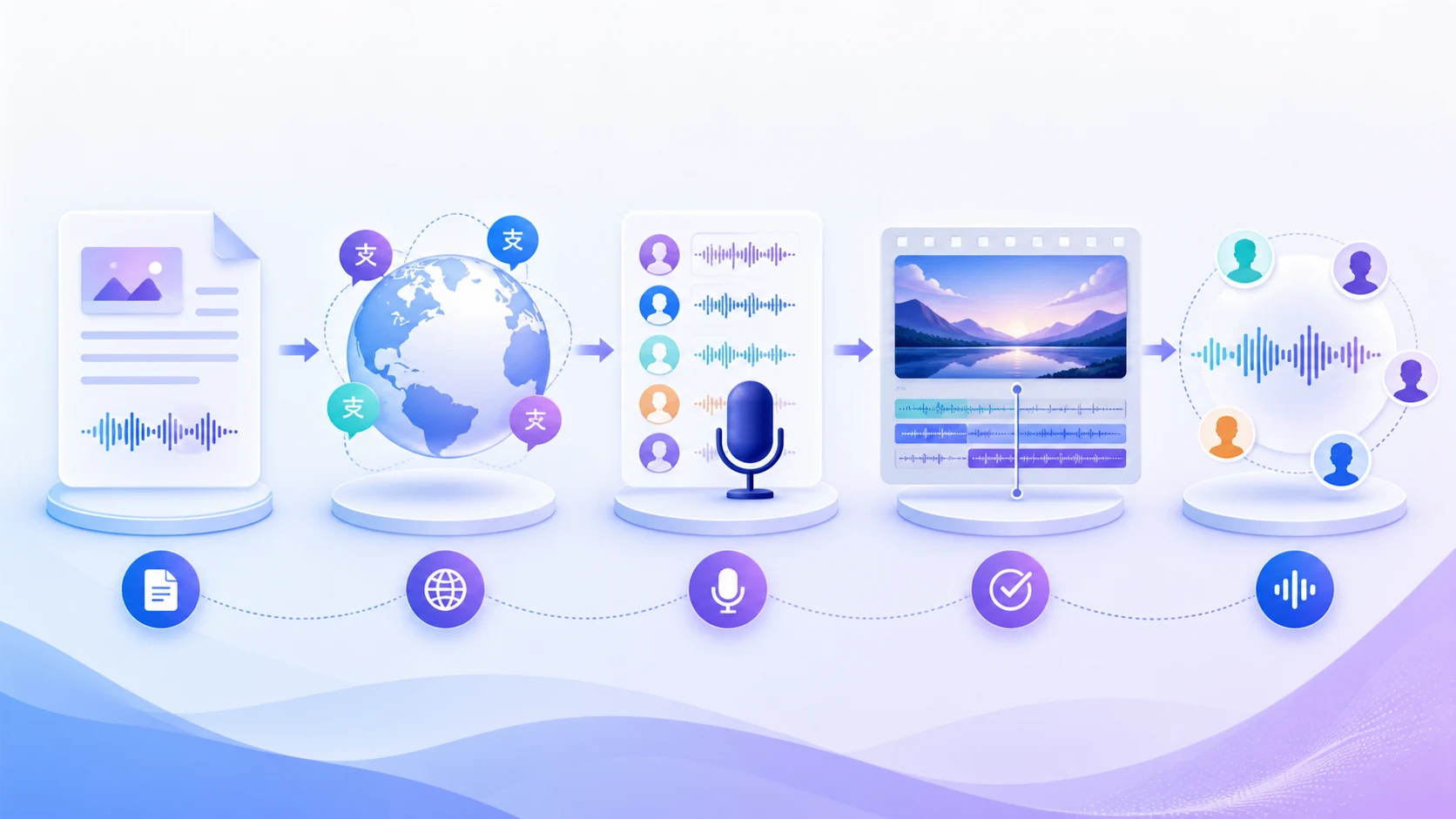
Start with a source package
Begin with the most reliable version of the source material: the final script, a clean transcript, the video edit, reference pronunciations, and any brand or legal guidance. If the source changes after localization begins, translated tracks can drift from the visual edit or from approved terminology.
For a video, mark on-screen names, product terms, measurements, and moments where a speaker is visible. This gives translators and reviewers the context they need to decide whether a direct translation is appropriate or whether the line needs a local rewrite.
Translate for meaning, not word count
A word-for-word translation rarely gives a natural result. Languages use different sentence structures, reading speeds, idioms, and levels of formality. The translated script should preserve the intended meaning and call to action while remaining comfortable to hear in the target language.
This is also the stage to decide which terminology remains consistent across markets. A glossary, approved product names, and a clear description of the audience help prevent small variations from turning into a fragmented brand experience. The goal is not to force every version into the original timing; it is to create a version that communicates clearly in its own language. For step-by-step examples, see how to translate a video, how to translate YouTube videos, and how to translate a video from Spanish to English.
Choose the voice and direction
Once the script is stable, select a voice that suits the audience, format, and brand. Consider pronunciation, pace, emotional range, accent, and how the voice will sit beside music or existing sound. If a project uses several speakers, assign roles before generating audio so dialogue remains easy to follow.
Voice consistency matters across a series. A familiar narrator can help recurring training, product, or editorial formats feel connected, while a different voice may be appropriate when a market needs a different tone or language-specific delivery. Test a short representative passage before producing a full programme.
Generate and time the voice track
Generate the voice track from a reviewed script, then compare the audio with the source edit. Some lines will be longer or shorter in the target language, so timing needs to be adjusted around pauses, scene changes, and moments with visible speech. If close lip-sync is essential, treat it as a separate quality target rather than assuming that any translated voice track will match a speaker’s mouth movements. For the production steps, follow how to dub a video with AI; for a narration-only workflow, see how to do a voiceover on a video.
A good review pass listens for clipped words, unnatural pauses, names that need pronunciation help, and shifts in emotion. It also checks whether captions, on-screen text, and the new voiceover still tell the same story. When timing or wording is changed, update the approved script as well as the final media file. If you are preparing a subtitled version, see how to add translated captions to a video.
Review with the target audience in mind
The final review should include more than a technical check. Ask whether the translated message sounds natural, whether the register is right for the audience, and whether references make sense in the target market. A reviewer who understands both the subject and the target language is especially valuable for high-visibility content.
Keep a record of the version, language, voice, script approval, and any manual changes. This makes future refreshes faster and gives teams a clear trail when the original content or terminology changes.
Where human review remains essential
AI dubbing can accelerate repeatable production steps, but it does not remove responsibility for the finished communication. Human review is particularly important when content includes legal terms, health or safety information, customer promises, sensitive cultural references, or a recognisable person’s voice.
Consent, rights, and licensing also need an explicit check. Voice and likeness protections vary by jurisdiction and context; use the permissions and agreements appropriate to the project rather than assuming a technical capability creates permission. The World Intellectual Property Organization highlights consent and licensing as relevant considerations for generative-AI uses involving voice and likeness. This article is not legal advice.
How to evaluate an AI dubbing workflow
The best workflow depends on the job. For a high-volume training library, reliable script handling and version control may matter more than studio-style performance. For a campaign with a visible spokesperson, voice direction and timing may carry more weight. Before choosing a tool or production process, assess these areas:
Language coverage and voice fit: Confirm that the voices and language variants you need are actually available, then test representative material.
Script and translation control: Make sure the team can review, version, and approve the translated script before audio is final.
Timing and edit compatibility: Check how the generated track fits the existing video, captions, music, and visible speech.
Commercial and rights requirements: Confirm the licence, permissions, and review process that apply to the intended use.
Quality assurance: Decide who reviews pronunciation, cultural adaptation, factual accuracy, and final export quality.
These criteria help teams compare workflows without treating any single feature as a universal answer. The right choice is the one that protects the communication goal while giving the production team enough control to review the result.
Where Typecast fits
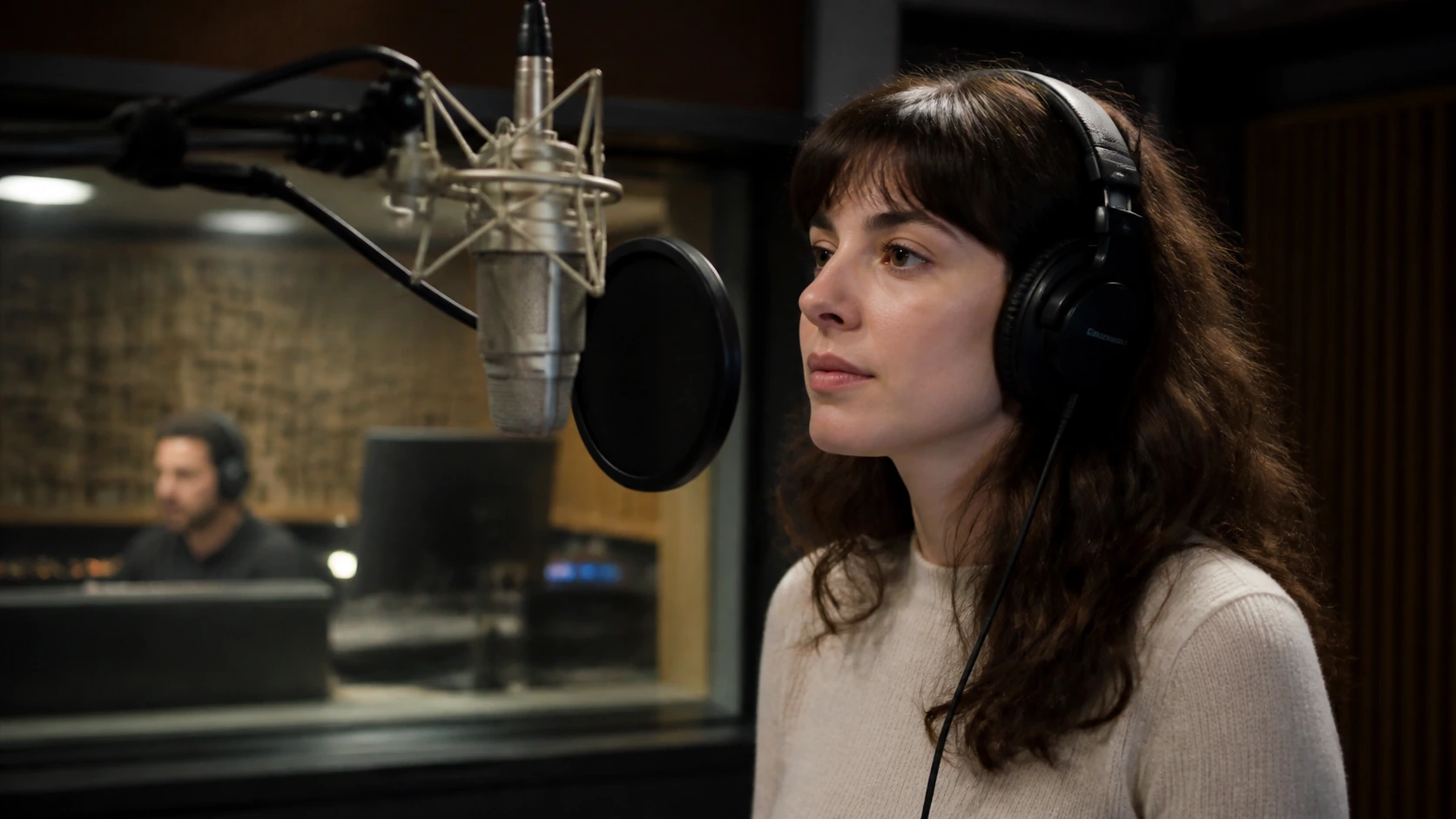
Typecast can support the voice-production part of a multilingual workflow after the script has been translated and reviewed. Its current documentation describes text-to-speech support across 37 languages, and Typecast lets teams build voiceovers and edit video assets in one workspace. That can be useful when a team needs to test different voices, generate multilingual narration, and assemble a voice-led video without claiming that Typecast performs every translation, localization, or dubbing step automatically.
For example, a team can prepare an approved translated script, select an appropriate voice, produce the narration, and then combine it with video and captions in Typecast. The final timing, localization review, consent checks, and release decision remain with the team. For a related workflow, see Typecast’s text-to-speech translator page.
Frequently asked questions
Can AI dubbing replace human reviewers?
No. AI can reduce manual production time, but a human reviewer should still assess meaning, pronunciation, timing, cultural relevance, rights, and the final audience experience. The level of review should increase with the risk and visibility of the content.
Do you need voice cloning for AI dubbing?
No. Many projects use a licensed synthetic voice selected for the target language instead of cloning an identifiable speaker. Voice cloning may be appropriate only when the necessary consent, rights, and quality controls are in place.
What is the difference between AI dubbing and AI translation voiceover?
AI translation voiceover usually describes the generated narration that follows a translated script. AI dubbing is broader: it includes the translation, voice track, timing, contextual adaptation, quality assurance, and final delivery decisions needed to make the version work for a new audience.
Conclusion
AI dubbing is most effective when it is treated as a controlled localization workflow rather than a one-click output. Start with a reliable source package, adapt the script for the target audience, choose and test the voice carefully, review timing and context, and keep a human decision point before release. That approach helps teams scale multilingual voiceovers without losing the clarity and trust that the original content was meant to create.
Sources: Typecast documentation; Typecast Create; WIPO generative-AI and intellectual-property overview.